

What if the biggest thing blocking your design team isn’t talent or ideas, but the monthly bill for tools that mostly sit idle?
That question hits harder than it used to. Design collaboration software has quietly become one of the most over-provisioned line items in a small team’s budget. A studio of four can end up paying for seats it never fully uses, while a scrappy startup with a dozen contributors discovers that “just upgrade to the team plan” is doing a lot of heavy lifting in every onboarding conversation.
The good news: the low-cost tier of design collaboration tools has never been stronger. The catch: “low-cost” is a moving target, and the free tiers that look generous on the pricing page often have limits that bite six weeks in. This guide walks through what actually works in practice, where teams burn money without noticing, and how to build a stack that costs less than one lunch per person per week.
Why “low-cost” is harder to judge than it looks
Free-tier limits across the major design tools have changed repeatedly between 2023 and 2025. Figma’s Starter plan, for instance, has historically capped collaborative files per team while leaving personal drafts and viewers unlimited, and that cap has been revised more than once. Miro’s free plan has long been capped at a small number of editable boards, with unlimited team members. Any specific number you read online should carry an “as of when I checked” caveat, because the vendor may have changed it since.
That volatility matters more than it sounds. A team that chose a tool based on a 2023 review could be operating under a completely different set of rules today. The practical habit: before committing, open the vendor’s official limits page and screenshot it. Then diarize a re-check for six months out. It sounds fussy. It saves real money.
There’s a second trap. Many “free” tools are free in the same way a free sample is free. The cost shows up later, in export restrictions, watermarks, seat minimums, or the moment a collaborator who isn’t on the plan needs to edit something. This pattern is well documented across the wider software world, and it applies just as much to design tools as it does to the true cost of free AI tools.
The honest shortlist: what low-cost design collaboration actually looks like
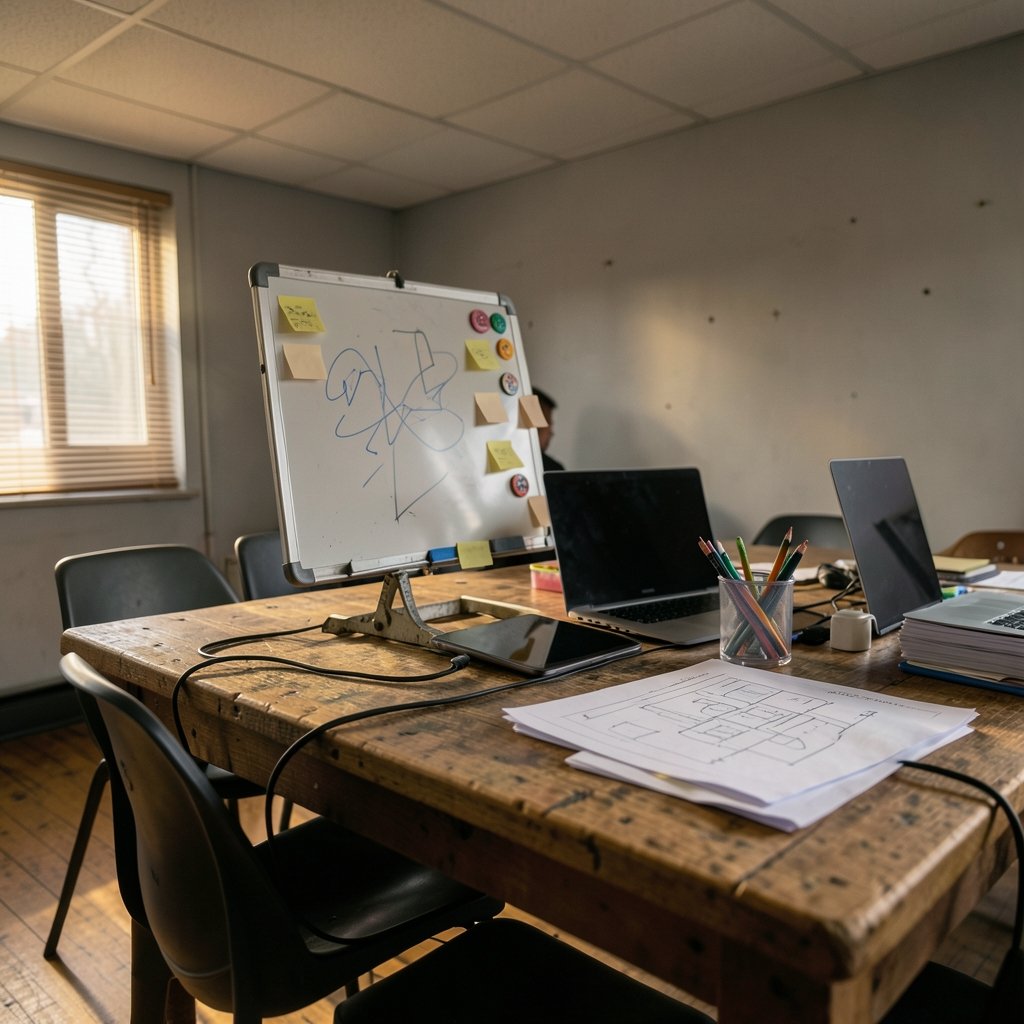
Rather than rank tools by marketing copy, it helps to sort them by the job they do. Most small teams need three things: a place to design, a place to think out loud together, and a place to hand work off without a dozen export steps.
| Tool | Best for | Cost model to know | Main limitation |
|---|---|---|---|
| Figma (Starter) | Interface and product design | Free tier with file caps; paid seats above | Collaborative file limits change; editors tied to the team |
| FigJam | Whiteboarding inside an existing Figma team | Included with Figma plans | Little value if you’re not already on Figma |
| Penpot | Teams wanting open-source or self-hosting | Free hosted tier; MPL-2.0 licence if self-hosted | Self-hosting trades licence cost for infrastructure and admin time |
| Excalidraw | Fast sketching, workshops, diagrams | Free hosted version, no account needed for basics | Not a full product-design tool |
| Canva | Marketing and brand-adjacent design | Generous free tier; free education plan for verified K-12 | Weaker for precise UI work |
| Miro | Workshops and journey mapping | Free plan capped at a few editable boards | Board caps fill up fast on active teams |
The pattern is clear once you lay it out: the cheapest stack usually combines one serious design tool with one lightweight whiteboard, not five mid-tier subscriptions that each do 70 percent of a job.
Figma: still the default, still worth auditing
Figma remains the reference point for collaborative interface design, and its free Starter tier is genuinely usable for a small team getting started. The education plan is free for students and educators at accredited institutions, with verification required, which makes it an obvious pick for classrooms and university studios.
The mistake teams make is assuming the free tier scales. It doesn’t, and the limits have shifted enough times that old blog posts are actively misleading. If a team’s file count is creeping up, the honest move is to price the paid seats against the actual number of people who need edit access, then move viewers and stakeholders to comment-only roles. In practice, most teams find they need far fewer editor seats than they assumed.
FigJam: the quiet freebie worth using
FigJam launched in April 2021 and is bundled into Figma’s plans, which means teams already on Figma’s free tier get whiteboarding at no extra cost. That’s an underrated detail. Plenty of teams pay separately for a whiteboard tool while FigJam sits unused in the sidebar.
It won’t replace a dedicated workshop tool for every use case, but for sprint planning, user-flow sketching, and quick retro boards, it’s already paid for. Before adding another subscription, ask whether the job can be done in the tool the team already opens every morning.
Penpot: the open-source route with a real trade-off
Penpot is an open-source design and prototyping tool released under the MPL-2.0 licence. It runs in the browser, and teams can self-host it, which means zero licence cost if you’re willing to run the infrastructure. There’s also a hosted free tier that has existed since its SaaS launch in 2022, with paid tiers above it.
Here’s the part the “just self-host it” crowd tends to skip: self-hosting shifts cost from a subscription line to infrastructure and admin time. Someone has to patch it, back it up, and answer the Slack message when it goes down at 9am on a Monday. For a team with an ops-minded person, that’s a bargain. For a two-person studio with no one to spare, the hosted free tier is usually the smarter call. Neither choice is wrong; they’re just different trades.
Excalidraw: the zero-friction sketchpad
Excalidraw is an open-source (MIT licence) virtual whiteboard with a free hosted version that doesn’t require an account for basic use. It supports end-to-end encrypted collaboration rooms, a feature announced around 2021. The hand-drawn aesthetic is a feature, not a bug: it signals “this is a rough idea” and stops stakeholders from critiquing pixel alignment during a brainstorm.
In practice, Excalidraw is the tool people reach for when a meeting is starting in ninety seconds and someone needs to draw a flow. It’s not where you’ll build a design system. It’s where you’ll decide what the design system needs to cover.
Canva: fine for brand work, awkward for product UI
Canva’s free tier includes a large template library and real-time collaboration, and Canva for Education has been free for verified K-12 teachers and students since around 2020. For marketing assets, social graphics, and pitch decks, it’s a sensible low-cost choice.
Where teams go wrong is asking Canva to do product design. It’s built for composition, not for component libraries and precise spacing. If your team is choosing between design tools by use case, it’s worth reading a breakdown of Canva alternatives matched to real design jobs before assuming one tool should cover everything.
Miro: great workshops, tight free boards
Miro’s free plan has historically allowed unlimited team members but capped editable boards at three. That cap sounds fine until a team runs weekly workshops and discovers every session wants its own board. The workaround most teams land on is archiving aggressively and keeping one “live” board per active project.
If the board cap is the binding constraint, FigJam or Excalidraw will often cover the same ground for less. That’s not a knock on Miro’s feature depth, which is real. It’s a reminder that paying for depth you don’t use is the most common form of tool waste.
Where small teams actually overspend
Three patterns show up again and again.
Paying for editor seats that should be viewer seats. Stakeholders, PMs, and clients rarely need edit access. Downgrading them is the single fastest way to cut a design tool bill without changing tools at all.
Running two tools that do the same job. A team on Figma plus a separate whiteboard subscription plus a separate diagramming app is paying three times for overlapping capability. Consolidation beats negotiation almost every time.
Ignoring education and nonprofit tiers. Verified students, educators, and eligible nonprofits often qualify for free or heavily discounted plans. It’s worth ten minutes of verification paperwork.
There’s a broader lesson here that applies beyond design. Teams that audit their software spend regularly tend to find the same thing: a handful of subscriptions nobody remembers approving. The same discipline that makes cloud cost management tools worthwhile for engineering budgets works for design tooling too, just at a smaller scale.
How to pick without overthinking it
A practical sequence that works for most small teams:
- List the three jobs your team does most often (interface design, workshops, handoff).
- Pick one tool per job, starting with free tiers.
- Assign viewer or commenter roles to everyone who doesn’t need to edit.
- Screenshot the current free-tier limits and diarize a re-check in six months.
- Only upgrade when a specific limit is actively blocking work, not preemptively.
Step five is where most teams slip. Upgrading “to be safe” is how a free stack becomes a four-figure annual line item. Wait until the cap actually hurts.
Common mistakes that quietly raise the bill
The most expensive mistake isn’t choosing the wrong tool. It’s choosing too many. A team that standardizes on one design tool plus one whiteboard spends less and collaborates better than a team with six best-in-class apps that don’t talk to each other.
The second mistake is treating pricing pages as permanent. They aren’t. Free-tier limits have moved repeatedly across the major players, and a plan that fit last year may not fit now. The third is underestimating migration cost: switching design tools mid-project usually costs more in lost momentum than the subscription saves. Pick deliberately, then stay put unless something is genuinely broken.
If you’re also weighing adjacent categories, the same logic applies to AI writing tools and their hidden fees and to AI presentation tools priced in practice. The pattern repeats: the sticker price is rarely the whole story.
Conclusion
The best low-cost design collaboration stack isn’t a single product. It’s a small, deliberate set of tools where each one earns its place, plus the discipline to check the fine print before committing. Figma with FigJam covers most product teams. Penpot or Excalidraw covers teams that want open-source control or zero-friction sketching. Canva handles brand work. Miro handles workshops, if the board cap fits.
None of these choices is permanent, and none needs to be expensive. The teams that spend least are rarely the ones with the cleverest discount codes. They’re the ones who know exactly which tools they use, which seats they actually need, and when a limit is real enough to pay for. Start with free tiers, assign roles honestly, and re-check the limits twice a year. That’s the whole trick.
Frequently asked questions
Is Figma’s free plan enough for a small team?
Often, yes, for a team getting started. The Starter tier has historically allowed unlimited personal drafts and viewers, with a cap on collaborative files per team. That cap has been revised more than once, so check the current limits before you commit. Teams usually outgrow it when several people need simultaneous edit access on many files, not because the free tier is unusable.
Is Penpot really free?
The software is open-source under the MPL-2.0 licence, so self-hosting carries no licence fee. There’s also a hosted free tier with paid plans above it. The honest caveat: self-hosting moves the cost to servers and admin time. If nobody on the team can maintain it, the hosted tier is usually cheaper in practice.
Can I replace Miro with FigJam or Excalidraw?
For many small teams, yes. FigJam is included with Figma plans, so it costs nothing extra if you’re already there. Excalidraw is free for basic use and needs no account. Miro goes deeper on workshop facilitation, so teams running complex multi-board sessions may still want it. For sprint retros and flow sketches, the lighter options usually suffice.
Do students and educators get design tools for free?
Frequently. Figma’s education plan is free for students and educators at accredited institutions with verification, and Canva for Education has been free for verified K-12 teachers and students since around 2020. Verification takes a few minutes and can save a full year of subscription costs.
How often do free-tier limits change?
More often than most teams expect. The major design collaboration tools revised their free-tier terms repeatedly between 2023 and 2025. A sensible habit is to screenshot the current limits when you sign up and re-check every six months, or whenever a teammate hits a wall.
What’s the cheapest workable stack for a four-person studio?
A common low-cost combination is one design tool on its free or entry tier, its bundled whiteboard, and a free sketching app for quick diagrams. Add a template-based tool for marketing assets only if brand work is a real part of the business. The key is one tool per job, with viewer roles for anyone who doesn’t need to edit.



