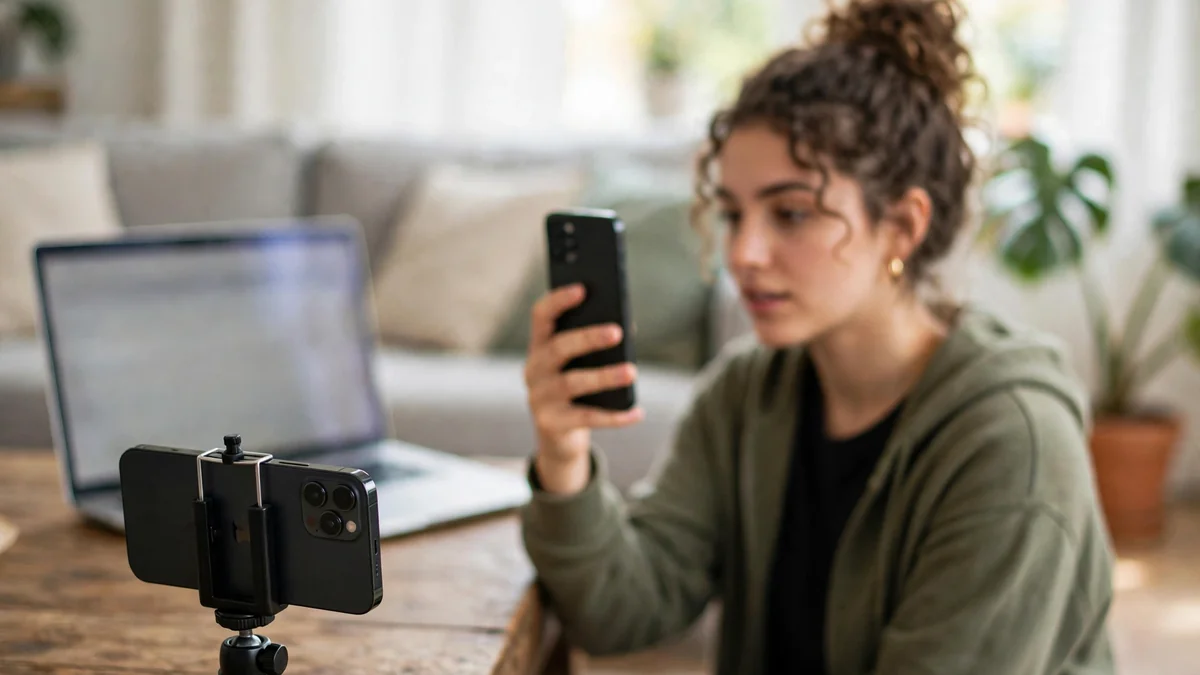
Finding the best microphones for podcasting in 2027 is less about chasing the most expensive mic and more about matching a microphone to your voice, your room, and the way you record. A great mic makes a home-recorded show sound like it came from a studio, while the wrong one turns every episode into a fight against echo.
Podcasting has changed since the days of two hosts sharing one USB mic. Many shows now record video too, publish clips on social media, and edit with tools that clean up audio. A mic needs to sound good raw, reject the noise of a real room, and work with the setup you already own, whether that is a laptop or a full audio interface.
This list covers six microphones for different budgets and styles, from a sub-$100 starter to the broadcast dynamic that anchors most professional shows. Each was chosen for how it sounds in an ordinary room and how well it holds up as a show grows.
Key takeaways
- Dynamic microphones suit most home podcasters because they reject room echo and background noise.
- The Shure SM7B is the benchmark for broadcast podcast sound, but it needs a strong interface or booster.
- USB microphones like the Shure MV7+ and Rode NT-USB Mini are the fastest route to a finished episode.
- A mic with both USB and XLR outputs, such as the Samson Q2U, lets you start simple and upgrade later.
- Your room matters as much as your mic: soft furnishings, close technique, and a pop filter beat a pricier mic.
| Microphone | Type | Connection | Best for |
|---|---|---|---|
| Shure SM7B | Dynamic | XLR | Broadcast sound in a treated room |
| Shure MV7+ | Dynamic | USB and XLR | Solo hosts who want a simple setup |
| Rode PodMic | Dynamic | XLR | Multi-host shows on a budget |
| Rode NT-USB Mini | Condenser | USB | Small desks and quiet rooms |
| Blue Yeti | Condenser | USB | Flexible pickup patterns |
| Samson Q2U | Dynamic | USB and XLR | Beginners on a tight budget |
Shure SM7B
The Shure SM7B is the microphone most listeners picture when they think of a professional podcast. It is a large-diaphragm dynamic mic with a warm, smooth sound that flatters most voices and tames sibilance without processing. Studios have used it for years, and it remains the benchmark other podcast mics are measured against.
Its cardioid pattern focuses on the voice in front of it and pushes the rest of the room aside. The built-in pop filter and shock isolation keep plosives and desk bumps under control, which means less cleanup in editing. The trade-off is gain: the SM7B has a low output, so it needs a capable interface or an inline booster, and it is XLR-only, so budget for an interface and a boom arm too.
Pros:
- Warm, broadcast-quality sound for most voices
- Excellent rejection of room noise
- Built-in pop filter and shock mount
- Proven studio workhorse
Cons:
- Needs a strong interface or booster
- XLR only, no direct USB connection
- Premium price before interface and boom arm
Shure MV7+
The Shure MV7+ takes the SM7B’s broadcast-style sound and packages it for creators who want to plug in and go. It is a dynamic mic with both USB-C and XLR outputs, so it works straight into a laptop today and into a full interface setup later. For a solo host at a desk, that flexibility is hard to argue with.
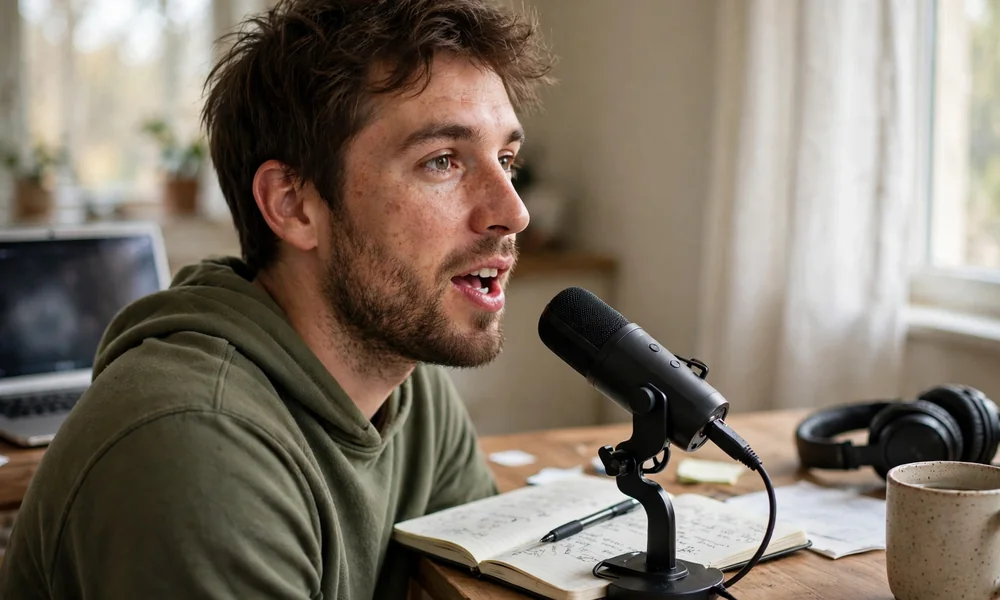
Out of the box, the MV7+ sounds close and polished. Its onboard processing levels your voice and tames plosives, which helps in an untreated room, and a tap-to-mute panel becomes essential the moment you need to cough mid-sentence. It is tuned for one voice close to the mic, so it suits solo hosts better than round-table recordings.
Pros:
- USB and XLR outputs for easy upgrades
- Built-in processing keeps levels steady
- Tap-to-mute control on the mic
- Compact, camera-friendly design
Cons:
- Best for one close voice, not groups
- Onboard processing can sound over-smooth
- Costs more than most starter USB mics
Rode PodMic
The Rode PodMic is built for one job: podcasting with an XLR setup. It is a dynamic mic with a rich, full sound close to the SM7B at a fraction of the price, which is why it suits so many multi-host shows. A PodMic per host is far cheaper than matching premium mics.
Rode tuned the PodMic for speech, with a presence lift that keeps voices clear and forward. Its internal pop filter handles plosives well, and the sturdy metal body survives life on a boom arm. Like the SM7B, it needs decent gain, so a basic interface may leave you hearing hiss; a modest inline booster solves that.
Pros:
- Rich broadcast-style sound, mid-range price
- Ideal for multi-host shows
- Internal pop filter and solid metal build
- Speech-tuned response keeps voices clear
Cons:
- Needs a capable interface or booster
- XLR only, no USB option
- Not suited to music or room recording
Rode NT-USB Mini
The Rode NT-USB Mini is the smallest mic here and the easiest to fit on a crowded desk. It is a USB condenser with a clean, detailed sound for quiet rooms and soft-spoken hosts. If your space is already quiet and you want a mic that disappears into a video call or stream, this is a strong pick.
Setup is simple: plug the USB-C cable into a laptop and it works, with a headphone jack for zero-latency monitoring. The compact footprint suits a bedroom corner or shared office where a boom arm would be in the way. Being a condenser, though, it hears more of the room, so a noisy street or humming air conditioner will reach the recording.
Pros:
- Compact size, fits any desk without a boom arm
- Clean, detailed sound for quiet rooms
- Simple USB-C plug-and-play, headphone monitoring
- Good value for a first serious mic
Cons:
- Picks up more room noise than a dynamic
- No XLR output for upgrades
- Less warmth than the broadcast dynamics
Blue Yeti
The Blue Yeti introduced a generation of creators to podcasting, and it is still around because it offers four pickup patterns in one mic. Cardioid suits a solo host, bidirectional works for a two-person interview, and omnidirectional can capture a small group. That makes it the most versatile USB mic here.
Sound is clear and bright, with detail for spoken word and headroom for voiceover. Onboard gain, a mute button, and a headphone jack let you adjust a recording without touching your software. The condenser capsule is sensitive, though, so it rewards a quiet room and punishes a noisy one, and it is large and heavy for a USB mic.
Pros:
- Four pickup patterns for solo, interview, and group recording
- Clear, detailed sound, good for voiceover too
- Onboard gain, mute, and headphone monitoring
- Widely available, plenty of mounts and accessories
Cons:
- Condenser sensitivity picks up room noise
- Bulky and heavy next to newer USB mics
- No XLR output for a studio upgrade
Samson Q2U
The Samson Q2U is the cheapest mic here and, for many beginners, the smartest buy. It is a dynamic handheld-style mic with both USB and XLR outputs, so it sounds good in an untreated room and can later plug into an interface. Few mics under $100 offer that combination.
Sound is warm and focused, with a cardioid pattern that keeps the voice front and centre. The Q2U ships with a small desk stand, a mic clip, and cables for both USB and XLR, so the box has almost everything a first-time podcaster needs. It also doubles as a handheld mic for field interviews, with modest trade-offs: a short stand and basic accessories.
Pros:
- USB and XLR outputs at a low price
- Dynamic capsule rejects room noise
- Ships with a stand, clip, and both cables
- Doubles as a handheld mic for interviews
Cons:
- Basic accessories, short desk stand
- Less refined than the premium dynamics
- No onboard mute or headphone volume control
How to choose a podcast microphone
Start with your room, not the mic. If you record in a busy house or a room with bare walls and hard floors, a dynamic microphone will save you hours of editing. If your space is quiet and carpeted, a condenser adds extra detail. Record a test clip in your actual room first.
Next, decide how to connect. USB mics are the fastest way to start: plug in, select the mic, and go. XLR mics need an interface, but they give cleaner gain, better monitoring, and a path to multi-mic setups. A mic with both outputs is the best compromise if you are unsure where your show is heading.
Think about who is talking. A solo host needs one good close mic, while two or three regular hosts need matched mics and an interface with enough inputs. Remote guests depend on their own gear, so spend on your own voice first. Once an episode is recorded, tools that handle how AI transcription turns episodes into searchable text can make the show easier to find. Budget for the extras too: a boom arm, a pop filter, and closed-back headphones matter more than the difference between two good mics.
Podcast microphone checklist
- Record a test clip in your real room before buying, and listen back on headphones.
- Choose a dynamic mic for noisy rooms, a condenser only for quiet spaces.
- Match the connection: USB for a laptop, XLR for an interface, both for an upgrade path.
- Budget for a boom arm, pop filter, and headphones too.
- Keep the mic a fist’s width from your mouth and speak slightly off-axis to avoid plosives.
- Record a few seconds of room tone at the start of every episode.
Frequently asked questions
What is the best microphone for podcasting in 2027?
The Shure SM7B is the benchmark for broadcast sound, while the Shure MV7+ is the best all-round pick for a simple USB setup. Beginners should start with the Samson Q2U, which sounds good untreated and offers both USB and XLR.
Do I need an XLR microphone to sound professional?
No. A good USB mic in a quiet room can sound professional, and many successful shows record entirely on USB mics. XLR is worth it for multiple microphones or cleaner gain, but it is not a requirement for a great-sounding show.
Is a dynamic or condenser microphone better for podcasting?
Dynamic microphones suit most home podcasters because they focus on the voice and reject room echo and background sounds. Condensers capture more detail but also more of the room, so they suit quiet, treated spaces.
How close should I sit to my podcast microphone?
About a fist’s width, roughly 10 to 15 centimetres, suits most dynamic mics. Closer gives a warmer sound, while sitting further back lets more room noise in, so keep the distance consistent.
Can I use a podcast microphone for video calls and streaming?
Yes. A USB microphone works straight away with video call and streaming software, and an XLR mic works through an interface your computer treats as an audio input.
Do podcast microphones work with AI editing tools?
Yes, and a clean recording makes those tools work better. Clear audio gives transcription and cleanup tools more to work with. Creators exploring voice technology should also read about AI voice cloning.
The bottom line
The best microphone for podcasting in 2027 fits your room, your budget, and the way you record. The SM7B sets the standard for broadcast sound, the MV7+ is the easiest route to a polished show, the PodMic is the smart buy for multi-host setups, and the Q2U proves you do not need to spend much.
Whichever mic you choose, technique and room matter as much as gear. Record close, keep the room quiet, and listen back on headphones, such as the models in the Sony WH-1000XM6 vs Bose QuietComfort Ultra comparison, before you publish. A modest mic used well beats an expensive mic used badly.