The best note-taking app for Android in 2027 depends on your phone and your habits. Android has no single default notes app that suits everyone, which is both the problem and the advantage: there are excellent choices for handwriting, for typed notes, for syncing with a computer, and for building a personal knowledge base. The right app is the one that opens fast, syncs reliably, and finds a note from last year in seconds.
This guide covers the strongest Android options, including the apps that shine on Samsung devices with a stylus and the ones that work everywhere. best note-taking apps
Key takeaways
- Sync matters most on Android, because users mix phones, tablets and Windows computers.
- Match the app to your hardware: Samsung Notes for Galaxy, Squid for other Android tablets.
- Use Keep for capture and a second app for long-form notes rather than forcing one app to do everything.
- Check export before committing — you should own your notes when you change phones.
What Android users should look for
Sync is the first question, because Android users often mix a phone, a tablet and a Windows computer. An app that syncs only within one brand’s ecosystem will frustrate you the moment you switch devices. Check whether notes are available on the web and on desktop, and whether offline access works properly.
Handwriting is the second question, and it depends on your hardware. Samsung phones and tablets with an S Pen have the best stylus experience on Android, and the apps that make the most of it are different from the ones that suit a finger or a keyboard. If you mostly type, the editor, organisation and search matter more than ink. Also check the free tier honestly. Some Android apps are generous, others put basic sync behind a subscription. And confirm export: if you cannot get your notes out in a standard format, you do not really own them. best note-taking app for iPad
The best Note-taking apps for Android
Samsung Notes
Best for: Samsung phone and tablet owners
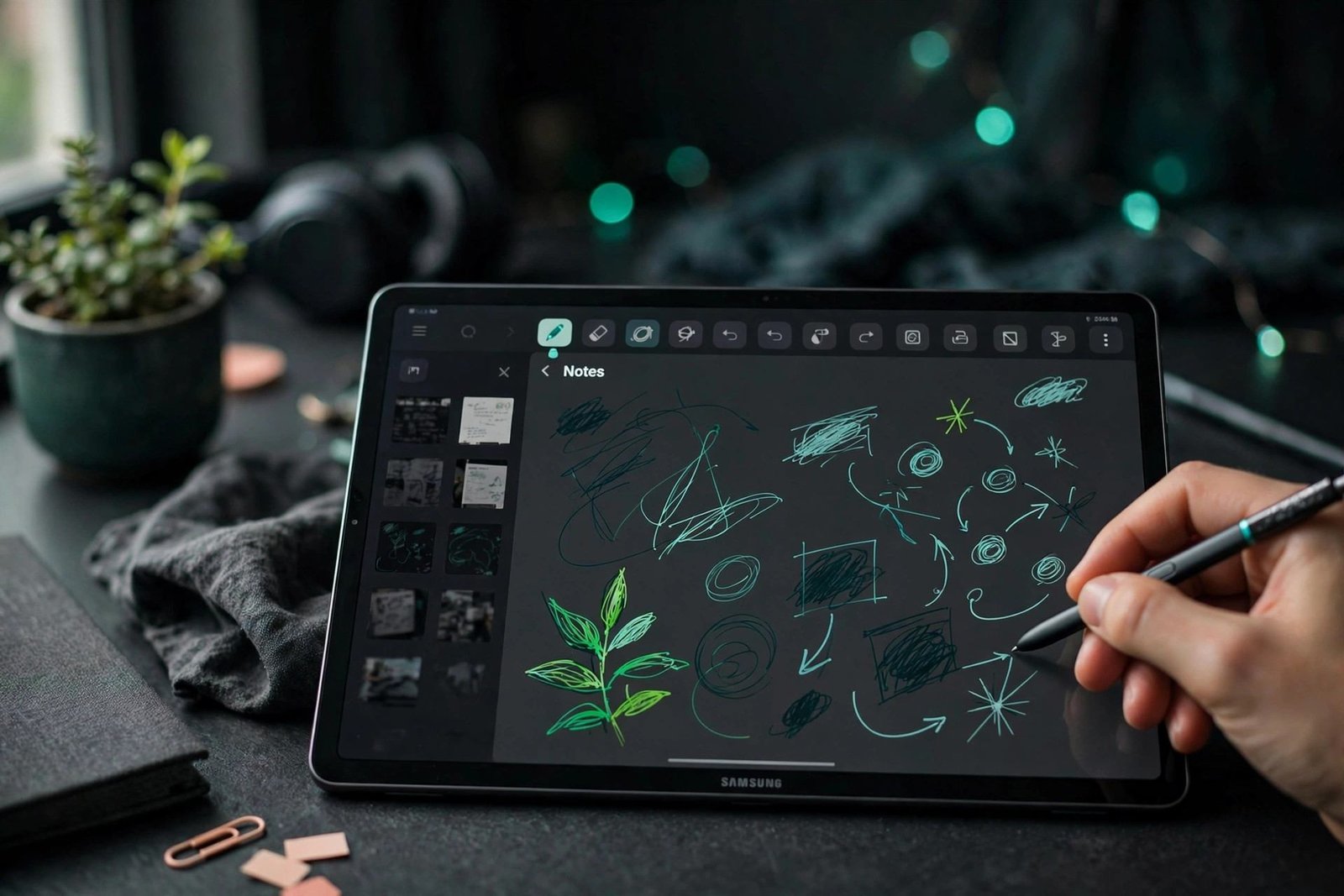
Samsung Notes is pre-installed on Galaxy phones and tablets, and for Samsung owners it is often the best answer. Handwriting with the S Pen feels natural, with good palm rejection, a choice of pens and paper styles, and handwriting that can be searched or converted to text. It handles PDFs, audio recording and sketching, and syncs across Samsung devices and to Windows through the Samsung Notes app. The limitations are the obvious ones: it is at its best inside Samsung’s world, and while it works on other Android devices, the experience is not the same. For a Galaxy owner who wants a capable, free notes app without installing anything, it is the natural starting point. Check current availability and features on your device.
Google Keep
Best for: quick notes, lists and reminders
Google Keep is the simplest app on this list, and for quick capture it is hard to beat. Open it, type or speak a note, set a reminder, and it is synced to every device with your Google account — including the web and, through the browser, any computer. Colour-coded labels, checklists, voice notes and photo notes make it ideal for shopping lists, ideas and reminders. It is not a tool for long documents or a knowledge base, and organisation beyond labels is limited. But as a capture tool that is always a tap away, it is excellent, and it is free. Many people use Keep for capture and a second app for longer notes, which is a perfectly sensible combination.
Notion
Best for: Android users who want notes, tasks and planning together
Notion’s Android app brings its flexible workspace to your phone: notes, databases, kanban boards and wikis in one place, synced across devices. The mobile app is good for capturing and reviewing, though heavy editing is more comfortable on a larger screen. Templates are plentiful, the free tier is generous for personal use, and sharing with a team is straightforward. The trade-offs are the same as on other platforms: it needs a little structure to stay tidy, and offline use is weaker than some rivals. For Android users who want one app for notes and planning, and who also use a computer, Notion is a strong choice. Check current pricing for the paid plans.
Obsidian
Best for: a future-proof knowledge base on Android
Obsidian on Android gives you the same plain-text, linked notes as the desktop version, stored as Markdown files you own. Its linking and graph view make it the best choice for building a knowledge base that grows more useful over time, and plugins extend it in many directions. On mobile it works well for capture and review, though the interface is denser than a simple notes app. Syncing between devices needs the paid sync service or a setup you manage yourself, which is worth understanding before you commit. For Android users who care about owning their notes and building something that lasts, Obsidian is an excellent, future-proof choice. The core app is free for personal use; check current pricing for sync.
Squid
Best for: handwriting notes on any Android tablet
Squid, formerly Papyrus, is a dedicated handwriting app for Android tablets and phones with a stylus. It offers natural ink, paper templates, PDF import and annotation, and export to PDF, with a clean interface that stays out of the way. It is not a full notes system — there are no databases or web clipping — but for handwritten notes, lecture notes and marked-up documents it is one of the best options on Android outside Samsung’s own app. The free version covers the basics, and the premium version adds more paper, tools and cloud backup. For Android tablet owners who handwrite and do not own a Samsung device, Squid is well worth trying. Check current pricing for the premium version.
At a glance: Android note-taking apps compared
| App | Best for | Standout strength | Pricing note |
|---|---|---|---|
| Samsung Notes | Galaxy owners | S Pen handwriting, free | Free on Samsung devices |
| Google Keep | Quick capture and lists | Instant, everywhere | Free with a Google account |
| Notion | Notes plus planning | Flexible all-in-one workspace | Generous free tier; check current pricing |
| Obsidian | Long-term knowledge base | Plain-text files you own | Free app; check sync pricing |
| Squid | Handwriting on Android tablets | Natural ink and PDF markup | Free tier; check premium pricing |
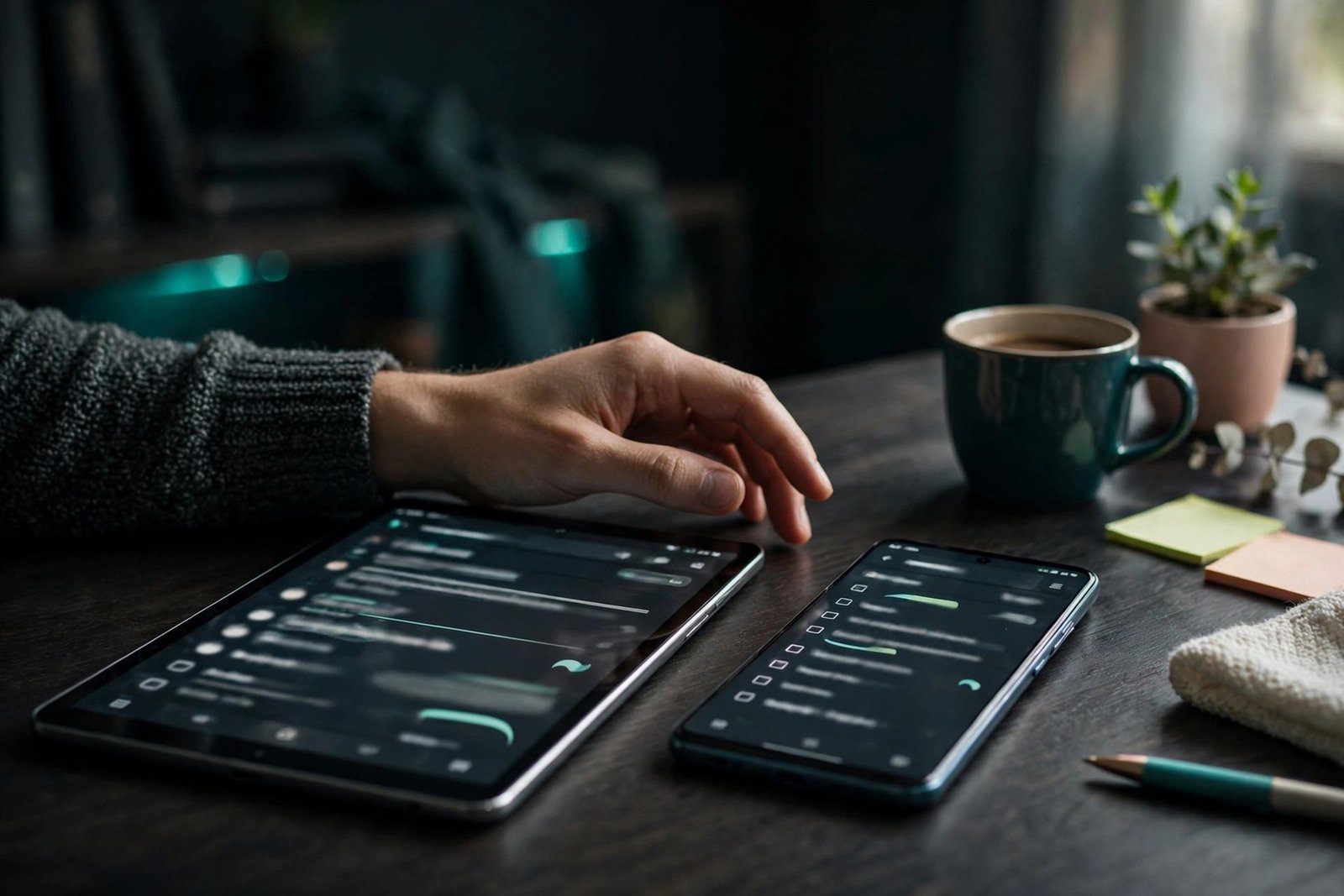
Your Android note-taking checklist
- Check sync to every device you own, including the web and desktop
- Test handwriting with your own stylus, or confirm the typing experience
- Try search with a real old note before committing
- Confirm you can export notes in a standard format
- Use one app for capture and, if needed, a second for long-form notes
- Try the free tier for two weeks with real notes before paying
Mistakes Android note-takers make
The most common mistake is picking an app that only works well inside one brand’s ecosystem and then switching phones. Android users change devices more often than most, so favour apps that sync everywhere and export cleanly. Another error is using a capture app for everything. Google Keep is wonderful for quick notes and terrible for a thesis; use the right tool for the job rather than forcing one app to do it all. People also neglect backup. A notes app that syncs to a cloud account is not the same as a backup you control, so check that exports work before anything important lives in the app. Finally, do not pay for a subscription before testing the free tier with real notes for two weeks. best productivity apps for Windows
Frequently asked questions
What is the best note-taking app for Samsung phones?
Samsung Notes is the best choice for most Galaxy owners, since it is free, designed for the S Pen and syncs across Samsung devices. Google Keep and Notion are good complements for quick capture and planning.
Is there a GoodNotes equivalent for Android?
Squid and Samsung Notes are the closest equivalents for handwriting on Android tablets. GoodNotes itself has expanded to Android and Windows, so check current availability on your device.
Can I use Apple Notes on Android?
Not properly. Apple Notes is designed for Apple devices, though notes can be viewed through iCloud on the web. Android users are better served by a cross-platform app such as Notion or Obsidian.
Which Android notes app syncs best with Windows?
OneNote and Notion both sync well to Windows, and Samsung Notes has a Windows app. Obsidian works across platforms if you set up sync. Check each app’s current desktop support.
Is Google Keep enough for serious note-taking?
For quick capture, lists and reminders, yes. For long documents, research or a knowledge base, pair it with a second app such as Notion or Obsidian rather than forcing Keep to do everything.
Notes that survive a phone change
Android note-taking is about matching the app to your hardware and habits. Samsung Notes for Galaxy owners, Google Keep for instant capture, Notion for notes and planning together, Obsidian for a knowledge base you own, Squid for handwriting on any Android tablet. Try the free options with real notes for two weeks, check that sync and export work on every device you own, and keep the system simple. The best Android notes app is the one that is still there, with your notes intact, when you change phones.