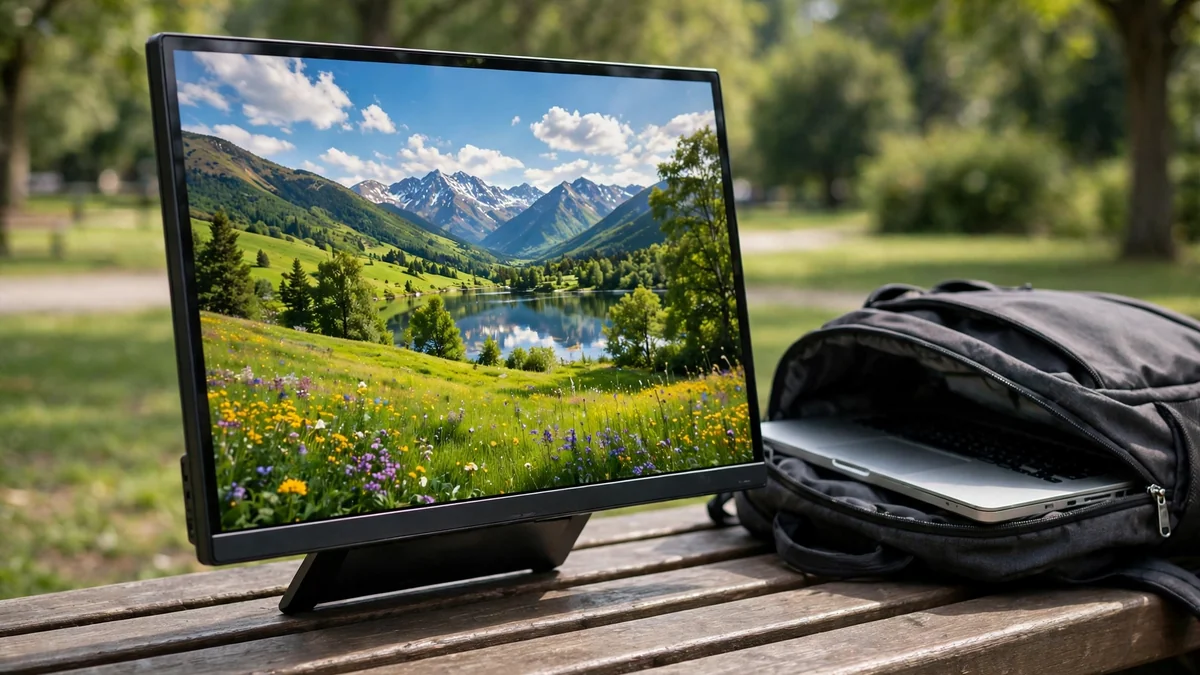
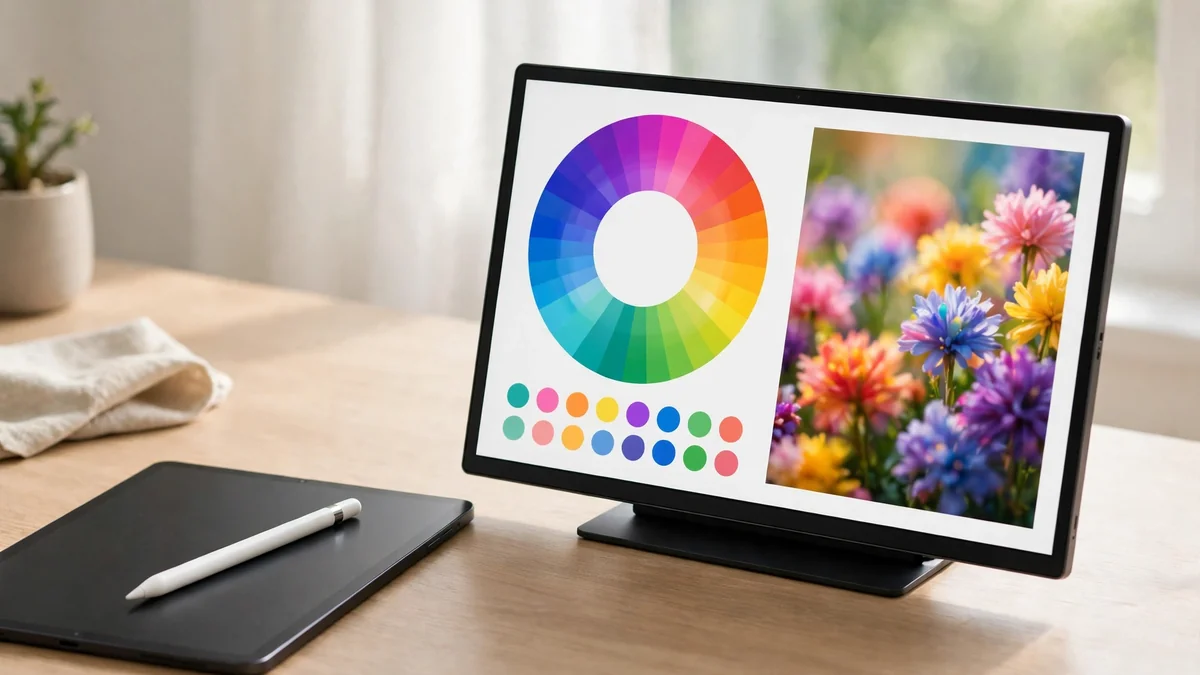
The best portable monitors for Windows in 2027 turn a single laptop screen into a proper two-screen workspace, and the best portable monitors for Windows do it with one USB-C cable, no separate power brick, and no driver headaches. Windows 11 handles a second display well, with per-monitor scaling, remembered window layouts, and quick display switching, so a good portable panel feels like a natural extension of the laptop rather than a compromise. The models in this guide were chosen for sharp 1080p or better panels, reliable USB-C connectivity, and brightness that holds up outside a dark room.
What matters most is not the headline specification. A portable monitor lives or dies on its panel quality, its weight in a bag, and whether it draws power cleanly from the laptop. A dim 200-nit screen looks washed out near a window, a heavy panel defeats the point of portability, and a monitor that needs its own charger adds clutter.
The shortlist covers seven monitors from ASUS, Lenovo, HP, Dell, Acer, MSI, and ViewSonic, starting at around $149 and rising to about $329. The ASUS ZenScreen MB16ACV leads for most Windows users, the Lenovo ThinkVision M14 is the lightest serious option, and the HP E14 G5 is the best value for everyday office work. Every price below is an approximate starting price, so check current pricing before buying.
Key takeaways
- The ASUS ZenScreen MB16ACV is the best portable monitor for most Windows users, with a bright 15.6-inch IPS panel and single-cable USB-C.
- The Lenovo ThinkVision M14 is the lightest pick at around 1.3 pounds, ideal for travellers who carry a monitor every day.
- Look for at least 300 nits of brightness and an IPS panel; dimmer TN panels look washed out in bright rooms.
- USB-C with DisplayPort Alt Mode is the simplest connection on modern Windows laptops; older laptops may need HDMI or a USB-C adapter.
- Budget picks start near $149, while brighter and larger panels cost $250 to $329, and prices change often.
At a glance: the shortlist
| Product | Best for | Starting price | Standout limit |
|---|---|---|---|
| ASUS ZenScreen MB16ACV | Most Windows users | About $199 | 1080p, not 4K |
| Lenovo ThinkVision M14 | Light travel | About $249 | 250 nits brightness |
| HP E14 G5 | Everyday value | About $179 | No built-in battery |
| Dell 14 Portable C1422H | Business laptops | About $299 | Heavier than rivals |
| Acer PM161Q | Budget buyers | About $149 | 250 nits brightness |
| MSI Pro MP161 | Large 15.6-inch screen | About $169 | Basic kickstand |
| ViewSonic VG1655 | Colour accuracy | About $329 | Premium price |
ASUS ZenScreen MB16ACV — Best overall
The ASUS ZenScreen MB16ACV is the best portable monitor for Windows in 2027 because it gets the basics right at a fair price. Its 15.6-inch IPS panel delivers 1920 by 1080 resolution, 250 nits of brightness, and wide viewing angles, so text stays crisp and colours stay consistent when the screen is tilted or shared with a colleague. A single USB-C cable carries video and power from a modern Windows laptop, and the included smart case doubles as a stand.

Setup is genuinely simple on Windows 11. Plug the cable in, wait a few seconds, and Windows offers Extend or Duplicate from the display settings.
Pros: sharp IPS panel, single-cable USB-C, useful smart-case stand, fair price. Cons: 250 nits is modest in sunlight, 1080p only, no touchscreen.
Lenovo ThinkVision M14 — Best for light travel
The Lenovo ThinkVision M14 weighs about 1.3 pounds, which makes it the easiest monitor in this guide to carry every day. Its 14-inch IPS display runs at 1920 by 1080 and connects over USB-C, drawing power from the laptop with no extra adapter. The slim profile slips into a laptop sleeve beside a 14-inch notebook, and the adjustable foot props it up at a comfortable angle.
For Windows travellers, the M14 is a strong match for ThinkPad and other business laptops, and Windows 11 scaling keeps text readable at 14 inches.
Pros: very light, slim and durable, single-cable USB-C, good build quality. Cons: 250 nits brightness, smaller 14-inch screen, higher price for the size.
HP E14 G5 — Best value
The HP E14 G5 is the best value portable monitor for Windows users who want a reliable second screen without paying a premium. Its 14-inch IPS panel offers 1920 by 1080 resolution and decent colour, and it connects with one USB-C cable to a compatible Windows laptop. The blue-light filter and anti-glare finish make long sessions easier on the eyes.
HP designed this panel for everyday office work: email on one screen, documents on the other. Windows detects it quickly, and the on-screen controls are simple enough to adjust brightness without a manual.
Pros: strong value, light and portable, eye-comfort features, simple setup. Cons: 250 nits brightness, no built-in battery, 14-inch screen feels small for video editing.
Dell 14 Portable C1422H — Best for business laptops
The Dell 14 Portable C1422H is a solid choice for Windows business users, especially those already using a Dell laptop. Its 14-inch IPS panel runs at 1920 by 1080 with 300 nits of brightness, which is a useful step up from the dimmer budget panels. The screen is bright enough for a well-lit office, and colours look natural for documents, dashboards, and calls.
Dell includes a USB-C cable in the box, and the monitor can run from laptop power alone. The folding stand is sturdy, and the build feels more robust than the cheapest rivals.
Pros: 300 nits brightness, sturdy build, good colour, works well with Dell laptops. Cons: heavier than rivals, premium price, no touchscreen option.
Acer PM161Q — Best budget pick
The Acer PM161Q is the cheapest way to add a second screen to a Windows laptop, starting at about $149. Its 15.6-inch IPS panel gives more room than the 14-inch models, and 1920 by 1080 resolution keeps text sharp for documents and browsing. It connects over USB-C or mini-HDMI, which helps older Windows laptops that lack a full-featured USB-C port.
Budget compromises are visible: brightness is 250 nits, the stand is basic, and the bezels are thicker than premium rivals. For a desk-bound second screen or a spare monitor at home, those limits matter little. For bright rooms or daily travel, a brighter model is worth the extra money. If you pair it with the right accessories, a USB-C hub for Windows can add the extra ports a second screen setup often needs.
Pros: lowest price here, large 15.6-inch screen, HDMI as well as USB-C, light enough to carry. Cons: 250 nits brightness, basic stand, thicker bezels.
MSI Pro MP161 — Best large screen on a budget
The MSI Pro MP161 pairs a 15.6-inch IPS panel with a price near $169, making it a good middle ground between the cheapest Acer and the premium Dell. Resolution is 1920 by 1080, viewing angles are wide, and the panel handles spreadsheets, code, and video calls without fuss. USB-C carries both signal and power on compatible Windows laptops.
MSI keeps the design simple: a slim body, a fold-out kickstand, and a matte finish that resists fingerprints. The kickstand is less adjustable than the best rivals, so the viewing angle takes a moment to get right.
Pros: large screen for the price, sharp IPS panel, slim design, single-cable USB-C. Cons: basic kickstand, 250 nits brightness, no built-in speakers of note.
ViewSonic VG1655 — Best colour accuracy
The ViewSonic VG1655 is the pick for Windows users who care about colour, such as photo editors and designers working on a laptop. Its 15.6-inch IPS panel covers a wide colour range for its price and holds calibration better than the budget panels. Resolution is 1920 by 1080, brightness is 250 nits, and the panel connects over USB-C or mini-HDMI.
ViewSonic adds a sturdy metal stand with good tilt range, plus a protective cover that doubles as a stand. The VG1655 costs about $329, which is the highest price in this guide, but the build and colour performance justify it for creative work. A good docking station for laptops can turn this portable panel into the second screen of a permanent desk setup.
Pros: strong colour accuracy, sturdy metal stand, USB-C and HDMI inputs, good build. Cons: highest price here, 250 nits brightness, heavier than the Lenovo M14.
How to choose
Start with the connection. Most Windows laptops made in the last few years have a USB-C port with DisplayPort Alt Mode, which carries video and power on one cable. If your laptop lacks that, choose a monitor with HDMI input and a separate USB power connection. Check the laptop manual or the port markings before ordering, because a plain USB-C data port will not drive a display.
Next, weigh size against weight. A 14-inch panel is the easiest to carry and pairs well with a 13-inch or 14-inch laptop, while a 15.6-inch panel gives more room for split-screen work but adds bulk. Brightness matters more than resolution for most buyers: 300 nits is noticeably better than 250 nits in a bright room, while 1080p is sharp enough at these sizes for almost everyone. A laptop stand for a desk also helps, by raising the laptop screen closer to the portable monitor height.
Checklist: before you buy
- Confirm your Windows laptop USB-C port supports DisplayPort Alt Mode, or plan for HDMI.
- Choose 14 inches for travel and 15.6 inches for more screen room at a desk.
- Pick at least 300 nits if you work near windows or in bright rooms.
- Check the monitor weight with its cover, not just the panel alone.
- Confirm the box includes a USB-C cable rated for video, not just charging.
- Check the return policy, so you can test brightness and scaling on your own laptop.
Frequently asked questions
Do portable monitors work with any Windows laptop?
Most modern Windows laptops work with a USB-C portable monitor, provided the USB-C port supports DisplayPort Alt Mode. Older laptops without that support can use HDMI instead, with a separate USB cable for power.
Does a portable monitor need its own power supply?
Usually not. Most models draw power from the laptop over USB-C, though a second USB-C port or a charger helps when the laptop battery is low. A few monitors include a pass-through charging port.
Is 1080p enough for a portable monitor?
Yes, for most work. At 14 to 15.6 inches, 1080p text is sharp, and Windows scaling keeps it readable. A 4K portable panel costs far more and drains the laptop battery faster.
Can I use two portable monitors with one laptop?
Often yes, if the laptop graphics and ports support two external displays. A docking station or a laptop with two full-featured USB-C ports makes this easier, but battery drain rises sharply.
Will a portable monitor drain my laptop battery?
Yes, noticeably. A portable panel adds roughly 5 to 10 watts of draw, so expect shorter battery life. Keep the charger handy for long sessions away from a desk.
What is the best portable monitor for Windows overall?
The ASUS ZenScreen MB16ACV is the best overall pick for most Windows users, thanks to its sharp IPS panel, single-cable setup, and fair price. Travellers who prioritise weight should choose the Lenovo ThinkVision M14 instead.
The bottom line
For most Windows users, the ASUS ZenScreen MB16ACV is the right buy: a sharp 15.6-inch panel, one-cable setup, and a price near $199. If you travel every day, the lighter Lenovo ThinkVision M14 is worth the extra money, and if budget is the priority, the Acer PM161Q gives you a large screen for about $149.
Whatever you choose, confirm the port support on your laptop first, then pick the size and brightness that match where you actually work. A portable monitor is a small purchase that changes how a Windows laptop feels every day, and the right one pays for itself in saved window-switching within weeks.