

The best project management software for construction is the one that survives contact with a real building site. Construction projects involve tight schedules, shifting budgets, subcontractors, safety paperwork and constant change, so the winner must handle Gantt schedules, document control, RFIs and field reporting — not just task lists. Procore, Autodesk Construction Cloud, Buildertrend, Monday.com and Smartsheet lead the field, and the right choice depends heavily on the size of your jobs and your team.
Construction is unforgiving of poor coordination. A delayed delivery, a missed inspection or a drawing that nobody updated can cost thousands in a single day. The software’s job is to keep every person on site working from the same plan, the same drawings and the same schedule. A tool built for office work will fail on site, however polished it looks in a demo.
Key takeaways
- Construction tools must work on mobile, on site, with poor signal.
- Schedules, budgets, drawings and RFIs matter more than task lists.
- Choose for your job size: residential builders and large contractors need different tools.
- Check current pricing and confirm what is included — construction tools often price by project.
What Construction Projects Actually Need
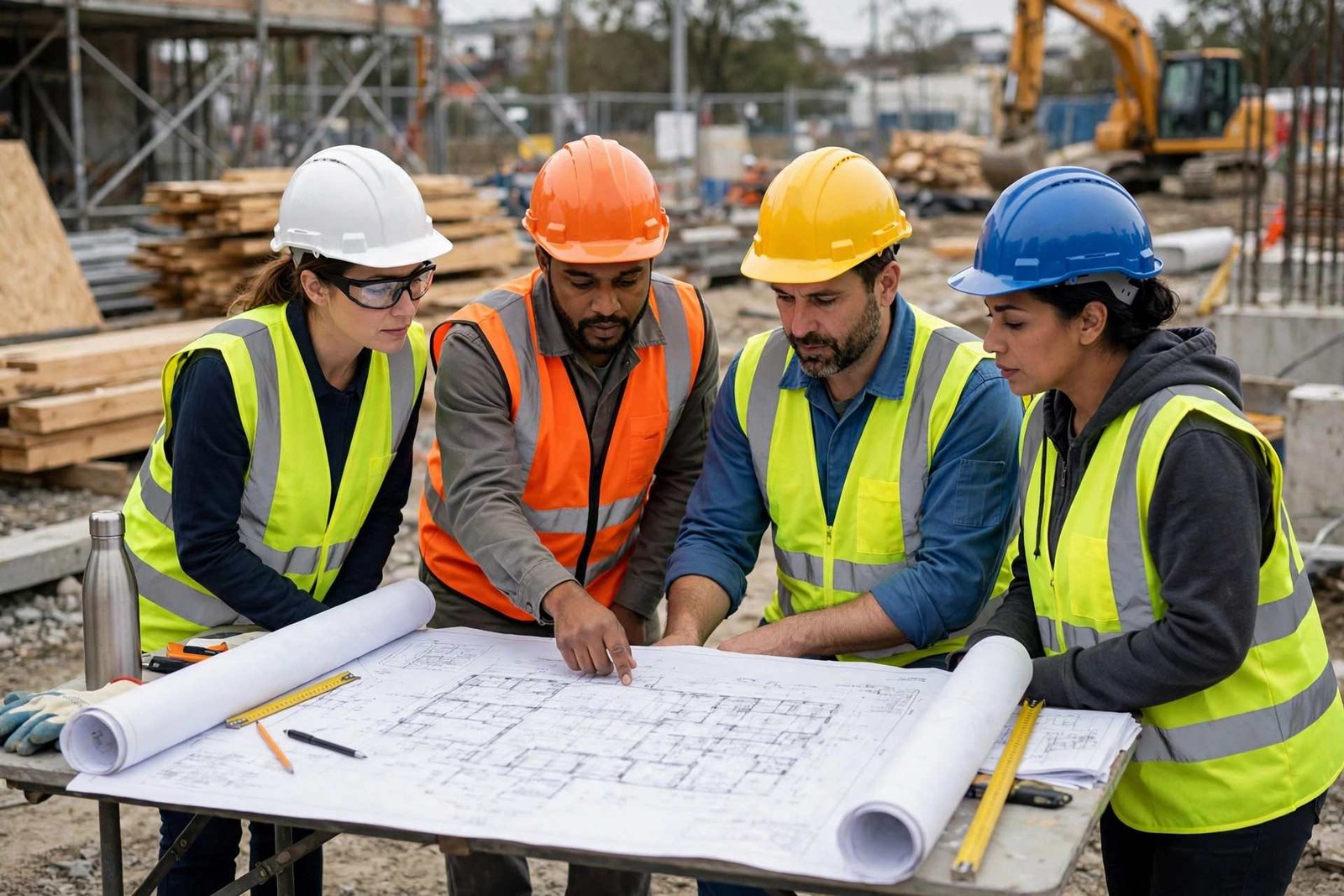
A construction project has moving parts that office software rarely handles well. The schedule is a living document that changes daily. Drawings are revised constantly, and everyone must work from the latest version. Subcontractors come and go, and each needs to see only their own scope. Safety forms, permits and inspections generate paperwork that must be stored and found quickly.
Mobile access is the first test. Site managers and foremen work from phones and tablets, often with patchy signal. If the app is slow, hard to use with gloves on, or useless offline, it will be abandoned within a week. Test the mobile app on a real site before you commit, not in the office.
Document control is the second test. The tool must keep one current version of every drawing, specification and contract, with a clear record of who changed what and when. Version confusion on site is one of the most expensive mistakes in construction, and good software prevents it by design.
The Best Options for Construction
Procore
Procore is the most complete construction platform, covering project management, financials, quality, safety and field productivity in one system. It is powerful and widely used on larger projects, but it is priced and built for serious volume — smaller firms may find it more than they need.
Best for: mid-sized and large contractors running multiple complex projects.
Autodesk Construction Cloud
Autodesk’s platform combines design coordination, document management and field management, and it integrates naturally with AutoCAD and Revit workflows. It suits firms already working in Autodesk’s design ecosystem, where keeping drawings and models connected to site work matters most.
Best for: firms already using Autodesk design tools who want drawings, models and site work connected.
Buildertrend
Buildertrend is built for residential builders and remodelers, with scheduling, budgeting, client communication and selections in one place. It is friendlier and more affordable than the enterprise platforms, and its client portal keeps homeowners informed without constant phone calls.
Best for: residential builders and remodelers who want scheduling, budgets and client updates in one tool.
Monday.com
Monday.com is the flexible generalist. It is not built for construction, but its boards adapt well to schedules, punch lists, subcontractor tracking and inspections, and its mobile app is strong. It suits smaller firms that want a simple, visual tool rather than a full construction platform.
Best for: smaller contractors and trades who want a flexible, easy-to-use tool without enterprise complexity.
Smartsheet
Smartsheet combines spreadsheets with Gantt charts, dashboards and automation, which suits construction teams that already think in spreadsheets. Its scheduling and reporting are strong, and it handles budgets and resource planning well for firms that prefer a familiar grid layout.
Best for: construction teams that like spreadsheet-style planning with proper Gantt schedules and reporting.
Comparison Table
| Tool | Scheduling | Document control | Best suited to |
|---|---|---|---|
| Procore | Strong | Excellent | Large contractors |
| Autodesk Construction Cloud | Strong | Excellent | Design-led firms |
| Buildertrend | Good | Good | Residential builders |
| Monday.com | Good | Basic | Small contractors |
| Smartsheet | Excellent Gantt | Good | Spreadsheet-style teams |
Pricing in construction software is often quoted per project or per user, and it varies widely — check current pricing directly with the vendor before budgeting. Some platforms charge implementation and training fees on top of the subscription, so ask for the total first-year cost, not just the monthly figure. Free trials are common, but a proper trial means running a live job through the tool, not clicking through a demo.
How to Choose for Your Firm
Start with your typical job. A residential builder running ten homes at once has different needs from a commercial contractor running two large projects. List the five things that go wrong most often on your jobs — late drawings, missed inspections, budget drift, subcontractor no-shows — and test whether each finalist actually solves them.
The Construction Selection Checklist
- Test the mobile app on site: with gloves, in sunlight, on a weak signal.
- Check offline access: can the foreman record progress without a connection?
- Trial document control: upload a revised drawing and confirm everyone sees the new version.
- Run a real RFI through it: from site question to answered, with a clear audit trail.
- Price the full year: include implementation, training and any per-project fees.
- Ask about subcontractor access: can subs see their scope without a paid licence?
For firms that also need strong scheduling, our guide to the best Gantt chart software in 2027 covers the scheduling side in depth. Smaller firms may also find the best project management software for small business useful, and if your team is distributed across sites and offices, the best project management software for remote teams covers coordination from a distance.

Mistakes Construction Firms Make
The most common mistake is buying a tool that only the office uses. If the site team does not adopt it, the schedule and the paperwork drift apart within weeks, and the office ends up managing two systems: the software and reality. Get the foremen involved in the trial and listen to their complaints — they are the ones who will make or break the rollout.
Another mistake is underestimating the cost of change. A construction platform touches scheduling, budgets, documents and communication, so switching mid-project is painful. Plan the switch between jobs, not during one. Finally, do not skip the data question: check how you export schedules, budgets and documents, so a future switch does not mean losing your project history. Ask each vendor for a sample export before you sign, and check that schedules, budgets and documents all come out in a usable format rather than a locked proprietary file that only the vendor’s own software can open. That single check can save weeks of painful migration work later.
Frequently Asked Questions
What is the best construction project management software?
Procore leads for larger contractors, Buildertrend for residential builders, and Autodesk Construction Cloud for design-led firms. Smaller firms often do well with Monday.com or Smartsheet. The right pick depends on your job size and how your team works on site.
Is construction management software worth the cost?
For most firms, yes — one avoided delay or one caught drawing error can pay for a year of software. The value comes from fewer mistakes and less rework, not from the software itself, so adoption on site is what decides the return.
Can construction software work offline on site?
Many leading tools offer offline modes for field reporting, punch lists and photos, syncing when the connection returns. Check the offline capability of any tool you trial, and test it on a real site with a weak signal.
How long does it take to set up construction software?
A simple setup takes days; a full platform with templates, budgets and document structures takes several weeks. Allow time for training the site team, not just the office, and run the first live job alongside your old process.
Do subcontractors need a licence?
It depends on the tool. Some charge for every user, others offer free collaborator or subcontractor access with limited permissions. Confirm the cost of subcontractor access before you commit, as it can change the real price significantly.
What is the difference between construction software and general project software?
Construction software adds schedules, drawing control, RFIs, safety forms, budgets and field reporting — the things that matter on a building site. General tools handle tasks and timelines well but usually lack the construction-specific workflows.
Conclusion
The best project management software for construction is the one your site team will actually use on a real job. Prioritise mobile access, document control and scheduling, then trial two finalists on a live project. A tool that keeps everyone working from the same drawings and the same schedule pays for itself in avoided mistakes. Pick your shortlist, test it on site, and let the foremen’s verdict carry as much weight as the office’s.



