

What if the biggest risk to a small business project is not the work itself, but the tool chosen to plan it? A five-person team buys an enterprise platform, spends three weeks configuring it, and then quietly goes back to spreadsheets. That story repeats constantly, and it is why picking planning software deserves more thought than a quick trial signup.
This guide looks at what actually works for small teams: the tool categories, the methods behind them, the mistakes that waste money, and how to choose without overbuying.
Why Small Businesses Need Different Planning Tools
Enterprise project software is built for coordination problems small teams do not have. It assumes dozens of stakeholders, formal approval chains, and reporting layers. Small teams need the opposite: fast setup, low per-seat cost, and a screen that makes the next task obvious.
There is also no universal definition of “small.” In the United States, the Small Business Administration sets size standards by industry, often around 500 employees but sometimes far fewer. A 12-person design studio and a 400-person manufacturer have almost nothing in common in their planning needs.
The practical rule: choose a tool your least technical team member can use without training. If onboarding takes more than an afternoon, adoption will quietly fail.
The Four Planning Methods Behind Every Tool
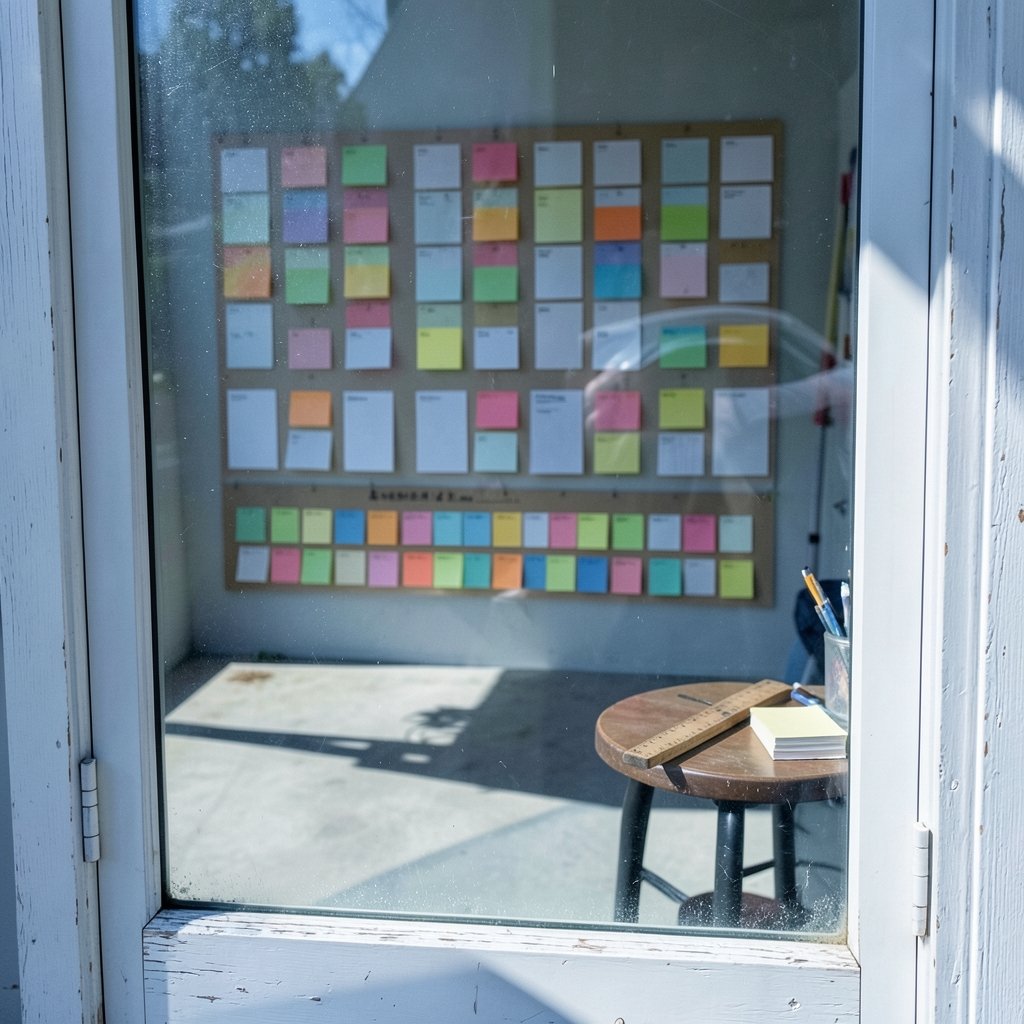
Every planning app is a skin over an older method. Knowing the method helps predict whether the tool will fit.
Kanban came out of Toyota’s production system in the late 1940s, where cards signaled when work should move to the next stage. David J. Anderson adapted it for software and knowledge work around 2004 to 2007, adding work-in-progress limits. Tools built on kanban feel light and visual.
Gantt charts were popularized by Henry Gantt around 1910 to 1915, with a forerunner chart drawn by Karol Adamiecki in 1896. They show tasks as bars across a timeline, which makes dependencies visible.
Critical Path Method (CPM) was developed by DuPont and Remington Rand between 1957 and 1959 for plant maintenance and construction scheduling. PERT followed in 1958, created by the U.S. Navy for the Polaris missile program. Both focus on sequencing and estimating.
Agile and Scrum arrived later. The Agile Manifesto was published in February 2001 by 17 signatories, and the Scrum Guide is maintained by Ken Schwaber and Jeff Sutherland, with a major revision in November 2020. PMI’s PMBOK Guide, a common reference, moved to a principle-based structure in its 2021 seventh edition.
A small business rarely needs all four. Most need one primary method and a simple way to see deadlines.
Comparison: Tool Categories for Small Teams
| Category | Best for | Typical strength | Watch out for |
|---|---|---|---|
| Simple kanban boards | Freelancers, 2 to 10 people | Near-zero setup | Weak reporting on complex projects |
| All-in-one workspaces | Teams mixing tasks, docs, and clients | One place for everything | Feature sprawl and higher seats |
| Timeline and Gantt tools | Client deadlines, dependencies | Clear scheduling | Manual updates get stale |
| Spreadsheet planning | Very tight budgets | Free and familiar | Breaks down past ~3 projects |
| Niche vertical tools | Construction, agencies, events | Built-in templates | Limited flexibility |
The mistake is treating the all-in-one column as the default. It is the most expensive and the easiest to abandon.
What to Look For Before Signing Up
A short checklist saves months of regret.
- Free tier or trial without a card. Test with real work, not demo data.
- Per-user pricing you can forecast. Multiply by headcount, then add the annual increase.
- Guest access. Clients and contractors should not need paid seats.
- A mobile view that works. Half of small-team updates happen on a phone.
- Export options. You must be able to leave with your data.
- Simple permissions. Two roles, not seven.
- Integrations you already use. Calendar, email, and file storage first.
Apply the same discipline to software costs elsewhere. Teams that track cloud spend carefully, as covered in this breakdown of Azure virtual machine costs for small projects and businesses, tend to apply the same scrutiny to SaaS subscriptions.
Practical Tips That Actually Work
Start with one project, not the whole company. Roll out to a single active project, run it for two weeks, then expand. Big-bang rollouts create resistance.
Cap your tool count. A small team with a task board, a separate doc tool, a chat app, and a spreadsheet tracker is paying four times for one workflow. Consolidate before adding.
Name tasks as outcomes. “Send revised quote to client” beats “Quote stuff.” Vague tasks are the top reason boards go stale.
Set a weekly review. Fifteen minutes every Monday to clear dead cards and reorder priorities. Tools do not maintain themselves.
Archive aggressively. Old boards clutter search results and make the tool feel messy, which speeds abandonment.
Budget for the boring parts. Storage, backups, and infrastructure add up. If the project involves hosting, a realistic look at Amazon S3 costs for a small project or business shows why the cheapest-looking option is not always the cheapest overall.
Common Mistakes That Waste Money and Time
- Buying for the roadmap, not the current need. Teams pay for features they will never configure.
- Migrating everything on day one. Importing three years of old tasks creates noise, not clarity.
- Skipping the method. A Gantt tool used without dependencies is just a colored list.
- Ignoring seat creep. Contractors added as full members quietly double the bill.
- No owner per board. Shared ownership means nobody cleans it.
- Choosing by peer pressure. A tool that works for a 200-person agency may bury a five-person studio.
Another quiet killer: automation without a plan. If you plan to connect tools and trigger actions, read up on the best AI automation tools for small businesses before wiring workflows together, because badly designed automations create more cleanup than they save.
How to Run a Two-Week Tool Trial
A structured trial beats a vibe check.
- Pick one live project with a real deadline.
- Invite the whole team, including the skeptics.
- Load every task from the current method, even the messy ones.
- Run one full weekly review inside the tool.
- At day 14, ask three questions: Did anyone avoid opening it? Did it replace a spreadsheet? Would you pay for it next month?
- If two answers are negative, drop it. No sunk-cost loyalty.
This process costs two weeks and prevents a year of half-used software.
Where Planning Tools Fit in the Wider Stack
Planning software does not live alone. It connects to hosting, billing, and delivery. A small team building a client portal, for example, needs to know what the infrastructure will cost before committing to a monthly planning subscription. A realistic view of Amazon EC2 costs for small projects and businesses helps teams avoid the classic trap of a cheap planning tool paired with an expensive cloud bill.
The same logic applies to operations tooling. Teams running containerized services should understand what Kubernetes really costs a small project or business before adding another subscription. And teams managing infrastructure as code benefit from knowing what Terraform really costs a small project or business, since the license is free but the time is not.
Planning tools also shape how work gets presented. Client-facing teams that build decks from project data often pair their board with one of the best AI presentation tools for small businesses that save real time, cutting the manual rebuild of status slides.
When to Upgrade and When to Stay Put
Upgrade when a specific pain repeats: missed deadlines because dependencies are invisible, client requests lost in email, or reporting that takes a full day to assemble.
Stay put when the only reason is a new feature announcement. Feature envy is the most common cause of unnecessary migration.
A useful test: write down the one problem the upgrade solves. If the sentence is vague (“better organization”), wait a quarter.
Matching Tools to Team Size
Solo and two-person teams. A free kanban board plus a calendar is enough. Anything with a setup wizard is probably too much.
Three to ten people. One shared workspace with a board per client or project, plus guest access for freelancers. This is the sweet spot for mid-tier plans.
Eleven to fifty people. Add timeline views and simple workload checks. Standardize on one tool and ban shadow spreadsheets.
Fifty-plus. Formal permissions and reporting start to matter, but only if someone owns the system.
Conclusion
The best project planning tool for a small business is not the one with the longest feature list. It is the one the team opens without being reminded, that fits the method already in use, and that costs less than the time it saves. Start with a single live project, run a two-week trial, and judge by behavior rather than promises. Kanban, Gantt, and agile methods have survived for decades because they solve real coordination problems, but none of them require an expensive platform. Pick the simplest tool that makes the next task obvious, and let the team’s habits do the rest.
Frequently Asked Questions
What is the best project planning tool for a very small team?
For teams of two to five, a simple kanban board with a calendar is usually enough. The priority is fast setup and low per-seat cost, not advanced reporting. Test with one live project for two weeks before paying for anything.
Do small businesses need Gantt charts?
Only if deadlines depend on task order. Gantt charts, popularized by Henry Gantt around 1910 to 1915, make dependencies visible. Teams with independent tasks rarely need them, and manual updates often go stale.
How much should a small business spend on planning software?
There is no universal figure, and pricing changes often. A practical approach is to cap planning software at a small share of monthly operating costs, multiply per-seat prices by actual headcount, and include guests and contractors in the estimate.
Is a free planning tool good enough?
Often, yes. Free tiers usually cover boards, basic tasks, and a few users. They become limiting when you need guest access, timelines, or reporting. Start free, then upgrade only when a specific pain repeats.
What is the biggest mistake when choosing a planning tool?
Buying for features the team will never configure. Enterprise platforms add complexity that small teams rarely need, and setup fatigue leads to abandonment. Choose the simplest tool that solves the current problem.
How do planning tools connect to other business costs?
Planning software is one line in a larger stack that includes hosting, storage, and automation. Reviewing infrastructure costs alongside subscription costs prevents the common situation where a cheap planning tool sits next to an expensive cloud bill.
Start with the workflow, not the vendor. Before comparing plans, sketch the three or four steps a project actually moves through, from request to delivery. Tools that mirror that sequence get adopted; tools that force a different sequence get worked around. If your process is quote, build, review, invoice, look for a board with those stages built in rather than rebuilding them by hand.
Revisit the choice every six months. Teams grow, clients change, and a tool that fit at five people may strain at fifteen. A short review each half-year, asking whether anyone still avoids the tool and whether it replaced a spreadsheet, keeps the stack honest without triggering constant migration.
Write down the decision. One paragraph recording why the tool was chosen and what problem it solves prevents the same debate from restarting every quarter. It also gives new hires context and makes future upgrades easier to justify or reject.
The tools are only as good as the habits around them. Choose simply, review regularly, and let the work speak.



