

Can a tablet really find a sentence buried on page 214 of a scanned PDF in under two seconds? That is the question anyone shopping for local document search should ask before spending money. Search on a tablet is not magic. It depends on storage speed, screen size, pen support, and whether the apps you use can handle OCR, indexing, and split-screen multitasking without choking.
The market has shifted in a useful direction. A 12.6-inch flagship with a desktop mode and AI-assisted note tools now handles writing and research tasks that used to demand a laptop, according to a review of the Galaxy Tab S12+ published in November 2026. Budget Android tablets with large screens and bundled pens have also become credible note-taking machines. Below are seven specific options, matched to how people actually search, read, and annotate documents on the go. (Best legal document review software 2027 8 tools worth trial)
Comparison Table: Seven Tablets for Local Document Search
| Tablet | Best for | Screen and standouts | Main limitation | Price in research |
|---|---|---|---|---|
| Samsung Galaxy Tab S12+ | Replacing a laptop for research | 12.6-inch AMOLED, 2800 x 1752, 120Hz, DeX desktop mode | Keyboard cover lacks backlight and trackpad | 5,599 MYR (Wi-Fi model, Malaysia) |
| Samsung Galaxy Tab S10 FE Plus | All-round large-screen value | Big display, strong overall score in a 2027 buying guide | Not a flagship performer | 579 EUR |
| Apple iPad Pro 13-inch (M4) | Large workspace for PDFs and split screens | Ultra Retina XDR, Apple Pencil Pro support | Keyboard and pencil sold separately | Not stated |
| Apple iPad mini 7 | Searching on the move | 8.3-inch, 293 grams | Small canvas for dense scans | 3,999 CNY |
| Lenovo Legion Y900 | Long sessions, heavy multitasking | 14.5-inch OLED, 12300mAh battery, 68W charging | Bulky for handheld reading | 5,999 CNY |
| Huawei MatePad SE 10.4 | Tight budgets, big storage | 10.4-inch 2K eye-care screen, microSD to 1TB | Entry-level memory and chip | 1,299 CNY |
| A digital paper tablet | Reading and annotating imported PDFs | E-ink style focus on reading and notes | Limited app selection | Not stated |
1. Samsung Galaxy Tab S12+: The Closest Thing to a Laptop for Document Work
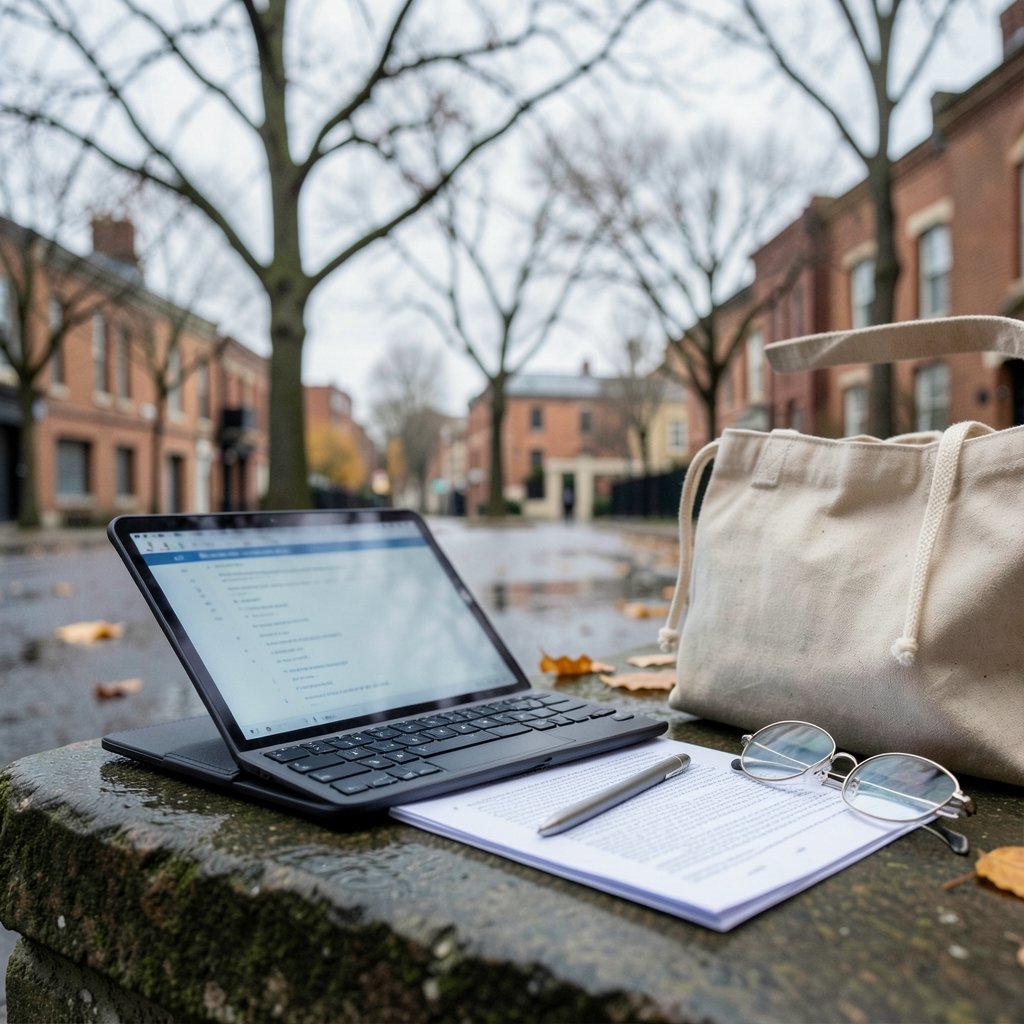
Who it suits: researchers, analysts, and writers who want one device for searching, drafting, and referencing.
What it does well: The 12.6-inch Dynamic AMOLED 2X panel at 2800 x 1752 with a 120Hz refresh rate makes scrolling through long PDFs comfortable, and the 5.3mm body with roughly 553 grams of weight (Wi-Fi model) keeps it portable. Samsung DeX switches to a desktop-style interface with freely resizable windows and up to four virtual desktops, which matters when you want a search results list on one side and the source document on the other. Built-in AI features such as Note Assist, voice transcription, and article summaries in the browser help compress large amounts of reading. The 10,600mAh battery with 45W wired charging covers a full working day for most people.
One real limitation: the official magnetic keyboard cover has no backlight and no trackpad, so heavy users will likely add an external mouse.
Price: 5,599 MYR for the Wi-Fi model in Malaysia at launch.
Practical tip: enable DeX before you start a research session. Windowed search plus a document viewer beats full-screen app switching every time.
2. Samsung Galaxy Tab S10 FE Plus: The Sensible Big-Screen Default
Who it suits: buyers who want a large canvas for document reading without paying flagship prices.
What it does well: A 2027 buying guide that compared 84 models scored this tablet 10/10 and ranked it first overall at 579 EUR, praising its large screen, strong performance, and all-round flexibility. For local document search, screen real estate is the quiet hero. More inches means fewer pinches, more visible context around a search hit, and easier annotation with a finger or stylus.
One real limitation: it is not a flagship, so very large document sets and heavy multitasking will feel slower than on premium hardware.
Price: 579 EUR in the same guide.
Common mistake: buying the cheapest large-screen model and then discovering it has limited RAM. Check memory before you check the price tag.
3. Apple iPad Pro 13-inch (M4): Maximum Workspace for Dense Scans
Who it suits: people who live inside scanned archives, academic papers, and side-by-side app layouts.
What it does well: The 13-inch Ultra Retina XDR display gives drawing, editing, and split-screen apps more room than the 11-inch model, and the M4 chip is built for demanding tablet workloads. Apple Pencil Pro support makes marking up search results natural. If your workflow is “search, highlight, export,” this is a very clean surface for it.
One real limitation: neither the Magic Keyboard nor the Apple Pencil Pro is included, so the true cost climbs fast.
Price: not stated in the research reviewed here, so check the official store page before budgeting.
If you are weighing a tablet against a full computer, the architecture trade-offs discussed in this comparison of Arch Linux versus Ubuntu desktop decisions are a useful reminder that hardware choices should follow the workload, not the other way around.
4. Apple iPad mini 7: Search in Your Pocket
Who it suits: commuters, field staff, and anyone who reads documents in short bursts.
What it does well: At 293 grams and 8.3 inches, it slips into a coat pocket or a blazer inside pocket. The A17 Pro chip handles multitasking that would embarrass most small tablets, running an imaging viewer, a billing app, and a video call at once without stutter, according to a performance roundup. Face ID and a mature app library round it out.
One real limitation: 8.3 inches is a cramped canvas for dense scans. Expect a lot of zooming.
Price: 3,999 CNY for the 128GB Wi-Fi model.
Practical tip: on a small screen, search first and read second. Jump straight to the hit rather than scrolling the whole document.
5. Lenovo Legion Y900: The Battery Champion for All-Day Reading
Who it suits: reviewers, auditors, and anyone whose document sessions run eight hours or more.
What it does well: A 14.5-inch OLED panel with 100% DCI-P3 coverage and dual eye-care certifications reduces fatigue during long reading sessions. The 12300mAh battery with 68W fast charging supports more than eight hours of field work per the same roundup. A stylus allows precise annotation of contract clauses, and the USB-C port can drive it as a second screen for a laptop.
One real limitation: at 14.5 inches, it is a desk device more than a handheld one.
Price: 5,999 CNY for the 12GB/256GB configuration.
6. Huawei MatePad SE 10.4: The Budget Workhorse
Who it suits: students and budget-conscious readers who mostly need a big, kind screen.
What it does well: The 10.4-inch 2K eye-care display carries a low blue light certification, and the 7700mAh battery plus smart split-screen and cross-device document transfer make it practical for pulling up files quickly. Four speakers help with recorded meetings, and microSD expansion up to 1TB means you can keep a serious local archive on the device.
One real limitation: 4GB of RAM and an entry-level chipset will slow down very large document indexes.
Price: 1,299 CNY.
7. A Digital Paper Tablet: The Dedicated Reader
Who it suits: people whose main job is reading and annotating imported PDFs rather than running apps.
What it does well: A buying guide focused on archive scans recommends a digital paper tablet when reading and annotating imported PDFs are the top priorities, and a compact pen-equipped tablet when portability and note-taking matter more. The same guide makes a critical point: a scan is not automatically searchable text. OCR has to happen first, either on the device or before you transfer the file.
One real limitation: weaker app support means fewer search tools and slower workflows for anything beyond reading.
Price: varies widely, so compare before buying.
That OCR point deserves emphasis. Whatever tablet you pick, test one of your own files first. Zoom, search, annotate, and export it. If any step feels clumsy in the store, it will feel worse at 11 p.m. before a deadline. For readers who also process contracts and case files, the workflow lessons in this guide to AI legal document review software apply directly to tablets, and anyone comparing dedicated review tools will find this roundup of legal document review software worth a look.
How to Choose: What Actually Matters for Local Document Search
After the shortlist, the decision usually comes down to five practical checks.
- Screen size versus portability. Above 12 inches, split-screen search becomes genuinely usable. Below 9 inches, you gain portability but lose context. Decide which one hurts more.
- Storage and expansion. A local archive of scanned PDFs eats space fast. A microSD slot, like the one on the MatePad SE, can be worth more than a faster chip.
- RAM and multitasking. Search plus viewer plus notes app is three apps. Four gigabytes of RAM will struggle; eight or more keeps things smooth.
- Pen support. Annotation is how most people mark search hits they will return to. Confirm the pen is included or budget for it separately.
- OCR and app compatibility. A scan is an image until OCR converts it. Test whether your preferred reader app can index your files on the device you are considering.
A common mistake is buying for benchmarks instead of behavior. Most document search is I/O and screen work, not gaming. A mid-range chip with a great display often beats a fast chip with a cramped one. Another mistake is assuming cloud sync equals local search. If the file is not on the device, offline search will not find it.
For readers who want to keep everything on-device for privacy, the options in this guide to offline local AI tools show how far local processing has come. And if you are deciding whether a tablet can replace a laptop entirely, the survival guide on AI search replacing Google is a useful companion read on where search itself is heading.
Conclusion
The best tablet for local document search in 2027 is the one that matches your reading posture. The Galaxy Tab S12+ wins for people replacing a laptop, thanks to DeX, a 12.6-inch 120Hz AMOLED screen, and AI note tools. The Galaxy Tab S10 FE Plus is the value pick at 579 EUR. The iPad Pro 13-inch offers the biggest workspace, the iPad mini 7 the most portability, the Legion Y900 the best endurance, and the MatePad SE the friendliest price. A digital paper tablet rounds out the list for pure readers. Whichever you choose, test your own scanned files before you pay. Search speed on real documents tells you more than any spec sheet.
Frequently Asked Questions
Can a tablet search inside scanned PDFs without internet?
Yes, if the file has been through OCR first. A scan is an image until optical character recognition converts it into text. Many reader apps can run OCR on the device, but support varies by model, so test one of your own files before buying.
How much RAM do I need for document search on a tablet?
Eight gigabytes or more keeps search, a document viewer, and a notes app running smoothly side by side. Four gigabytes works for light reading but slows down with large indexes or heavy multitasking, as seen on entry-level models like the MatePad SE 10.4.
Is a bigger screen always better for reading documents?
No. Above 12 inches, split-screen search is comfortable, which is why the 12.6-inch Galaxy Tab S12+ and 14.5-inch Legion Y900 suit desk work. But an 8.3-inch iPad mini 7 at 293 grams is far easier to hold on a commute. Match the size to where you read.
Do I need a stylus for document work?
Not strictly, but a pen makes annotation much faster. Note that on some devices the pen is bundled, while on the iPad Pro the Apple Pencil Pro is sold separately, which changes the real cost.
Can a tablet fully replace a laptop for research?
Often, yes. A flagship like the Galaxy Tab S12+ with DeX offers resizable windows and up to four virtual desktops, handling writing and document gathering. The catch is accessories: its official keyboard cover has no backlight or trackpad, so many users add a mouse.
What is the most affordable option for local document archives?
The Huawei MatePad SE 10.4 at 1,299 CNY is the budget pick, and its microSD slot supports expansion up to 1TB, which matters when you keep a large local archive of scans on the device.



