
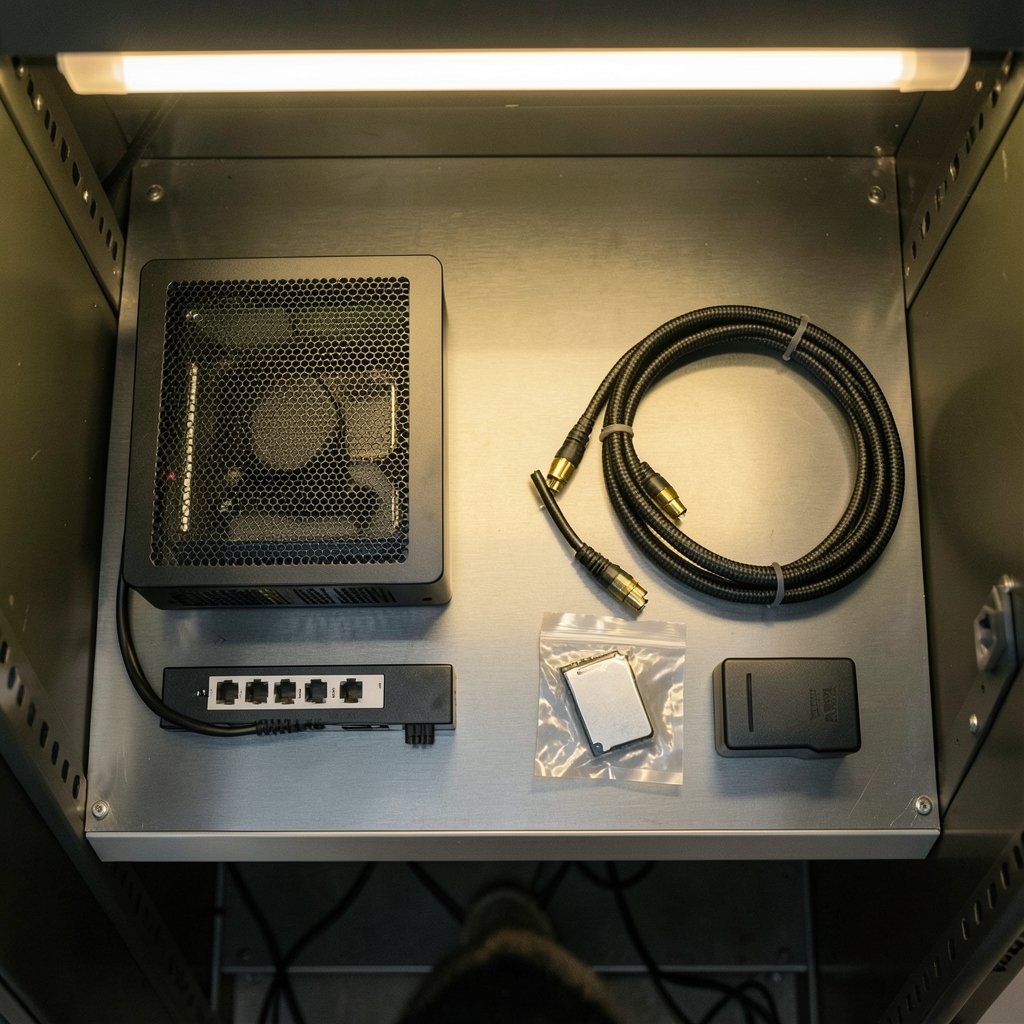
Quick Answer: What are the best Terraria server hosting services for a small group?
There is no single “best” Terraria host, because Terraria has no official paid hosting tier. The realistic options are self-hosting on a spare PC or a cheap VPS, using a general game-hosting provider that supports Terraria, or running community server software like TShock on hardware you control. These choices differ mainly in cost, uptime, and how much setup work you accept.
For most small groups, a modest VPS or a dedicated spare machine running TShock wins on value and control, while managed game hosts win on convenience. Before committing, compare player slots, RAM, TShock and mod support, backup frequency, DDoS protection, billing granularity, and server region.
So, who should actually host your Terraria world?
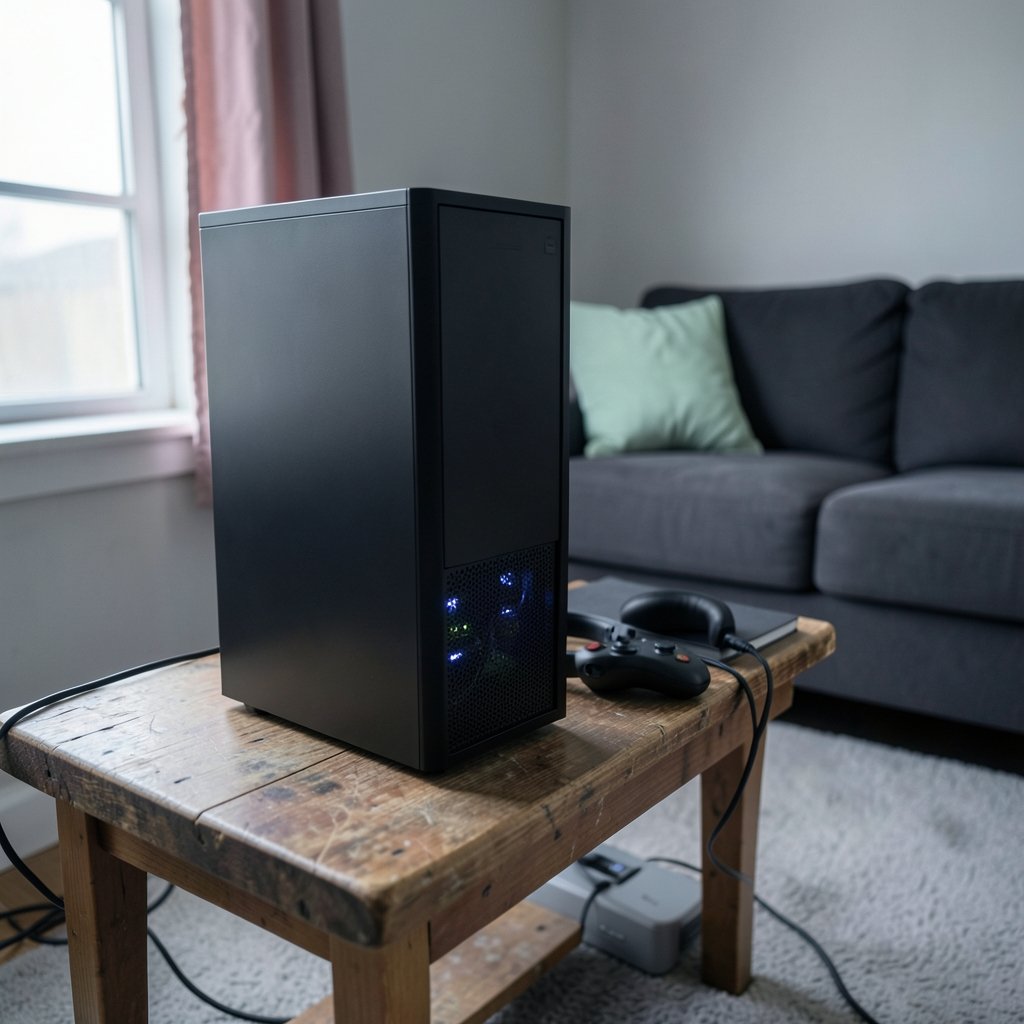
Picture the scene. Four friends, a fresh world, a plan to beat the Wall of Flesh by Sunday. Someone asks the obvious question: whose computer stays on all weekend? That question, more than any feature list, decides how good your Terraria multiplayer experience will be.
Here is the thing most hosting roundups gloss over. Terraria does not have a first-party paid hosting product. The base game, released in 2011 with its “final” Journey’s End update landing in May 2020, works on a host-and-join model. One player opens a world, and everyone else connects. There is no official subscription tier from the developer. That changes the whole framing: you are not shopping for “the Terraria host.” You are choosing how to run a server yourself, or paying someone to run it for you.
For a small group, that is genuinely good news. Terraria worlds are small files, player counts are low, and the game runs on Windows, macOS, and Linux. You do not need enterprise hardware. You need a machine that stays awake and a setup you can troubleshoot at 11 p.m. when nobody can connect.
The three real paths for a small group
Almost every small-group setup falls into one of three buckets. Knowing which one fits your group’s patience level matters more than comparing provider logos.
Path one: self-hosting on hardware you already own
The cheapest option is the one you already have. A spare desktop, an old laptop, or a mini PC can run a Terraria world for a handful of players without breaking a sweat. The trade-offs are uptime and your home network. If the host machine sleeps, the world disappears. If your router reboots, everyone drops.
This is where a lot of groups make their first mistake: they host on the same PC they play on, then wonder why performance feels rough during boss fights. Running the server and the client on one machine splits resources. A dedicated box, even a weak one, is smoother.
If you want to go the cloud route without paying much, a free-tier ARM instance is a popular trick among hobbyist server admins. The same logic that makes a free cloud VM work for a lightweight game world applies here, and you can read a practical walkthrough of the Oracle Cloud Minecraft server setup with free ARM hosting to see how the free-tier approach works in practice, since the networking and always-on considerations carry over to Terraria.
Path two: a cheap VPS you manage yourself
A small VPS gives you the best balance for most groups. You get a machine that never sleeps, a public IP, and full control. Terraria’s server software runs fine on Linux, which keeps costs low. You install the server, configure the world, open the right port, and hand out the address.
The honest downside is that you are the sysadmin. Updates, backups, and firewall rules are your job. Groups that enjoy tinkering love this. Groups that just want to play will resent it by week three.
Budget realistically. A low-end VPS is affordable, but costs creep when you add snapshots or extra RAM. If you want a sense of how small-project cloud bills actually behave, this breakdown of Azure virtual machine costs for small projects and businesses is a useful reality check on what “cheap” really means once storage and networking are added.
Path three: a managed game-hosting provider
Managed hosts handle the boring parts: the panel, the backups, the DDoS filtering, the restart button. You pick a plan, click install, and get a server address. For a group with zero interest in Linux, this is worth the premium.
The catch is volatility. Game-hosting brands change ownership, pricing, and feature sets frequently, and Terraria support is often an afterthought next to Minecraft. Treat any provider comparison as perishable. Check current pricing, confirm Terraria is actually offered, and read recent reviews before you pay.
What TShock changes about the whole decision
If you have spent any time reading about Terraria multiplayer, you have seen TShock mentioned. It is the de facto standard third-party server software for Terraria, open-source and community-maintained. It adds permissions, anti-griefing tools, and plugin support on top of the vanilla server.
For a small group of friends, TShock is optional but genuinely useful. It lets you whitelist players, roll back griefing, and keep the world tidy. For a public or semi-public server, it is close to essential.
The practical wrinkle is compatibility. TShock tracks the game and its underlying runtime, and version support shifts with updates. Before you build a whole setup around it, confirm the current TShock release matches your game version and your host’s operating system. Groups that skip this step often install everything, then discover the plugin they wanted has not caught up yet.
If you are comfortable with server admin work more broadly, the same decision-making muscles apply across game backends. This comparison of Unity Gaming Services vs PlayFab vs Beamable for picking a backend is aimed at developers, but the underlying lesson, match the tool to your team’s skills rather than the hype, translates directly to choosing server software.
Comparing the options side by side
Here is the honest trade-off table for a small group. Prices are deliberately omitted because provider pricing changes constantly and varies by region.
| Option | Cost level | Uptime | Setup effort | Best for |
|---|---|---|---|---|
| Spare PC at home | Lowest (electricity only) | Poor to fair | Low to medium | Casual groups, short playthroughs |
| Free-tier cloud VM | Very low | Fair | Medium to high | Tinkerers willing to learn |
| Small VPS (self-managed) | Low | Good | Medium to high | Groups wanting control and uptime |
| Managed game host | Medium to high | Good | Very low | Groups that just want to play |
| TShock on any of the above | Free software | Depends on host | Medium | Anti-griefing and permissions |
The pattern is clear. As you move down the table, you trade money for time and peace of mind. There is no wrong answer, only a mismatch between the option and your group.
The mistakes small groups make most often
A few failure modes show up again and again. Avoiding them saves a weekend of frustration.
Hosting on the machine you play on. It works until it doesn’t. Boss fights and large builds expose the resource contention fast.
Skipping backups. Terraria worlds are small, so backups are cheap and fast. Groups that skip them learn the hard way after a corrupted save or an accidental overwrite. Set automatic backups before you invite anyone.
Ignoring the network path. The official join flow leans on Steam networking, which can route traffic in ways that affect latency. Direct IP connections behave differently and may need port forwarding or firewall rules. Test with one friend before the whole group shows up.
Forgetting about DDoS protection. For a private group of friends, this barely matters. For anything public, it matters a lot. Managed hosts usually include it; self-hosted setups usually don’t.
Overbuying. A four-person group does not need a beefy plan. Start small, watch performance, and scale up only if you see real strain.
Not agreeing on a schedule. The most common “hosting problem” is actually a coordination problem. Pick play windows, and let the server sleep when nobody is around if you are paying by the hour.
Choosing between monthly and hourly billing
Billing granularity is an underrated factor for small groups. Monthly plans suit groups that play regularly and want the world always available. Hourly billing suits groups that binge for a weekend and then disappear for a month.
Think honestly about your group’s rhythm. Most friend groups overestimate how often they will play. If your history suggests sporadic sessions, hourly billing or a free-tier VM will save real money. If you play most evenings, a monthly plan is simpler and often cheaper per hour.
Practical setup tips that actually work
A few habits make any of these paths smoother.
- Decide who owns the server account and the world file. Shared ownership sounds democratic until someone cancels the plan.
- Set up automatic backups on day one, and test a restore once so you know it works.
- Write down the connection details, port, and password somewhere the whole group can find.
- Install TShock if you want permissions and rollback, but confirm version compatibility first.
- Test the connection with one player outside your network before the group session.
- Keep the server software updated, but not mid-session. Update after you play, not before.
These are unglamorous steps, and they are exactly the ones that separate a smooth campaign from a group chat full of “can’t connect” messages.
When paying for a managed host is worth it
Managed hosting earns its premium in specific situations. If nobody in the group wants to learn Linux, if the group plays at odd hours across time zones, or if the world needs to stay up while people build at their own pace, a managed host removes real friction.
It also helps when your group includes people who are not technically inclined. Handing out a server address and a password beats walking a friend through port forwarding over the phone. That convenience has a price, and for many groups it is a fair one.
What managed hosting does not fix is a bad fit. If the provider’s region is far from your players, latency will suffer regardless of how nice the control panel is. If Terraria support is half-hearted, you may wait days for help. Check region and support responsiveness before you commit.
Conclusion
The best Terraria server hosting for a small group is the option that matches your group’s tolerance for setup work and your actual play schedule. Terraria has no official paid hosting tier, so the real choice is between self-hosting on hardware you own, running a small VPS you manage, and paying a managed provider to handle the plumbing. TShock sits on top of any of these and adds the permissions and anti-griefing tools that make group play less stressful.
Start with the simplest option that fits, back up from day one, and test the connection before the whole group logs on. Do that, and the hosting question stops being a hurdle and goes back to being what it should be: an afterthought on the way to the Wall of Flesh.
FAQ
Do I need TShock to play Terraria with friends?
No. Vanilla Terraria supports host-and-join multiplayer, and TShock is optional. It becomes worthwhile when you want permissions, anti-griefing rollback, or plugins, especially on a server that is not strictly private.
Can a small group run a Terraria server on a spare PC?
Yes, and it is the cheapest route. The main risks are uptime and home network reliability. If the machine sleeps or your router reboots, players drop. A dedicated spare box beats hosting on the PC you play on.
How much RAM does a Terraria server need for a few players?
Terraria worlds are small and player counts are low, so a modest machine handles a small group comfortably. Exact requirements shift with world size, plugins, and player count, so start small and watch performance rather than overbuying upfront.
Is a VPS better than a managed game host for Terraria?
A VPS is usually cheaper and gives you full control, but you handle updates, backups, and firewall rules. A managed host costs more and removes that work. The right pick depends on whether your group enjoys tinkering or just wants to play.
Why can’t my friends connect to my Terraria server?
The usual culprits are port forwarding, firewall rules, or a mismatch between Steam networking and direct IP connections. Test with one friend outside your network first, and confirm the server is actually listening on the expected port before inviting everyone.
Does Terraria have official paid hosting?
No. Terraria uses a host-and-join multiplayer model, and the developer does not sell a first-party hosting subscription. Any hosting you buy comes from third-party providers or from cloud infrastructure you configure yourself.



