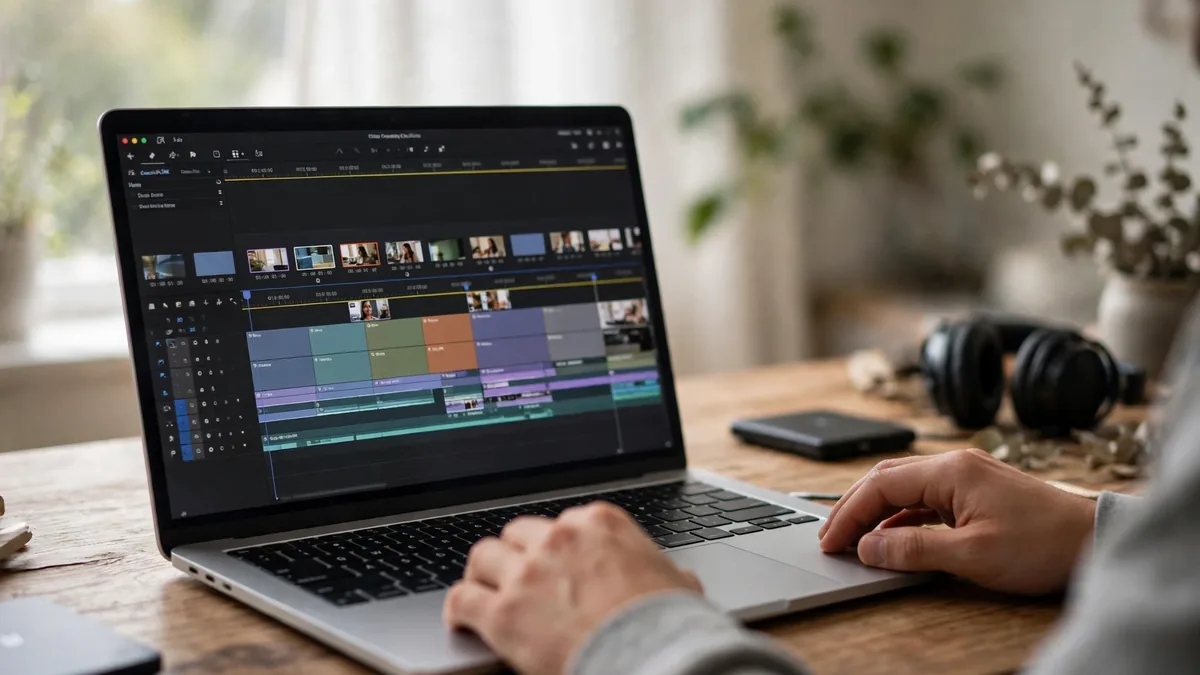
Best time tracking software for agencies in 2027 is not the tool with the most features. It is the one your team will actually use every day, that turns billable hours into accurate invoices, and that shows which clients are making money and which are quietly losing it. Agencies live and die by the hour, and a weak setup means unbilled work and arguments over scope.
We compared the leading tools on agency needs: per-client rates, timesheet approval, billable versus non-billable hours, invoicing, payroll exports, integrations, and reporting a manager can read in minutes. Every starting price below is approximate, so check current pricing before you buy.
The shortlist covers eight tools. Toggl Track leads for simplicity, Harvest for invoicing, Clockify for tight budgets, and Hubstaff for remote or hourly teams. The rest fill clear gaps, from automatic tracking to deep project costing.
Key takeaways
- Toggl Track is the best overall choice for most agencies because it is fast to learn and reports clearly by client and project.
- Harvest is the best pick when invoicing from tracked time is the priority, with clean billable-hour workflows.
- Clockify is the best budget option, with a genuinely useful free plan for small teams.
- Hubstaff is the best fit for agencies managing remote staff or hourly contractors who need activity and payroll data.
- Do not pay for a tool until you have run a two-week trial with real client work, because adoption, not features, decides whether tracking works.
At a glance: the shortlist
| Product | Best for | Starting price | Standout limit |
|---|---|---|---|
| Toggl Track | Best overall | From about $9 per user, per month | Advanced reporting sits on paid plans |
| Harvest | Invoicing from tracked time | From about $11 per user, per month | No free plan beyond a small trial |
| Clockify | Tight budgets | Free plan; paid from about $4 per user, per month | Some reports need paid plans |
| Hubstaff | Remote and hourly teams | From about $5 per user, per month | Activity screenshots can feel intrusive |
| Time Doctor | Productivity insight | From about $6 per user, per month | Setup takes longer than simpler tools |
| Everhour | Teams already using Asana, Trello or Basecamp | From about $8.50 per user, per month | Weak as a standalone project tool |
| Timely | Automatic time capture | From about $9 per user, per month | No free plan for teams |
| Paymo | Small agencies that want tracking plus project management | From about $6 per user, per month | Smaller integration library than rivals |
Toggl Track — Best overall
Toggl Track is the easiest time tracker for an agency to roll out. Staff start a timer in one click, pick a client and project, and stop it when the work ends. There is little to learn, which matters when half the team is freelance. The calendar view, idle detection and reminders catch hours that would otherwise go unlogged.

Reporting is where Toggl Track earns its place. Managers can see time by client or project, compare billable against non-billable hours, and export clean reports for clients. Integrations cover the usual project and accounting tools. If your agency is small, the same approach works in our guide to time tracking software for startups, which covers lighter-weight setups.
Pros: Easy to adopt; clear client and project reports; strong apps. Cons: No built-in invoicing; advanced reports need a paid plan.
Harvest — Best for invoicing from tracked time
Harvest is built around a simple idea: time becomes an invoice with as little extra work as possible. Staff log hours against projects, Harvest applies the right hourly rate, and the invoice is ready to send, with expenses attached. For agencies that bill by the hour, that short path from timer to payment is the whole point.
Budget tracking is equally practical. Each project shows hours used against hours sold, so a manager can spot a fixed-fee project drifting over budget. Clients can be given simple reports without seeing internal rates.
Pros: Excellent invoicing; clear budget alerts; simple interface. Cons: Costs more than basic trackers; no free tier.
Clockify — Best for tight budgets
Clockify is the obvious choice when the budget is close to zero. Its free plan covers unlimited users and projects, with timers, timesheets, a calendar view and basic reporting. For a small agency setting up its first tracking system, that is enough to start billing accurately this week.
Paid plans add billable rates, approval workflows, time-off tracking and more detailed reports. The interface is functional and setup takes a little care. Once configured, it handles the daily routine well, and the low price keeps every contractor on the same system.
Pros: Generous free plan; unlimited users and projects; low paid pricing. Cons: Plain interface; some reports are paid-only.
Hubstaff — Best for remote and hourly teams
Hubstaff suits agencies with remote staff or hourly contractors where managers need more than a self-reported timesheet. It tracks time automatically, records activity levels, takes optional screenshots and turns hours into payroll. For distributed teams, that evidence removes most disputes about what was worked.
The dashboard shows who is online and how active they are, which helps a lead manage a team across time zones. The trade-off is trust: monitoring can feel intrusive, so be open with staff about what is recorded and switch off anything you do not need.
Pros: Strong payroll and activity features; useful for remote teams. Cons: Monitoring can damage trust if misused; busy interface.
Time Doctor — Best for productivity insight
Time Doctor goes beyond counting hours and shows how the hours were spent. It records time on applications and websites, flags distracting activity, and reports where a project actually consumed effort. For an agency wondering why a simple project took forty hours, that detail is genuinely useful.
It also handles payroll, client logins and project budgets. Managers get alerts when a team member is idle, and staff get a clear view of their own day. Use it as a coaching aid, not surveillance, or morale will suffer. Set up thoughtfully, it helps teams spot wasted time without micromanaging every minute.
Pros: Detailed productivity reports; payroll and client access. Cons: Heavier setup; monitoring needs careful handling.
Everhour — Best for teams already using Asana, Trello or Basecamp
Everhour is designed to live inside the project tools agencies already use. It adds timers, estimates, budgets and billing directly into Asana, Trello and Basecamp, so staff track time without switching apps. Time gets logged because it is right where the work is.
Budget and cost reporting is strong. Managers can set project budgets in hours or money, watch burn rates, and see which tasks are eating the margin. The browser extension keeps the timer visible while working. Without a connected project tool, Everhour is thinner than its rivals, so it fits best where the project system is already settled.
Pros: Excellent fit inside Asana, Trello and Basecamp; strong budget reports. Cons: Needs a project tool to shine.
Timely — Best for automatic time capture
Timely takes a different approach: instead of asking people to start a timer, it records what they worked on automatically and drafts a timesheet for them to approve. It watches applications, documents and calendar events, then groups that activity into suggested entries. Staff review and confirm, so the timesheet stays honest without the timer habit.
For agencies, the benefit is completeness. Hours that would have been forgotten actually appear in the record, which improves billing and costing. Reporting covers capacity and project health. The cost is higher than basic trackers, and automatic capture takes some getting used to.
Pros: Automatic capture reduces forgotten hours; clean approval workflow. Cons: No free plan; higher price than simple timers.
Paymo — Best for small agencies that want tracking plus project management
Paymo combines time tracking with project management, task lists, scheduling and invoicing in one tool. For a small agency that does not want four separate subscriptions, that all-in-one shape is appealing. Time is tracked against tasks inside real project plans, so hours connect directly to deadlines and budgets.
Client portals, expense tracking and invoice generation round out the package. The integration library is smaller than Toggl Track or Harvest, and larger agencies will eventually outgrow the project side. For teams of five to twenty people, Paymo is a practical choice.
Pros: Tracking, projects and invoicing in one tool; good value. Cons: Fewer integrations; lighter project features.
How to choose
Start with how you bill. Hourly billing needs accurate timers, billable rates and invoicing, which points to Harvest or Toggl Track. Fixed-fee work needs budget alerts and cost reporting, which points to Everhour, Paymo or Harvest. Match the tool to the billing model first, then worry about the rest.
Next, check the tools your team already lives in. If projects run in Asana or Trello, Everhour will be adopted fastest. If the team is remote and paid hourly, Hubstaff or Time Doctor adds the payroll evidence you need. If the budget is tight, Clockify or Paymo covers the basics. Pick the tool with the least friction, not the longest feature list. That choice is easier when project work is organised well, as covered in our guide to project management software for startups, which applies the same principles at agency scale.
Checklist: before you pay
- Run a two-week trial on real client work, with the people who will log time every day.
- Check the renewal price, not just the introductory or first-year price.
- Confirm you can set different billable rates per client, project and team member.
- Test timesheet approval and exports before month-end, not during it.
- Check data export: you should be able to leave with your full time history.
- Confirm the integrations your agency actually uses, including accounting and project tools.
Frequently asked questions
What is the best time tracking software for agencies?
Toggl Track is the best overall choice for most agencies because it is quick to adopt and reports clearly by client and project. Harvest is better if invoicing is the priority, and Clockify is best on a tight budget.
How much should an agency pay for time tracking software?
Most agencies pay roughly $4 to $11 per user, per month for a paid plan, with free plans available from Clockify. Contractor-heavy teams should also budget for payroll or monitoring add-ons. Prices change often, so check current pricing before you commit.
Do agencies need billable and non-billable tracking?
Yes. Separating billable client work from admin and internal projects shows the real margin on every client and stops unbilled work from hiding inside a busy week.
Is automatic time tracking accurate enough for client billing?
It is accurate enough when staff review and approve the draft entries, as Timely requires. Automatic capture improves completeness, but a human should confirm entries before they reach an invoice.
Can time tracking software handle multiple clients and rates?
All the tools on this list handle multiple clients and projects. Paid plans add per-client and per-member billable rates, which most agencies need once they grow past a handful of clients.
What is the easiest way to get a team to track time consistently?
Keep the tool simple, make logging part of the daily routine, and show the team what the data is used for. Our roundup of time management apps covers tools that pair well with a tracker.
The bottom line
For most agencies, Toggl Track is the safest starting point: it is easy to adopt, reports well, and scales from a small team to a large one. Choose Harvest if invoicing is the main job, Clockify if the budget is tight, Hubstaff for remote hourly staff, and Everhour if your projects already live in Asana or Trello.
Whichever tool you pick, run a real two-week trial before paying, set billable rates up front, and review the first month of reports as a team. The value of time tracking is not the timer; it is knowing whether the hours you sold are the hours you worked.