
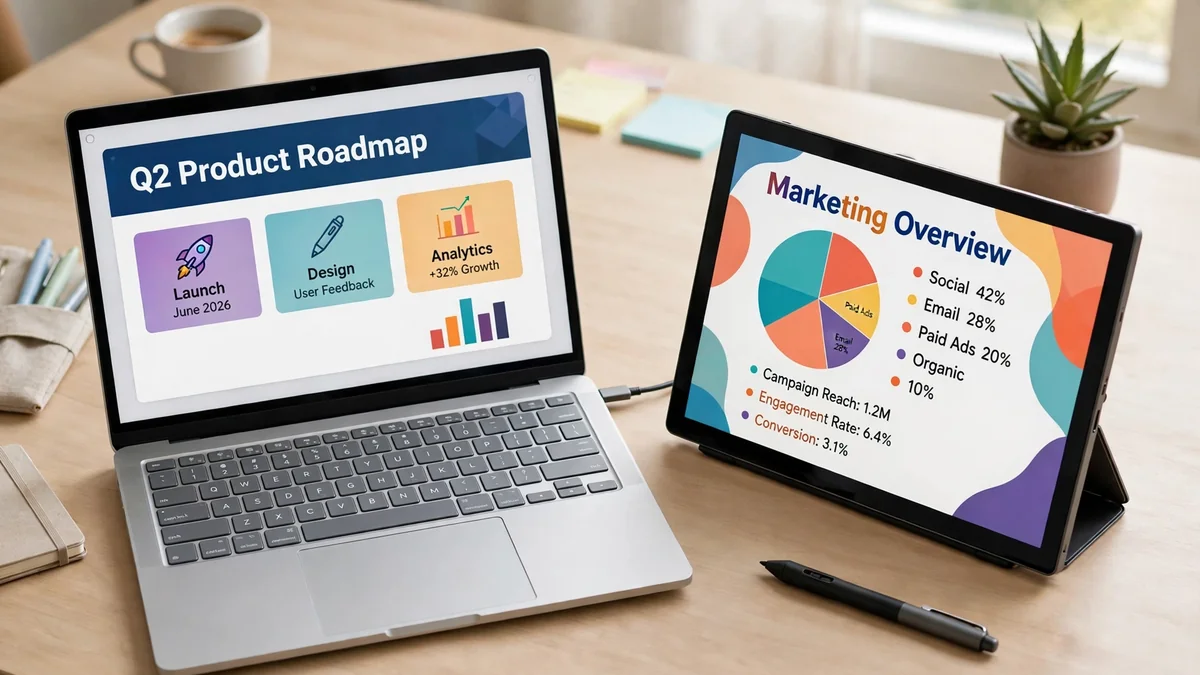
A touchscreen portable monitor lets you tap, scroll, and draw on a second screen instead of reaching for the mouse. The best touchscreen portable monitors for 2027 combine a responsive touch panel with a slim, light body and a single-cable USB-C connection, so you can carry a second display in your laptop bag and set it up in seconds. For presentations, sketching, and annotating documents, direct touch is faster and more natural than a trackpad.
What matters most is touch quality. A good touchscreen responds accurately to a finger or stylus, ignores accidental palm touches, and stays bright and sharp. The panel should be at least 1080p, reach 300 nits or more, and connect to your laptop with one USB-C cable. A solid stand matters too, since you will be pressing on the screen all day.
We compared the leading touchscreen portable monitors on touch accuracy, panel quality, brightness, stylus support, weight, and value. The shortlist below covers premium 4K touch models, reliable office picks, and budget touchscreens that still work well. Prices are approximate starting prices, so check current pricing before you buy.
Key takeaways
- Espresso Displays 15 Pro is the best overall touchscreen portable monitor, with a bright 4K touch panel and a premium build.
- Desklab 4K Touchscreen is the best 4K touch option for creative work, with stylus support.
- ASUS ZenScreen MB16AMT is the best touchscreen portable monitor with a built-in battery.
- Look for ten-point touch, at least 300 nits of brightness, and palm rejection for stylus use.
- Avoid cheap touchscreens with laggy touch response and dim panels, even at low prices.
At a glance: the shortlist
| Product | Best for | Starting price | Standout limit |
|---|---|---|---|
| Espresso Displays 15 Pro | Overall quality | From around $699 | Premium price |
| Desklab 4K Touchscreen | 4K creative work | From around $499 | Heavier than rivals |
| ASUS ZenScreen MB16AMT | Built-in battery | From around $299 | 1080p only |
| ViewSonic TD1655 | Office work | From around $249 | Average brightness |
| UPERFECT 15.6-inch Touch | Value | From around $179 | Basic stylus support |
| AOC 16T2 | Budget touch | From around $199 | Heavier than rivals |
| Lenovo ThinkVision M14t | Stylus work | From around $299 | Smaller 14-inch screen |
Espresso Displays 15 Pro — Best overall
The Espresso Displays 15 Pro is the most polished touchscreen portable monitor you can buy. Its 15.6-inch 4K touchscreen runs at 3840 x 2160, covers a wide colour gamut, and stays readable in bright rooms. Touch is fast and accurate, and the slim aluminium body feels premium. The magnetic stand holds the screen steady at several angles, even when you tap and swipe firmly.

Setup is a single USB-C cable for video, touch, and power on most modern laptops. If you want the best touchscreen portable monitor and are willing to pay for it, this is the one to buy, and it pairs well with the picks in our guide to the best monitors for work.
Pros: Excellent 4K touchscreen, bright and colour-accurate, premium build, great stand. Cons: Expensive, touch support varies by operating system.
Desklab 4K Touchscreen — Best for 4K creative work
The Desklab 4K Touchscreen is built for people who draw, sketch, and annotate. Its 15.6-inch 4K panel supports ten-point touch and works with a stylus on compatible systems, so you can sketch directly on the screen and mark up documents during a call.
The monitor is slightly heavier than the slimmest rivals, but it compensates with a sturdy kickstand and a solid aluminium frame. Palm rejection works well for comfortable writing, and the screen stays accurate near the edges. Battery life on the laptop takes a hit when driving a 4K touch panel, so keep a charger handy.
Pros: Responsive 4K touchscreen, stylus support, bright panel, sturdy build. Cons: Heavier than rivals, higher power draw, premium price.
ASUS ZenScreen MB16AMT — Best with built-in battery
The ASUS ZenScreen MB16AMT is the only touchscreen portable monitor here with a built-in battery, and that changes how you use it. The battery powers the monitor for a few hours, so it does not drain your laptop, and you can use it with a phone without a power outlet nearby. The 15.6-inch 1080p touchscreen is bright and responsive, with ten-point touch.
ASUS includes a smart cover that doubles as a stand, and the monitor supports portrait and landscape orientation. It connects over USB-C or micro HDMI, and the built-in speakers are better than average. If you present in meeting rooms or work away from power outlets, the battery makes this the most practical touchscreen portable monitor here.
Pros: Built-in battery, responsive touch, good speakers, versatile stand. Cons: 1080p only, heavier than battery-free rivals.
ViewSonic TD1655 — Best for office work
The ViewSonic TD1655 is a practical touchscreen portable monitor for office work. Its 15.6-inch 1080p IPS touchscreen has an anti-glare coating that reduces reflections under office lighting, and touch is accurate for tapping through slides, signing documents, and scrolling through spreadsheets.
The included cover is sturdy and doubles as a stand, and the monitor is light enough to carry daily. If your second screen will mostly show email, documents, and presentations, the TD1655 is a sensible, reliable choice.
Pros: Anti-glare touchscreen, good for office lighting, reliable brand, versatile ports. Cons: Average brightness, no stylus included.
UPERFECT 15.6-inch Touch — Best value
UPERFECT makes some of the best-value touchscreen portable monitors around, and its 15.6-inch touch model is a strong all-rounder. The 1080p IPS touchscreen is sharp and responsive, and the monitor includes two USB-C ports, a mini HDMI port, and a headphone jack. That flexibility matters if you switch between a laptop, a phone, and a small desktop computer.
The build feels sturdier than the price suggests, with a slim frame and a foldable cover that protects the screen in transit. It draws power over USB-C from the laptop, so a single cable is usually enough. Stylus support is basic rather than pressure-sensitive, so this is a better pick for tapping and scrolling than for serious drawing.
Pros: Low price, responsive touch, versatile ports, solid build. Cons: Basic stylus support, average colour accuracy.
AOC 16T2 — Best budget touch
The AOC 16T2 adds a touchscreen to a budget portable monitor, which is rare at this price. Its 15.6-inch 1080p IPS panel supports ten-point touch, so you can tap, scroll, and pinch to zoom directly on the second screen. That is useful for presentations, browsing, and working with apps designed for touch, and it connects over USB-C or HDMI.
The monitor is a little heavier than non-touch rivals, but the touch layer does not hurt image quality. The included cover works as a stand, and the screen is bright enough for indoor use. If you want touch without paying premium prices, the 16T2 is the best-value way to get it.
Pros: Touchscreen at a budget price, good 1080p panel, versatile inputs, solid stand. Cons: Heavier than rivals, slightly higher power use.
Lenovo ThinkVision M14t — Best for stylus work
The Lenovo ThinkVision M14t is the most refined touchscreen portable monitor for stylus work in this roundup. Its 14-inch 1080p IPS touchscreen supports an active stylus with pressure sensitivity, so you can sketch and write naturally, and the slim metal body weighs under 700 grams. The adjustable foot tilts the screen to a comfortable writing angle.
The smaller screen is the trade-off: 14 inches gives you less room than a 15.6-inch panel, but it fits in smaller bags and pairs neatly with a 13-inch or 14-inch laptop. It connects over USB-C and draws power from the laptop. If you take handwritten notes or sketch on the go, this is the best touchscreen portable monitor for the job.
Pros: Pressure-sensitive stylus support, very light metal body, bright panel, adjustable tilt foot. Cons: Smaller 14-inch screen, stylus sold separately.
How to choose
Start with touch quality. Look for ten-point touch, which tracks multiple fingers at once, and test palm rejection if you plan to write with a stylus. A good touchscreen should respond instantly, without lag or missed taps, and stay accurate near the edges of the screen. If you mainly tap through slides and scroll documents, any accurate touch panel will do, but for drawing you need pressure-sensitive stylus support.
Next, check the panel and connectivity. The screen should reach at least 300 nits so it stays readable in a normal room, and an IPS panel is the safest choice for good viewing angles and natural colours. Most modern laptops can run a portable monitor from a single USB-C cable, but confirm yours supports video over USB-C before you buy. A sturdy stand matters even more with a touchscreen, since you will be pressing on the screen all day. Compare laptops too, in our guide to the best laptops for business, if you are upgrading your whole setup.
Finally, weigh size and weight against your bag. A 15.6-inch monitor is the sweet spot for most people, while a 14-inch model is easier to carry and better for stylus work on the go. A built-in battery is worth paying for if you present away from power outlets, while a 4K touch panel is worth it for creative work. Buy the most responsive, brightest panel your budget allows.
Checklist: before you pay
- Confirm your laptop outputs video and touch over USB-C or has an HDMI port.
- Check the panel supports ten-point touch with accurate edge response.
- Test palm rejection if you plan to write or draw with a stylus.
- Look for at least 300 nits of brightness for use in normal rooms.
- Make sure the stand holds the screen steady while you tap and swipe.
- Check the return policy, since touch quality varies between units.
Frequently asked questions
Do touchscreen portable monitors work with any laptop?
Most work with Windows laptops over USB-C, where touch is supported natively. On macOS, touch input is usually limited or unsupported, so the monitor works as a regular display but touch may not function.
Can I use a stylus with a touchscreen portable monitor?
Yes, on models that support active stylus input, such as the Desklab 4K and the Lenovo ThinkVision M14t. Basic touch models work with a capacitive stylus, but they lack pressure sensitivity.
Does touch use more battery?
Yes, a little. The touch layer uses more power than a non-touch panel, and a 4K touch panel uses more still. Expect your laptop battery to drain faster, and keep a charger handy or choose a model with a built-in battery.
Is a 4K touchscreen worth it over 1080p?
Yes, if you draw, edit photos, or read fine text. The extra pixels make lines sharper and images more detailed. For presentations and office work, a 1080p touchscreen is fine, cheaper, and uses less battery.
How much should a good touchscreen portable monitor cost?
Budget touchscreen portable monitors start from around $179, mid-range models cost roughly $249 to $499, and premium 4K touch models run from $499 to $699 or more. Prices change often, so check current pricing before buying.
What size touchscreen portable monitor should I buy?
A 15.6-inch screen is the best balance of portability and usable space for most people. Choose a 14-inch model if you want a lighter screen for stylus work on the go, and a 16-inch model only if you need more room. For colour-critical creative work, also read our guide to the best monitors for photo editing to compare larger desktop options.
The bottom line
For most buyers, the Espresso Displays 15 Pro is the best touchscreen portable monitor: it combines a sharp, bright 4K touch panel with the best build and stand in this category. If you present away from power outlets, the ASUS ZenScreen MB16AMT and its built-in battery are the practical pick, and the UPERFECT 15.6-inch Touch is the best value.
Whatever you choose, prioritise touch accuracy, a bright panel, and a stand that stays steady while you tap and swipe. A touchscreen portable monitor should make your laptop faster to use every day, so buy the most responsive panel you can afford and check current pricing before you order.



