
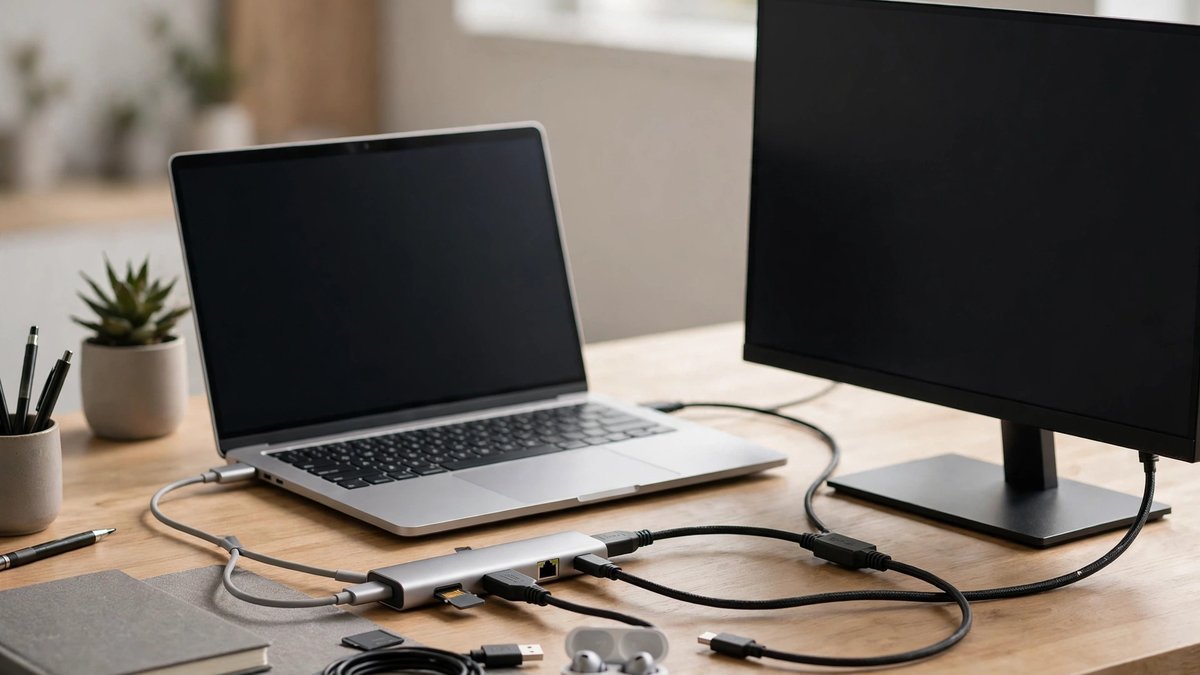
A USB-C hub is the cheapest way to fix a modern laptop. Most laptops now ship with two or three USB-C ports and nothing else, which means no way to plug in a monitor, a USB stick, an SD card and a charger at the same time. A good hub adds all of those ports back, and it does it for less than the cost of a single dongle did a few years ago.
This guide compares the USB-C hubs worth buying in 2027 on the same things: the ports you actually get, charging power, display support, build quality and price. The most important number is the power delivery wattage. A hub that passes through only 60W will charge a 13-inch laptop fine but will slowly drain a 16-inch laptop under load. Prices change, so treat the prices here as approximate starting prices and check the current price before buying. No hub in this list is linked to its own website. All links in this article go to other occcy.com guides.
The short answer is simple. For most people, the Anker 555 USB-C Hub is the best place to start. For travel, the Satechi Multi-Port Adapter V3 is hard to beat. For a desk setup with two monitors, the UGREEN Revodok Pro 109 is the pick. The rest of this guide explains why, and when to choose something else.
Key takeaways
- Best overall USB-C hub: Anker 555, from about $70, with 8 ports including HDMI, USB-A and an SD card reader.
- Best for travel: Satechi Multi-Port Adapter V3, from about $80, slim, light and built to live in a bag.
- Best for dual monitors: UGREEN Revodok Pro 109, from about $100, with two HDMI ports and 100W charging.
- Check power delivery wattage first. A hub needs to pass through at least 85W to charge a large laptop properly.
- Most USB-C hubs support only one external 4K monitor at 60Hz — dual-monitor hubs need DisplayLink or a Thunderbolt port.
At a glance: the shortlist
| Hub | Best for | Starting price | Standout limit |
|---|---|---|---|
| Anker 555 USB-C Hub | Most people | From about $70 | Single 4K monitor only |
| Satechi Multi-Port Adapter V3 | Travel | From about $80 | No Ethernet port |
| UGREEN Revodok Pro 109 | Dual monitors | From about $100 | Needs DisplayLink driver on some systems |
| Belkin Connect 11-in-1 | Desk setups | From about $120 | Larger and heavier than rivals |
| CalDigit SOHO Dock | Build quality | From about $130 | Fewer USB-A ports than rivals |
| HyperDrive Dual 4K HDMI | MacBook users | From about $90 | Designed for MacBook, less ideal on Windows |
| OWC USB-C Travel Dock | Compact travel | From about $60 | 60W charging only |
Anker 555 USB-C Hub — Best overall
The Anker 555 is the best USB-C hub for most people because it covers the ports everyone actually uses, and it does it well. You get one HDMI port for a 4K monitor at 60Hz, two USB-A ports, one USB-C data port, an SD and microSD card reader, and a USB-C power delivery port that passes through up to 85W of charging. That is enough for a 14-inch laptop and most 15-inch models.

The build is solid aluminium, it is small enough to carry every day, and it runs cool under normal use. Anker’s warranty and support are reliable, which matters for a device you will plug in and out every day. If you need to run two external monitors, look at the UGREEN below instead — the Anker 555 supports only one. For a full dual-monitor desk setup, our guide to the best USB-C docking stations for dual monitors covers the bigger docks that handle two screens properly.
Pros: Right mix of ports, 85W charging, solid aluminium build, good value.
Cons: Single 4K monitor only, no Ethernet port.
Satechi Multi-Port Adapter V3 — Best for travel
The Satechi Multi-Port Adapter V3 is the hub to throw in a bag. It is slim, light and well made, with a braided cable that survives being coiled and uncoiled every day. You get HDMI for a 4K monitor, two USB-A ports, a USB-C data port, SD and microSD readers, and 100W power delivery passthrough — more charging power than the Anker, in a smaller package.
It has no Ethernet port, which is the one omission that matters in hotels and offices with wired internet, but for most travellers that is not a problem. The V3 also runs cooler than the older V2, which used to get warm during long video calls. At around $80 it is slightly more expensive than the Anker, but the size and the 100W charging justify it if you travel.
Pros: Slim and light, 100W charging, braided cable, runs cool.
Cons: No Ethernet port, slightly more expensive than the Anker.
UGREEN Revodok Pro 109 — Best for dual monitors
The UGREEN Revodok Pro 109 is the hub to buy if you need two external monitors. It has two HDMI ports, both supporting 4K at 60Hz, plus three USB-A ports, a USB-C data port, an SD card reader, a Gigabit Ethernet port and 100W power delivery. That is the most complete port selection in this list, and it costs around $100.
There is one catch. Dual monitors over a single USB-C port usually need DisplayLink, a driver that compresses the video signal. It works well on Windows and macOS, but you need to install the driver, and it can be a problem on locked-down work laptops where you cannot install software. Check your laptop’s compatibility before buying. If you are setting up a two-monitor workspace, our guide on how to set up dual monitors with a laptop walks through the whole setup, including which cables to use.
Pros: Two 4K HDMI ports, 100W charging, Ethernet, most complete port selection here.
Cons: Needs a DisplayLink driver on some systems, larger than travel hubs.
Belkin Connect 11-in-1 — Best for desk setups
The Belkin Connect 11-in-1 is a desk hub, not a travel hub. It is larger and heavier than the others here, but it has eleven ports: two HDMI, three USB-A, two USB-C, an SD reader, an Ethernet port and a 3.5mm audio jack, with 100W power delivery. If your hub lives on a desk and never moves, the extra size does not matter, and the extra ports mean you never need a second dongle.
Belkin’s build quality is excellent, and the hub is designed to stay cool during long use. The price, around $120, is fair for eleven ports. The only real downside is the size — at nearly twice the weight of the Satechi, it is not something you will want to carry every day.
Pros: Eleven ports, 100W charging, excellent build quality, stays cool.
Cons: Larger and heavier than rivals, not ideal for travel.
CalDigit SOHO Dock — Best build quality
The CalDigit SOHO Dock is the best-made hub in this list. It is a small, dense aluminium block with a reassuring weight, and every port feels solid. You get HDMI for 4K60, two USB-A ports, one USB-C port, an SD reader and 100W power delivery, plus a USB-C data port that runs at 10Gbps — twice as fast as most hubs here, which matters if you copy large files to an external SSD.
It has fewer USB-A ports than the Belkin or the UGREEN, so it is not the pick if you need to plug in four USB devices at once. But if you value build quality and fast data transfer, and you are willing to pay around $130, the SOHO Dock is the most reliable hub you can buy.
Pros: Excellent build quality, 10Gbps USB-C data port, 100W charging, compact and solid.
Cons: Fewer USB-A ports than rivals, premium price.
HyperDrive Dual 4K HDMI — Best for MacBook users
The HyperDrive Dual 4K HDMI hub is designed for MacBooks, and it shows. It clips directly onto the side of a MacBook Pro or Air, using both USB-C ports, which gives it the bandwidth for two 4K monitors at 60Hz without a DisplayLink driver on most models. It also adds USB-A ports, an SD reader and a USB-C charging port that passes through up to 100W.
Because it attaches directly to the laptop, there is no cable to lose and no hub sliding around on the desk. The downside is that it is built for MacBooks — it works on Windows laptops, but the clip-on design fits MacBook port spacing best. At around $90 it is good value for MacBook owners who want dual monitors without a dock.
Pros: Dual 4K without DisplayLink on Mac, clips directly to the laptop, 100W charging, good value.
Cons: Designed for MacBook port spacing, less ideal on Windows laptops.
OWC USB-C Travel Dock — Best compact travel
The OWC USB-C Travel Dock is the smallest hub in this list, and the cheapest, at around $60. It has HDMI for a 4K monitor, two USB-A ports, an SD reader and a USB-C charging port — the essentials, and nothing else. It is small enough to fit in a jacket pocket, which makes it the best backup hub as well as a good primary travel hub.
The trade-off is charging power: it passes through only 60W, which is enough for a 13-inch laptop but will slowly drain a larger laptop under heavy load. It also has no Ethernet and no USB-C data port. But for a compact, cheap hub that covers the basics, the OWC is hard to beat. Pair it with a good cable from our guide to the best USB-C cables for fast charging, because a bad cable will bottleneck even the best hub.
Pros: Very compact and light, affordable, covers the essential ports.
Cons: 60W charging only, no Ethernet, no USB-C data port.
How to choose
Start by listing the ports you actually use. Most people need one HDMI port, two USB-A ports, an SD card reader and a charging port. If that is you, the Anker 555 is enough and you should not pay for more. If you need two monitors, you need a dual-HDMI hub like the UGREEN or the HyperDrive, and you should check whether your laptop supports dual monitors over one USB-C port.
Then check the charging wattage. Your laptop’s charger tells you what it needs: a 13-inch laptop usually needs 60W, a 14-inch needs 85W, and a 16-inch needs 100W or more. A hub that passes through less power than your laptop needs will still charge it, but slowly, and it may drain under heavy load.
Finally, think about where the hub will live. A travel hub should be small, light and tough, with a cable that survives being coiled daily. A desk hub can be bigger and heavier, with more ports and better cooling.
Checklist: before you pay
- List the ports you actually use and buy a hub that covers them — no more, no less.
- Check the power delivery wattage against your laptop’s charger. 85W is the safe minimum for most laptops.
- Confirm how many external monitors the hub supports, and whether your laptop supports dual monitors over one port.
- Check whether a dual-monitor hub needs a DisplayLink driver, and whether you can install it on your laptop.
- Buy a good USB-C cable. A cheap cable can limit charging speed and display quality.
- Check the return policy, especially for dual-monitor hubs, which are the most likely to have compatibility surprises.
Frequently asked questions
Will a USB-C hub work with my laptop?
Almost certainly, if your laptop has a USB-C port that supports DisplayPort Alt Mode, which nearly all laptops from the last five years do. Check your laptop’s specs for DisplayPort support if you want to connect a monitor through the hub.
Why does my hub only support one monitor?
Most USB-C ports carry only one DisplayPort video signal, so a basic hub can drive only one external monitor. Dual-monitor hubs use DisplayLink compression or a Thunderbolt port to carry a second signal.
What is the difference between a hub and a docking station?
A hub is small, portable and bus-powered, with a handful of ports. A docking station is larger, has its own power supply, and usually supports two or more monitors, more USB ports and faster charging. Hubs are for travel and light use; docks are for a permanent desk setup.
Can a USB-C hub charge my laptop?
Yes, if it supports USB-C Power Delivery passthrough. Plug your laptop charger into the hub’s charging port, and the hub passes the power through to the laptop. Check the wattage: the hub must pass through enough power for your laptop.
Do USB-C hubs slow down my laptop?
No, not in normal use. A hub adds ports but does not use processor power, except for DisplayLink dual-monitor hubs, which use a small amount of CPU to compress video. That is rarely noticeable on a modern laptop.
Is Thunderbolt better than USB-C for a hub?
Thunderbolt hubs are faster and support more monitors, but they cost two to three times as much and only work with Thunderbolt ports. For most people, a good USB-C hub is enough, and the money saved buys a better monitor or a better cable.
The bottom line
For most people, the Anker 555 is the best USB-C hub in 2027. It has the right ports, charges at 85W, is well built and costs around $70. If you travel, the Satechi Multi-Port Adapter V3 is smaller, lighter and charges at 100W. If you need two monitors, the UGREEN Revodok Pro 109 is the most complete option for around $100.
Whatever you buy, check the charging wattage and the monitor support before you pay. A hub that cannot charge your laptop or drive your monitor is not a bargain at any price.
Note: Prices and plans change. Check the product’s current plan details before buying — no link is provided here by design, all links in this article go to other occcy.com guides.



