
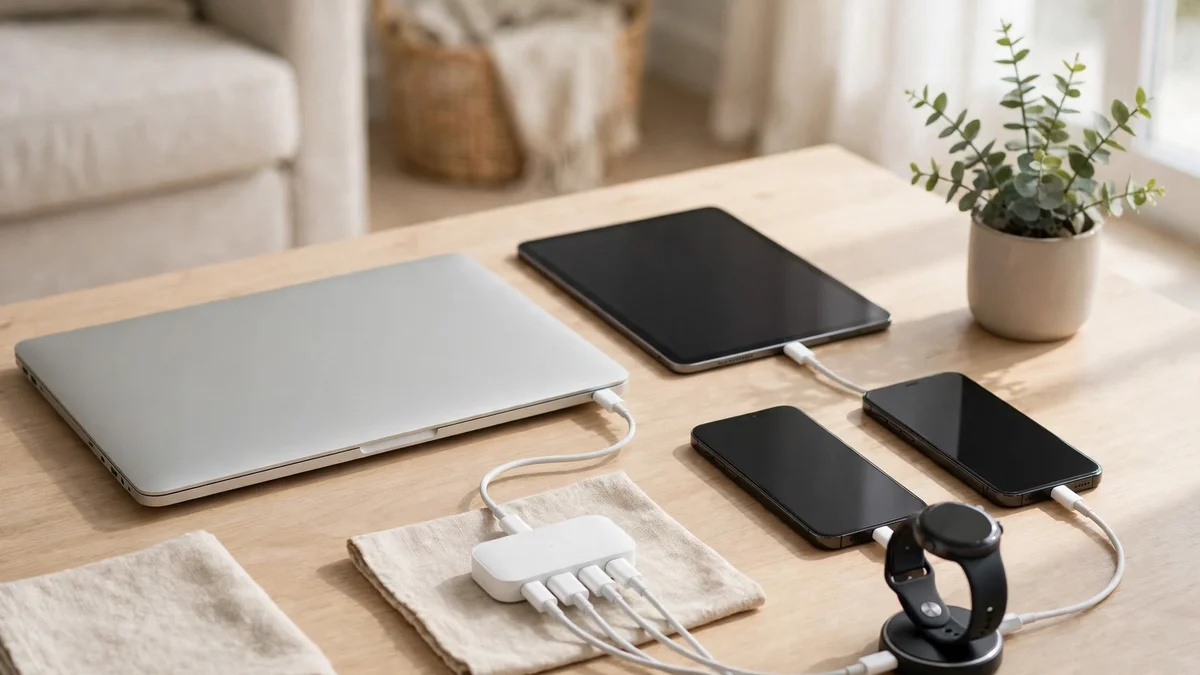
The average household now has more than ten connected devices: phones, tablets, laptops, TVs, game consoles and smart speakers. Most VPN plans cover five to ten devices, which means a family can hit the limit fast, and then someone has to choose which device goes unprotected. The best VPN services for multiple devices in 2027 either allow unlimited connections or cover enough devices that a whole household fits on one plan.
We tested the shortlist across phones, tablets, laptops, TVs and a router, checking device limits, how easy it is to add a new device, and whether speeds hold up when several devices are connected at once. The winners let you protect the whole house from a single subscription, with no juggling and no second payment.
Shortlist at a glance: Surfshark is the best value with unlimited devices, Private Internet Access is the cheapest unlimited option, and NordVPN is the best all-rounder. Prices below are approximate starting prices for long-term plans, so check the current price before you buy.
Key takeaways
- Most VPN plans cover 5 to 10 devices, which a family can hit fast.
- Surfshark and Private Internet Access allow unlimited devices on one plan.
- NordVPN covers 10 devices and is the fastest of the high-limit options.
- A VPN on your router protects devices that cannot run a VPN app.
- Count your devices before you buy, including TVs and consoles.
At a glance: the shortlist
| Product | Best for | Starting price | Standout limit |
|---|---|---|---|
| Surfshark | Unlimited devices | From $1.99/mo | Unlimited devices |
| Private Internet Access | Unlimited devices | From $2.03/mo | Unlimited devices |
| NordVPN | 10 devices | From $3.09/mo | 10 devices |
| IPVanish | Unlimited devices | From $2.19/mo | Unlimited devices |
| ExpressVPN | 8 devices | From $4.99/mo | 8 devices |
| CyberGhost | 7 devices | From $2.03/mo | 7 devices |
| Proton VPN | 10 devices | From $4.99/mo | 10 devices |
Surfshark — Best overall
Surfshark is the best VPN for multiple devices because it has no device limit at all. One cheap plan covers every phone, tablet, laptop, TV and console in the house, with no counting and no second subscription. The apps are simple on every platform, speeds are strong for streaming and browsing, and the plan includes a kill switch, split tunnelling and a basic ad blocker.
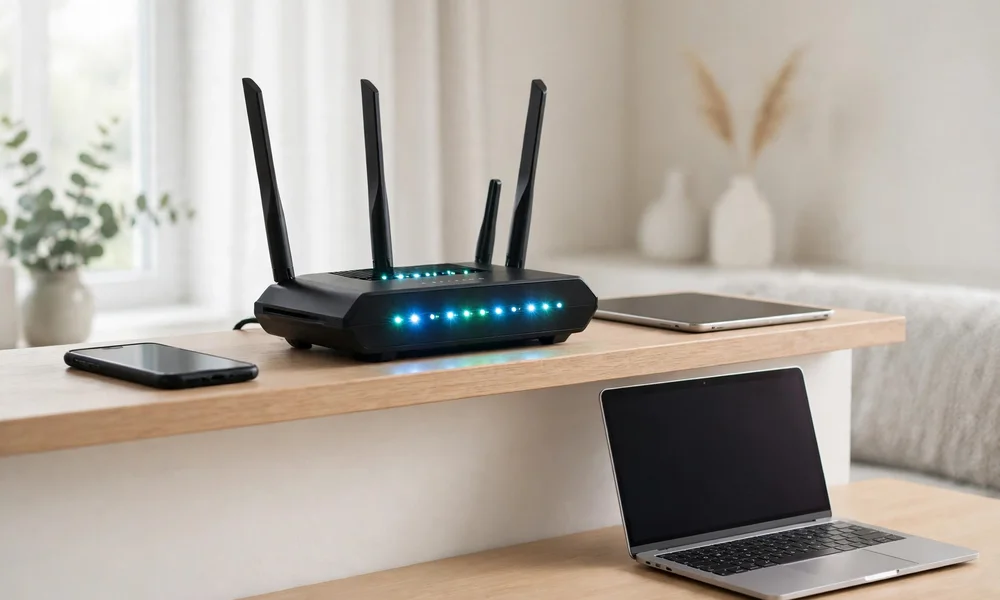
It also works on a router, which protects smart TVs and consoles that cannot run a VPN app. Speeds are good on nearby servers, though distant servers are a step behind NordVPN. If you have a house full of devices, Surfshark is the cheapest and simplest way to protect them all. For router setup, our guide to the best VPN services for routers explains how to cover the whole home at once.
Pros: Unlimited devices, very low price, works on routers.
Cons: Distant-server speeds trail the leaders, no dedicated IP by default.
Private Internet Access — Best for privacy
Private Internet Access also allows unlimited devices, and it has a huge network of more than 35,000 servers. Its apps let you tune encryption and protocol settings per device, which is useful if you want different settings on a laptop and a TV. The no-logs policy is independently audited, which matters when one VPN carries a whole household’s traffic.
The apps are more complex than Surfshark, with more menus to learn, and speeds are less consistent on mobile data. But for the price, it is a powerful unlimited option for households that like control.
Pros: Unlimited devices, huge network, audited privacy.
Cons: Busier apps, speeds less consistent than the leaders.
NordVPN — Best all-rounder
NordVPN covers 10 devices at once, which is enough for most households, and it is the fastest VPN on this list. Its NordLynx protocol keeps speeds high even when several devices are streaming at once, and its 7,400-plus servers mean you can always find a fast location. The apps are clean on every platform, and Threat Protection blocks trackers and ads.
Ten devices covers two phones, two laptops, a tablet and a couple of TVs for most families, and a router install covers the rest. The cheapest price needs a two-year plan. If you want the fastest VPN that still covers a whole household, NordVPN is the best choice.
Pros: Fastest speeds, 10 devices, excellent apps.
Cons: 10-device limit, best price needs a long plan.
IPVanish — Best for simplicity
IPVanish is a straightforward VPN that lets you connect as many devices as you like. It owns its server network, which can mean steadier speeds when several devices are online at once, and its apps are fast to open and connect. Setup takes minutes on phones, tablets, laptops and TVs.
It has fewer servers than the biggest rivals, around 2,400, but that is plenty for a household. The kill switch works on desktop and Android, though the iPhone app is more basic. For a simple, cheap unlimited VPN, IPVanish does the job.
Pros: Unlimited devices, owns its servers, low price.
Cons: Smaller network, iPhone app has fewer features.
ExpressVPN — Best for ease of use
ExpressVPN covers 8 devices at once, which suits smaller households, and it has the best apps on this list. Every app works the same way, with a single connect button and fast reconnection, so adding a new device takes seconds. Speeds are consistently strong, and its Lightway protocol stays connected when networks change.
Eight devices is enough for one or two people with several gadgets each, but a big family may hit the limit. It costs more than the unlimited options, but the app quality and support are the best here. If you have a smaller household and want the simplest experience, ExpressVPN is worth it.
Pros: Best apps, fast reconnection, strong speeds.
Cons: Only 8 devices, pricier than unlimited rivals.
CyberGhost — Best for beginners
CyberGhost covers 7 devices at once, which is enough for a small household, and its apps are the easiest to use on this list. Big buttons, plain-language settings and a one-tap connect make it simple to add a new device. Its 11,500-plus servers in 100 countries make it easy to find a fast location, and the 45-day refund window is generous.
Seven devices covers a couple of phones, a laptop and a TV, but a bigger household will need more. Speeds are solid for streaming and browsing. For a small household that wants a friendly, cheap VPN, CyberGhost is a good choice.
Pros: Very easy apps, huge server network, long refund window.
Cons: Only 7 devices, fewer advanced features.
Proton VPN — Best for trust
Proton VPN covers 10 devices at once, which is enough for most households, and it is the most transparent VPN on this list, with open-source apps and an audited no-logs policy. Paid plans unlock faster speeds and 13,000-plus servers in more than 120 countries, and the free tier is genuinely usable for one device.
It is not the fastest on this list, and it costs more than the budget options, but if you want a VPN you can trust with a whole household’s traffic, Proton VPN is the most open choice. The app is clean on every platform.
Pros: Open-source apps, audited privacy, 10 devices.
Cons: Higher price, not the fastest for streaming.
How to choose
Count your devices first, including the ones you forget: phones, tablets, laptops, TVs, consoles and smart speakers. Then check whether the VPN counts a router as one device, because a router install can cover every device in the house at once, including ones that cannot run a VPN app. If your household has more than ten devices, an unlimited plan is the only sensible choice.
Then check speeds with several devices connected at once, because some VPNs slow down badly under load. Use the refund window to test a busy evening, with streams and calls running together. If you are new to VPNs, our guide to the best VPN services for beginners explains the basics first.
A router VPN deserves a closer look if your household has more devices than any single plan allows. Installing the VPN on your router protects every device on your home network at once, including smart TVs, consoles and smart speakers that cannot run a VPN app, and it counts as a single connection on most plans. The trade-off is that changing servers is slower, because you change it in the router settings rather than in an app, and every device shares the same location. For a busy household, though, it is often the simplest way to cover everything.
Common mistakes to avoid
- Buying a 5-device plan for a 10-device household.
- Forgetting TVs and consoles when you count devices.
- Assuming a router install counts as one device on every VPN.
- Connecting every device to the same far-away server.
- Ignoring the refund window and keeping a VPN that cannot cover your house.
- Paying for two plans when one unlimited plan would do.
Checklist: before you pay
- Count every device, including TVs and consoles.
- Check whether a router install counts as one device.
- Test speeds with several devices connected at once.
- Confirm the kill switch works on your main devices.
- Read the renewal price, not just the first-term price.
- Check the refund window and how to cancel.
Frequently asked questions
How many devices can one VPN cover?
It depends on the plan. Most VPNs cover 5 to 10 devices, while Surfshark, Private Internet Access and IPVanish allow unlimited devices. A router install can cover even more, because it counts as one connection.
Does a VPN slow down when many devices are connected?
A little, if they all stream at once. A fast VPN on good broadband handles several streams fine, but pick a nearby server and avoid connecting every device to a far-away location.
Can I put a VPN on my router?
Yes, if your router supports it and your VPN provides setup files. A router VPN protects every device on your home network, including smart TVs and consoles. Check the router setup guide from your VPN provider for the right firmware and settings.
Do I need a VPN on every device?
Ideally, yes for anything that handles personal data. Phones, tablets and laptops matter most. TVs and consoles matter less, but a router VPN covers them without extra effort.
Can I share one VPN plan with my family?
Yes. Most VPNs allow several devices on one plan, and unlimited plans let the whole family share. Check the terms, because some providers limit sharing to one household.
Is an unlimited-device VPN slower?
Not necessarily. Surfshark and Private Internet Access allow unlimited devices and still offer good speeds. The limit is about licensing, not performance. For raw speed, our guide to the best VPN services for speed ranks the fastest providers.
The bottom line
For most households, Surfshark is the best pick: unlimited devices, a very low price, and apps that work everywhere. If you want the fastest VPN that still covers a whole household, NordVPN covers 10 devices and leads on speed.
Whichever you choose, count your devices before you buy and test a busy evening during the refund window. The right VPN should cover every screen in the house without anyone noticing it is there.



