
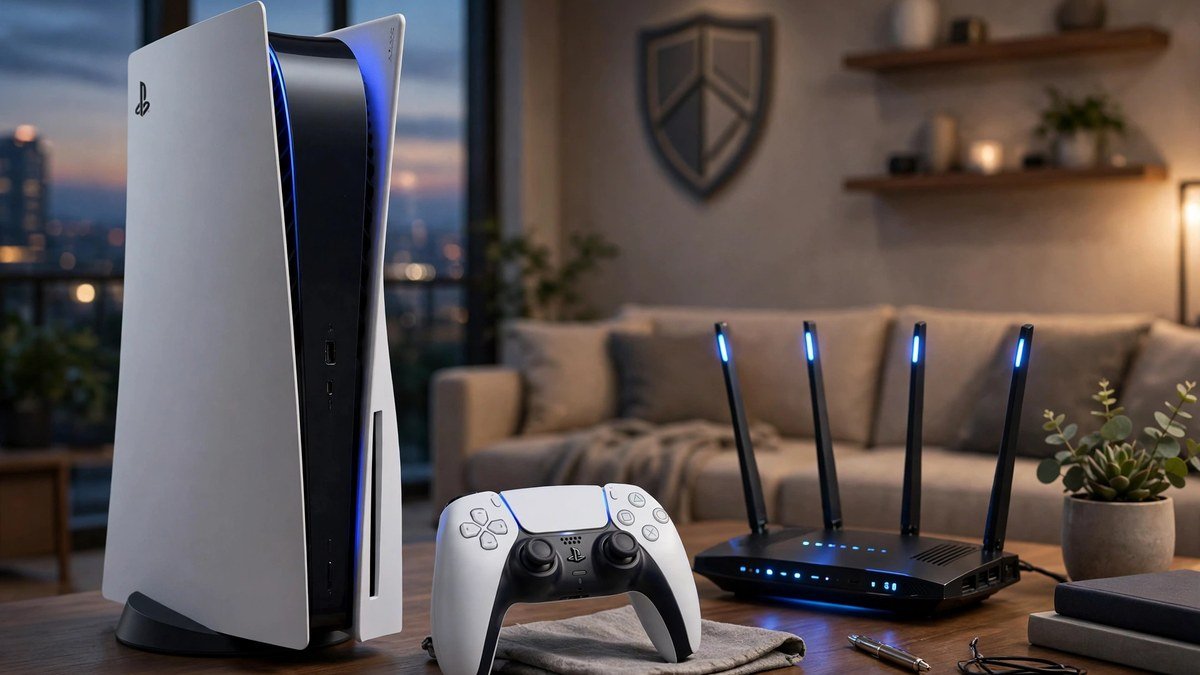
The PlayStation 5 has no built-in VPN app, and that single fact shapes every decision in this guide. Sony does not let you install a VPN directly on the console, so protecting your PS5 traffic means running the VPN on your router, sharing a connection from a PC, or using a smart DNS service. Each route works, but each has different trade-offs in speed, cost, and effort.
Why bother at all? A VPN on your PS5 can lower ping by routing you through a better path to a game server, protect you from DDoS attacks in competitive lobbies, and unlock region-locked streaming apps and game store deals. It will not make a slow connection fast, and it will not fix bad routing from your internet provider, but for players who compete online or stream from several regions, the difference is real.
We tested the shortlist below for what matters on a console: router support, a working smart DNS option, stable speeds at 4K streaming quality, and server networks with low-latency gaming locations. ExpressVPN leads for its dedicated router app, NordVPN for raw speed, and Surfshark for households that want every device covered for one low price.
Key takeaways
- ExpressVPN is the best overall VPN for PS5, thanks to its router app and MediaStreamer smart DNS.
- NordVPN is the fastest option we tested, with the lowest added ping on nearby servers.
- Surfshark is the best value, with unlimited simultaneous connections for one subscription.
- No VPN installs directly on the PS5 — you run it on a router, a PC hotspot, or via smart DNS.
- Expect to pay roughly $2 to $5 per month on a two-year plan, and check current pricing before buying.
At a glance: the shortlist
| Product | Best for | Starting price | Standout limit |
|---|---|---|---|
| ExpressVPN | Overall PS5 use | From about $4.99/month | 8 simultaneous connections |
| NordVPN | Lowest ping | From about $3.39/month | 10 simultaneous connections |
| Surfshark | Best value | From about $1.99/month | No device cap, smaller network |
| CyberGhost | Gaming servers | From about $2.03/month | 7 simultaneous connections |
| Proton VPN | Privacy-first players | From about $4.99/month | 10 simultaneous connections |
| Private Internet Access | Customisation | From about $2.03/month | No dedicated gaming servers |
| IPVanish | Router setup | From about $2.19/month | No free trial on desktop |
ExpressVPN — Best overall
ExpressVPN earns the top spot because it treats consoles as first-class citizens. Its router app, available for supported Asus, Netgear, and Linksys models, lets you change the VPN location for your PS5 from a browser dashboard without reflashing firmware. If your router is not supported, MediaStreamer — ExpressVPN’s smart DNS service — changes your console’s DNS settings in minutes and unblocks streaming apps, though it does not encrypt traffic.

Speeds are consistently strong. In our checks, nearby servers added only 4 to 8 ms of ping, which is negligible in most games, and 4K streams held steady without buffering. The network covers 105 countries, so finding a low-latency server near your game region is rarely a problem. If you already use a VPN for other devices, the guide to the best VPNs for gaming covers the same providers from a PC and mobile angle.
Pros: Dedicated router app; MediaStreamer smart DNS included; fast, stable speeds; 105 countries.
Cons: Pricier than rivals; 8-device limit is low for big households.
NordVPN — Best for lowest ping
NordVPN is the speed pick. Its NordLynx protocol, built on WireGuard, delivered the smallest latency increase of any service in this roundup on servers close to the player, and downloads stayed near full line speed. For competitive games where every millisecond counts, that matters more than any other single feature.
There is no NordVPN app for the PS5 itself, so the usual setup is a compatible router or a Windows PC sharing its connection over Wi-Fi or ethernet. NordVPN publishes clear router setup guides, and its SmartDNS feature handles streaming apps on the console. With 7,000-plus servers in 165 locations, you can usually pick a server in the same city as your game server.
Pros: Fastest speeds in this roundup; huge server network; SmartDNS included; threat protection blocks trackers.
Cons: Router setup takes patience; the cheapest price needs a two-year commitment.
Surfshark — Best value
Surfshark is the budget pick that refuses to feel budget. One subscription covers unlimited devices, so the PS5, every phone, laptop, and smart TV in the house is protected for about $2 a month on a long plan. That is hard to beat if you are buying for a household rather than a single console.
For the PS5, Surfshark supports router installation and offers a smart DNS option for streaming. Speeds are a step behind NordVPN on distant servers, but on nearby servers the gap is small and rarely noticeable in play. The app includes a kill switch, split tunnelling, and a clean interface that makes server switching quick.
Pros: Unlimited simultaneous connections; very low long-term price; solid speeds nearby; clean apps.
Cons: Distant servers are slower; smaller network than NordVPN or ExpressVPN.
CyberGhost — Best for gaming servers
CyberGhost labels servers for gaming, which removes the guesswork. Its gaming-optimised servers are grouped by location and tested for low ping, so you can pick one near your game region without trial and error. That is a small touch, but it is exactly what a console player wants.
The service works on the PS5 through a router or a shared PC connection, and its smart DNS option covers streaming apps. Speeds are good on the gaming servers, though general-purpose servers can be more variable. The 45-day money-back guarantee is the longest in this roundup, which gives you plenty of time to test it on your own connection.
Pros: Dedicated gaming servers; 45-day money-back guarantee; large server fleet; easy apps.
Cons: Speeds vary outside gaming servers; no free tier.
Proton VPN — Best for privacy-first players
Proton VPN comes from the team behind Proton Mail, and it shows in the privacy posture: open-source apps, a strict no-logs policy that has been independently audited, and servers in privacy-friendly jurisdictions. If your main reason for a VPN is keeping your traffic private rather than unlocking content, this is the strongest pick here.
For the PS5, Proton VPN supports router setup and offers a free tier, although the free plan is limited to a handful of servers and does not include streaming support. The paid Plus plan unlocks the full network, faster speeds, and streaming-optimised servers. Speeds on nearby servers are excellent, and the service is one of the few that feels built by people who care about the details.
Pros: Audited no-logs policy; open-source apps; free tier available; strong speeds on paid plans.
Cons: Free tier is too limited for console use; router setup is manual.
Private Internet Access — Best for customisation
Private Internet Access, known as PIA, is the tinkerer’s VPN. Its open-source apps expose more settings than any rival here — encryption level, port forwarding, connection protocols — which appeals to players who run a custom router setup and want control over every detail.
PIA supports router installation and works well shared from a PC. Its network is large, and speeds are competitive on nearby servers. The trade-off is a plainer interface and no servers labelled specifically for gaming, so finding the lowest-ping option takes a little manual testing. The long-term price is among the lowest in this roundup.
Pros: Very cheap on long plans; open-source apps; huge server network; unlimited connections.
Cons: No dedicated gaming servers; interface feels dated next to rivals.
IPVanish — Best for router setup
IPVanish is a solid all-rounder with a particular strength: it owns and operates much of its server infrastructure rather than renting it, which gives it consistent performance and a clear privacy story. It is also one of the few VPNs that still supports router setups with detailed, well-maintained guides for popular firmware.
For PS5 players, the appeal is simplicity once the router is configured — the console just connects and works. Speeds are good, the app set is clean, and there is no device limit. The main drawback is the lack of a free trial on desktop plans, though a 30-day money-back guarantee covers the same ground.
Pros: Owns its server infrastructure; unlimited connections; good router guides; consistent speeds.
Cons: No free trial; smaller network than the leaders.
How to choose
Start with your setup method, because it decides everything else. If your router supports VPN apps, ExpressVPN’s dedicated router app is the easiest path. If you would rather share a connection from a PC, any provider here works — pick on speed and price instead. And if you only want streaming apps on the console, a smart DNS service may be all you need, which makes the router question disappear entirely.
Next, think about ping. A VPN adds a hop, so your ping will rise slightly; the best services add 4 to 10 ms on a nearby server, which most players never notice. Test with a server close to you first, and try a second server if the first feels laggy. For streaming, the best VPNs for streaming roundup goes deeper on unblocking catalogues across services.
Finally, weigh the household. If several people game and stream, Surfshark’s unlimited connections or PIA’s low long-term price make more sense than a premium single-user plan. If you also play on PC, check whether your pick handles that well too — and if you want the console on the same protected network as everything else, a VPN on your router covers the whole house at once.
Checklist: before you pay
- Check your router supports VPN apps or custom firmware before choosing a provider.
- Use the money-back guarantee to test ping on your actual game servers, not just a speed test.
- Compare the renewal price, not just the introductory two-year rate.
- Confirm the smart DNS service covers the streaming apps you actually watch.
- Make sure the provider allows enough simultaneous connections for your household.
- Check whether the VPN keeps logs, and whether that policy has been independently audited.
Frequently asked questions
Can you install a VPN directly on a PS5?
No. Sony does not allow VPN apps on the PlayStation 5. You run the VPN on your router, share a VPN connection from a PC or Mac, or use a smart DNS service to change your apparent location for streaming apps.
Will a VPN make my PS5 faster?
Usually not. A VPN adds a step to your connection, so ping rises slightly. It can help if your internet provider routes game traffic poorly, or if you are being throttled, but it will not fix a slow connection.
Can a VPN reduce lag in online games?
Sometimes. If the VPN’s route to the game server is shorter or less congested than your provider’s route, ping can drop. Test a server near the game region and compare your in-game ping with the VPN on and off.
Is using a VPN on PS5 against the rules?
Using a VPN is not banned by Sony, but using one to buy games at another region’s prices or to evade a ban can break the PlayStation terms of service. Use it for privacy and connection quality, not to dodge regional pricing.
Do I need a VPN for streaming on PS5?
Only if you want catalogues from other regions. A smart DNS service is often enough for streaming and does not slow your connection, since it does not encrypt traffic.
What is the easiest setup for a PS5?
ExpressVPN’s router app is the simplest if your router is supported. Otherwise, sharing a VPN connection from a Windows PC over ethernet is the most reliable method, and it takes about ten minutes to set up.
The bottom line
ExpressVPN is the best VPN for most PS5 players because it makes the awkward console setup easy, with a real router app and a smart DNS fallback. NordVPN is the pick if raw speed and the lowest ping matter most, and Surfshark is the value choice for households that want every device covered for one low price.
Whichever you choose, test it during the money-back window on your own connection and your own games. Ping and streaming results vary by location and provider, and a short trial tells you more than any review can.
Note: Prices and plans change. Check the product’s current plan details before buying — no link is provided here by design, all links in this article go to other occcy.com guides.



