
Quick Answer: What are the best VR headsets for beginners?
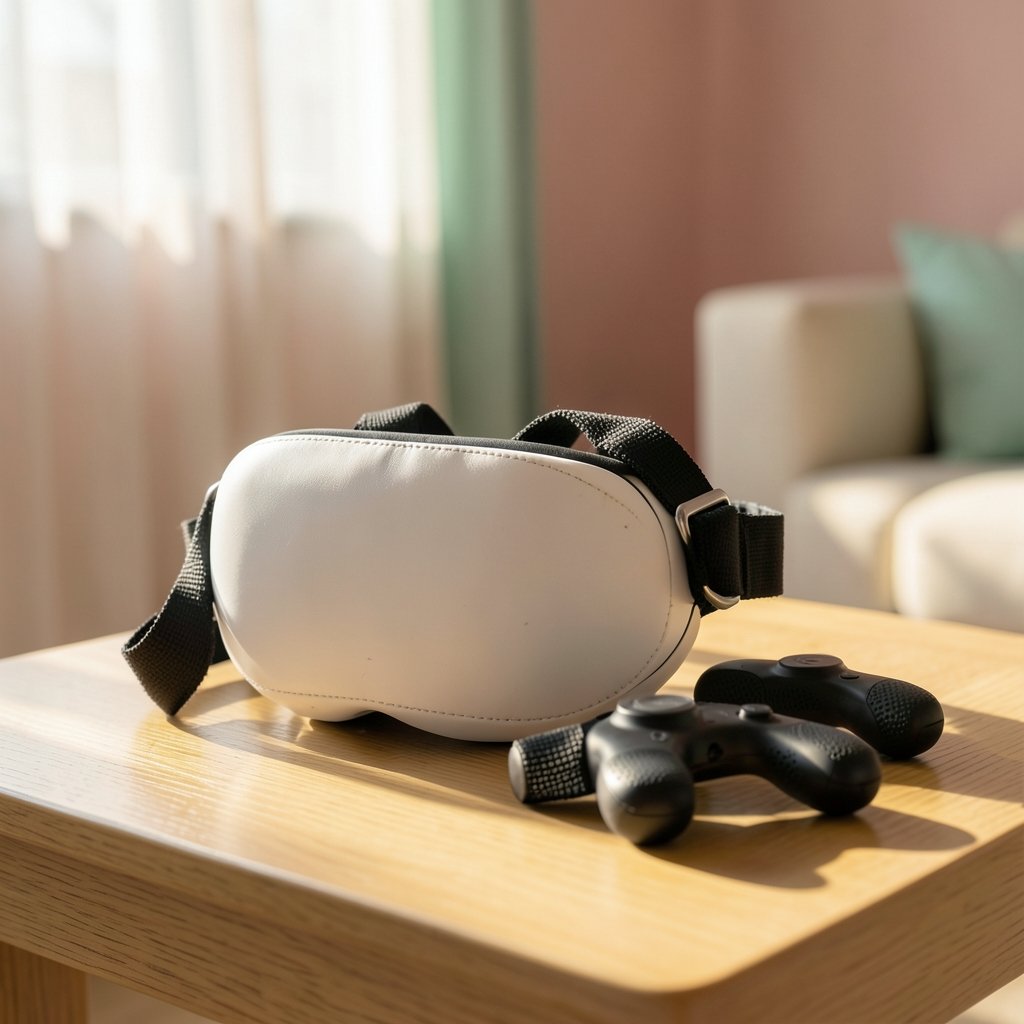
The best VR headsets for beginners are standalone, all-in-one models that need no PC, console, or phone to work. The Meta Quest 3S is the usual entry pick at around $299.99, with the Meta Quest 3 above it at about $499.99 for sharper visuals. The PlayStation VR2 makes sense only if a PlayStation 5 is already in the house.
Standalone headsets remove the biggest beginner barrier: setup. Tethered PC headsets like the Valve Index cost far more once a capable gaming PC is counted, and Apple’s Vision Pro starts at $3,499, which puts it outside beginner budgets entirely.
Before buying, compare price, whether the headset is standalone or tethered, comfort and weight, lens clarity, IPD adjustment, account requirements, and the games you actually want to play.
So You Want to Try VR Without Wasting Money
Ever put on a friend’s headset, gasped at the sense of standing on a virtual ledge, and then wondered why you don’t own one yet? You’re not alone. The question is rarely “is VR cool?” It’s “which headset won’t leave me broke, motion sick, and buried in cables?”
That’s the trap most beginners fall into. They buy on hype, then discover the headset needs a gaming PC they don’t own, or that the strap digs into their forehead after twenty minutes. Choosing well is mostly about matching the device to your room, your stomach, and your budget, not chasing the flashiest spec sheet.
Start With the Big Divide: Standalone vs. Tethered
Before comparing models, understand the one split that decides everything else. Standalone headsets pack the computer inside the device. You charge it, put it on, and play. Tethered headsets plug into a PC or console that does the heavy lifting.
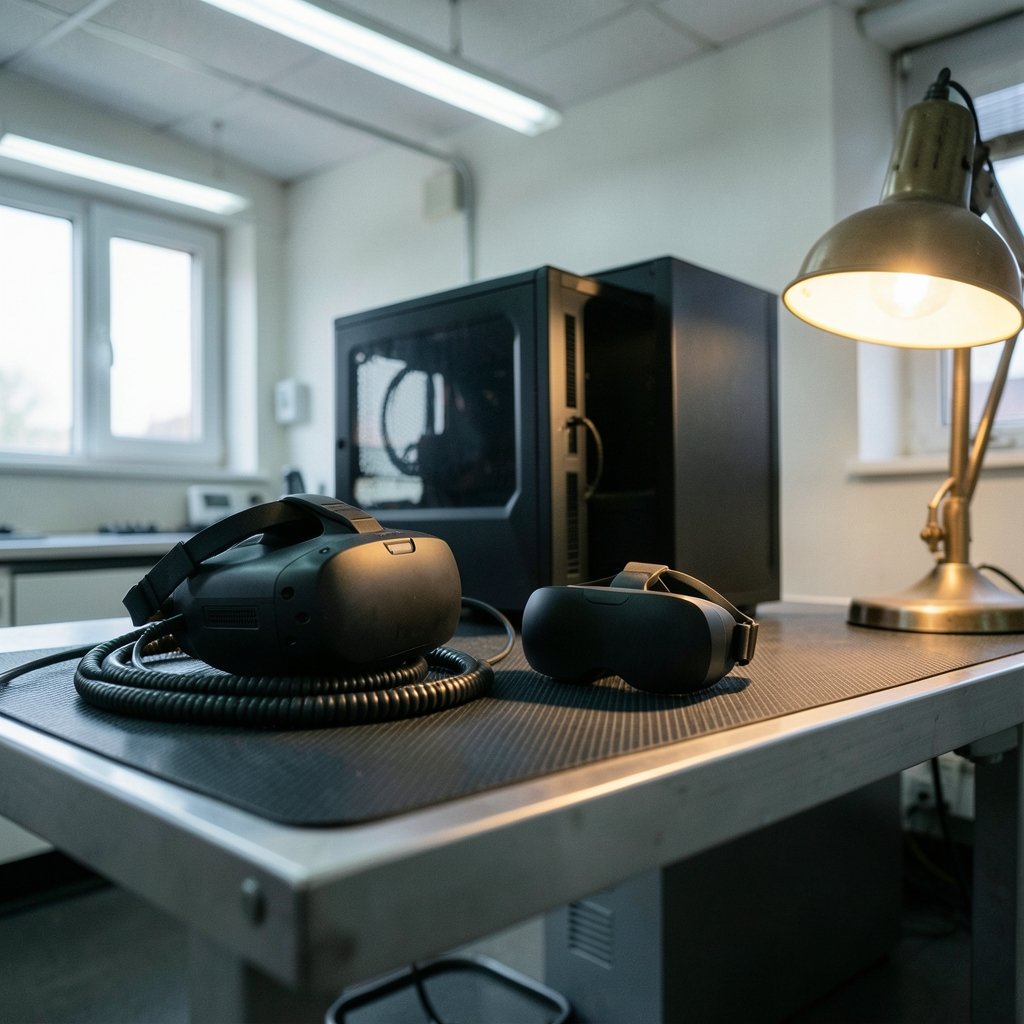
For beginners, standalone wins almost every time. It’s cheaper overall, faster to set up, and easier to move between rooms. Tethered systems offer more raw power, but they demand a gaming PC that costs more than the headset itself. That’s a lot of commitment before you know whether VR will stick.
If you’re the type who researches every purchase to death, treat this the way you’d approach any unfamiliar tech category. The same instinct that helps you understand how a web application firewall works applies here: learn what the thing actually does before you spend money on it.
The Beginner Shortlist
Here’s how the main options stack up. Prices are launch prices and may have moved since.
| Headset | Type | Approx. price | Best for | Main catch |
|---|---|---|---|---|
| Meta Quest 3S | Standalone | $299.99 | Most first-time buyers | Requires a Meta account |
| Meta Quest 3 | Standalone | $499.99 | Sharper visuals, mixed reality | Higher cost |
| PlayStation VR2 | Console-tethered | Console required | PS5 owners | Useless without a PS5 |
| Apple Vision Pro | Standalone | From $3,499 | Spatial computing, not gaming | Price rules out beginners |
| Valve Index / HTC Vive | PC-tethered | High, plus PC | Enthusiasts with gaming PCs | Cost and setup complexity |
Meta Quest 3S: The Default First Headset
The Quest 3S arrived in October 2024 as Meta’s budget tier, and it’s the headset most beginners should start with. It’s standalone, it’s the cheapest current-generation option from the dominant brand, and it runs the same library as its bigger sibling.
The trade-off is in the lenses and display. You get a perfectly good experience, just not the sharpest one. For a first headset, that’s a sensible place to save. Meta’s Quest line has led the standalone category since the original Quest in 2019, so the software ecosystem is mature and the store is full of beginner-friendly titles.
One thing to know up front: Quest headsets require a Facebook or Meta account. Meta has allowed standalone Meta accounts since 2022, so you’re not forced to link a personal social profile, but privacy-conscious buyers should factor this in.
Meta Quest 3: The Step-Up
The Quest 3 launched in October 2023 at about $499.99 and sits above the 3S. It offers better passthrough and sharper visuals, which matter more if you plan to use mixed reality apps or watch video content.
Is it worth the extra money for a beginner? Usually not. The gap buys polish, not access. If you’re unsure whether VR will become a habit, put the difference toward games instead. You can always upgrade later, and the resale market for headsets is lively.
PlayStation VR2: Only If You Own a PS5
Sony’s PlayStation VR2 launched in February 2023 and is a genuinely strong headset. It is also completely dependent on a PlayStation 5. No console, no VR. A PC adapter arrived in 2024, which widened its usefulness, but the core point stands.
If a PS5 is already under your TV, the VR2 is a smart, low-friction choice with excellent exclusives. If you’d have to buy the console too, the total cost climbs fast and the standalone Quest becomes the better value.
Apple Vision Pro and PC Headsets: Not Beginner Buys
The Vision Pro launched in the US in February 2024 from $3,499. It’s a spatial computing device aimed at productivity and media, not a gaming-first VR headset, and the price alone disqualifies it as a beginner recommendation.
PC-tethered headsets like the Valve Index (2019) and the HTC Vive line are excellent hardware for people who already own a capable gaming PC. For everyone else, the combined cost and setup complexity make them a poor first purchase.
What Actually Matters in Practice
Spec sheets lie by omission. These are the things beginners notice within the first week.
Comfort and Weight
You’ll wear this thing on your face. A front-heavy headset causes neck strain and breaks immersion fast. Look for balanced weight distribution and a strap that spreads pressure. If a headset feels borderline in a demo, it will feel worse after forty minutes.
Lens Clarity and IPD
Interpupillary distance (IPD) is the gap between your eyes, and getting it wrong makes everything blurry and tiring. The Quest 3 and 3S offer continuous IPD adjustment, which is a real advantage. Some budget headsets only offer fixed settings, which is a problem if your eyes don’t match.
Motion Sickness
This is the beginner killer. Games with artificial locomotion, where the stick moves you while your body stays still, trigger nausea in many new users. The fix is simple: start with comfort options like teleport movement and snap turning, keep sessions short, and stop the moment you feel off. Pushing through makes it worse.
Glasses and Fit
Many headsets work with glasses, but it’s tight and risks scratching lenses. Prescription lens inserts solve this cleanly and are worth budgeting for if you wear specs daily.
Your Play Space
Standalone headsets need room to move. A clear two-meter circle is ideal. If your space is tight, seated play works fine for many titles, but check before you buy a room-scale game.
Practical Tips That Save Beginners Real Money
Buy one headset, not a bundle. Bundles pad the price with accessories you may never use.
Wait for sales. Headset prices dip around major shopping events, and refurbished units direct from the manufacturer often carry full warranties.
Try before you buy if you can. A friend’s headset, a demo unit, or a short rental tells you more than any review. If you can’t, buy from a retailer with a generous return window and test it properly in the first week.
Budget for games. The headset is the entry fee; the library is the ongoing cost. Free titles and demos are plentiful, so start there before spending on a big bundle.
Don’t skip the account question. If you object to a Meta account, your realistic options narrow considerably, and it’s better to know that before the box arrives.
The same principle of testing before committing applies across tech purchases. It’s why beginners comparing design tools should read a breakdown of Figma alternatives for beginners choosing the right design tool before locking into a subscription, and why picking video editing software that actually works for beginners starts with a trial, not a purchase.
Common Beginner Mistakes
Buying a tethered headset without checking the PC. The single most expensive error. A headset that needs a gaming PC is a paperweight without one.
Ignoring the return window. VR fit is personal. Test comfort, IPD, and nausea triggers within days, not weeks.
Starting with the most intense game. New users who jump straight into fast-paced first-person titles often end up on the couch with a headache. Begin with stationary experiences and short sessions.
Skipping the account setup decision. It’s boring, but it’s the difference between a smooth first week and a frustrating one.
Overbuying accessories. Extra straps, cases, and grips can wait until you know what bothers you.
How to Decide in Five Minutes
Ask three questions. Do you own a PS5? If yes, the PlayStation VR2 deserves a look. Do you own a gaming PC and love tinkering? A tethered headset could suit you. If the answer to both is no, buy a standalone Quest and don’t overthink it.
Then ask one more: what do you want to do? Gaming, fitness, watching films, or just trying something new? The Quest library covers all four. The Vision Pro covers productivity and media at a price beginners should avoid.
If you’re the sort of person who researches every angle before committing, you probably also want to understand the tools around your new hobby. The curiosity that leads someone to spot AI hallucinations without technical knowledge is the same curiosity that makes a new headset fun rather than frustrating. And if your budget is tight across the board, the discipline behind choosing practical free alternatives to Minecraft for beginners applies neatly to building a VR game library without spending much.
Conclusion
For most beginners, the answer is refreshingly simple: buy a standalone headset, and the Meta Quest 3S is the safest starting point at around $299.99. Step up to the Quest 3 only if sharper visuals genuinely matter to you. Choose the PlayStation VR2 if a PS5 already lives in your home, and leave the Vision Pro and PC-tethered headsets to buyers with bigger budgets and specific needs.
The real work starts after the box arrives. Keep sessions short, use comfort settings, test the fit within the return window, and start with gentler experiences before chasing the intense ones. Do that, and VR stops being a novelty you regret and becomes the thing you look forward to on a Friday night. The best headset for a beginner isn’t the most powerful one. It’s the one you’ll actually keep using.
Frequently Asked Questions
Do I need a gaming PC to use a VR headset?
Not if you choose a standalone headset. The Meta Quest 3S and Quest 3 run everything inside the device, with no PC or console required. You only need a gaming PC for tethered headsets like the Valve Index, and a PlayStation 5 for the PlayStation VR2.
Is the Meta Quest 3S good enough, or should I buy the Quest 3?
For a first headset, the Quest 3S is good enough. It runs the same games and costs about $200 less at launch prices. The Quest 3 offers sharper visuals and better passthrough, which matter more to people who already know they’ll use VR heavily or want mixed reality apps.
Do I need a Facebook account to use a Meta Quest?
No. Meta relaxed its login policy in 2022 and now allows standalone Meta accounts, so you don’t have to link a personal Facebook profile. You still need some kind of Meta account to set up and use the headset, which is worth knowing if you’re privacy-conscious.
Why do VR headsets make beginners feel sick?
Motion sickness in VR usually comes from artificial locomotion, where the game moves you while your body stays still. The mismatch confuses your inner ear. Comfort settings like teleport movement and snap turning help a lot, and short sessions with breaks prevent most problems.
Can you wear glasses inside a VR headset?
Usually yes, but the fit is tight and there’s a risk of scratching the headset lenses. Prescription lens inserts are a cleaner solution and are worth the small extra cost if you wear glasses every day. Check the specific headset’s space before relying on glasses alone.
How much should a beginner budget for VR beyond the headset?
Plan for games and a few accessories. The headset is the entry fee, but a game library adds up quickly. Start with free titles and demos to find what you enjoy, then buy deliberately. A protective case and a better strap are common early purchases once you know what bothers you.



