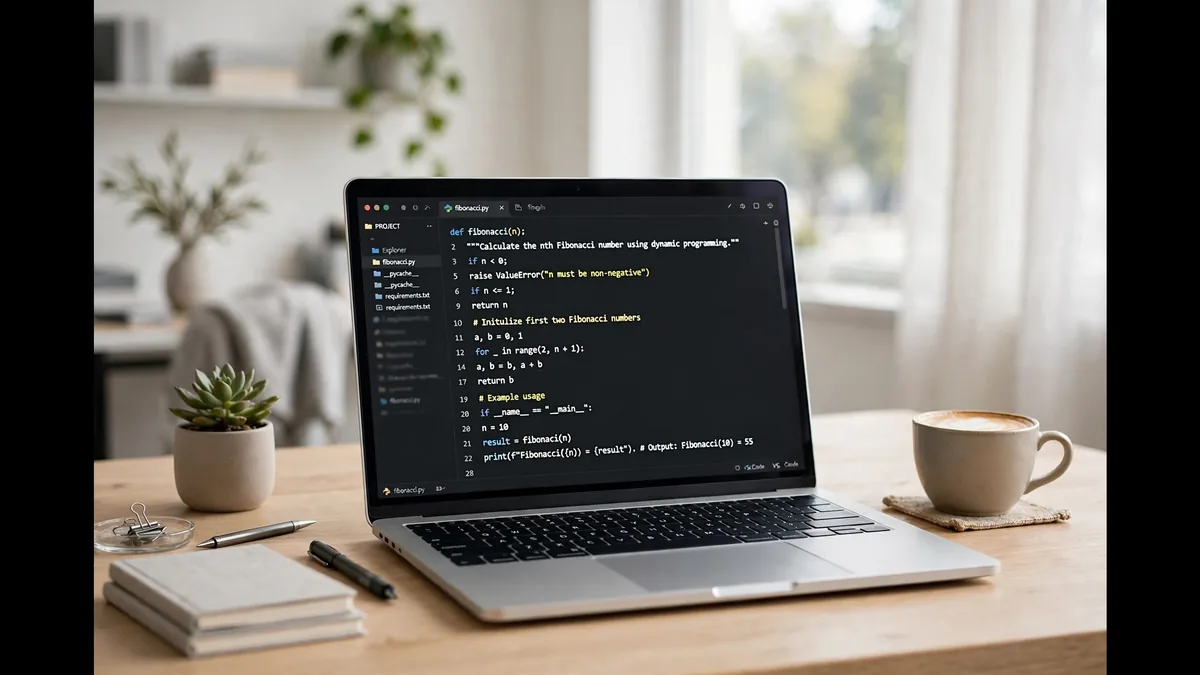
The best web hosting for Python apps in 2027 is hosting that treats Python as a first-class citizen, not an afterthought. That means a supported Python version you can choose, a clean way to install packages, a WSGI or ASGI server that stays up, and a deployment path that does not fight you every time you push code.
What matters most is not raw disk space or a long feature list. It is the Python version, the deployment workflow, and what happens when traffic spikes.
The shortlist below covers every sensible approach: beginner-friendly Python platforms, modern platform-as-a-service options, virtual private servers for full control, and serverless containers for apps with uneven traffic. PythonAnywhere leads for simplicity, Render and Heroku lead for painless deploys, and DigitalOcean leads when you want a VPS you fully control.
Key takeaways
- PythonAnywhere is the best overall pick for most Python developers, with the simplest Django and Flask setup.
- Render and Heroku are the best choices when you want Git-push deploys with no server management.
- A VPS from DigitalOcean or Hostinger gives the most control and the lowest long-run cost for steady traffic.
- Google Cloud Run is the best serverless option for APIs and apps with spiky or unpredictable traffic.
- Check the Python version before you pay: hosts stuck on old releases will break modern frameworks and packages.
At a glance: the shortlist
| Host | Best for | Starting price | Standout limit |
|---|---|---|---|
| PythonAnywhere | Best overall | From $5 per month | Beginner plan has limited CPU seconds |
| Heroku | Best for fast deployment | From $5 per month | No free tier; add-ons add up |
| DigitalOcean App Platform | Best value platform as a service | From $5 per month | Smaller add-on ecosystem than Heroku |
| Render | Best modern platform as a service | From $7 per month | Free tier sleeps after inactivity |
| Linode (Akamai Cloud) | Best VPS control | From $5 per month | You manage the server yourself |
| AWS Elastic Beanstalk | Best for scale | Pay as you go | Steep learning curve and billing complexity |
| Google Cloud Run | Best serverless containers | Pay per use | Cold starts can add latency |
| Hostinger VPS | Best budget VPS | From about $5 per month | Unmanaged plans need Linux skills |
PythonAnywhere — Best overall
PythonAnywhere is built specifically for Python, and it shows. You get a browser-based console, one-click Django and Flask setup, scheduled tasks, and MySQL or Postgres databases without touching a server config file. It is the fastest route from a working app on your laptop to a live URL, and its free tier is genuinely usable for learning and small projects. The paid plans add custom domains, more CPU time, and always-on tasks.

If you are weighing a platform against a server you manage yourself, our guide to the best web hosting for developers compares the same trade-off across more general developer workflows.
Pros: +Python-first platform with Django and Flask installers
+Free tier for learning and small projects
+Scheduled tasks and databases included
Cons: −CPU limits on cheaper plans
−Less suited to heavy production traffic
Heroku — Best for fast deployment
Heroku remains the benchmark for painless Python deployment. Push to Git, and Heroku detects your Python app, installs dependencies from your requirements file, and runs it with Gunicorn. Add-ons cover Postgres, Redis, logging, and monitoring with a few clicks, and review apps let you preview every pull request. The trade-off is cost: dynos, databases, and add-ons add up quickly, and the platform hides enough of the server that debugging deep performance issues takes extra effort.
Pros: +Git-push deploys with automatic Python detection
+Huge add-on marketplace for databases and tools
+Review apps for previewing pull requests
Cons: −Costs grow fast as add-ons pile up
−Limited low-level server control
DigitalOcean App Platform — Best value platform as a service
DigitalOcean App Platform gives you Heroku-style deploys at DigitalOcean prices. Connect a GitHub repo, pick your Python version, and the platform builds and runs your app with automatic HTTPS and scaling. It supports Django, Flask, and FastAPI, and you can add managed databases and background workers as your app grows. The interface is cleaner and cheaper than the big clouds, and the documentation is excellent.
Pros: +Simple Git-based deploys with autoscaling
+Managed databases and workers available
+Clear, low pricing
Cons: −Fewer third-party add-ons than Heroku
−Less suited to complex multi-service setups
Render — Best modern platform as a service
Render is the modern PaaS many Python developers now reach for first. It deploys Django, Flask, and FastAPI apps from Git, offers managed Postgres and Redis, background workers, cron jobs, and preview environments for pull requests. Configuration lives in a simple YAML file in your repo, so your infrastructure is versioned alongside your code.
Pros: +Preview environments for every pull request
+Managed Postgres, Redis, and cron jobs
+Infrastructure defined in a YAML file
Cons: −Free tier sleeps when idle
−Support is thinner than the big clouds
Linode (Akamai Cloud) — Best VPS control
Linode, now Akamai Cloud, is a straightforward VPS provider that suits Python developers who want full control. You pick the distribution, install your Python version, and run Gunicorn behind Nginx exactly the way you like it. Performance is consistent, pricing is transparent, and the one-click app marketplace includes Django and Flask stacks for a faster start. The catch is that you own the server: updates, firewall rules, and backups are your job.
Pros: +Full root access and predictable pricing
+One-click Django and Flask stacks
+Consistent performance
Cons: −You handle security and updates yourself
−No managed Python tooling
AWS Elastic Beanstalk — Best for scale
AWS Elastic Beanstalk wraps the power of Amazon Web Services in a simpler deployment model for Python apps. Upload your code, and Beanstalk provisions the servers, load balancer, and database, then scales them as traffic grows. It supports Django and Flask, integrates with RDS, S3, and CloudFront, and handles far more traffic than any small PaaS plan. The downside is AWS itself: the console is sprawling, billing is hard to predict, and a misconfigured service can cost more than expected.
Pros: +Scales from one server to a global setup
+Deep integration with RDS, S3, and CloudFront
+Supports Django and Flask out of the box
Cons: −Complex console and unpredictable billing
−Overkill for small apps
Google Cloud Run — Best serverless containers
Google Cloud Run lets you deploy a Python app as a container and pay only for the requests it serves. Package your Django, Flask, or FastAPI app in Docker, push it, and Cloud Run scales it to zero when idle and up to thousands of instances when traffic arrives. That makes it ideal for APIs, webhooks, and apps with uneven demand, and the generous free tier covers many small projects entirely.
Pros: +Pay only for requests served
+Scales to zero and up automatically
+Generous free tier
Cons: −Requires Docker knowledge
−Cold starts after idle periods
Hostinger VPS — Best budget VPS
Hostinger VPS is the budget route to a server you fully control. Prices start low, the control panel is friendly, and you can run any Python version with Gunicorn and Nginx, or install Docker and deploy containers. It suits developers who want a cheap always-on home for a Django or Flask app and are happy to manage the server themselves.
Pros: +Very low starting price for a VPS
+Friendly panel and global data centres
+Run any Python version or Docker
Cons: −Unmanaged: you own security and updates
−Support varies by plan
How to choose
Start with your framework and your traffic pattern. Django and Flask run almost anywhere, but FastAPI benefits from an ASGI server, so check the host supports Uvicorn or a container deploy. A hobby project is fine on a free tier or a $5 plan, while a production API needs always-on hosting, a managed database, and monitoring. Match the plan to the app you actually have, not the one you hope to have in two years.
Then weigh control against convenience. A platform as a service costs more per month but saves hours of server work, while a VPS costs less but makes you the system administrator. If your app handles payments or user data, favour hosts with managed backups, automatic security updates, and clear data-centre locations. And whichever host you pick, confirm the Python version, the renewal price, and the database costs before you commit, since our best VPS hosting roundup shows how quickly add-ons can change the real monthly bill.
Checklist: before you pay
- Confirm the exact Python version supported, and that it matches your framework’s requirements.
- Check how deploys work: Git push, container, or manual upload, and how rollbacks are handled.
- Compare the renewal price, not just the introductory price, including database and backup costs.
- Make sure the plan includes a managed database or a clear way to connect your own.
- Check backups, uptime guarantees, and how support responds when an app goes down.
- Test the free tier or money-back window with your real app before moving production traffic.
Frequently asked questions
What is the best web hosting for Python apps in 2027?
For most developers, PythonAnywhere is the best all-round pick because it is built for Python and the setup is genuinely simple. Render is the best modern alternative if you want preview environments and a clean Git workflow, and a DigitalOcean VPS is the best choice when you want full control at a low price.
Can I host Django and Flask on the same host?
Yes. Every host in this guide supports both Django and Flask, since both run on the same WSGI stack. The difference is in the workflow: PythonAnywhere and Render handle the server for you, while a VPS lets you configure Gunicorn and Nginx yourself. Pick the workflow, not the framework support.
Do I need a VPS to host a Python app?
No. A platform as a service like Render, Heroku, or PythonAnywhere is enough for most Python apps and removes server management entirely. A VPS only makes sense when you need custom packages, specific system libraries, or the lowest possible cost for steady traffic.
Is serverless hosting good for Python web apps?
Serverless options like Google Cloud Run are excellent for APIs and apps with uneven traffic, because you pay per request and the app scales automatically. They are less ideal for apps that need persistent background workers or long-running processes, where a PaaS or VPS fits better.
How much does Python app hosting cost?
Small Python apps run well on plans from about $5 to $7 per month, while production apps with a managed database usually cost $15 to $50 per month. Serverless hosting can cost almost nothing for low-traffic apps. Prices are approximate starting prices, so check current pricing before you buy.
What should I check before choosing a Python host?
Check the Python version, the deploy workflow, database options, backup policy, and the renewal price. Our guide to the best cloud hosting services is a useful comparison if you are deciding between a PaaS, a VPS, and a full cloud platform.
The bottom line
For most Python developers, the answer is PythonAnywhere for simplicity, Render for a modern Git-based workflow, or a DigitalOcean VPS for full control at a low price. Heroku still wins when deployment speed matters more than the monthly bill, and Google Cloud Run wins for APIs with spiky traffic. Pick the host that matches how you actually deploy, not the one with the longest feature list.
Whichever host you choose, deploy your real app on a trial or cheap plan first, confirm the Python version and database setup work as expected, and check the renewal price before you commit. Prices and plans change often, so check current pricing before buying, and move production traffic only once you are confident the host handles your framework the way you need.