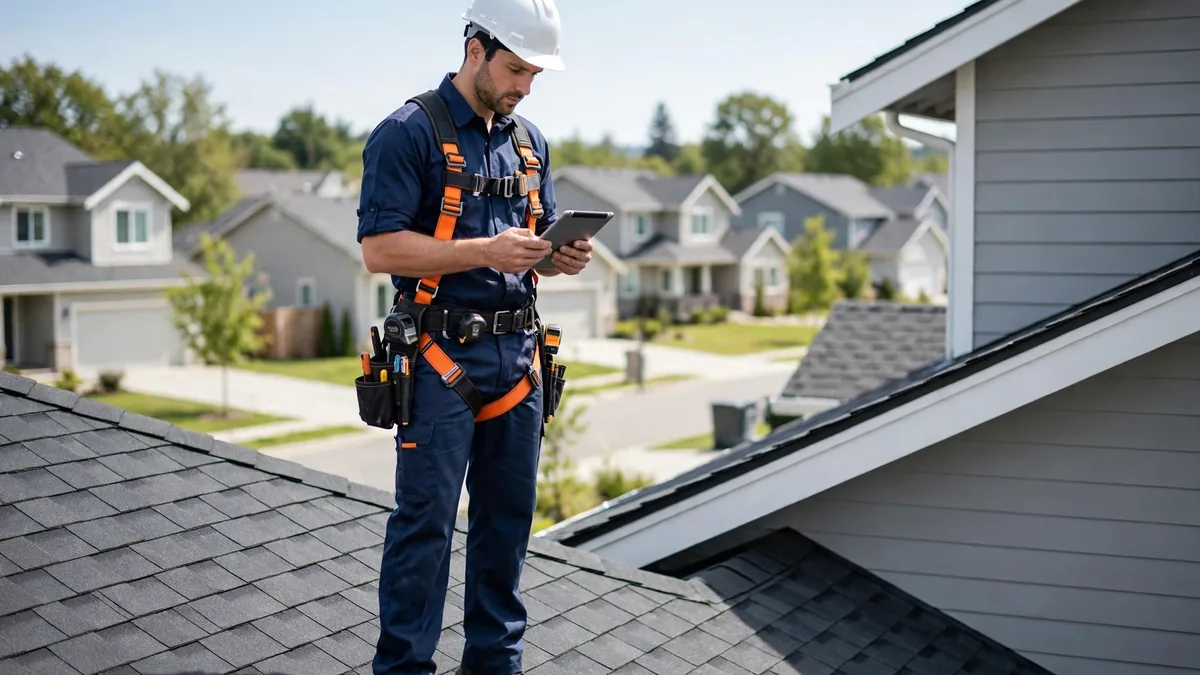
Best web hosting for roofers in 2027 starts with one fact: most customers judge your business from your website before they ever see your work. A homeowner with a leaking roof or a storm-damaged shingle searches on a phone, often in a hurry, and wants photos of finished roofs, service areas, prices, and a way to request an inspection in under a minute. If the site loads slowly or breaks on a phone, that customer calls the next roofer on the list.
The right host is neither the cheapest plan nor the most powerful server. It is the plan that keeps a photo-heavy site fast, stays online through storm-season traffic spikes, includes a free SSL certificate and backups, and lets you update service pages and photos without calling a developer. Most roofing companies do fine on shared or managed WordPress hosting, and only the largest multi-crew firms need anything stronger.
We compared eight hosts on speed, uptime, ease of use, and pricing. SiteGround leads the list for its speed and support, Hostinger is the best budget pick, and WP Engine suits larger companies that take inspection requests online. The shortlist below covers every size of roofing business, from a solo roofer to a multi-crew firm.
Key takeaways
- SiteGround is the best overall, with fast loading, strong uptime, and support that actually helps.
- Hostinger is the best budget option, with low starting prices and a simple builder.
- WP Engine is the best choice for larger companies that take inspection requests online.
- Photo-heavy roof galleries need caching and image optimisation, so avoid hosts that charge extra for basic speed features.
- Always check the renewal price, because the first-year discount can be less than half the year-two price.
At a glance: the shortlist
| Host | Best for | Starting price | Standout limit |
|---|---|---|---|
| SiteGround | Best overall | From $3.99 per month | Daily backups on all plans |
| Hostinger | Best budget pick | From $2.99 per month | 100 websites on higher plans |
| Bluehost | Best for beginners | From $2.95 per month | Free domain for the first year |
| WP Engine | Best for larger firms | From $20 per month | One website on the entry plan |
| Kinsta | Best premium speed | From $35 per month | One website on the entry plan |
| GreenGeeks | Best eco-friendly host | From $2.95 per month | Unmetered bandwidth |
| DreamHost | Best flexible billing | From $2.59 per month | 97-day money-back guarantee |
| A2 Hosting | Best for speed tuning | From $2.99 per month | Turbo servers on higher plans |
SiteGround — Best overall
SiteGround is the best web hosting for roofers because it removes the three problems that hurt small trade businesses most: slow photo pages, downtime, and unhelpful support. Fast storage and caching mean a gallery of finished roofs loads quickly on a phone, where most customers find you. Daily backups, a free SSL certificate, and a content delivery network are included.

Support is the real reason SiteGround tops this list. Agents answer quickly, fix WordPress problems directly, and explain the fix in plain language. If you are comparing options for a wider service business, our guide to the best web hosting for small businesses covers the same trade-offs from a general business angle.
Pros: Fast loading for photo pages, daily backups included, excellent support, free SSL and CDN. Cons: Renewal prices rise sharply, storage limits are modest on the entry plan.
Hostinger — Best budget pick
Hostinger is the best budget web hosting for roofers, and it is the easiest way for a solo roofer to get a professional site online for very little money. Plans start from around $2.99 per month, and the simple control panel lets you set up WordPress and publish service pages in an afternoon. A built-in website builder is a useful fallback if you prefer not to use WordPress.
Speed is solid for the price, and higher plans host up to 100 websites — handy if you also run a separate site for gutters or siding. Chat support runs around the clock, though complex problems can take longer than at SiteGround.
Pros: Very low starting price, simple setup, free SSL, generous website limits on higher plans. Cons: No phone support, renewal prices roughly double, backups are weekly on the cheapest plan.
Bluehost — Best for beginners
Bluehost is the best web hosting for roofers who want the simplest possible start. Recommended by WordPress, it includes a free domain for the first year and installs WordPress in a few clicks. The dashboard walks you through the basics, and a staging area lets you test a new service page before it goes live.
Performance suits a typical roofing site with a few dozen pages and a gallery, though it is not as fast as SiteGround or Kinsta under heavy traffic. Watch the renewal price, noticeably higher than the introductory rate, and skip the checkout upsells.
Pros: Very easy setup, free domain for a year, WordPress recommended, decent beginner tools. Cons: Slower than the fastest hosts, renewal prices jump, checkout upsells are pushy.
WP Engine — Best for larger firms
WP Engine is the best web hosting for larger roofing companies, especially those that take inspection requests online. As managed WordPress hosting, the host handles updates, security, caching, and backups for you, and the platform is built for speed at scale.
The entry plan starts from around $20 per month for one website — more than a solo roofer needs, but a multi-crew company will feel the difference. Staging, automatic updates, and strong security make it a safe choice when the website is a real source of revenue.
Pros: Excellent speed and uptime, fully managed WordPress, staging environments, strong security. Cons: Higher starting price, one site on the entry plan, no email hosting included.
Kinsta — Best premium speed
Kinsta is the best premium web hosting for roofers who want the fastest possible site and are willing to pay for it. It runs on Google Cloud, with servers in many locations and automatic scaling, so storm-season traffic will not slow your quote form. Plans start from around $35 per month for one website.
Backups run daily, and support is staffed by WordPress specialists. For most roofing businesses this is more power than needed, but if your website drives most jobs and a slow page costs real work, Kinsta is a serious option.
Pros: Outstanding speed, Google Cloud infrastructure, daily backups, expert WordPress support. Cons: Premium price, one site on the entry plan, no email hosting.
GreenGeeks — Best eco-friendly host
GreenGeeks is the best eco-friendly web hosting for roofers, and the fit is natural: a business that installs energy-efficient roofing can reasonably want a host that offsets its energy use. It matches energy use with renewable energy credits while delivering solid performance, with fast storage, caching, and a free SSL certificate.
Plans start from around $2.95 per month, include unmetered bandwidth and a free domain for the first year, and nightly backups are included. Support is available by chat, ticket, and phone.
Pros: Renewable energy matching, solid speed, free domain for a year, phone support. Cons: Renewal prices rise, setup fees apply on monthly billing, fewer data centres than the biggest hosts.
DreamHost — Best flexible billing
DreamHost is the best web hosting for roofers who dislike long contracts. It offers month-to-month billing, a 97-day money-back guarantee, and unlimited traffic, suiting a seasonal business that earns most after storms. Plans start from around $2.59 per month.
WordPress comes pre-installed on managed plans, with automatic updates and daily backups. Speed is respectable rather than outstanding, so a very large gallery may need an optimisation plugin, but for a standard roofing site it is more than enough.
Pros: Monthly billing available, very long money-back guarantee, unlimited traffic, free domain. Cons: No phone support on basic plans, custom panel takes getting used to, speed is mid-range.
A2 Hosting — Best for speed tuning
A2 Hosting is the best web hosting for roofers who like to tune their site for speed. Its Turbo plans use faster server technology and extra caching, with a choice of server locations. Plans start from around $2.99 per month.
The anytime money-back guarantee is unusually generous, and support is available around the clock. Regular shared plans suit a small site, but Turbo plans earn A2 its place here, especially for image-heavy portfolios.
Pros: Turbo plans are genuinely fast, anytime money-back guarantee, server location choice, good support. Cons: Best speed costs extra, renewal prices rise, dashboard feels dated.
How to choose
Start with the size of your business and the job your website must do. A solo roofer with a dozen service pages and a gallery needs shared hosting from Hostinger, Bluehost, or SiteGround. A company with several crews, online inspection requests, and hundreds of monthly enquiries should look at managed hosting from WP Engine or Kinsta.
Check four things before you pay: the renewal price, not just the first-year discount; whether daily backups are included; whether SSL is free; and whether support is available when you work. If your site runs on WordPress, a managed WordPress hosting plan saves you the weekly work of updates and security checks.
Roofing is a visual trade, and your gallery is your best salesperson. Pick a host with caching and a content delivery network, compress images before uploading, and test the site on a phone over mobile data before launch.
Checklist: before you pay
- Check the renewal price after the introductory term, not just the first-year price.
- Confirm daily backups are included, and test restoring one before you need it.
- Make sure a free SSL certificate is included so browsers show your site as secure.
- Test your photo gallery on a phone over a mobile connection.
- Confirm the plan covers your service pages, blog posts, and inspection forms.
- Check that support is reachable at the hours you actually work.
Frequently asked questions
What is the best web hosting for roofers?
SiteGround is the best overall choice for most roofing businesses, thanks to its speed, daily backups, and strong support. Hostinger is the best budget option, and WP Engine suits larger companies that rely on online inspection requests.
How much should a roofer pay for web hosting?
Most pay between $3 and $20 per month. Solo roofers do fine at the low end, while larger companies should budget $20 to $35 per month for managed hosting.
Do roofers need managed WordPress hosting?
Not always. A small site runs well on shared hosting. Managed WordPress hosting is worth it when the website brings in a large share of your jobs and you want updates, security, and backups handled for you.
Can I host a photo portfolio on shared hosting?
Yes, if you compress images before uploading and use a host with caching and a content delivery network. Keep individual images under a few hundred kilobytes and your gallery will load quickly.
Should a roofing website have an inspection request form?
Yes. A simple form asking for the address, roof age, and problem gets far more leads than a phone number alone. Keep it short — every extra field loses enquiries.
What if my roofing business grows into several crews?
Move to managed hosting such as WP Engine or Kinsta, or a larger plan with more resources. A host that lets you upgrade without moving your site saves a rebuild, and a company managing many client sites can learn from our guide to web hosting for agencies.
The bottom line
For most roofing businesses, SiteGround is the safest pick: fast photo pages, daily backups, and support that fixes problems. If budget is the priority, Hostinger gives you a professional site for a few dollars a month; if the website drives most jobs, WP Engine or Kinsta is worth the higher price.
Whatever you choose, check the renewal price, confirm daily backups, and test the site on a phone before launch. Prices change often, so check current pricing before you buy.