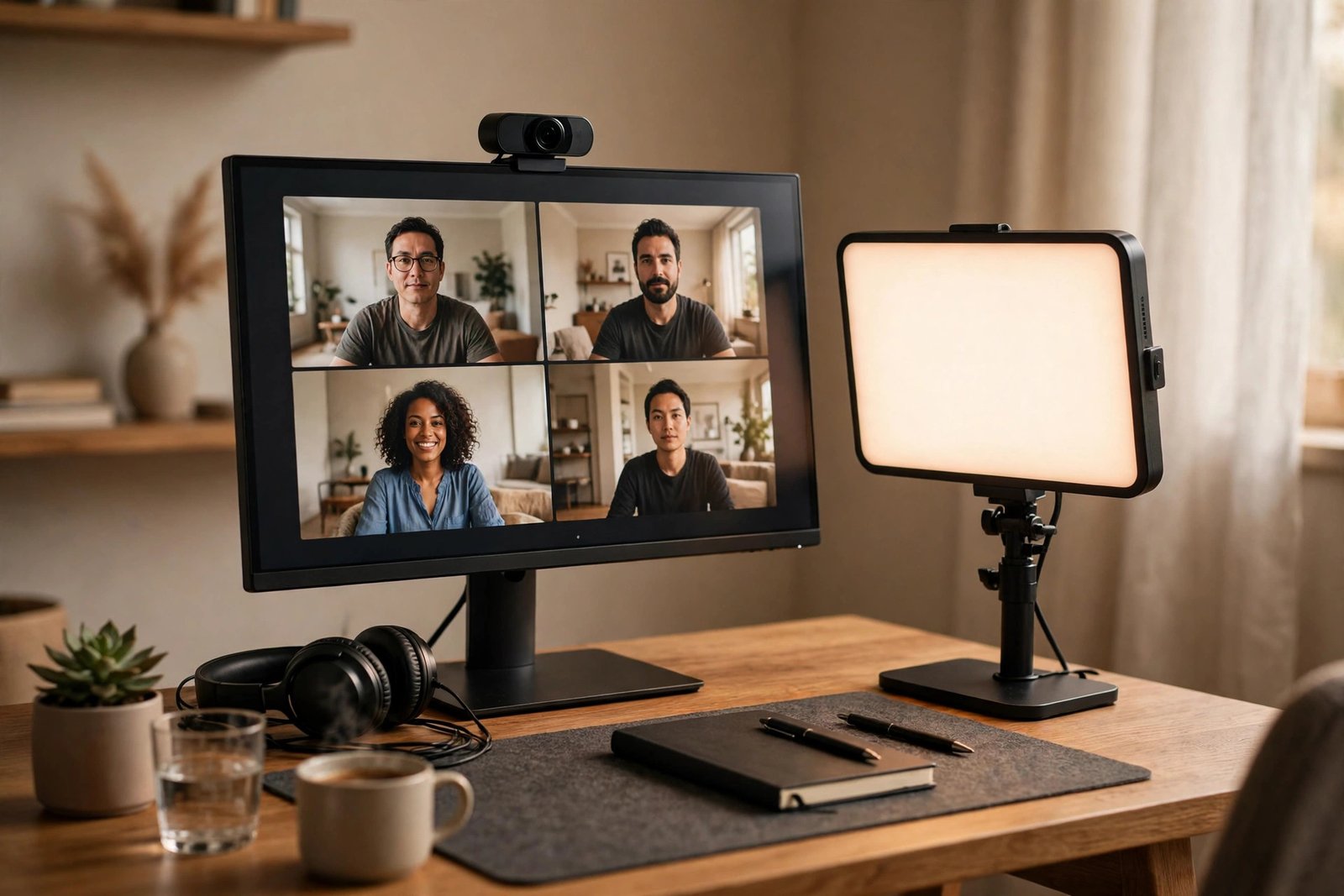
The best webcam lighting for video calls in 2027 is the light that makes you look like yourself — clear, evenly lit and easy to see — without turning your desk into a film set. For most people, that is a single soft panel or light bar placed in front of you, slightly above eye level.
So which light should you buy? For most desks, the Elgato Key Light Air is the strongest all-round choice: a large edge-lit panel with app control and soft, even light. If you want the most natural skin tones, the Logitech Litra Beam is the pick, and if your desk is tiny, the Logitech Litra Glow clips to your monitor and does the job from a few centimetres away. The right answer depends on your desk, your room and how much you want to spend.
Key takeaways
- One soft light in front of you beats two harsh lights behind you — position matters more than price.
- Aim for a colour rendering index (CRI) of 90 or higher so skin tones look natural on camera.
- Bi-colour lights, adjustable from around 2700K to 6500K, let you match warm lamps or daylight from a window.
- A large, diffused surface gives softer shadows than a small, bright point of light.
- Set the light about 45 degrees to one side of your camera, slightly above eye level, and angled down at your face.
Why your video calls look bad (and why it is not your camera)
Most video call problems are lighting problems, not camera problems. A webcam in a dim room raises its gain to compensate, and the result is noise, soft detail and grey, washed-out skin. A window behind you is worse: the camera exposes for the bright background and turns you into a silhouette.
The fix is simple: a soft light source in front of you, roughly at face height, brighter than the ambient light in the room. When the light comes from the front, your face is evenly lit, the webcam lowers its gain, and the picture sharpens up immediately. You do not need studio brightness — you need the right light in the right place.
Two specifications decide whether a light will do that well. The first is colour rendering index, or CRI: a score from 0 to 100 measuring how faithfully a light reproduces colour. Below 90, skin tones drift orange or waxy, and no white balancing fully recovers them. Above 90 is the sensible floor; above 95 is better still. Treat the number with a little scepticism — it is self-reported by most brands — but use it as a filter.
The second is colour temperature, measured in kelvin. Warm household lamps sit near 3200K, daylight from a window near 5600K. A bi-colour light adjusts between roughly 2700K and 6500K, so you can match whichever light already fills your room. Mismatched colour temperatures make a face look oddly orange on one side and blue on the other, so this adjustment matters more than most people expect.
The best webcam lighting for video calls in 2027
1. Elgato Key Light Air
Best for: most desks — the best all-round key light.
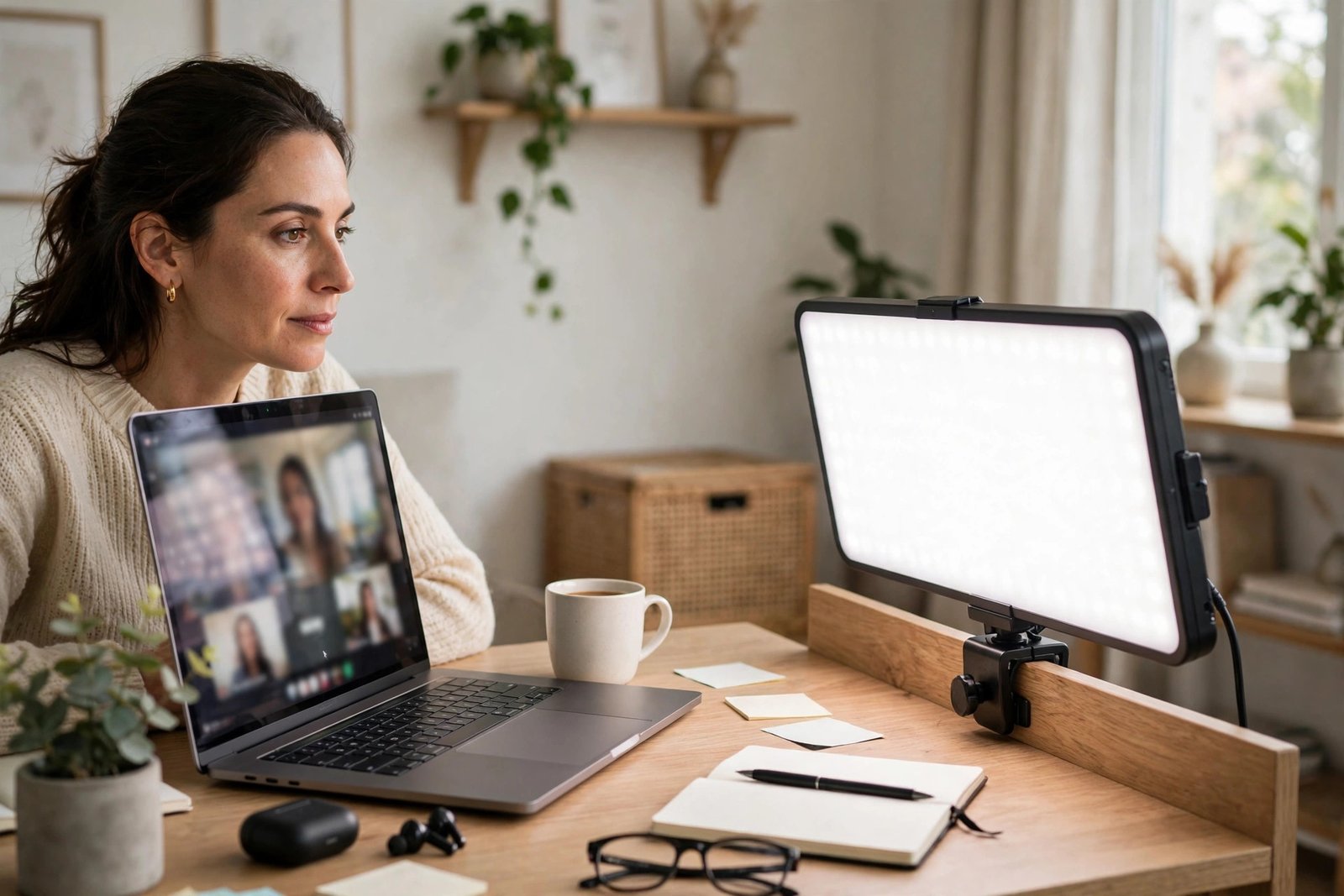
The Key Light Air is the default recommendation for a reason. It is an edge-lit panel with a large, soft emitting surface, so the light wraps around your face instead of throwing a hard hotspot at it. It clamps to the back of your desk on an included ball-jointed pole, keeping it off the desk surface, and it is controlled from an app on your computer or phone, with Stream Deck support. Brightness and colour temperature adjust smoothly from 2900K to 7000K, with a CRI above 94. It is mains powered and sits at the top of the sensible price range for a desk light, but it is the one most people should buy first.
2. Logitech Litra Beam
Best for: natural skin tones and plug-and-play simplicity.
The Litra Beam is a tall LED bar on a desk stand, built around Logitech’s TrueSoft full-spectrum LED approach, aimed specifically at skin tone rendering rather than raw output. It produces 320 lumens at 7 watts, with a colour temperature range of 2700K to 6500K and a published CRI of 93. The bar shape spreads light evenly across your face without a harsh centre, and it integrates with Logitech’s software if you use a Logitech webcam. It is less bright than the Elgato panels, so it suits smaller rooms and closer setups best — but for pure skin-tone accuracy at a desk, it is hard to beat.
3. Elgato Key Light
Best for: larger rooms and streamers who need serious output.
The full-size Elgato Key Light is the bigger sibling of the Air, with 160 OSRAM LEDs producing up to 2,800 lumens across a 2900K to 7000K range, with a CRI above 92. Its four-stage diffusion stack — a precision scatter plate, a double-layer diffuser and opal glass — gives it one of the softest outputs of any desk panel. It clamps to your desk and is controlled over dual-band Wi-Fi from the app or a Stream Deck. Overkill for a small home office, but if your desk is far from your camera, or you share a room with other light sources, the extra output earns its keep.
4. Logitech Litra Glow
Best for: small desks, laptop calls and travel.
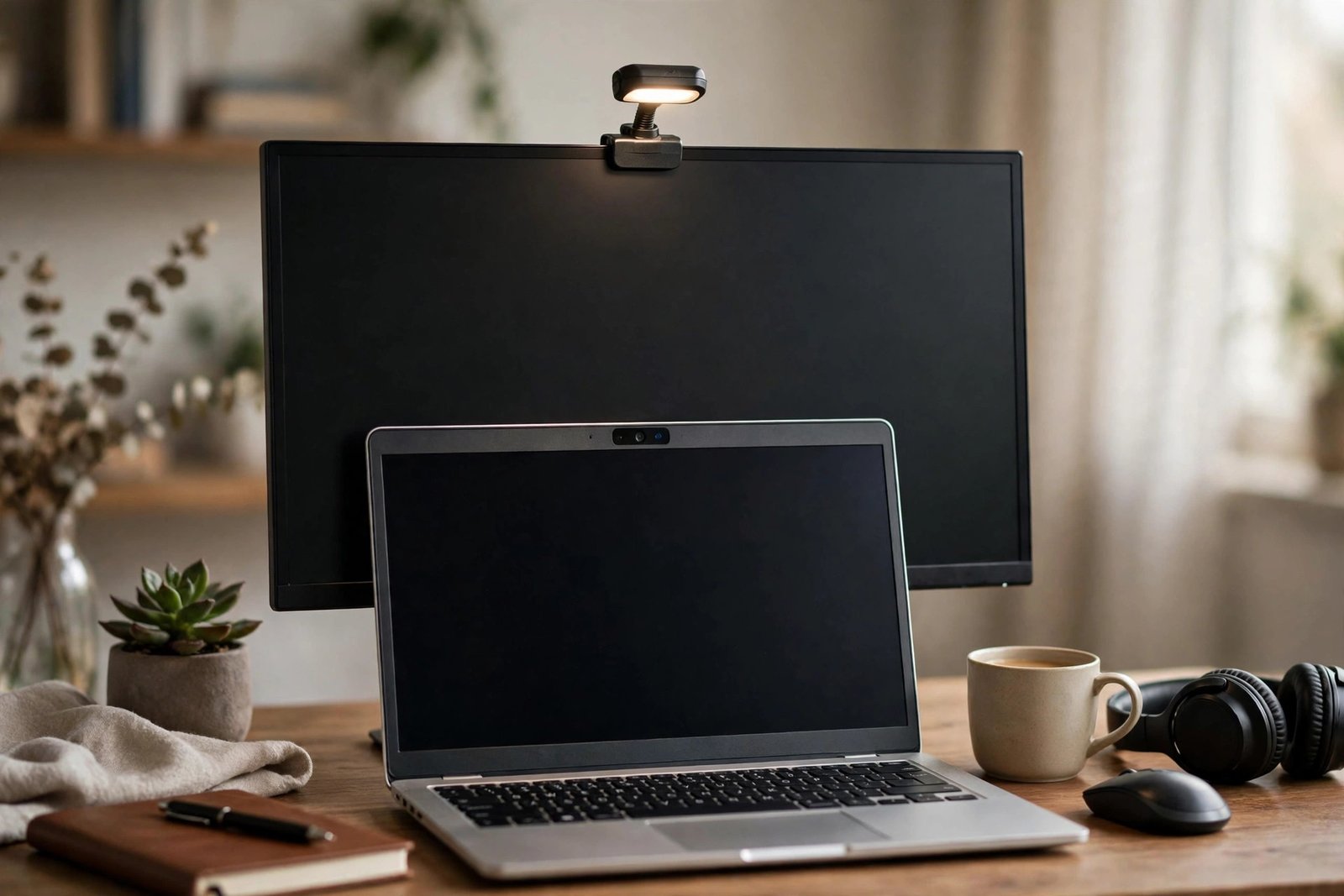
The Litra Glow is a compact monitor light that clips to the top of your screen and runs from a single USB cable. It produces up to 250 lumens, with a colour temperature range of 2700K to 6500K and a CRI of 93, and weighs just 99 grams without its mount. It lights your face beautifully and almost nothing else, which is exactly what a small desk needs. The mount telescopes vertically and swivels 360 degrees, with a standard tripod thread underneath if you would rather put it on a stand.
5. Neewer GL1 Pro
Best for: colour accuracy on a budget, without Wi-Fi.
The Neewer GL1 Pro is a 15.5-inch edge-lit panel with the highest published colour accuracy in its class: CRI 97+ and TLCI 98+, with a colour temperature range of 2900K to 7000K and a maximum illuminance of 3,700 lux at half a metre. It offers three control paths, including a 2.4GHz USB dongle that needs no network at all, plus Stream Deck compatibility — useful if you would rather not put a light on your Wi-Fi. For anyone who wants the best colour accuracy for the money, it is the strongest value pick here.
Comparison table
| Light | Type | Output | Colour temp | CRI | Power |
|---|---|---|---|---|---|
| Elgato Key Light Air | Edge-lit panel | Up to 1,400 lumens | 2900–7000K | Above 94 | Mains |
| Logitech Litra Beam | LED bar | 320 lumens | 2700–6500K | 93 | USB, 7W |
| Elgato Key Light | Edge-lit panel | Up to 2,800 lumens | 2900–7000K | Above 92 | Mains |
| Logitech Litra Glow | Monitor light | 250 lumens | 2700–6500K | 93 | USB |
| Neewer GL1 Pro | Edge-lit panel | 3,700 lux at 0.5 m | 2900–7000K | 97+ | Mains |
Caption: The best webcam lighting for video calls compared on type, output, colour temperature and colour accuracy. Output figures are manufacturer ratings and are not directly comparable between lumens and lux.
Brightness figures are hard to compare directly, because some makers quote lumens and others quote lux at a set distance. Use the table for type and colour, and treat output as a rough guide: a panel on a clamp suits a larger room, a monitor light suits a small desk.
How to set up your light: a five-minute checklist
Buying the light is half the job; setting it up correctly is the other half, and it takes five minutes.
- Put the light in front of you, not behind you. Put it on the same side of the room as your camera, facing you. A window or lamp behind you will silhouette you no matter how good your webcam is.
- Raise it slightly above eye level, about 45 degrees to one side, angled down towards your face. This gives your face shape and avoids flat, straight-on light.
- Match the colour temperature to your room: near a window, set the light near 5600K; under warm lamps, near 3200K. Mixed colour temperatures are what make skin look strange on camera.
- Turn the brightness up until the webcam stops struggling. If your face is still noisy or grey, the light is too dim or too far away — move it closer before you buy a brighter one.
- Close the curtains or blinds behind you if they are bright — your webcam exposes for the brightest thing in the frame, so a bright window behind you will darken your face.
- Test with a real call, not a preview: record a minute of yourself talking and watch it back. That is the only test that matters.
If you also record content rather than just joining calls, our guide to the best ring lights for content creators covers the larger lights that suit filming. For clearer audio on calls, see the best earbuds for phone calls, and for a pair that also works on the move, the best headphones for commuting.
Frequently asked questions
Do I need a light if I sit near a window?
Daylight from a window in front of you is excellent light, and it is free. But it changes through the day and disappears in winter evenings, so a key light gives you a consistent picture for early and late calls. If the window is behind you, a light is essential.
What colour temperature should I use for video calls?
Match your room: near 5600K if a window lights the room, near 3200K if warm lamps do. Most people find around 4000K to 4500K looks natural in a mixed room. Avoid mixing very warm and very cool light on your face.
Is a ring light or a panel better for video calls?
A panel gives softer, more natural light for a seated call, because its large surface spreads the light. A ring light gives a distinctive circular catchlight in your eyes and is better if you also record content for social media. For calls alone, choose a panel.
Do webcam lights work with any webcam?
Yes. A light is independent of your camera, so any light on this list works with any webcam, laptop camera or phone. The only thing to check is power: USB-powered lights need a free port, and mains lights need a socket nearby.
The bottom line
The best webcam lighting for video calls in 2027 is not the brightest or the most expensive light. It is a soft, colour-accurate light placed in front of you, slightly above eye level, matched to the colour temperature of your room. Get that right and a basic webcam will look better than an expensive camera in bad light.
For most people, that means the Elgato Key Light Air. If skin tones matter most, buy the Logitech Litra Beam. If your desk is small, buy the Logitech Litra Glow.
Your next step is simple: order the light that fits your desk, set it up using the checklist above, and record one minute of yourself on a real call. If your face is clear, evenly lit and natural-looking, you are done — and your next meeting will be the first where nobody asks you to turn your light on.