A good site-building choice depends on what customers need to do on your site, not on which platform has the longest feature list. A service provider may need appointment bookings, while a shop may need product pages and checkout. Your comfort with building and maintaining a site matters as much as its design. Annual billing means paying for a full year upfront, with the monthly price shown as an equivalent.
The best website builders for small business should fit your needs, skills, and budget. This comparison covers service businesses, product sellers, physical stores, and design-led sites. It will help you weigh the time needed to build and care for a professional online presence.
Before comparing monthly prices, decide whether your site must take payments, book appointments or simply explain what you offer.
Key Takeaways
- Match the platform to your customers’ main task.
- Wix offers broad tools for many types of sites.
- Squarespace suits service businesses and visual portfolios.
- Shopify focuses on online product sales.
- Square Online can connect online and in-person sales.
- WordPress.org offers more control, with more upkeep.
Best Website Builders for Small Business: Quick Picks
For most small businesses that want an adaptable site without coding, start by comparing Wix and Squarespace. Your main task should guide the choice: bookings, product sales, store pickup, or a simple business website.
Pick the platform that makes your customers’ next step clear. A large feature list matters less when your site only needs to show services and collect inquiries.

| Platform | Strongest fit | Standout capability | Trade-off to weigh |
|---|---|---|---|
| Wix | General small business | Flexible page design | Template changes require rebuilding |
| Squarespace | Service and design work | Polished templates | Trial lasts 14 days |
| Shopify | Product-led stores | Retail selling tools | Can feel excessive for services |
| Square Online | Physical stores adding sales | Square POS connection | Retail tools may go unused |
| WordPress.org | Owners seeking control | Large plugin ecosystem | Owner handles more upkeep |
Those five are the top website builders for common needs, while SITE123, Hostinger, HubSpot, GoDaddy, and Webflow suit narrower cases. SITE123 focuses on beginner-friendly setup, while Webflow gives designers more layout control. Hostinger and GoDaddy offer hosted site tools, and HubSpot includes web and marketing features.
Start with the customer action your site must support, then rule out platforms that cannot handle it.
Choose Shopify for product-led selling, Square Online for a physical shop adding online sales, or WordPress.org when deeper control is worth extra upkeep.
Does Wix Fit Your Business Needs?
Wix is a strong first comparison for owners who want flexible page design and a wide template choice. Its broad range can suit a basic business website, a portfolio, or an online store.
Light does not accept online payments; Core is Wix’s entry point for them. Your choice depends on the features your site needs, not just its monthly price.
Where Wix gives owners room to build
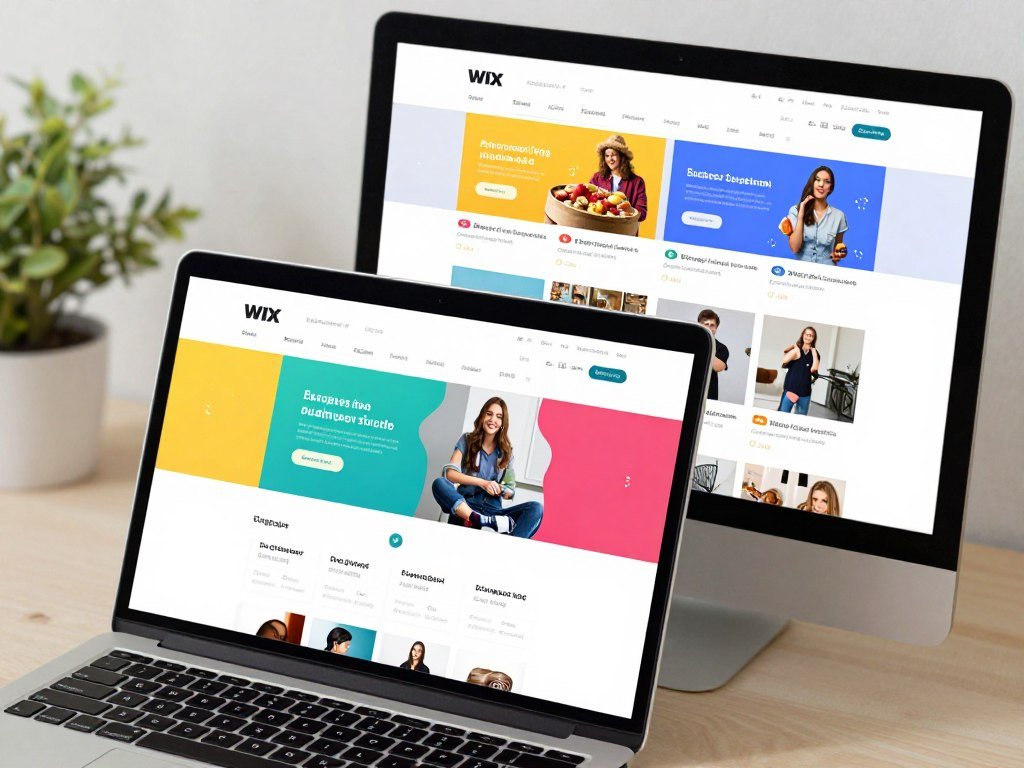
The drag-and-drop editor lets you place page elements without writing code. Wix also offers AI-assisted setup, which can help users shape a first draft faster. Its free plan includes more than 2,500 customizable templates, giving owners many starting designs.
The App Market adds more ways to extend a site, from booking tools to sales features. It has more than 800 apps, including over 20 free apps. That range can help a business add tools as its needs change.
What to weigh before choosing a Wix plan
Wix has four paid plans with annual billing. Light suits portfolios, blogs, and information sites, while higher plans add selling features and storage.
| Plan | Annual-billing price | Storage or selling capability | Best fit |
|---|---|---|---|
| Light | $17/month | No online payments | Portfolio or information site |
| Core | $29/month | Online payments and ecommerce | Small online store |
| Business | $39/month | 100 GB storage | Growing business site |
| Business Elite | $159/month | Unlimited storage | High-capacity site |
A paid plan lets you connect a custom domain; a free site uses a Wix-branded URL. Paid plans include a 14-day money-back guarantee. Wix does not let you switch templates after publishing without rebuilding, which creates a real rebrand risk.
Pick the plan by checking the exact payment features you need, not by choosing the first monthly price that looks affordable.
Is Squarespace Right for a Service Business?
Squarespace is a strong fit when a service business values polished design and appointment scheduling in the same platform. Its built-in tools can support a professional site without piecing together many separate services.
Squarespace offers a 14-day trial, not a permanent free plan. Its plans include mobile-ready pages, security, SEO tools, unlimited bandwidth, and 24/7 customer support.
Where Squarespace simplifies a professional site
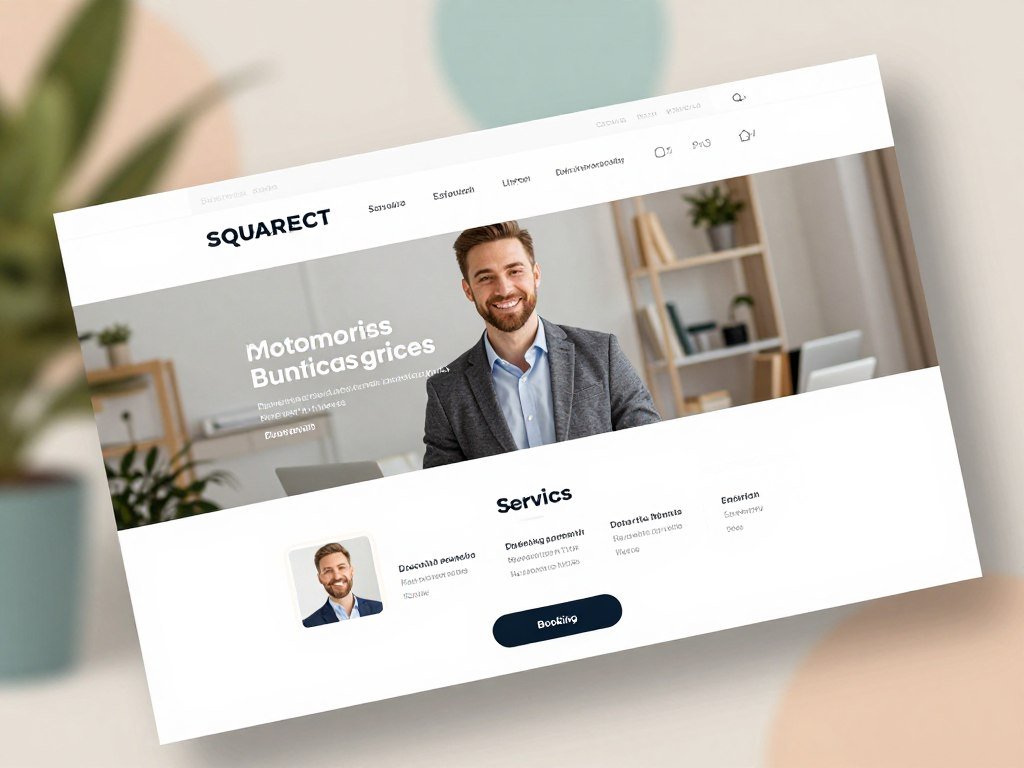
Polished templates give service businesses a consistent starting point for showing their work. The grid-based editor helps keep page layouts tidy, and mobile-optimized pages adapt to smaller screens.
Blueprint AI can help shape a site, while Acuity scheduling supports appointment booking. Those features can be useful for a consultant, studio, or local service provider that wants a website and booking flow together.
How the four plans differ
Annual prices begin at $19 per month for Basic. Higher tiers raise video storage and change the fees charged on online sales.
| Plan | Annual price | Contributors | Video allowance | Online-store transaction fee |
|---|---|---|---|---|
| Basic | $19/month | 2 | 30 minutes | 2% |
| Core | $29/month | Unlimited | 5 hours | 0% |
| Plus | $49/month | Unlimited | 50 hours | 0% |
| Advanced | $99/month | Unlimited | Unlimited | 0% |
Digital content and memberships have separate transaction fees: 7% on Basic, 5% on Core, 1% on Plus, and 0% on Advanced. Card processing is also separate, starting at 2.9% plus $0.30 on Basic and Core. Plus starts at 2.7% plus $0.30, while Advanced starts at 2.5% plus $0.30.
Before choosing a tier, estimate whether you will sell products, digital content or memberships, since those transaction fees differ.
When Should You Choose Shopify?
Choose Shopify when online product sales are the main job of the site. Retail operations matter more than broad page design when you need to manage a catalog, orders, and shipping.
Shopify is a dedicated ecommerce platform for businesses centered on product sales. It can also host information pages around a store, so customers can learn about the company and its policies.
What Shopify is built to handle
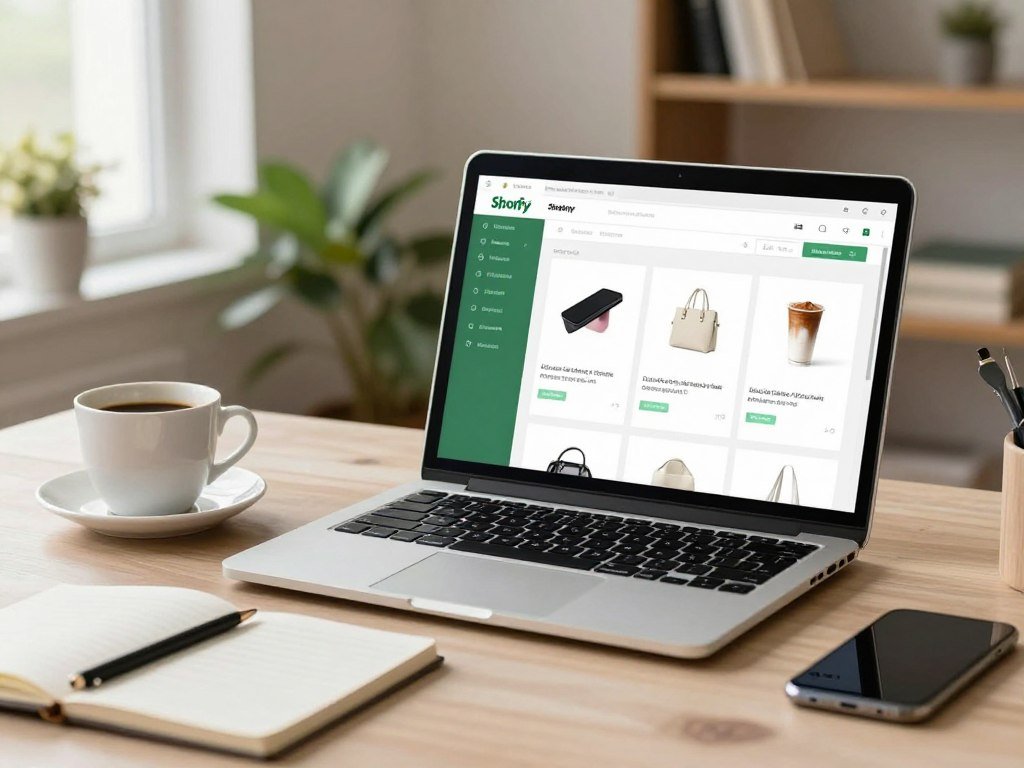
A product-led business often needs clear product pages, inventory tracking, checkout, and shipping tools. Shopify centers its platform on those store tasks, rather than treating them as add-ons to a general site builder.
This focus can help when the store has many products or regular orders to manage. A well-run store needs more than a home page: product details, stock levels, and order steps must stay in sync.
Costs and trade-offs for non-retail businesses
The Basic plan starts at $29 per month. Transaction fees of 0.5% to 2% can apply when a merchant does not use Shopify Payments.
A service business that does not sell products may find the dashboard excessive. The extra store tools can add clutter when the main goal is to explain a service and book a call.
Shopify’s Basic plan starts at $29/month, while the final cost also depends on the payment route and store needs. Owners moving an existing shop should map its products and checkout flow before changing platforms.
Compare the payment route and its associated fees before migrating an existing store.
Can Square Online Support a Local Store?
Square Online is worth considering when a physical shop wants to add an online storefront without separating its sales setup. A connected setup can make daily selling simpler for owners already using Square.
Square Online can sync with Square POS, the point-of-sale system used to record in-person sales. That link can help keep the online and shop sides connected.

When online and in-person sales meet
A shop may want customers to browse products online, then buy for delivery or pickup. A shared setup can help the owner manage both channels without treating the website as a separate shop.
Square Online offers a free plan with ecommerce functionality. This makes it an option for testing online orders without starting with a monthly site charge.
What to check before opening the store
The free website-builder plan charges 2.9% plus $0.30 per transaction. The Plus plan costs $29 per month.
Check that the checkout, inventory, and pickup options match how your store works. A shop focused only on information or services may not need retail tools, even if it already uses Square.
Test one real product listing and checkout flow before building out the whole catalog.
Is WordPress.org Worth the Extra Control?
WordPress.org is the better fit for owners who need flexibility and are comfortable managing more of the site themselves. That control can help a content-led business shape its website as it grows.
WordPress.org and WordPress.com are separate products. WordPress.org is open-source software that you install on hosting you choose, while WordPress.com is a separate platform.
What self-hosted WordPress makes possible
WordPress.org offers more than 50,000 plugins, plus a wide choice of themes. Plugins can add features, while themes shape the look of the pages.
You can manage content, export it, and choose from many SEO options. That flexibility suits owners who want more say over how their site works and can handle a less guided setup.
Who should take on its maintenance
Self-hosted WordPress requires a learning period and regular care. Owners must manage updates and backups, and they also carry responsibility for site security.
A plugin-heavy website can need more attention as tools change. If you prefer a hosted website builder to handle more setup, WordPress.org may feel like extra work rather than freedom.
Set a recurring time for updates and backups before relying on a plugin-heavy setup.
What Is the Easiest Builder for a First Site?
If this is your first site, begin with the simplest platform that can support the actions customers need to take. A guided setup can save time when you are still shaping your offer and learning an editor.
A basic service-business site often needs about four or five core pages. A one-service business may need fewer, especially when one page can explain the offer and show how to get in touch.
SITE123 is designed for beginners and offers a permanent free plan. The platform can be a starting point when you want to practice building website pages before paying for a plan.
Common pages include home, services, about, contact, and a privacy page. The exact mix depends on what customers need to know before they act.
Starting with too many pages can make a first build harder before the offer or customer action is clear. Extra pages also mean more content to write and keep current.
Write the purpose of each page in one sentence before opening the editor.
What Can You Build on a Free Plan?
A free plan is useful for testing an idea, but the best free choice depends on whether you need a store or a simple presence. Square Online is the clearest option here for free ecommerce functionality.
A free Wix site can support basic information, but it cannot accept online payments. Its free plan includes hosting, a blog app, SEO tools, and a mobile-responsive website.
| Platform | Free access | Online selling | Notable limit or feature |
|---|---|---|---|
| Wix | Permanent free plan | No payments | 500 MB storage, 1 GB bandwidth |
| Square Online | Free plan | Yes | Ecommerce functionality |
| SITE123 | Permanent free plan | Plan-dependent | Beginner-focused setup |
| HubSpot | Free tier | Not specified | 30 pages, 1 email automation |
| Squarespace | 14-day trial | Trial access | No permanent free tier |
Wix includes free hosting and a blog app, plus SEO tools and a mobile-responsive site. The free Wix URL uses its brand name, and the site displays Wix ads. Square Online is a better match when the test requires actual online orders.
Check the URL and visible branding before sharing a free site with customers.
How Should You Match a Builder to Your Business?
Start with the customer’s main task, then choose the builder that makes that task easiest to manage. Three questions can narrow the choice: what customers must do, what you can maintain, and what the business may add next.
For beginners, guided setup and fewer maintenance tasks usually matter more than maximum customization. A booking site, product catalog, and information site need different tools.
- Primary customer action: booking, buying, calling, or reading.
- Owner’s editing comfort: guided controls or deeper customization.
- Must-have integrations: booking, payments, email, or inventory.
- Next likely business change: more services, products, or locations.
A booking business should favor a smooth appointment path. A product catalog needs clear product pages and checkout, while a simple information site may need only contact details and service descriptions.
The same website builder can serve different businesses, but its strongest features should match the site’s job. Your experience and available time also shape what you can maintain after launch.
Remove any platform from your shortlist if it cannot support the site’s most important customer action.
What SEO and Mobile Features Matter?
Search visibility and mobile usability depend on how the site is built as well as which editor you choose. Built-in tools help you apply good practices, but they cannot replace useful content or a clear site structure.
Google Search Central treats crawlable links and clear page titles as search fundamentals. The World Wide Web Consortium’s WCAG 2.2 sets accessibility criteria for web content and interaction.
- Editable titles and descriptions for each page.
- Crawlable links that help search engines find pages.
- A mobile preview for checking layout and key actions.
- Accessible text and useful image alternatives.
These checks help a site work for search engines and visitors. A page can have attractive images but still confuse someone using a screen reader or a small phone.
A polished mobile preview does not always match a real phone. Different screens can change how text wraps and how buttons feel to use.
Preview the most important page on a phone and make sure its main action is immediately visible.
What Should You Know About Hosting and Domains?
A hosted builder keeps more of the publishing setup together, while WordPress.org gives you separate hosting and domain decisions. The trade-off is convenience against more direct control.
A domain registration does not automatically include website hosting. Your domain is the address people use, while hosting stores the files and content that make the site work.
Hosted website builders generally bundle the editor and hosting in one service. That can make setup simpler because you manage fewer separate accounts.
WordPress.org is self-hosted software, so owners choose a hosting service and register a domain separately. This setup gives you more choice, but you must connect the services and manage them.
ICANN coordinates the domain-name system. For a business, the important practical step is knowing who controls the domain account and can renew it.
Confirm who controls the domain registration before handing site access to a contractor.
Which Website Builder Works Best for Designers?
For a polished portfolio, compare Squarespace and Wix first, then consider Webflow if detailed layout control matters more. The best fit depends on how much control you need and how visitors should explore your work.
Portfolio quality matters most when visitors can move from viewing work to contacting you. A striking design should still make that next step easy to find.
Portfolio tools for creative work
Squarespace has 42 portfolio-specific templates among more than 190 templates. Its portfolio plans include unlimited storage, which can help when your work uses many large images.
Wix Portfolio offers project collections and an AI Portfolio Generator. The tool can organize work into categories and generate titles and descriptions, saving setup time for a large body of work.
When a design tool is not a full site platform
Canva’s free account allows one user and access to a free design-element library. Its quick static-site approach can suit a simple, visually focused page, but it may not cover every business need.
Webflow offers more design control, though its free plan allows two pages, 50 lifetime form submissions, and a Webflow.io domain. That limit can be enough to test a layout, but not every growing business site.
Choose a platform that lets visitors move from viewing the work to contacting you without friction.
When Should You Hire a Website Design Company?
Hiring help makes sense when the site needs custom work or your time is more valuable than managing the build. A good provider can take on planning, design, development, and testing.
Professional website development can range from $1,000 to $10,000 or more. The estimate moves with scope, integrations, design, bandwidth, and the provider’s work, not just page count.
What to expect from a website project
A project may include planning, copywriting, design, development, testing, and handoff. Some providers build with a hosted website builder, while others work with WordPress or custom code.
Companies that build websites for small businesses include independent designers, web design agencies, and specialist developers. A freelancer may offer direct contact, while an agency can bring several roles together.
How to compare providers
- Relevant work samples in your field or site type.
- Included page count and what counts as a page.
- Revision limits and the price for added changes.
- Content responsibilities, including copy and images.
- Post-launch support and response times.
Specialist developers can help with custom features or integrations that a standard editor cannot handle. Ask each provider to explain which parts of the work are included and who will complete them.
Get ownership, revisions and post-launch support written into the proposal before paying a deposit.
What Does a Small-Business Website Really Cost?
Budget for the site’s operating costs, not only the plan price shown beside a builder’s signup button. The full monthly cost can include a subscription, domain renewal, transaction charges, and paid tools.
DIY website-builder subscriptions can start around $5-$20 per month. The total rises when a business needs paid apps, payment processing, or features outside its chosen plan.
- Subscription: the website platform’s plan charge.
- Domain: registration and renewal for the site address.
- Payment processing: fees on customer transactions.
- Paid apps or integrations: tools added to the platform.
Annual billing can lower the monthly equivalent shown, but it requires paying for a full year upfront. That timing matters when you are balancing startup costs with other business needs.
For product sales, payment processing fees depend on the platform and payment route. Add-ons can also raise the operating total, especially when several tools serve separate tasks.
For product updates and deals on tools, you can choose topics through the OCCCY newsletter.
Add every required paid feature to the same budget before choosing a plan.
How Do You Build and Launch the Site?
Build the site around one clear customer action, then add only the pages needed to support it. A focused first version gives you a clear way to check whether the site works.
Before launch, check page purpose, accurate content, mobile layout, working forms or checkout, and domain and privacy details. Each check catches a different kind of problem.
Build around the customer’s task
Name the audience and the action you want them to take. Then choose the pages and content needed to support that action, such as service details, prices, or product information.
Keep each page focused on a clear question or task. A customer should not have to search through unrelated content to find a way to book or buy.
Check the site before publishing
- Test the mobile layout on a real phone.
- Click every navigation link.
- Submit each form or test checkout.
- Proofread contact details.
- Confirm domain and privacy information.
A store must test its complete checkout before taking orders. A small form error or broken payment step can stop a sale even when the rest of the site looks ready.
After launch, Google Search Console can help you inspect whether search engines are indexing the site. Keep your own record of any pages that need attention.
Complete one test submission or purchase yourself before directing customers to the published site.
Conclusion
The right platform is the one that fits the work your site needs to do and the time you can give it. A clear match helps customers take action and helps you keep the site current.
Small businesses do not all need the same editor or level of control. Choose two candidates, then build the same sample page in each editor and compare the work involved.
Pay attention to how easily you can update key details, add content, and manage the customer’s next step. A platform that feels comfortable during a short test may be easier to maintain during a busy week.
Write down your site’s main customer action today, then test two builders against it before committing.
FAQ
Can ChatGPT actually create a website?
Yes, ChatGPT can draft website copy, page layouts, and code, but it cannot publish a complete site by itself. You still need a platform or hosting, a domain, and a person to review the result. Check every claim, link, form, and price before launch. Generated code may also need testing on phones and different browsers.
Is Canva or Wix better?
Wix better suits a multipage business site with integrated tools, while Canva is faster for a simple, visual static site. Wix gives you more room for pages and business features, though setup may take longer. Canva can work well for a focused page that shares a portfolio or event. Pick based on the actions visitors need to take.
How much should I charge for a website for a small business?
A professional website build can range from $1,000 to $10,000 or more. The quote changes with the project scope, design, integrations, and revision needs. A small brochure site may need less work than a store with custom checkout steps. State what the price includes, how many revisions are covered, and what support follows launch.
Do I need an LLC to run a website?
No, a website alone does not require an LLC. Business structure and registration duties depend on what you do and the state where you operate. A site can belong to a sole proprietor, partnership, corporation, or LLC. If you sell goods or collect customer information, check the rules that apply to those activities and your location.
What are the five golden rules of a website?
Five useful rules are clear purpose, simple navigation, helpful content, mobile usability, and an obvious next action. Visitors should know what the business offers and where to go next. Keep menus easy to scan, use words customers understand, and make key buttons visible on small screens. Test the main task yourself before launch.
What is the 3 second rule in website design?
The three-second rule is a quick-clarity guide, not a guaranteed performance standard. It asks whether a visitor can quickly tell what the site offers and where to act. Use a clear heading, a short explanation, and a visible next step near the top of the page. The right wording still depends on the business and audience.
What are the 7 C’s of website design?
The seven C’s are context, content, community, customization, communication, connection, and commerce. The framework groups parts of a site’s look, information, interactions, and sales features. A local service site may focus on content, communication, and connection. An online store may place more weight on commerce, while still keeping its context clear.