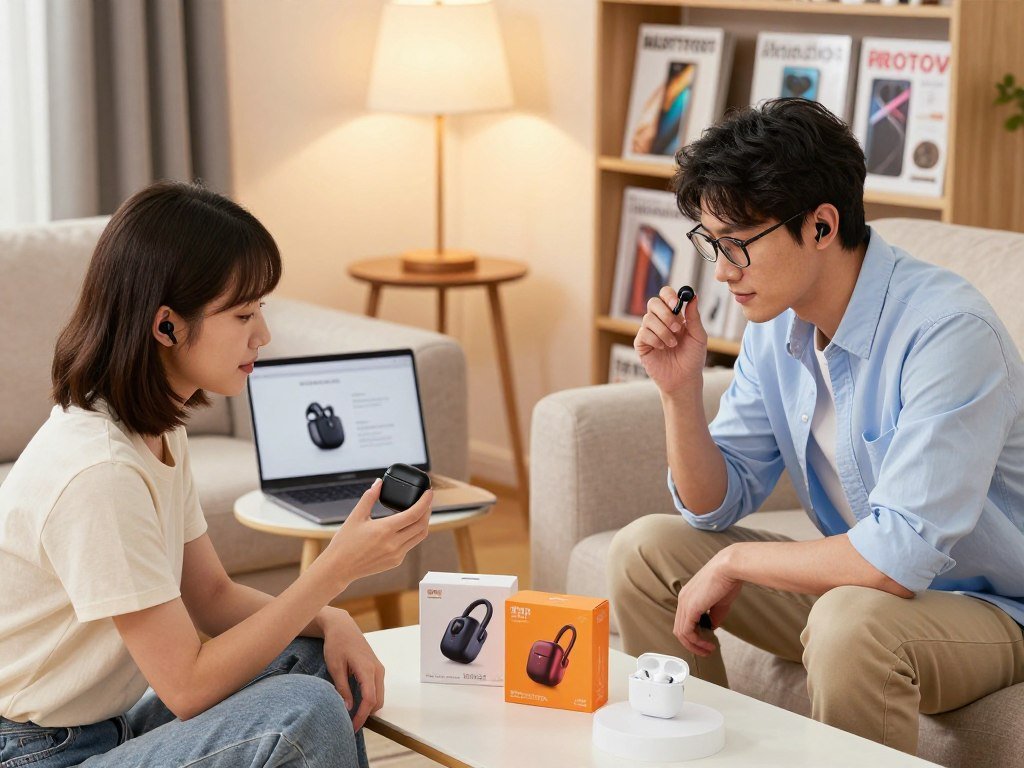
Android gives you plenty of wireless-audio choices, but a phone’s brand and your everyday priorities can change which features you actually get. Many earbuds pair with an Android phone, yet codec support, brand-specific features, comfort, and ANC can differ.
A Bluetooth codec is a method earbuds and a phone use to encode and decode wireless audio. Your choice also affects how well the earbuds suit calls, travel, exercise, and long listening sessions.
Key Takeaways
- Match the features to your phone brand and routine.
- Check fit, call quality, ANC, and app support.
- Codec names matter only when your phone supports them.
- Compare battery life with ANC turned on.
- Choose a pair you can wear comfortably for hours.
This roundup gives Android users a practical way to narrow the options without treating every spec as a must-have. Start by matching the earbuds to your phone and listening habits, not by choosing the longest feature list.
Best Wireless Earbuds for Android: Top Picks by Use
For a broadly capable Android pick, start with the Sony WF-1000XM5, then choose a more specialized model if your phone brand or budget points elsewhere. Most users get a strong mix of sound, ANC, and useful controls from this all-around flagship.
Choose by your main need first, since premium sound, deeper phone links, lower cost, and repair options do not come in one identical package.
| Model | Best fit | Standout reason |
|---|---|---|
| Sony WF-1000XM5 | All-around flagship | Detailed sound, ANC, and LDAC |
| Samsung Galaxy Buds3 Pro | Samsung phone owners | Deeper Galaxy integration |
| Google Pixel Buds Pro 2 | Google Assistant users | Intuitive controls and Assistant |
| EarFun Air Pro 4i | Lower-cost ANC | Reduces steady and sudden noise |
| Sennheiser MOMENTUM True Wireless 5 | Longer product life | User-replaceable batteries |
The Sony pair makes sense if you want one set of buds for music, commuting, and work. Its sound and noise control suit varied listening, while its app lets you shape the audio.
Pick the Galaxy Buds3 Pro when a Samsung phone is central to your daily use. The Pixel Buds Pro 2 is a better fit when quick access to Google Assistant matters more than chasing every advanced audio option.
The EarFun Air Pro 4i gives budget-minded buyers noise reduction without a flagship price. Sennheiser’s user-replaceable batteries may appeal if you would rather extend a product’s life than replace the whole pair.
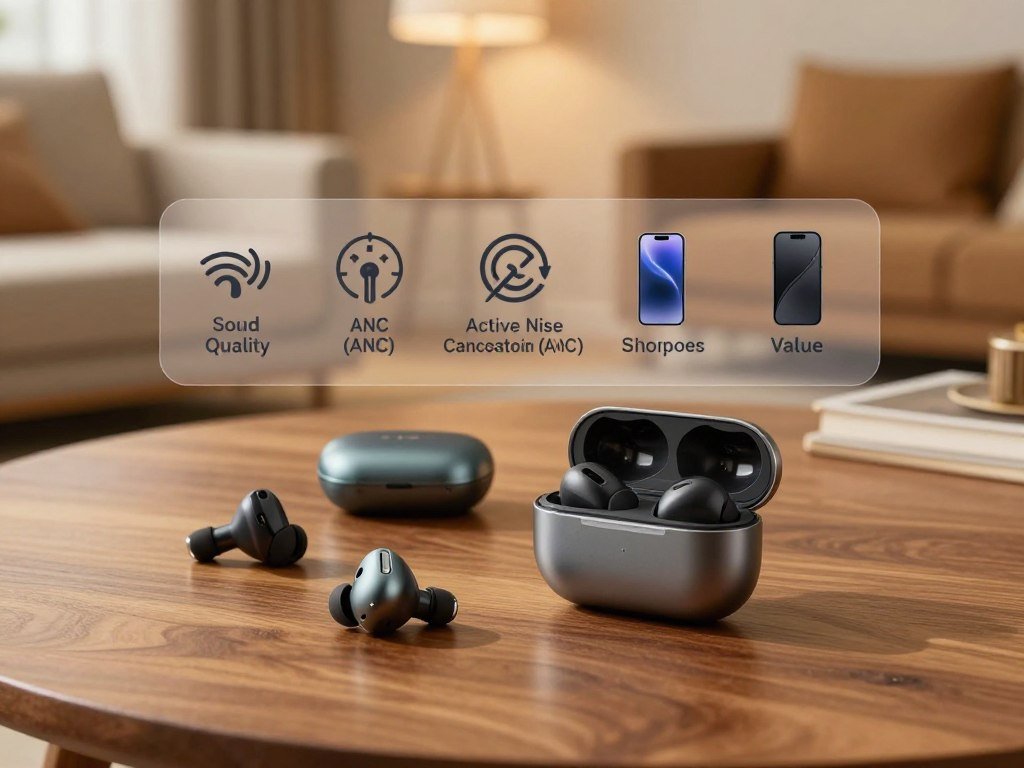
Think about which feature you will notice every day, not which one sounds best in a product description. Treat the shortlist as a set of use-case matches, since the best fit for a Samsung phone is not automatically the best fit for every Android user.
Which Android Features Work Across Phone Brands?
If you own a Samsung Galaxy phone, the Galaxy Buds3 Pro offers deeper system integration than a cross-brand pair. Brand-linked tools can shape which advanced features you can use, even though basic Bluetooth audio works across brands.
Bluetooth earbuds that pair with Android can play audio, while codecs, apps, and advanced controls decide how much more they do. Check each feature against your exact phone and earbud generation before you count it as part of the deal.
Samsung Galaxy and Google phone integration
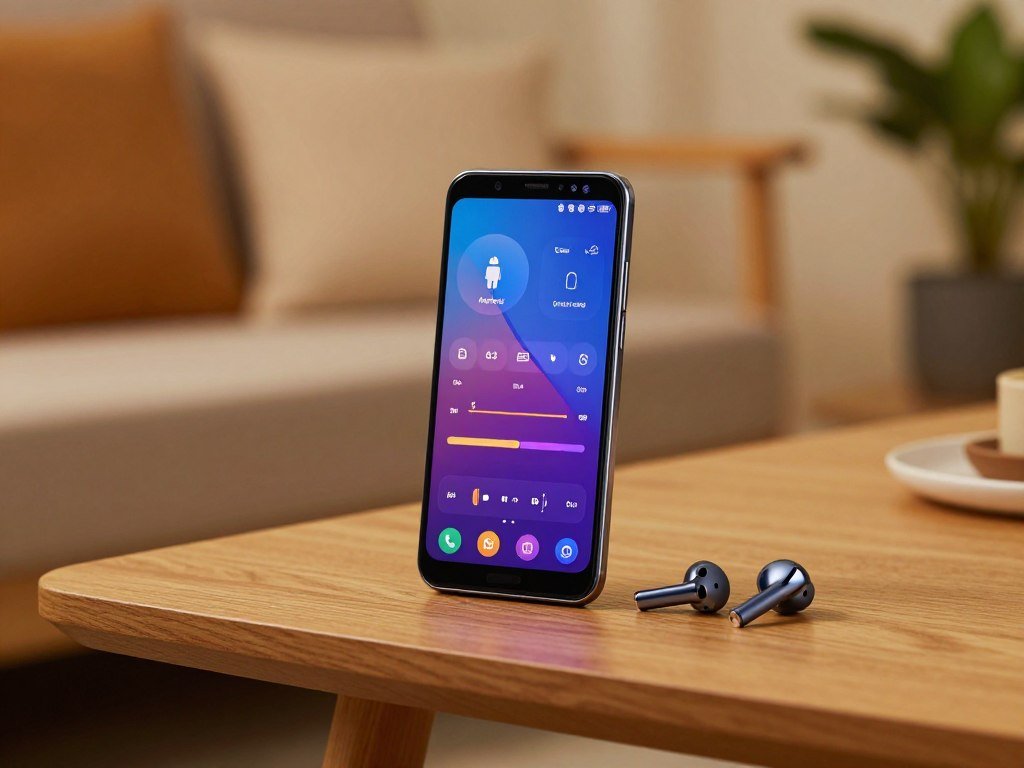
In 2026, the Samsung Galaxy Buds3 Pro offers seamless switching, system-level EQ, and proprietary high-resolution audio features with Samsung Galaxy phones. Its Galaxy phone features are most useful if your other devices also sit inside Samsung’s ecosystem.
Google Pixel Buds Pro 2 puts Google Assistant and intuitive controls first, though it lacks the highest audio codecs available on Android. The Google Pixel Buds experience is a natural fit if you use Assistant often and want simple access from your earbuds.
For Samsung owners, the Galaxy Buds4 Pro adds Samsung-only SSC 24-bit audio in 2026, but uses AAC with non-Samsung phones. Its Galaxy Wearable app has limited support on iOS, so switching phone brands can change the experience.
Cross-brand apps, codecs and multipoint
OnePlus Buds Pro 2 offers fast pairing, system integration for OnePlus users, and good call handling. Nothing Ear (2) offers app-based EQ and Android-friendly tuning without requiring a Nothing phone.
In 2026, Nothing Ear (3) supports LDAC on Android and AAC on iPhone, with multipoint on both. Soundcore Liberty 4 Pro also supports LDAC and multipoint, with an app for Android and iOS. Sony WF-1000XM6 supports LDAC and multipoint, and its app works on both systems.
Android 13 and later includes built-in LE Audio support, a Bluetooth feature set that can enable efficient audio sharing and other uses. The Android LE Audio overview explains how LC3 serves as its default codec.
Six of eight tested earbud pairs had working multipoint in 2026, but support still depends on the model. Before you choose on ecosystem features alone, confirm that the exact phone and earbud generation support the functions you plan to use.
- Check the app’s operating-system support.
- Verify whether the features you want need a same-brand phone.
- Confirm multipoint works with the devices you switch between.
Wireless headphones for an Android phone can also pair over Bluetooth, though this roundup focuses on earbuds. A good cross-brand pair can still cover daily listening, calls, and device switching.
Which Codecs and Sound Controls Matter Most?
A codec can only help when both the Android phone and the earbuds support it. Matching support matters more than a long codec list, because a phone cannot send audio in a format the earbuds cannot decode.
The best wireless earbuds for sound quality combine a comfortable seal, a sound profile you like, and useful controls, not simply the most codec names.
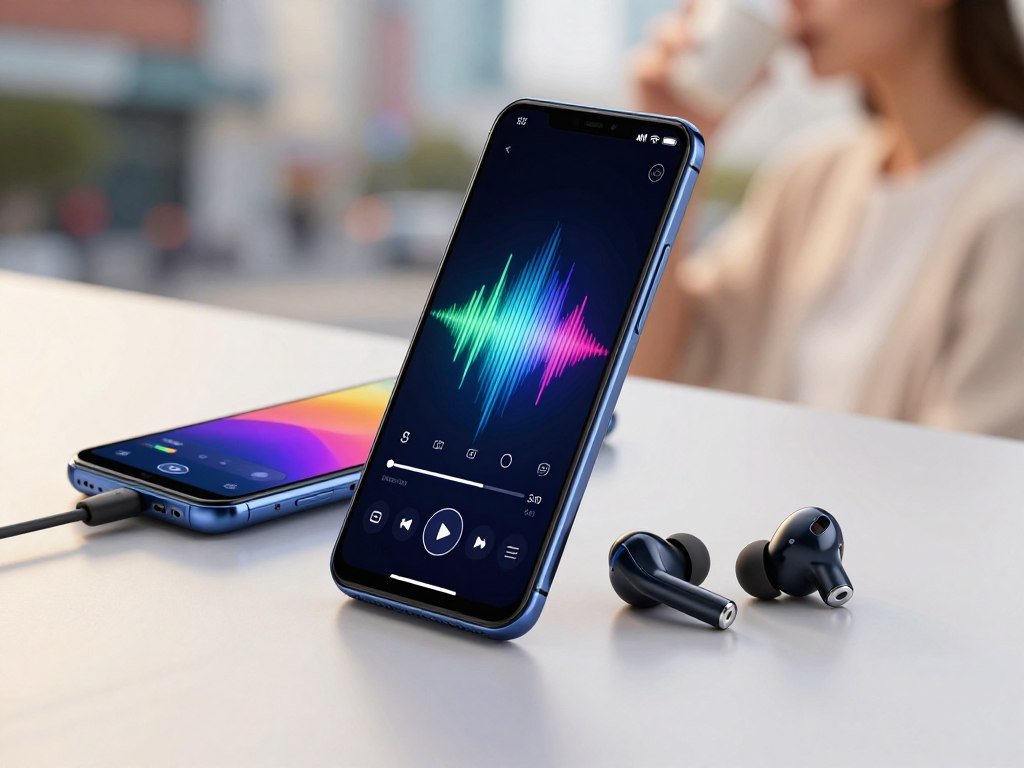
Choose codecs your phone can use
A Bluetooth codec is a method earbuds and a phone use to encode and decode wireless audio. LDAC, AAC, SBC, aptX, and LC3 are codec names you may see on product pages.
Codec support must match your phone and streaming setup. A high-resolution label may not change what you hear if your phone, music service, or connection does not use that format.
In 2026, Sony WF-1000XM5 supports LDAC, AAC, SBC, and LC3, plus multipoint. Apple AirPods Pro 2 supports SBC and AAC, so Android users should compare its practical fit and sound rather than expecting wider codec support.
Android 13 and later has built-in Bluetooth LE Audio support, with LC3 as its default codec. The Android Bluetooth LE Audio guide describes features such as audio sharing and broadcast audio.
Tune sound for your listening
Sony WF-1000XM5 sounds detailed and dynamic across frequency ranges, and its app offers sound tuning. A modest EQ change can make bass fuller or voices clearer, but heavy changes may hide details you enjoy.
For the best wireless earbuds for sound quality, start with a fit that seals well. A loose seal can thin the bass, while a comfortable tip helps you keep the earbuds in for longer sessions.
Try a familiar song before adjusting the EQ. Listen to a familiar track with the default tuning before changing the EQ, so you can tell whether an adjustment genuinely improves the sound for you.
How Well Do These Earbuds Cancel Noise?
For lower-cost ANC, the EarFun Air Pro 4i performed close to the Apple AirPods Pro 3 in the supplied noise-cancellation comparison. For the price, it is a strong option for Android users who want the best wireless earbuds for noise cancellation without moving to a premium tier.
ANC works best on steady, low sounds, while sharp or high-pitched noises can break through. In 2026 tests, the EarFun Air Pro 4i ranked just below Apple AirPods Pro 3 for noise cancellation.
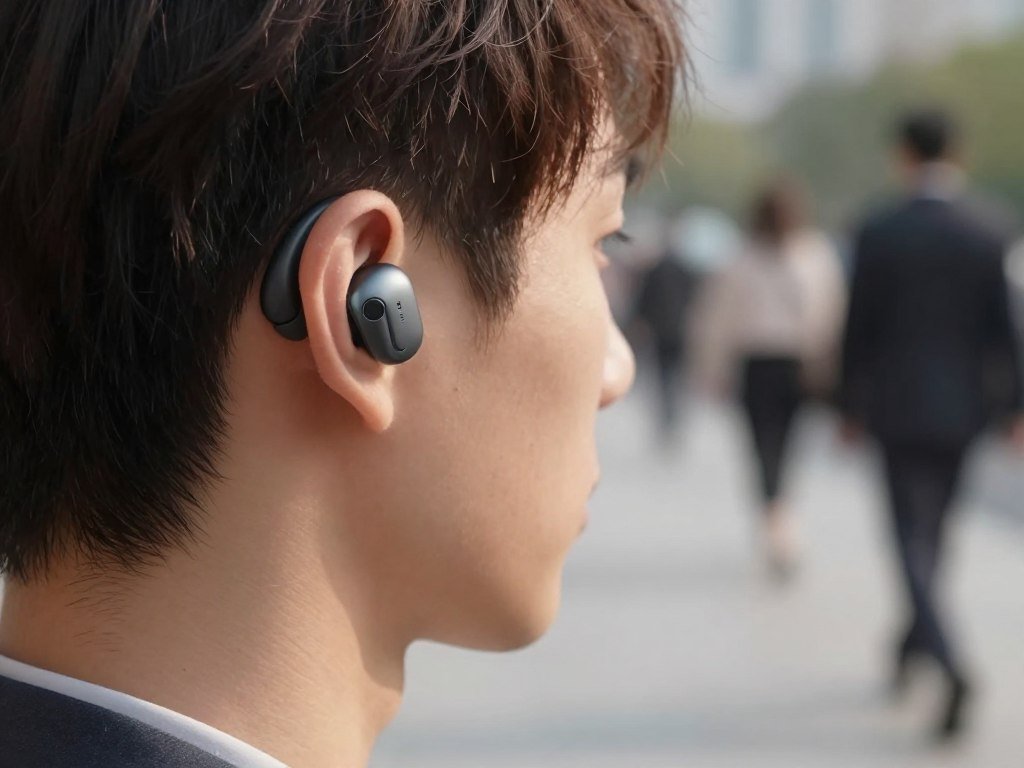
Steady noise, sudden sounds and ANC limits
ANC can soften steady sounds such as an air conditioner, engine, or bus rumble. Sudden sounds, like a dropped object, are harder to reduce because they change too quickly.
The EarFun Air Pro 4i strongly reduces both constant and sudden noise, though some higher-pitched sounds and snoring remain audible. Its noise-cancellation test result makes it a useful value pick, not a promise of silence in every room.
ANC does not remove every sound around you. Keep enough awareness for traffic, announcements, and other sounds that affect your safety.
Why fit changes noise reduction
Passive noise isolation comes from the ear tips blocking sound, even before ANC adds its electronic effect. On the Sony WF-1000XM5, passive isolation does much of the noise-blocking work.
A poor seal can leave gaps that let outside sound in and weaken the effect of ANC. Tip size also changes comfort, so a larger tip is not automatically better.
The EarFun Air Pro 4i has an IP55 rating and supports multipoint connections to two devices. It also lasts 6.5 hours with ANC on, a useful detail if you wear it through a commute and part of a workday.
Try the tips while sitting and walking, since movement can loosen a fit that feels fine at first. Test ANC while wearing the tips that give you a secure seal, because a loose fit can undermine the noise reduction you paid for.
Which Earbuds Handle Calls and Long Wear Best?
The Jabra Elite 10 Gen 2 earned a 4.6/5 caller rating in the office HVAC and keyboard-noise test. For office calls, it stands out among these results, while outdoor wind and long meetings call for different strengths.
For Android phone calls, the best wireless earbuds depend on whether office noise, outdoor wind, or extended wear is your main problem.
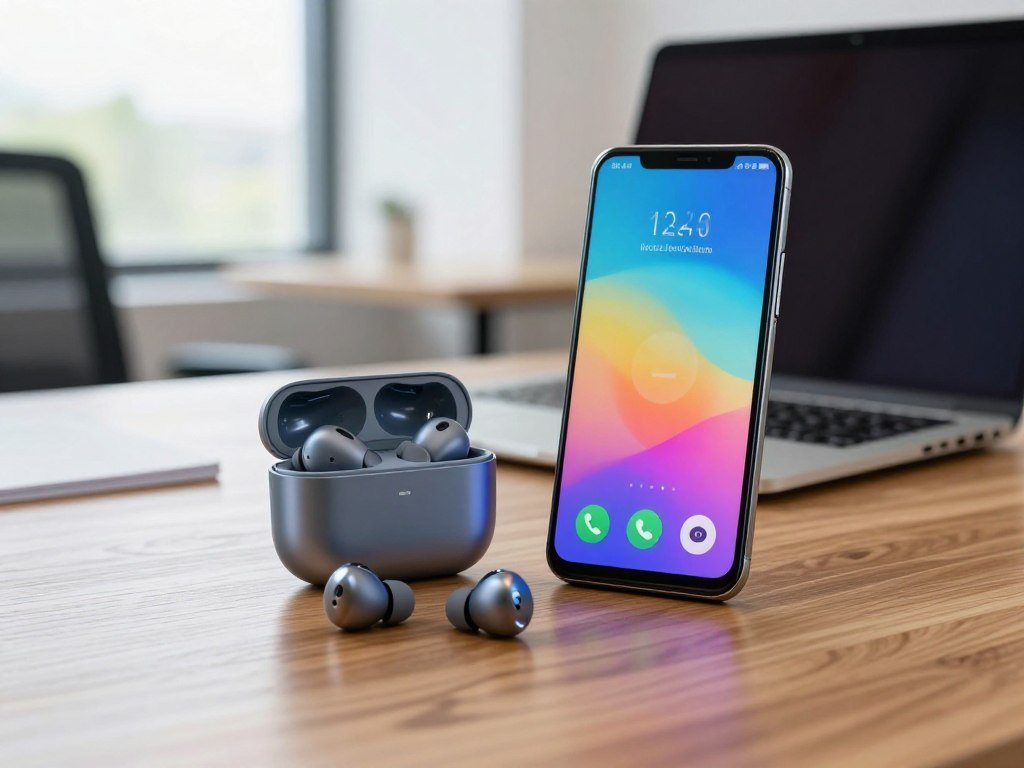
Office noise and voice clarity
In the same 2026 office test, Apple AirPods Pro 2 received a 3.8/5 caller rating. Its microphones reduce background noise on calls, but Jabra scored higher with HVAC and keyboard sounds present.
OnePlus Buds Pro 2 handles calls well and pairs quickly with OnePlus phones. Bose QuietComfort Ultra earbuds also offer good call microphone quality, along with strong ANC.
Call results can change with the room and the person speaking. A quiet home office may make microphone differences less clear than a room with fans, keys, and nearby voices.
Wind, comfort and call priorities
Sony WF-1000XM6 is the outdoor-call pick in the 2026 call tests, especially when wind is a concern. Bose QuietComfort Ultra is the choice for extended-call comfort.
Microphone quality and fit are separate questions. An earbud can pick up your voice well yet cause soreness during a long meeting.
- Test the microphone in a noisy room.
- Make a short outdoor call if wind matters.
- Wear the earbuds for a full meeting-length session before judging comfort.
AirPods Pro 2 may suit callers who value its background-noise reduction, while the office test favored Jabra. Consider where you speak most often, not just how the earbuds sound during music playback.
For frequent calls, make a short real-world call before committing, since a comfortable music fit does not guarantee clear speech pickup.
What Can You Get at Different Price Levels?
Under $100, the EarFun Air Pro 4+ and HAVIT TW991 Pro illustrate two different budget priorities: broad audio features and basic call-focused pairing. Budget earbuds can cover everyday use when their fit and features suit your needs.
Pay more for a feature you will use, such as stronger ANC, better call handling, or phone-specific controls, rather than assuming every upgrade changes your listening experience.
Strong features below $100
| Model | U.S. listed price or MSRP | Best use | Trade-off to weigh |
|---|---|---|---|
| HAVIT TW991 Pro | $49.99 | Low-cost ENC and dual-device pairing | Check its feature set against your needs |
| EarFun Air Pro 4+ | $99.99 MSRP | Feature-rich option under $100 | Different model from Air Pro 4i |
| Sony WF-1000XM5 | $298.00 | Flagship sound and ANC | Weigh extras against your routine |
| Bose QuietComfort Ultra | $299.00 | Strong ANC and calls | Immersive Audio lowers battery runtime |
| Apple AirPods Pro 2 | $321.40 | Familiar Apple sound and call features | Supports SBC and AAC codecs |
HAVIT TW991 Pro includes ENC and dual-device pairing, which can help with calls and switching devices. EarFun Air Pro 4+ has an MSRP of $99.99 and offers a broader feature set than a basic budget pair.
The best budget wireless earbuds with noise cancelling can handle everyday listening, but they may not match premium ANC or call performance. The best wireless earbuds for Android under $100 should be judged by the phone features and fit you actually need.
When a premium pair earns its price
In 2026, Sony WF-1000XM5 lists at $298.00 in the United States. Bose QuietComfort Ultra lists at $299.00, with six hours of battery life or four hours with Immersive Audio.
Apple AirPods Pro 2 lists at $321.40, with six hours of battery life plus 24 hours from the case. Its SBC and AAC support may matter to Android users who want broader codec options.
Premium wireless products can add more comfort, stronger noise control, or richer app settings. Those extras are useful when they solve a real problem, but they are not a dramatic gain for every listener.
Compare the named model’s current price before purchasing, since listed prices can change.
What Battery Life Can You Expect From a Charge?
ANC-on runtime in the listed models ranges from 6 hours for the Sony WF-1000XM5 to 8.5 hours for the Soundcore P42i. For a full day, compare the runtime with ANC on, since that is how many people use their earbuds.
A fully charged pair of true wireless earbuds typically plays for 6-8 hours, depending on the model. The case adds listening time between charges, but it does not change the single-charge figure.
Runtime with ANC on
Sony WF-1000XM5 provides up to six hours with ANC on, plus 16 hours from its case. EarFun Air Pro 4i reaches 6.5 hours, while Soundcore P42i reaches 8.5 hours.
EarFun Air Pro 4+ and Google Pixel Buds Pro 2 each provide eight hours with ANC on. Sony WF-1000XM6 also reaches eight hours, while Samsung Galaxy Buds4 Pro reaches seven hours.
These figures help you compare listening time, not total time away from an outlet. Your case can recharge the buds, but you still need to return them to it between listening sessions.
Battery aging over time
Wireless earbuds typically last 1-2 years with moderate to heavy use and 2-3 years with gentle use. Frequent charging and heavier use tend to shorten the useful life as battery capacity fades.
Battery wear may become clear when a pair that once lasted through a commute needs a charge sooner. A case can help you top up during the day, but it cannot restore worn battery capacity.
Charging habits also affect how easily the earbuds fit into your routine. If you often forget to charge, case capacity and quick access to a charger may matter as much as the buds’ single-charge runtime.
If you regularly listen through a full workday, choose based on the ANC-on runtime rather than a manufacturer’s best-case figure with ANC disabled.
Which Fit and Feature Checks Matter Before Buying?
A good seal can improve bass and noise reduction, while an uncomfortable fit can make an otherwise capable pair a poor daily choice. Comfort comes first because slipping, pressure, or fatigue can spoil long listening sessions.
A poor ear-tip seal can reduce bass response, weaken noise cancellation, and cause fatigue. A crowded spec sheet cannot fix an earbud that will not stay in place.
Seal, comfort and stability
Try different tip sizes in both ears, since your left and right ears may not need the same size. The right fit should feel secure without pushing hard against your ear.
Check stability while walking and turning your head. If the earbuds slip during light movement, you may need another tip or a different design.
Fit also affects how you hear the sound. A proper seal supports bass and helps reduce outside noise, while pressure can make a good pair tiring.
App, controls and durability checks
An IP code uses two digits: the first shows dust protection, and the second shows water protection. Match the rating to where you plan to wear the earbuds, rather than treating every rating as equal.
To tell if earbuds are good quality, check for a secure fit, stable Bluetooth connection, clear calls, useful app support, and sound you like at a comfortable volume. The best features like EQ or touch controls matter only if they work well for you.
- Try more than one tip size.
- Confirm touch controls can be changed in the app.
- Verify your phone supports the codec and features you want.
- Check the IP rating against your intended use.
Wireless earbuds also have downsides: batteries age, fit varies between ears, and some features may be limited outside a brand’s phone ecosystem. Those limits can matter more than a small difference in audio quality.
If the fit is unstable in the first few minutes, try another tip size before deciding the model itself is unsuitable.
Conclusion
The right pair is the one that fits your phone, ears, and everyday listening routine, not simply the one with the most features. Your priorities should guide the choice: start with Sony for an all-around option, Samsung Galaxy Buds3 Pro for Samsung integration, or EarFun Air Pro 4i for lower-cost ANC.
Choose the feature you will use most, then check the fit and app support on your own phone. A pair that works well with your Android setup is more useful than one with extras you rarely touch.
Try the tips and controls before settling on a model, and think about where you listen most. Check fit and app compatibility for your exact phone before you place an order.
FAQ
What are the best noise cancelling earbuds in 2026?
The EarFun Air Pro 4i is a strong lower-cost ANC choice in 2026. It reduces constant and sudden noise, though some high-pitched sounds can remain audible. Bose QuietComfort Ultra is a premium option if strong ANC and call quality matter more than keeping costs down. Your best match depends on which features you will use most.
Are cheap wireless earbuds any good?
Yes, cheap wireless earbuds can be good when they fit comfortably, hold a stable connection, and include the features you need. The EarFun Air Pro 4i offers lower-cost ANC, while the HAVIT TW991 Pro focuses on ENC and dual-device pairing. Neither should be expected to match every flagship feature, but either may suit everyday use.
How long do wireless earbuds last?
Wireless earbuds typically last 1-2 years with moderate to heavy use and 2-3 years with gentle use. Battery wear is a key limit because the small batteries lose capacity over time. Frequent listening and charging can shorten useful life, while lighter use may help a pair last longer. Careful storage also helps protect the case and buds.
What are the downsides of wireless earbuds?
The main downsides are battery aging, fit differences, and features that may not work across phone brands. A pair can feel secure in one ear but loose in the other, and a worn battery can reduce listening time. Brand-linked controls or audio features may also be limited when you use earbuds with a phone outside that brand’s ecosystem.
How to tell if earbuds are good quality?
Good earbuds should fit securely, keep a stable Bluetooth connection, handle calls clearly, and sound pleasing at a comfortable volume. Check whether the app offers controls you will use, such as EQ or touch settings. Test them while walking and during a call, since a good music demo alone cannot show how they perform in daily use.
How much should a good pair of earbuds cost?
A solid pair often costs around $50-$300, depending on its ANC, call quality, comfort, and phone-specific features. A lower price can be enough if you need a secure fit and basic listening. Premium models make more sense when their stronger noise control, call handling, or app tools solve problems you face often.
What should I see before buying earbuds?
Check tip fit, phone and app compatibility, codec support, multipoint, IP rating, and ANC-on battery runtime. Test whether the app works with your phone and whether the controls suit your routine. Also consider where you will wear the earbuds, since workouts, commuting, and long calls place different demands on fit and features.
Are expensive earbuds worth it?
Expensive earbuds can be worth the cost if you will use their better ANC, call performance, comfort, or phone integration. A lower-cost pair may be better value when you mainly listen at home or need basic controls. Compare the features you will notice every day, then decide whether the extra cost solves a real problem.