
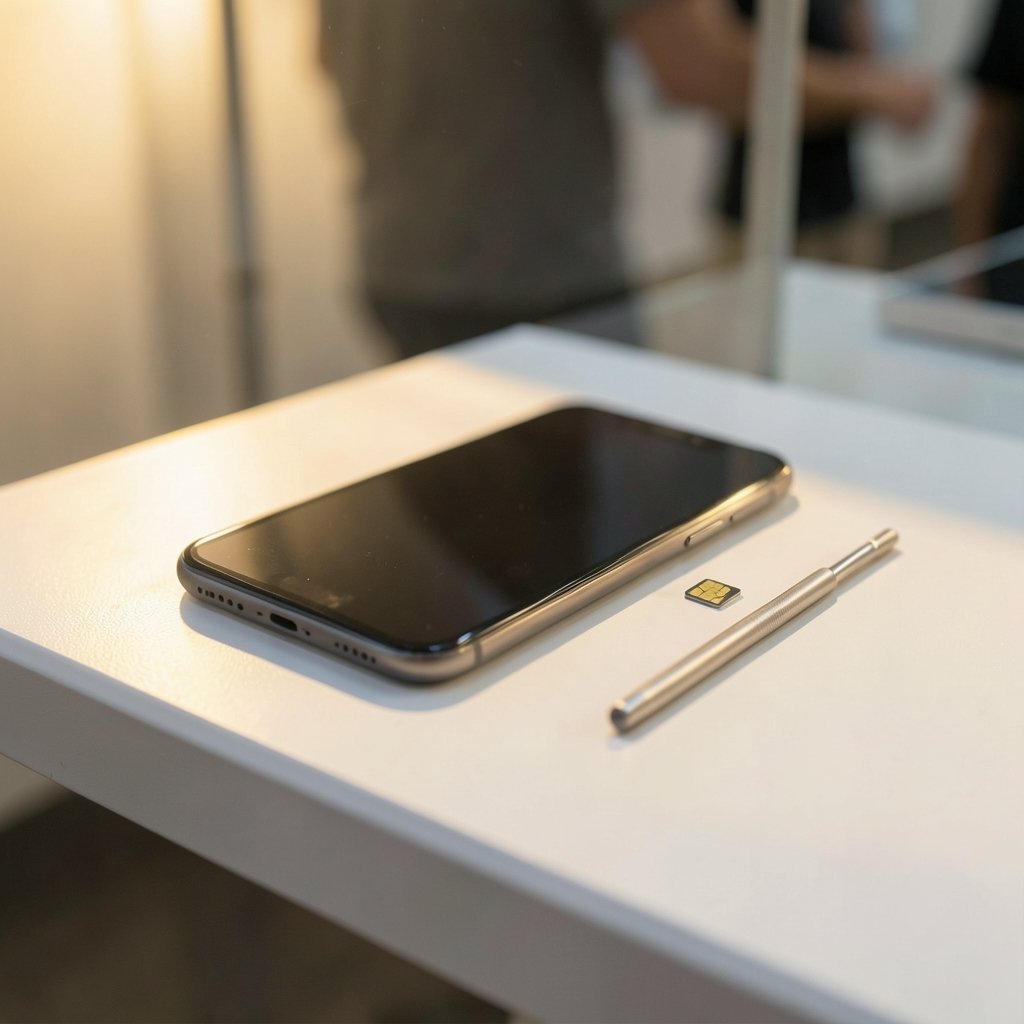
Quick Answer: How do i check whether my device or account is affected by sim swapping?
You check for SIM swapping by looking for a sudden loss of cellular service, unexpected “SIM not provisioned” or “SOS only” messages, and account changes you did not make. The fastest path is to call your carrier from a different phone and log into your carrier account to review recent SIM, device, and port-out activity.
A SIM swap differs from ordinary identity theft because the attacker targets your phone number and treats passwords as secondary. That means SMS-based two-factor codes can land in the wrong hands even when your passwords are still secret.
Before you act, compare your service status, carrier account history, email and bank login alerts, two-factor prompts you did not trigger, and any password-reset emails you never requested.
A phone number is a fragile thing. It follows you for a decade, gets printed on forms, and quietly becomes the master key to email, banking, and social media. That is exactly why criminals want it. The FBI has warned for years that SIM-swap attacks let criminals hijack phone numbers and then drain accounts protected by text-message codes. The scheme is simple and brutal: convince a carrier to move your number onto a SIM card the attacker holds, and every call and text meant for you goes to them instead.
The good news is that a swap leaves fingerprints. Service drops. Login alerts fire. Carrier records change. This guide walks through how to check whether your device or account is affected by SIM swapping, what each signal actually means, and what to do in the first hour.
What a SIM Swap Actually Does to Your Phone
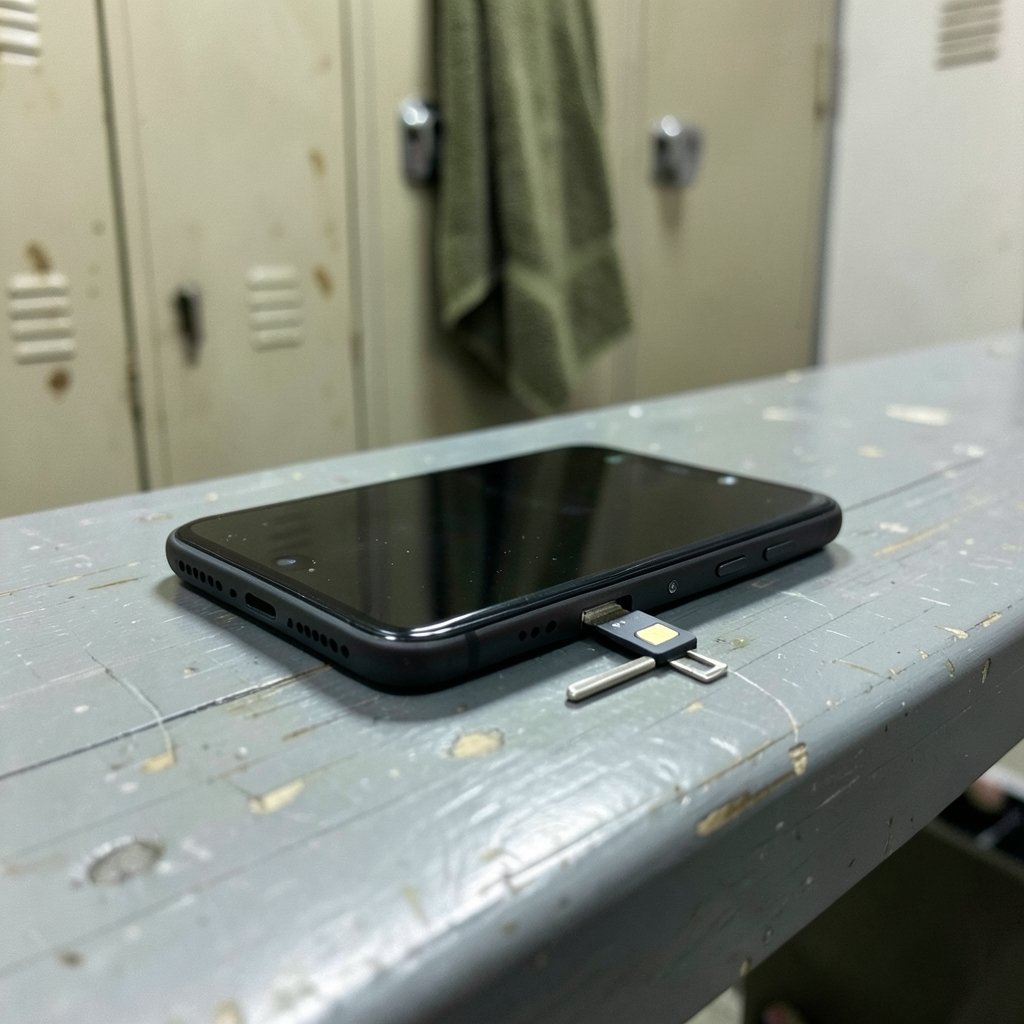
A SIM swap is a form of port-out fraud. An attacker gathers enough personal details to impersonate you, then persuades or bribes a carrier representative to transfer your number to a new SIM. Once the transfer completes, your physical phone loses its connection to the network. Your number still works; it just works somewhere else.
That distinction matters. People assume a hacked account means a hacked phone. In a SIM swap, the handset is usually fine. The number has moved. According to the FCC’s consumer guidance on SIM swapping and port-out scams, the attack relies on tricking the carrier rather than breaking into your device.
The payoff for the attacker is SMS-based two-factor authentication. Most banks, email providers, and social platforms still fall back on text codes. If the attacker controls your number, those codes arrive on their screen. They reset your password, approve the login, and lock you out, often within minutes.
The First Signal: Your Phone Loses Service
The single most common warning sign is a phone that suddenly cannot connect. Look for these symptoms:
- “No Service,” “SOS only,” or “SIM not provisioned” appearing out of nowhere
- Calls failing while friends insist they can reach your number
- Texts you send never arriving, or replies you never receive
- Your carrier’s app refusing to recognize your device
- A notification that a new SIM was activated on your line
A dead signal is not proof of a swap. A dropped SIM tray, a network outage, or a billing suspension can produce the same result. The test is simple: restart the phone, reseat the SIM, and check whether the outage affects only your line or everyone around you. If your partner’s phone on the same network works fine and yours does not, treat it as suspicious.
Practical tip: keep a screenshot of your carrier’s customer-service number saved somewhere other than your phone. When service dies, you cannot look it up.
Check Your Carrier Account Directly
Carrier records are the closest thing to a paper trail. Log in to your carrier’s app or website from a device that still has internet, such as a laptop on Wi-Fi. Then review:
| What to check | Where to look | What is suspicious |
|---|---|---|
| SIM or device changes | Account activity or device history | A SIM activation or device swap you did not request |
| Port-out requests | Account transfers or number history | Any pending transfer of your number |
| New lines | Plan and line management | Extra lines added to your account |
| Authorized users | Account permissions | Names you do not recognize |
| Contact details | Profile settings | Changed email, address, or recovery phone |
| Billing changes | Recent charges | SIM replacement fees or new device charges |
Carriers publish their own security pages, and most now offer a port-out PIN or account lock that must be supplied before a number can move. Setting one takes a few minutes and is the single most effective preventive step. It is worth doing even if nothing looks wrong yet.
If you cannot log in because your phone number is the recovery method, call the carrier from another line and ask for the fraud department specifically. Front-line support can reset a password; fraud teams can freeze a port.
Look for Login and Recovery Alerts
Attackers rarely stop at the phone. Once they hold your number, they go after email first, because email resets everything else. Check for:
- Password-reset emails you did not request
- Security alerts about new sign-ins from unfamiliar locations or devices
- Two-factor prompts that appeared without you logging in
- Recovery email or phone numbers changed on your accounts
- Sessions logged out unexpectedly, or a password that no longer works
The FTC’s identity theft portal at IdentityTheft.gov walks through recovery steps for each account type, including the paperwork that helps when you dispute fraudulent charges. It is a genuinely useful starting point rather than a generic advice page.
One habit that catches swaps early: search your inbox for “verification code” once a week. A cluster of codes you never used is a loud signal that someone else is trying to get in.
Audit Your Bank and Payment Accounts
Financial damage is the point of most swaps. Review statements for:
- New payees, saved cards, or transfer recipients
- Password or contact-info changes on the bank profile
- Small test transactions, often under a dollar
- New credit applications or hard inquiries
- Locked or frozen online banking access
If you find any of these, call the bank’s fraud line immediately and ask them to freeze online access rather than just resetting the password. A reset hands the account back to whoever controls the recovery phone.
While you are in there, check whether your bank offers an app-based authenticator or a hardware security key. Moving away from SMS codes is the durable fix, and the CISA guidance on multi-factor authentication explains why app-based and hardware options resist this attack while text codes do not.
Check the Device Itself for Related Tampering
A SIM swap is a network attack, not malware, so a clean phone proves little. Still, attackers sometimes pair a swap with a malicious app or a phishing link that harvests credentials. Run a basic check:
- Review installed apps for anything you do not recognize, especially sideloaded ones
- Check device-admin permissions and accessibility settings for unfamiliar entries
- Confirm your phone is not running a beta profile or unknown configuration profile
- Verify your screen lock and biometric settings are unchanged
If you have ever installed an app from outside an official store, it is worth learning how to check whether an apk file is safe before the next install. The same caution applies to links: a phishing page that mimics your carrier’s login is a common way to harvest the details a swap requires, so it pays to know how to check whether a link is safe before you tap.
For iPhone and Mac users, a quick malware sweep adds peace of mind, and this walkthrough on how to check for malware on a Mac covers the built-in tools most people never open.
What to Do in the First Hour After a Suspected Swap
Speed decides the outcome. Work through this sequence:
- Call your carrier’s fraud team from a different phone and ask them to freeze the line and reverse any port.
- Change the password on your primary email account from a trusted device, then sign out all other sessions.
- Change passwords on banking, payment, and social accounts, starting with anything tied to your phone number.
- Remove SMS as a two-factor method wherever an authenticator app or security key is offered.
- Contact your bank and ask for a fraud alert on the account.
- Report the incident to the FBI’s Internet Crime Complaint Center at IC3.gov and file a report with the FTC.
- Document everything: times, names, reference numbers, and screenshots.
Common mistake: people change passwords first and call the carrier second. That order is backwards. Until the number is back under your control, every reset link still routes to the attacker.
Another mistake is assuming a single password change fixes it. Attackers often leave a recovery email or app password behind. Revoke sessions and check recovery settings on every account you touch.
How to Tell a Swap Apart from Similar Problems
Not every outage is a hijack, and misreading the signal wastes precious time.
| Scenario | Typical sign | Key difference from a swap |
|---|---|---|
| SIM swap | Sudden loss of service plus login alerts | Carrier records show a SIM or port change |
| Network outage | No service for many users at once | Carrier status page confirms an area fault |
| Billing suspension | Service cut after a missed payment | Account shows an unpaid balance |
| Damaged SIM | Intermittent signal, “no SIM” errors | Reseating or replacing the card restores service |
| Account takeover without swap | Odd logins, no service loss | Your phone still receives texts normally |
The tell is the combination. A swap almost always produces both a service loss and a burst of account activity. One without the other points somewhere else.
Prevention That Actually Works
After the cleanup, close the door. A few measures make a repeat attempt far harder:
- Set a carrier port-out PIN and ask for an account lock or number lock
- Switch to an authenticator app or hardware key for every account that allows it
- Remove your phone number as a recovery option where possible
- Use a password manager so no two accounts share a password
- Freeze your credit if personal data was exposed during the attack
- Review carrier account activity monthly, not annually
None of these is glamorous. Together they turn a five-minute heist into a dead end.
Conclusion
A SIM swap is quiet until it is not. The number moves, the signal dies, and a stranger starts resetting your life one account at a time. The check itself is refreshingly concrete: confirm your service status, pull your carrier’s activity log, scan for login and recovery alerts, and audit your financial accounts for changes you did not make. If two or more of those checks come back wrong, act as though the number is already compromised and call the carrier’s fraud team first.
The deeper lesson is that a phone number should never be the only lock on anything valuable. Treat it as a username, not a key. Set the port-out PIN, move to app-based authentication, and keep a record of what normal looks like on your accounts. When something shifts, you will notice within hours rather than weeks, and that head start is the whole game.
Frequently Asked Questions
Can a SIM swap happen without me losing service?
In rare cases, it can look partial. Some swaps complete on a secondary line, an eSIM profile, or a number that was already inactive, so the main handset keeps working. In those cases the giveaway is account activity rather than a dead signal: password resets, two-factor prompts, and carrier records showing a change. Always check the carrier log as well as the signal bars.
How long does a SIM swap take to complete?
Often minutes. Once a carrier representative approves the transfer, the number can move almost instantly, and the attacker typically starts resetting accounts within the same hour. That speed is why the first move should be a call to the carrier’s fraud team rather than a leisurely password change.
Will my carrier tell me if my number is ported?
Most carriers send a confirmation text or email when a SIM is replaced or a number is ported, but the message goes to the number being transferred, which is exactly where you cannot see it. That is why logging into the account portal matters more than waiting for an alert.
Does a factory reset remove a SIM swap?
No. A factory reset wipes the device, not the network record. The swap lives on the carrier’s side, so the number stays with the attacker until the carrier reverses the port. Resetting the phone can even destroy evidence you might need for a fraud claim.
Is eSIM any safer than a physical SIM card?
Not inherently. An eSIM removes the plastic card, but the transfer still depends on carrier verification, so a convincing impersonator can move an eSIM just as easily. The protection comes from a port-out PIN, an account lock, and strong authentication on the accounts the number protects.
Can I check for a swap if my phone has no service at all?
Yes, and you should. Use a laptop on Wi-Fi or borrow a phone to log into your carrier account and review activity, then call the fraud line from that borrowed line. Your phone’s signal is irrelevant to the investigation; the carrier’s records are what count.



