What do you buy someone who already owns every gadget they want? That question stops more gift shoppers than any other. Technology presents look easy on the surface. You pick something shiny, wrap it, and hope. But the returns desk after the holidays tells a different story: duplicate chargers, abandoned fitness bands, smart speakers nobody set up, and toys that needed a subscription nobody mentioned.
The good news is that choosing a technology gift is a skill, not a talent. It comes down to a handful of checks that take about ten minutes per item, and those checks hold up regardless of what the product category is this year. This guide walks through what actually matters, where shoppers commonly go wrong, and how to pick a gift that gets used instead of stored in a drawer.
Start With the Person, Not the Product
The single biggest mistake in tech gifting is shopping by category instead of by person. Someone who reads on a phone at night does not need a tablet. Someone who walks 12,000 steps a day may already own two fitness trackers. Before browsing anything, answer three questions about the recipient.
First, what do they already own? A quick mental inventory prevents the most common failure: gifting a better version of something they bought last year and still like. Second, what do they complain about? Complaints are gift opportunities. If they grumble that their laptop battery dies during meetings, a quality power bank is a thoughtful answer. Third, what is their tolerance for setup? Some people enjoy tinkering with a new device for an evening. Others want it to work the moment they unbox it. That difference should steer you away from anything requiring an app, an account, and a firmware update before first use. (Technology trends that will matter 2030 changes first)
A useful rule of thumb: the less technically inclined the recipient, the more you should favor devices that work out of the box with no companion app. The more technical they are, the more you should avoid picking for them at all and lean toward accessories or consumables that support whatever they already chose for themselves.
The Checks That Separate Good Tech Gifts From Bad Ones

Most tech gift disappointments trace back to a few predictable issues. Run through this checklist before buying anything.
Safety and certification
Electrical products sold in major markets carry certification marks, and those marks matter more than brand names. Look for a recognized safety mark on the product or its packaging, and be skeptical of extremely cheap electronics from unfamiliar sellers. Lithium batteries in particular deserve scrutiny. Cheap cells in toys, earbuds, and power banks have caused fires, and regulators have recalled large numbers of them over the years.
If you are buying for a child, check the age recommendation and any small-part warnings. Connected toys deserve extra attention because they often include cameras, microphones, or location features. In the United States, the Children’s Online Privacy Protection Rule, administered under 16 CFR Part 312, sets limits on how operators can collect data from children under 13, and it was amended with an effective date of June 23, 2025 to expand the definition of personal information to cover biometric identifiers. That is worth knowing if a toy asks for a voice sample or a face scan during setup.
Privacy and account requirements
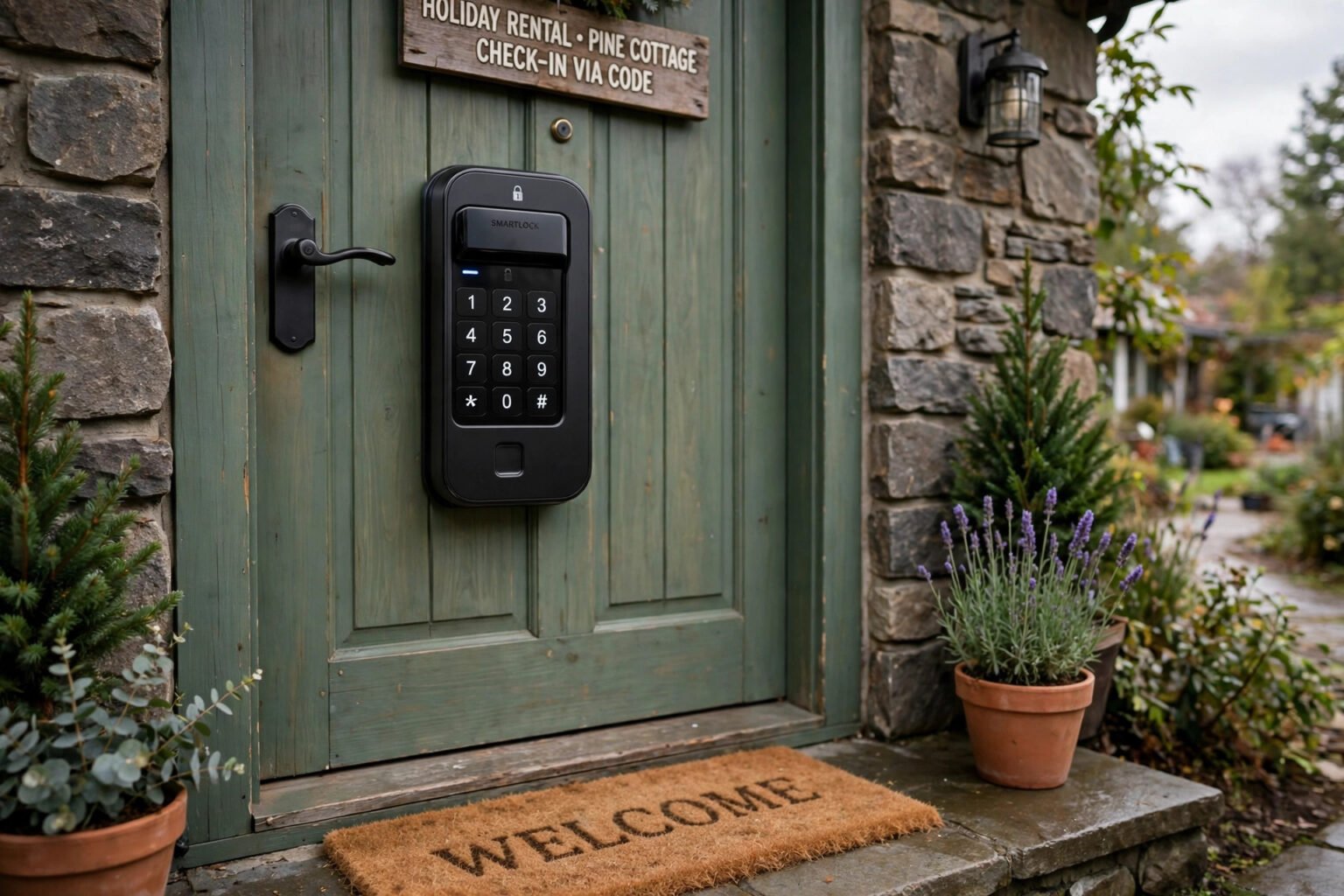
Read the setup requirements before you buy. Does the device need an account? Does it need a subscription to use core features? Does it work offline? A gift that requires a monthly fee without saying so is not really a gift. A device that works only with a phone app can stop working if the manufacturer ends support.
Charging and standards
Charging is where gift buyers lose the most goodwill. A device that uses a proprietary cable will be useless the moment that cable is lost. Where possible, favor products that charge over standard connectors. USB-C has become the default for good reason, and the USB Implementers Forum maintains the specifications behind it; USB Power Delivery 3.1 introduced an Extended Power Range up to 240 watts, which is why a single charger can now handle a laptop, a phone, and earbuds. Matching charger wattage to device needs is a small detail that makes a big practical difference.
Repairability and support lifespan
A gift that lasts three years beats one that lasts eighteen months. Brands that publish repair guides, sell replacement parts, and commit to software updates for a stated number of years are safer bets. This is especially true for phones, laptops, and smart home devices, where software support determines how long the product stays useful and secure. If you want a sense of where the broader market is heading on longevity and power, the shift toward solid state battery technology is one of the more consequential changes on the horizon for devices people keep for years.
Match the Gift to the Recipient’s Life
Category-level advice only goes so far. The real work is fitting the device to a daily routine. Here is how common recipient types tend to map onto gift categories.
| Recipient type | Strong fits | Usually a miss |
|---|---|---|
| Commuter who works on the go | Quality power bank, compact keyboard, noise-isolating earbuds | Large tablets, desktop accessories |
| Home cook | Smart thermometer, kitchen scale, smart plug for appliances | Multi-function appliances with steep learning curves |
| Fitness-focused | Heart rate monitor, replacement bands, recovery tools | Another full tracker if they already wear one |
| Reader or note-taker | E-reader, stylus, adjustable reading light | Devices that need a subscription to sync notes |
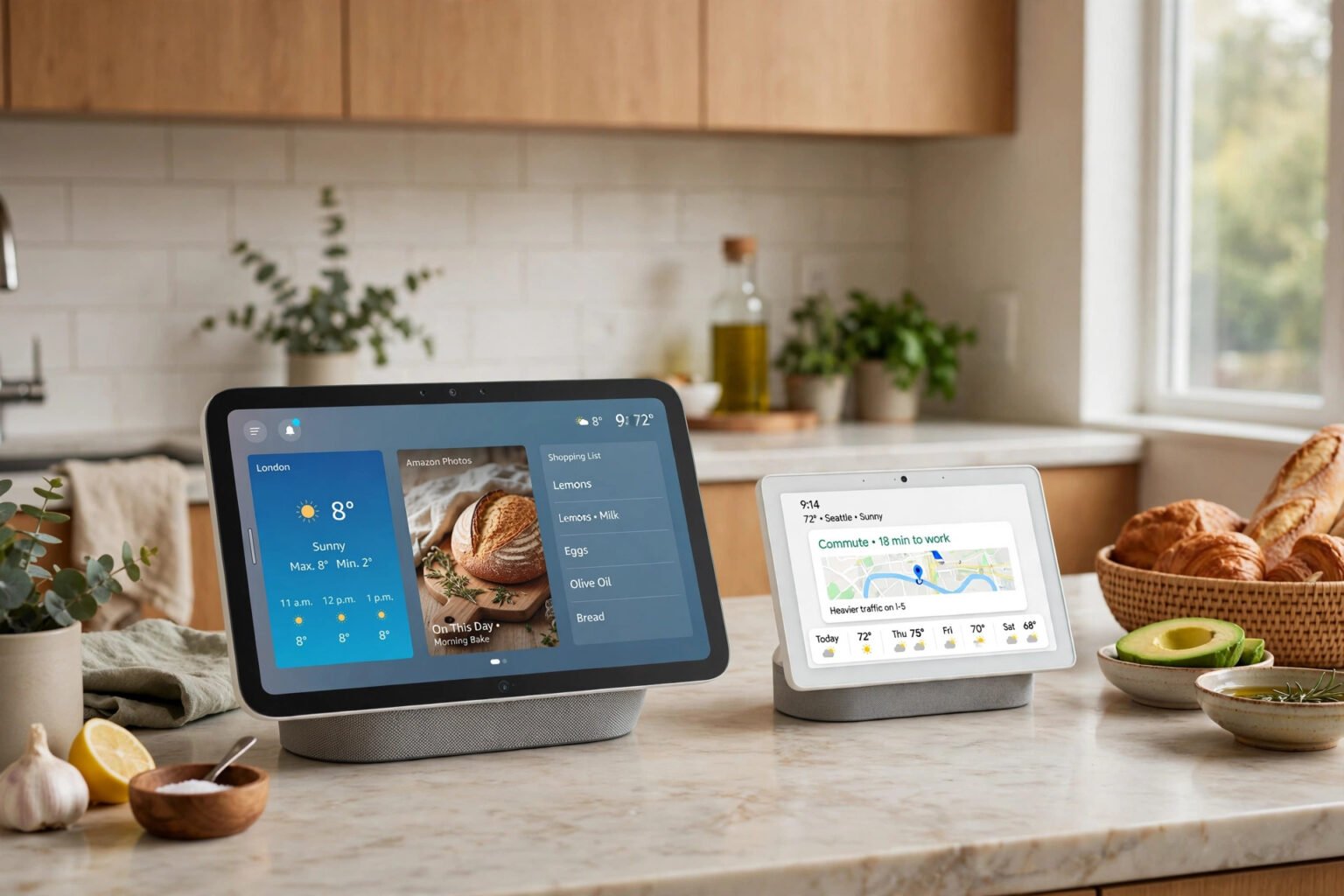
| Older relative | Simple smart display, video calling device, large-button remote | Anything requiring multi-step app setup |
| Kid or teen | Headphones with volume limits, durable speaker, creative coding kit | Connected toys with unclear data policies |
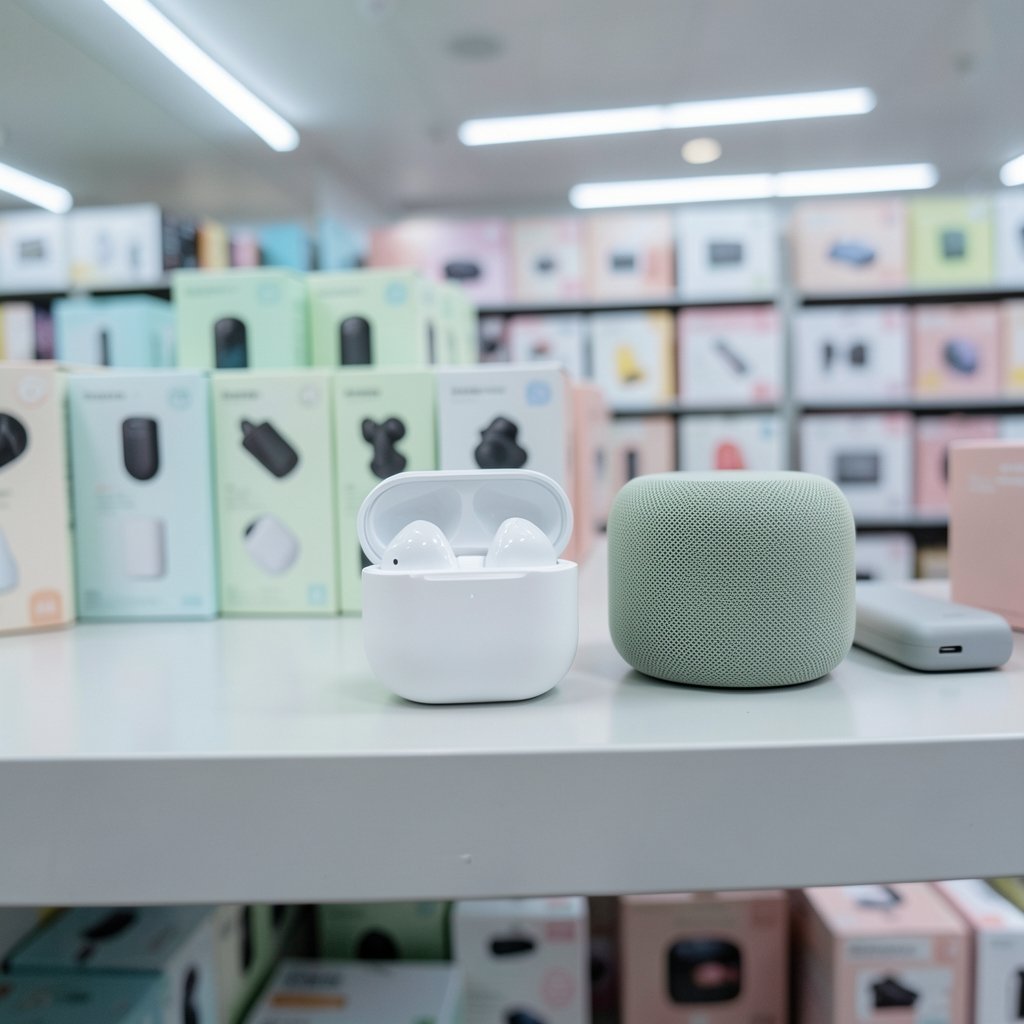
Notice how many of the strong fits are accessories rather than headline devices. Accessories are underrated gifts because they improve something the recipient already chose and already likes. A good cable, a sturdy stand, or a better charger rarely goes unused. The same logic explains why sensor choice matters in smart home gifts: a basic motion sensor versus a presence sensor changes how a room actually behaves, and picking the wrong one makes the gift feel broken even when it is working as designed. If you are gifting smart home gear, it is worth understanding the difference between a motion sensor and a presence sensor before you buy.
Practical Tips That Save Money and Returns
A few habits separate experienced tech gift buyers from everyone else.
- Buy from sellers with a clear return window that extends past the gift-giving date. Ask about the policy before checkout, not after.
- Keep the receipt and packaging until the recipient has used the item at least once.
- Avoid buying the newest model on launch day. First-run hardware sometimes ships with issues that get fixed in later batches, and the price usually drops within a few months.
- Set the device up yourself if the recipient is not technical, or offer to do it together. Half the value of a gift is the first hour of use.
- Check compatibility before you wrap. Does the smart plug work with their phone platform? Does the lens fit their camera body? Does the game work on their console generation?
- Prefer gifts that do not require the recipient to buy something else. A gift with hidden costs is not a gift.
One more practical note: batteries. If a gift uses disposable batteries, include a pack and a charger for rechargeables. It sounds trivial, but a toy that dies on the second day of the holidays creates a memory, and not a good one.
Where Technology Gifting Is Heading
The direction of the industry shapes which gifts will still feel useful in two or three years. Three trends are worth tracking.
First, devices are becoming less visible. Ambient computing, where sensors and software fade into the background of a home or car, means the most useful gifts may be the ones with no screen at all. That shift changes what counts as a good present, away from flashy hardware and toward things that quietly remove friction.
Second, the economics of the industry are changing what gets supported. When big technology companies adjust spending, the effects eventually reach consumers through product lineups and software support windows. Watching how capital spending and earnings cycles play out gives a rough signal about which product categories will keep getting updates. The same dynamic shows up in how the market reacts to big technology earnings and what that means for product roadmaps.
Third, power technology is improving. Better batteries mean smaller devices, longer runtimes, and fewer charging cables in a bag. Gifts that take advantage of these improvements tend to age well.
None of this requires the buyer to be an industry watcher. It simply argues for favoring products built on open standards, backed by companies with a track record of long support, rather than one-off gadgets from sellers who may not exist next year.
Common Mistakes Worth Avoiding
Even careful shoppers trip on the same obstacles. Buying for the buyer rather than the recipient is the classic error, where someone picks the gadget they personally wanted. Overbuying is another: a device with twenty features when the person needed three often gets abandoned because it feels like homework. Ignoring the recipient’s existing ecosystem is a third. Someone deep in one phone platform may not want a device that only pairs with the other.
Finally, there is the subscription trap. Anything marketed as free that requires a paid tier for storage, cloud sync, or premium features should be disclosed up front. If you would not feel comfortable explaining the ongoing cost to the recipient, pick something else.
Conclusion
The best technology presents are not the most expensive or the most advanced. They are the ones that fit a real routine, work without a fight, and do not create hidden costs or obligations. Shop by person rather than category, check safety certification and privacy requirements, favor standard connectors and long software support, and keep the receipt until the gift has proven itself. Do those things and the odds of a genuinely appreciated gift go up sharply, whatever the product landscape looks like this year.
Frequently Asked Questions
What is the safest way to buy electronics as a gift?
Buy from established sellers with a clear return window, look for a recognized safety certification mark on the product, and avoid extremely cheap lithium battery products from unfamiliar brands. Keep the receipt and packaging until the recipient has used the item at least once.
Should I buy a tech gift that requires a subscription?
Only if the recipient would actually use the paid features and you are willing to tell them about the ongoing cost. A device that needs a monthly fee to use core functions is not really a one-time gift, and that surprise tends to spoil the experience.
How do I choose a technology gift for someone who is not technical?
Favor devices that work out of the box with no companion app, no account creation, and no firmware setup. Simple smart displays, video calling devices, and quality accessories tend to land well. Offer to set it up with them rather than handing over a box.
Is it better to gift a new device or an accessory?
Often an accessory. The recipient already chose their main device, so a better charger, stand, cable, or case improves something they like without risking a duplicate. Accessories also tend to have fewer compatibility surprises.
What should I check before gifting a connected toy to a child?
Check the age recommendation, any small-part warnings, and whether the toy includes a camera, microphone, or location feature. Read what data it collects and whether an account is required. Rules on children’s data collection have tightened, so a toy that asks for voice or face data deserves extra scrutiny.
How far ahead should I buy technology gifts?
Buying a few weeks ahead gives you time to check compatibility, confirm the return policy, and test the device. Avoid launch-day purchases of brand-new models unless you specifically need the newest version, since early batches sometimes carry issues and prices often drop within months.