

Quick Answer: How do I choose a data recovery company?
Choosing a data recovery company means checking whether the lab can prove its claims. Loud advertising does not replace evidence. A suitable firm offers free or low-cost evaluation, written pricing, a real cleanroom with a stated class, and a clear policy on what happens to your data afterward.
Options range from local computer shops that send drives out to dedicated labs that do everything in-house, and the difference matters when a drive has physical damage. A shop that mostly fixes laptops may lack the tools to open a sealed hard drive safely.
Before you commit, compare evaluation fees, quoted price ranges, cleanroom certification, no-data-no-fee terms, turnaround time, and how the firm handles your private files.
A failing hard drive makes a sound like a small clock ticking inside your desk. You stop typing. You listen. Then the panic sets in, because the tax returns, the wedding photos, and the half-finished novel all live on that one spinning platter. What happens next decides whether you get your files back or lose them for good.
Why the First 24 Hours Matter More Than the Company You Pick
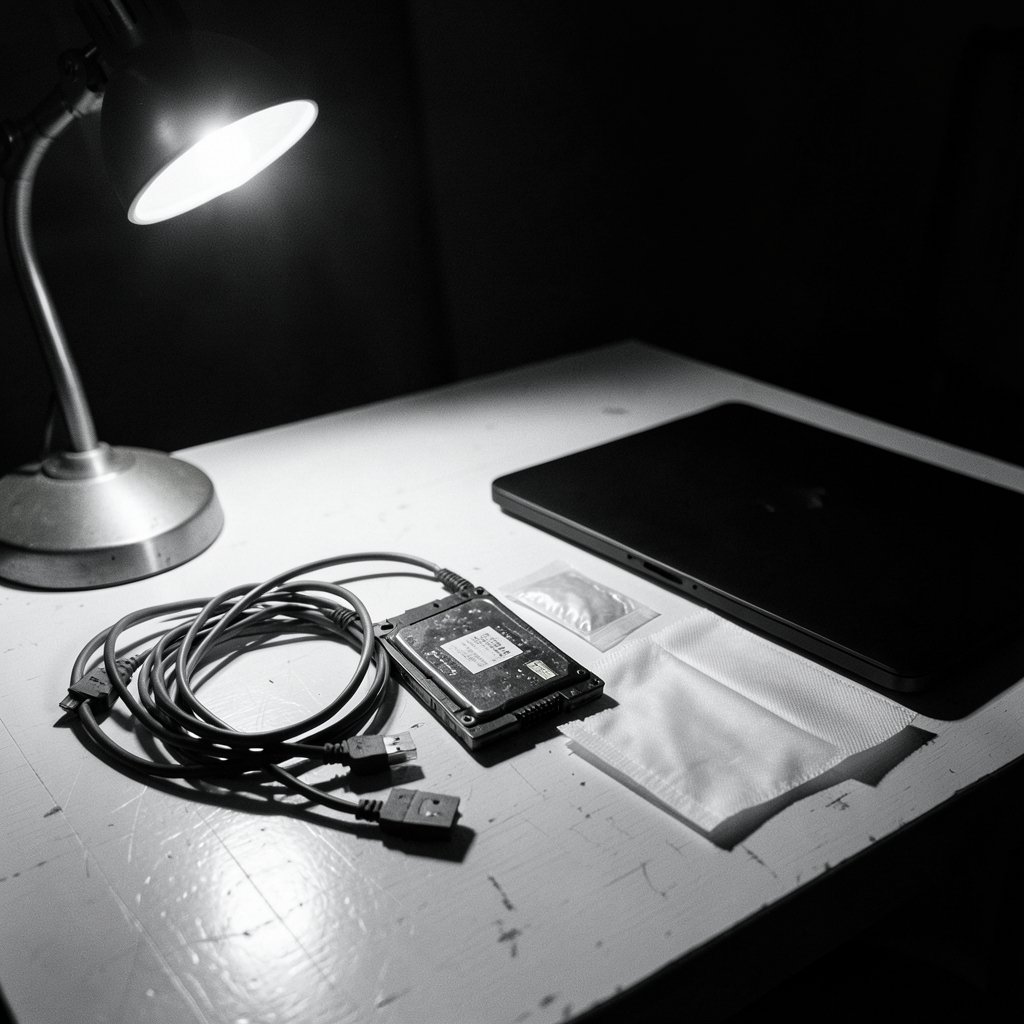
Before comparing labs, stop touching the drive. Every minute a failing drive stays powered on, the read heads scrape closer to the data. The same rule applies to solid-state drives, where a controller failure can lock everything behind encryption in seconds.
Common mistakes people make in the first hour:
- Running free recovery software repeatedly on a clicking drive. Each pass stresses the hardware further.
- Putting the drive in a freezer. This old trick sometimes bought minutes in the 1990s and now mostly creates condensation damage.
- Reinstalling the operating system “just to see” if the files reappear. That overwrites the very sectors you need.
- Shaking or tapping the drive to unstick it.
If the data matters, power the drive down and keep it cool and dry. If it is a laptop with a soldered SSD, leave the whole machine off. The same care applies when formatting a USB drive without losing data — the principle of stopping writes before recovery is identical, just at a smaller scale.
The Uncomfortable Truth About Certifications
Here is the part almost nobody tells you: in most places, there is no mandatory license to run a data recovery business. Anyone can print “certified lab” on a website. That word means nothing until you know who issued the certificate and against which standard.
Three certifications actually carry weight, and they measure different things:
| Credential | What it proves | What it does not prove |
|---|---|---|
| ISO/IEC 27001 | The firm runs a documented information-security management system | That its engineers can recover your specific drive |
| ISO/IEC 17025 | An outside accreditation body assessed the lab’s technical competence | That every job succeeds |
| ISO 14644-1 cleanroom class | The air in the work area meets a defined particle-count standard | That the cleanroom is used for every job |
ISO/IEC 17025 is the stronger signal because a third party audits the lab rather than the lab grading itself. ISO/IEC 27001 tells you the company takes data handling seriously, which matters when your drive holds client records or medical files.
The cleanroom claim deserves its own scrutiny. Many labs advertise “Class 100,” an old US designation withdrawn back in 2001. The current international standard is ISO 14644-1, where the equivalent level is roughly ISO Class 5. The two terms get used interchangeably in marketing, but they come from different standards. Ask which standard the lab follows and whether an independent body certified the room.
Questions That Separate Real Labs From Resellers
A good evaluation call takes fifteen minutes and tells you almost everything. Ask these questions and listen for specifics rather than reassurance.
Do you open the drive in-house? Some outfits are brokers. They collect your drive, ship it to a third-party lab, and add a markup. That is not automatically bad, but you lose direct communication and the markup can be steep.
What is your cleanroom class, and who certified it? A confident answer names the standard and the certifying body. A vague answer (“we have a clean room”) is a warning sign.
What does the evaluation cost, and is it credited toward the recovery? Many labs charge nothing or a small fee and apply it to the final bill if you proceed.
What happens if you cannot recover the data? This is where no data, no fee comes in. It is a common promise but not a regulated term. Policies differ on diagnostic fees, shipping, and partial recoveries. Get the exact wording in writing before you ship anything.
Will I get a written quote before work starts? Reputable firms quote a range after evaluation and do not start billable work without your approval.
How long will it take, and is expedited service available? Standard turnaround often runs one to two weeks. Rush service costs more and should be quoted separately.
What happens to my data and my drive afterward? A serious firm can describe how returned media and internal copies are wiped or destroyed. The US government’s reference for secure erasure is NIST SP 800-88, and a lab should be able to explain its process in similar terms.
Price, Value, and the Quotes That Should Worry You
Data recovery pricing swings wildly because the work varies. A logical failure, where the drive spins but the file system is corrupted, might cost a few hundred dollars. A physical failure needing a head swap or platter work in a cleanroom can run into the thousands.
Watch for these patterns:
- A quote far below everyone else. It often signals a shop that will attempt software recovery and call it done, or one that adds charges later.
- A price quoted before any evaluation. Nobody can price a job without looking at the drive.
- Pressure to decide immediately. Legitimate labs give you time to think.
- No written terms. Verbal promises about fees evaporate when a dispute starts.
The cheapest quote is rarely the cheapest outcome. A failed attempt by an inexperienced shop can make a drive unrecoverable, which turns a modest bill into a total loss. When weighing any technology purchase against risk, the same logic shows up elsewhere: people comparing cloud data warehouse tools quickly learn that the lowest headline price hides migration and support costs. Data recovery works the same way.
Data Privacy: The Part Most People Skip
Your failed drive is a copy of your life. It may hold tax records, medical scans, client contracts, or photos of your kids. Handing it to a stranger raises privacy questions along with technical ones.
If you are in the EU or UK, the GDPR treats recovery of a drive containing personal data as processing of personal data. That means you need a lawful basis for it and a data-processing agreement with the firm. If you run a business, you likely already have obligations here. If you are an individual recovering your own files, the practical takeaway is simpler: ask how the firm stores your data, who can access it, and when it gets deleted.
In the US, if the drive holds protected health information, a recovery vendor handling it is typically a business associate, which calls for a business associate agreement under HIPAA. A firm that handles healthcare clients will know this instantly. One that looks confused has probably never dealt with it.
The broader lesson mirrors what you would expect from any data loss prevention approach that actually protects your files: security comes from process, not from a logo on a website.
Chain of Custody and Legal or Forensic Cases
Sometimes the drive is evidence. A terminated employee’s laptop, a machine tied to a dispute, or a device in a regulatory investigation all raise the stakes. In those cases, ask whether the lab follows established digital-forensic practice, such as the guidance in NIST SP 800-86 on integrating forensic techniques into incident response.
What to insist on:
- Written authorization before any work begins.
- A documented chain of custody showing every person who handled the drive.
- Hash values recorded before and after imaging, so anyone can verify the copy matches the original.
- A lab that images the drive first and works from the copy, never the original.
If a firm cannot explain chain of custody in plain language, it is the wrong choice for a legal matter, no matter how good its recovery rates sound.
Red Flags and Green Flags at a Glance
| Red flag | Green flag |
|---|---|
| “100% success rate” | Published, realistic success rates with method explained |
| No physical address | Verifiable lab location you can visit |
| Price quoted before evaluation | Written quote after diagnostic |
| Vague cleanroom claims | Named ISO class and certifying body |
| No written no-data-no-fee terms | Clear policy covering fees, shipping, partial recovery |
| Pressure to pay upfront in full | Deposit with milestone billing |
| No privacy policy | Documented data handling and deletion schedule |
What to Do If Things Go Wrong
Even with careful vetting, disputes happen. Keep every email, the written quote, and the shipping receipt. If a firm charges you despite a no-data-no-fee promise, or returns a drive in worse condition than it arrived, you have consumer-protection routes. In the US, the FTC and state attorneys general handle deceptive-practice complaints. In the UK, Citizens Advice and Trading Standards are the starting points. The paper trail is what makes those complaints stick.
Building a Backup Habit So You Never Need This Again
The best data recovery company is the one you never call. The widely cited rule of three copies, on two different media types, with one stored offsite, prevents most of these emergencies. Cloud sync is not a backup on its own, because a deleted or corrupted file syncs everywhere within seconds. Versioned backups and offline drives are what save you.
Practical habits that cost little:
- Set automatic backups and test a restore twice a year.
- Keep one drive disconnected except during backup.
- Replace drives older than five years before they fail.
- Store important photos in two places, one of them physical.
That same forward planning shows up in other buying decisions. Students weighing where to study abroad compare costs and outcomes before committing, and people choosing AI transcription tools test them on real files first. Data recovery rewards the same discipline: check the evidence before you commit.
Conclusion
Choosing a data recovery company comes down to proof over promises. Stop using the drive, ask about cleanroom class and third-party accreditation, demand a written quote after evaluation, and read the no-data-no-fee terms line by line. Confirm how your data will be stored and destroyed, and insist on chain of custody if the drive matters legally. A firm that answers these questions with specifics is worth your trust. One that dodges them is not, no matter how slick the website looks. And once your files are safely back, set up the backups that make sure you never have to make this call again.
Frequently Asked Questions
How much does data recovery usually cost?
Logical failures, where the drive still spins, often land in the low hundreds of dollars. Physical failures requiring cleanroom work can run from roughly a thousand dollars into the thousands. Any firm quoting a firm price before examining the drive is guessing.
Can I try free recovery software before paying a lab?
Yes, if the drive is not making unusual noises. Software can help with deleted files and corrupted partitions. If the drive clicks, beeps, or is not detected at all, stop and go to a lab, because software attempts can worsen physical damage.
Is a local computer shop a safe choice?
It depends on the failure. Many shops handle logical issues well and send physical failures to a specialist lab. Ask directly whether they open drives in-house and what cleanroom they use. If they outsource, you may prefer to deal with the lab yourself.
What does no data, no fee actually mean?
It usually means you pay nothing if nothing is recovered, but the details vary. Some firms still charge diagnostic or shipping fees, and partial recoveries may be billed differently. Always get the policy in writing before shipping your drive.
How long does recovery take?
Standard turnaround is often one to two weeks, depending on parts availability and queue length. Complex physical recoveries can take longer. Expedited service is usually available for an added fee, and you should confirm the timeline in writing.
How do I know my data will be deleted after recovery?
Ask for the firm’s data-handling policy in writing. Reputable labs describe how working copies are stored, who can access them, and when they are wiped or destroyed, often referencing recognized media-sanitization practice. If the answer is vague, keep looking.



