

Roughly nine out of ten enterprises now run workloads in more than one cloud, and almost every one of them still keeps something on-premises — a legacy database, a factory floor system, a pile of file servers nobody wants to touch. That gap between the data center and the cloud is exactly where cloud VPN earns its keep. It is one of the least glamorous pieces of network plumbing, and one of the most heavily used. Below are concrete cloud VPN examples across the major providers, what each one actually looks like in practice, and the mistakes that trip up teams deploying them for the first time.
What Counts as a Cloud VPN?
A cloud VPN is a site-to-site IPsec tunnel that connects a private network — usually an office or data center — to a cloud provider’s virtual private cloud (VPC). Traffic crosses the public internet but is encrypted end to end, so it behaves like a private link without the cost or lead time of a dedicated circuit.
That distinction matters. A cloud VPN is not the same as a consumer VPN app, and it is not a proxy. If you have ever wondered about the difference between a VPN vs proxy, the short version is that a proxy forwards traffic without encrypting it, while a VPN builds an encrypted tunnel. Cloud VPNs take that tunnel concept and stretch it between networks rather than between a laptop and a server.
The standard behind most of these tunnels is documented in the IPsec protocol suite, which defines how two gateways authenticate each other and negotiate encryption keys.
Example 1: AWS Site-to-Site VPN Connecting a Branch Office
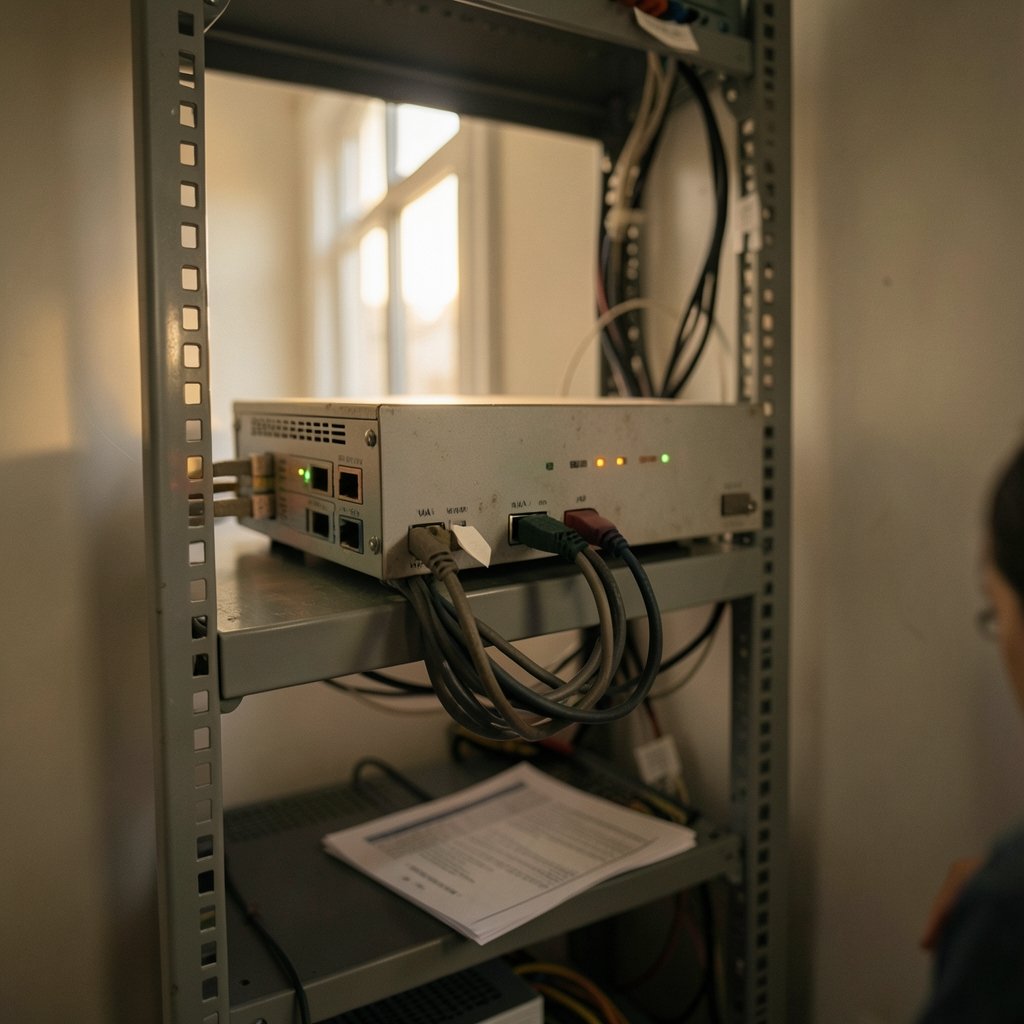
The most common cloud VPN example in the wild is a mid-sized company connecting a branch office to workloads in AWS. The setup looks like this:
- Create an AWS-side VPN endpoint or AWS transit hub and attach it to the target VPC.
- Create a customer-side VPN endpoint representing the office firewall’s public IP address.
- Download the configuration file AWS generates and apply it to the office firewall.
- Bring up the tunnels — AWS provisions two per connection for redundancy.
- Choose static routing or BGP routing if the office router supports it.
The practical tip here: always bring up both tunnels, even if one sits idle. AWS provisions two tunnels per VPN connection specifically so a single failure does not take the link down. Teams that configure only one tunnel and call it done are one maintenance window away from an outage.
A second tip from the field: BGP is worth the extra setup. With static routing, adding a new subnet to the VPC means editing the VPN configuration by hand. With BGP, routes propagate automatically. It is fifteen extra minutes during deployment that saves hours later.
Where AWS VPN Fits Against Dedicated Links
AWS also offers Direct Connect, a private fiber connection into AWS. The general pattern across the industry is to use VPN for agility and cost, and a dedicated interconnect for bandwidth, latency guarantees, and SLA-backed reliability. Many teams run both: VPN as the primary link for smaller sites and as a backup path for the big ones. If you are weighing providers more broadly, a comparison of AWS vs Azure vs Google Cloud helps frame which networking model suits your team.
Example 2: Azure VPN for a Hybrid Active Directory Setup
A very typical Azure scenario: a company keeps its domain controllers on-premises but moves file shares and line-of-business apps into Azure. Azure VPN provides the site-to-site link, and there are three configuration shapes worth knowing.
| Configuration | What it connects | Typical use |
|---|---|---|
| Site-to-site | On-premises network to an Azure VNet | Hybrid identity, file shares |
| Point-to-site | Individual devices to an Azure VNet | Remote workers, contractors |
| VNet-to-VNet | Two Azure virtual networks | Multi-region or multi-subscription setups |
The gotcha with Azure is SKU sizing. Azure VPN comes in tiers, and the cheaper tiers cap throughput and tunnel counts in ways that surprise people. A team that picks the entry-level SKU for a proof of concept and then tries to push production traffic through it will hit a wall. Check the throughput ceiling for the SKU before you commit, not after.
The second common mistake is forgetting that point-to-site and site-to-site can share a VPN endpoint but compete for its capacity. If a hundred remote workers are dialing in while the office tunnel is running, size accordingly.
Example 3: Google Cloud HA VPN With a 99.99% SLA
Google’s entry is HA VPN, and it is a good illustration of how cloud VPN design has matured. HA VPN uses two interfaces with two external IP addresses, and when configured correctly it carries a 99.99% availability SLA. That is a concrete number — it puts a well-built VPN in the same reliability conversation as dedicated links.
The catch is in the phrase “configured correctly.” HA VPN delivers that SLA only when both tunnels are up and routed properly. A single-tunnel configuration, or one where both tunnels terminate on the same physical device, does not qualify. This is the single most common misunderstanding about HA VPN, and it is worth repeating: redundancy on paper is not redundancy in practice if both paths share a failure point.
Google’s classic VPN product was deprecated for new deployments, which pushed a lot of teams to rebuild their tunnels. That migration is a useful reminder to document your VPN topology — the teams that struggled most were the ones who had inherited tunnels nobody had touched in years. The same lesson applies to cloud architecture generally, including newer designs like Apple private cloud compute and Google cloud, where understanding what sits behind the abstraction matters.
Example 4: Oracle Cloud and Alibaba Cloud Site-to-Site VPNs
Beyond the big three, both Oracle Cloud and Alibaba Cloud offer IPsec site-to-site VPN gateways.
Oracle Cloud separates its Site-to-Site VPN from FastConnect, its private interconnect product. The VPN uses IPsec over the public internet and is the faster, cheaper option to stand up. FastConnect is the private path for workloads that need predictable latency.
Alibaba Cloud offers a VPN service with both IPsec and SSL-VPN modes, which makes it useful for teams that need remote-user access alongside site-to-site links. Its private interconnect equivalent is Express Connect.
The pattern repeats: every major provider offers a public-internet encrypted tunnel and a private dedicated circuit, and the sensible architecture usually uses both. If you are evaluating providers, the choice often comes down to region coverage and pricing more than protocol support — IPsec is IPsec almost everywhere.
Common Mistakes That Break Cloud VPN Deployments
Having walked through the provider examples, here is where deployments actually go wrong. These are not exotic edge cases; they are the routine failures.
Mismatched encryption parameters. One side proposes AES-256, the other insists on AES-128, and the tunnel never comes up. The fix is to match phase 1 and phase 2 proposals exactly on both gateways.
Asymmetric routing. Traffic leaves through the VPN and returns through a different path, and the firewall drops it. This one is maddening to diagnose because the tunnel looks healthy.
MTU problems. IPsec adds overhead, and packets above the path MTU get dropped silently. Symptoms include file transfers that stall and SSH sessions that hang after login. Lowering the MTU on the tunnel interface usually resolves it.
No monitoring on the backup tunnel. Teams monitor the primary tunnel and forget the standby. When the primary fails months later, the backup turns out to have been broken for weeks.
Undocumented pre-shared keys. The tunnel works for two years, the engineer who built it leaves, and nobody can rotate the key without a rebuild.
The monitoring point deserves emphasis. A VPN is infrastructure, and infrastructure needs a health check that runs whether or not anyone is watching. Alert on tunnel state, on packet loss across the tunnel, and on latency drift. Those three signals catch most problems before users do.
How Cloud VPN Compares to the Alternatives
It helps to see cloud VPN next to its neighbors.
| Option | Cost | Setup time | Best for |
|---|---|---|---|
| Cloud VPN (IPsec) | Low | Hours | Branch offices, backups, dev/test |
| Dedicated interconnect | High | Weeks to months | High bandwidth, strict latency |
| SD-WAN overlay | Medium | Days | Many sites, mixed transport |
| Client VPN app | Low | Minutes | Individual remote workers |
The honest read: cloud VPN wins on cost and speed to deploy, and loses on bandwidth consistency and latency guarantees. For a branch office pushing a few hundred megabits, it is more than enough. For a data-heavy replication link between a data center and a cloud region, the interconnect is usually worth the wait. (CISA)
For individual users rather than sites, the calculus is different again. Remote staff typically want a client VPN, and the market there is crowded — reviews of the best VPN services and roundups of the best VPN 2025 cover that consumer side, which is a separate decision from site-to-site infrastructure. Teams in Australia face particular latency considerations worth checking against VPN options for Australia.
Practical Advice Before You Deploy
A few things that consistently separate smooth cloud VPN rollouts from painful ones.
Draw the topology first. Every VPN endpoint, every subnet, every tunnel, every routing domain. The diagram takes an hour and prevents a week of confusion.
Use BGP where you can. Automatic routing removes a whole class of manual errors.
Terminate tunnels on redundant hardware. Two tunnels into one firewall is one failure domain, not two.
Test failover deliberately. Pull a cable during a maintenance window and confirm traffic reroutes. Do not wait for a real outage to find out.
Document keys and parameters. Future you will be grateful.
Plan the IP ranges carefully. Overlapping subnets between on-premises and cloud are one of the most painful problems to fix after the fact, because fixing them means re-addressing something.
That last point is worth dwelling on. Cloud VPCs want a CIDR block, and if that block overlaps with an existing office subnet, the VPN cannot route between them cleanly. Choosing a non-overlapping range at the start costs nothing. Untangling an overlap later can mean re-IP-ing servers.
Conclusion
Cloud VPN examples are everywhere once you know what to look for: the AWS site-to-site connection linking a warehouse to a VPC, the Azure VPN keeping domain controllers reachable, the Google HA VPN carrying production traffic under a 99.99% SLA, the Oracle and Alibaba tunnels doing the same job in their own clouds. The technology is mature, the protocols are standardized, and the failure modes are well catalogued.
What separates good deployments from bad ones is rarely the provider. It is whether both tunnels were brought up, whether routing used BGP, whether the backup path was monitored, and whether anyone wrote down the pre-shared key. Get those four things right and a cloud VPN will quietly do its job for years. Get them wrong and it will become the thing your on-call engineer dreads at 3 a.m.
Frequently Asked Questions
What is a cloud VPN in simple terms?
A cloud VPN is an encrypted tunnel between a private network and a cloud provider’s virtual network. It runs over the public internet, so it is cheaper and faster to set up than a dedicated private circuit, while still keeping traffic encrypted in transit.
Is a cloud VPN the same as a regular VPN app?
No. A consumer VPN app connects one device to a remote server. A cloud VPN connects entire networks — an office or data center to a cloud VPC — so every device on that network reaches cloud resources without individual configuration.
How many tunnels should a cloud VPN have?
At least two, terminated on separate hardware where possible. Most providers provision two tunnels per connection by default. A single tunnel is a single point of failure, and two tunnels into the same device share a failure domain.
What is the difference between a cloud VPN and a dedicated interconnect?
A cloud VPN uses the public internet with encryption, which is cheap and quick to deploy. A dedicated interconnect is a private physical circuit, which costs more and takes weeks to provision but offers higher bandwidth and predictable latency.
Why does my cloud VPN tunnel keep dropping?
The usual culprits are mismatched encryption proposals between gateways, dead peer detection timeouts set too aggressively, MTU mismatches causing large packets to be dropped, or an unstable underlying internet connection. Check the phase 1 and phase 2 settings on both ends first.
Can a cloud VPN replace a dedicated network link entirely?
For many branch offices and development environments, yes. For high-volume data replication or latency-sensitive applications, a VPN alone is usually not enough, and teams pair it with a dedicated interconnect — often using the VPN as a backup path.



