
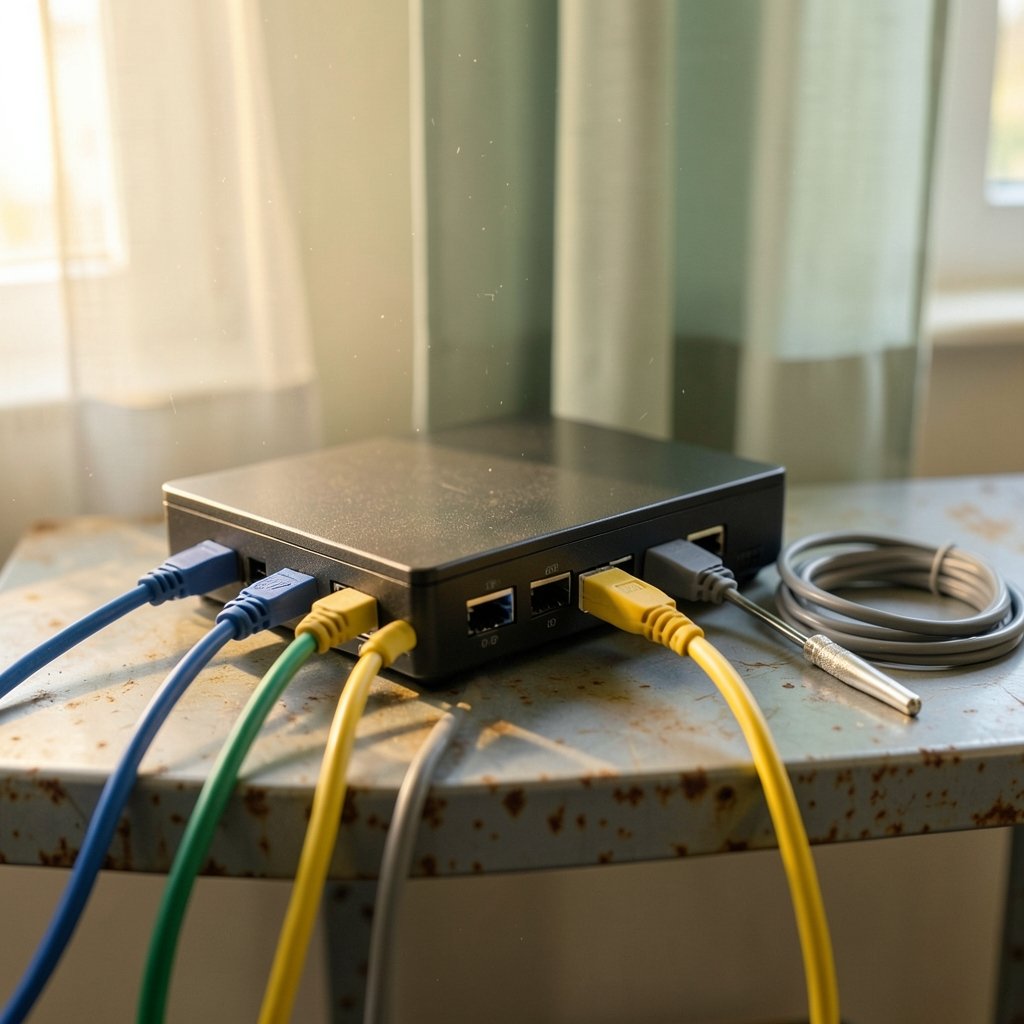
Cloud VPN is one of the most misunderstood terms in networking. Search for it, and you’ll find everything from enterprise site-to-site tunnels connecting a data center to a virtual private cloud, to consumer apps promising to hide your browsing from your internet provider. Both get called “cloud VPN,” and that naming collision causes real confusion for buyers.
Here’s the interesting part: the technology underneath both is often the same family of protocols. IPsec, standardized by the IETF in the 1990s, still powers most site-to-site tunnels today. IKEv2, its key-exchange companion, was specified in RFC 7296 in October 2014. WireGuard, the newer challenger, landed in the Linux kernel with version 5.6 in 2020. So the real difference isn’t the cryptography. It’s who owns the endpoints and what problem you’re solving. (Guide to IPsec VPNs)
This guide sorts out the definitions, compares the major provider offerings, and walks through the practical mistakes that trip people up.
What “Cloud VPN” Actually Means
The term covers two distinct product categories, and mixing them up is the single most common error in this space.
Site-to-site cloud VPN. This is a tunnel between your private network (an office, a data center, a branch) and a cloud provider’s virtual network. AWS calls it Site-to-Site VPN, Azure calls it VPN Gateway, and Google Cloud offers HA VPN. The cloud provider terminates one end of the tunnel at a gateway; you terminate the other end on a physical or virtual appliance you control. Traffic flows between the two networks as if they were directly wired.
Remote-access VPN delivered as a service. This is the consumer and small-business model: a vendor hosts VPN servers in the cloud, and you connect a client app to the nearest one. The “cloud” part describes where the servers live, not what the tunnel connects. Most commercial VPN services work this way.
There’s a third, blurrier category: VPN-as-a-service for zero-trust access, where a vendor like a secure access service edge (SASE) provider brokers connections between individual users and specific applications rather than whole networks. It borrows from both models.
The practical takeaway: before comparing anything, decide which problem you have. Connecting two networks is a routing and gateway configuration task. Hiding a single device’s traffic is a client-app task. The tooling barely overlaps.
How Site-to-Site Cloud VPNs Work Under the Hood
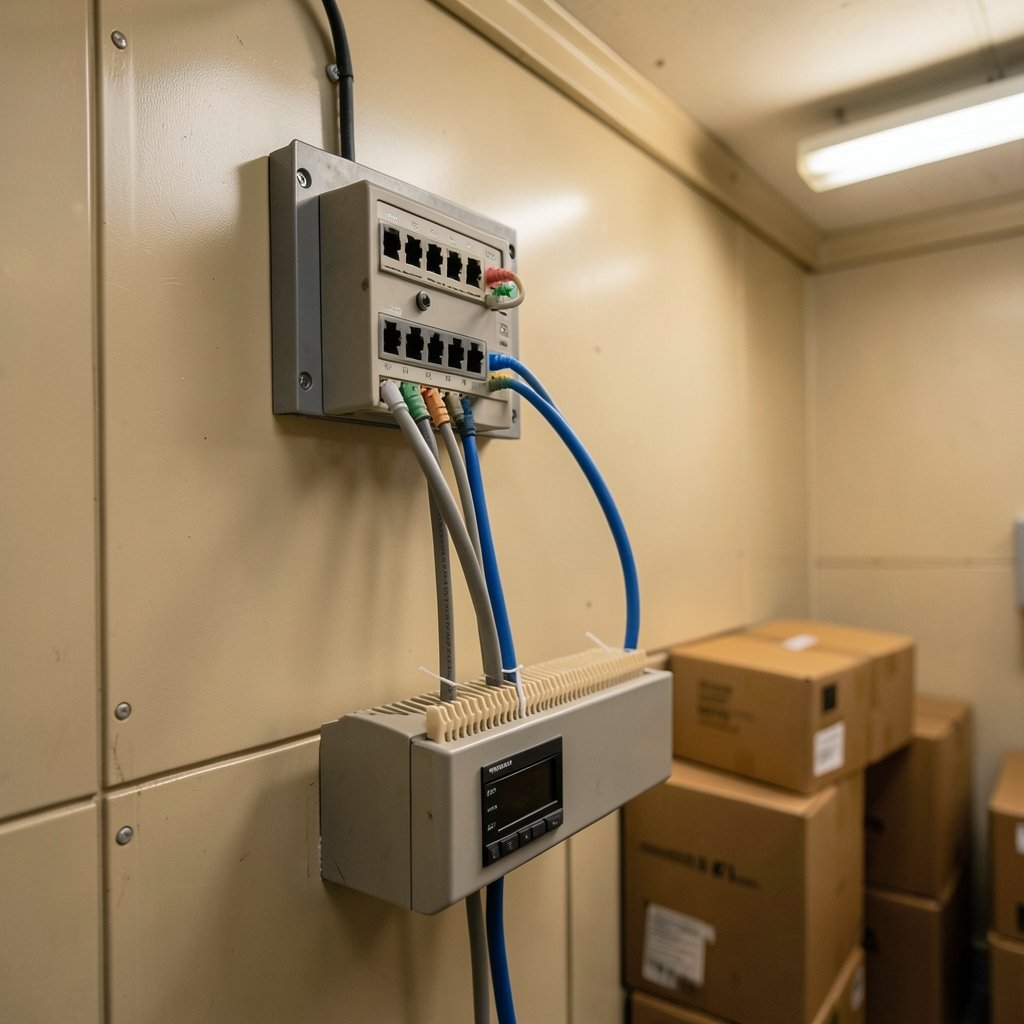
A site-to-site tunnel has four moving parts, and understanding them makes configuration far less mysterious.
- The customer gateway. Your router, firewall, or a virtual appliance on your side of the tunnel. It holds the public IP address the cloud provider will connect to.
- The cloud gateway. The provider-managed endpoint. You don’t administer it directly; you configure it through the provider’s console or API.
- The tunnel itself. Usually two tunnels per connection for redundancy, each an IPsec security association negotiated with IKE. If one tunnel drops, traffic fails over to the other.
- Routing. Static routes or border gateway protocol (BGP) tell each side which address ranges live behind the other end. Most broken tunnels are actually broken routing, not broken encryption.
The redundancy point deserves emphasis. Providers typically hand you two tunnels precisely because a single IPsec tunnel over the public internet is not reliable enough for production traffic. Teams that configure only one tunnel, then wonder why they see outages, have skipped the design that was handed to them.
For a broader picture of how the hyperscalers structure their networking products, a comparison of AWS vs Azure vs Google Cloud 2026 is a useful starting point, since VPN gateways sit inside each provider’s wider networking stack.
Where the Protocols Differ
IPsec with IKEv2 remains the default for site-to-site work because it’s mature, widely implemented, and interoperates across vendors. WireGuard has gained ground for point-to-point links thanks to its small codebase and simple configuration, but its support in hyperscaler managed gateways is less uniform. OpenVPN appears mostly on the remote-access side.
One honest caveat: throughput and pricing details for these services change frequently. Any specific number you read about tunnel bandwidth or per-hour gateway cost should be checked against the provider’s current documentation on the day you make a decision.
Cloud VPN vs. the Alternatives
Site-to-site VPN is not the only way to connect a private network to a cloud. The main alternatives are dedicated interconnects (direct physical links offered by providers and carriers) and SD-WAN overlays that ride on top of whatever transport is available.
| Option | Typical use case | Setup speed | Cost profile | Reliability |
|---|---|---|---|---|
| Cloud VPN (IPsec) | Branch offices, dev/test, backup path | Fast, often under an hour | Low, usage-based | Good with dual tunnels |
| Dedicated interconnect | Data centers, high-volume production | Weeks to months | High, committed | Very high |
| SD-WAN overlay | Many sites, mixed transport | Moderate | Varies by vendor | Good, policy-driven |
| Remote-access VPN | Individual users, road warriors | Minutes | Per-seat | Depends on vendor |
A common and sensible pattern is to run a cloud VPN as the backup path behind a dedicated interconnect. The VPN costs little, provisions quickly, and covers you when the primary link fails. Treating it as the primary path for heavy, latency-sensitive workloads is where teams get into trouble.
Practical Mistakes That Actually Bite
Having walked through how these deployments fail, a few patterns repeat constantly.
Mismatched pre-shared keys or parameters. Phase 1 and phase 2 settings (encryption algorithms, lifetimes, DH groups) must match on both ends. Providers publish exact recommended values; deviate from them and the tunnel simply won’t come up, often with unhelpful logs.
Overlapping address ranges. If your on-premises network uses 10.0.0.0/16 and so does your cloud VPC, routing breaks in ways that look like a firewall problem. Plan CIDR blocks before you build anything.
Forgetting return routes. Traffic reaches the cloud fine, then vanishes on the way back because the cloud route table doesn’t know about your office subnet. Always test in both directions.
Ignoring MTU. IPsec encapsulation adds overhead, and paths that work for small pings fail for large packets. If SSH connects but file transfers stall, suspect maximum transmission unit issues before anything else.
Skipping monitoring. Tunnel status metrics exist in every major provider. Teams that don’t alert on them discover outages from users rather than dashboards.
The Consumer Side: Cloud-Hosted VPN Services
For individuals and small teams, “cloud VPN” usually means a subscription service with servers in dozens of countries. The appeal is straightforward: encrypt traffic between your device and the vendor’s server so that local networks, internet providers, and websites see the server’s address rather than yours.
The mechanics matter more than the marketing. A VPN shifts trust from your internet provider to the VPN operator; it doesn’t eliminate trust. That’s why jurisdiction, logging policy, and independent audits are the questions worth asking. If you’re weighing options, a roundup of the best VPN services covers how the major providers differ on exactly those points.
It also helps to know what you’re not buying. A VPN is not anonymity, and it is not a substitute for antivirus or careful browsing. Understanding the distinction between a VPN vs proxy clarifies what each tool can and cannot do, since proxies reroute traffic without encrypting it.
Free tiers deserve a specific warning. They exist, and some are legitimate, but the economics mean you are often the product. A look at what to expect from a best free VPN helps separate the genuinely usable options from the data-harvesting ones.
Performance Realities
Every VPN adds latency, because your traffic takes a detour through the vendor’s server. The size of that detour depends on server distance, protocol, and how loaded the endpoint is. WireGuard-based services generally connect faster and recover from network changes more gracefully than older protocols, which is why so many providers have adopted it.
Streaming and gaming are the usual stress tests. Some services handle them well; others get blocked by content platforms that detect known VPN address ranges. No vendor guarantees access to every service, and claims otherwise should be read skeptically.
How to Choose: A Short Decision Framework
For organizations, the sequence is usually:
- Define what needs to connect: whole networks, specific applications, or individual users.
- Estimate steady-state bandwidth and peak load.
- Decide whether the VPN is primary or backup relative to a dedicated link.
- Check the provider’s current documented limits and pricing.
- Build dual tunnels, monitor them, and test failover before go-live.
For individuals:
- Decide what you need protection from: local Wi-Fi, ISP visibility, or geographic restrictions.
- Check the logging policy and jurisdiction, not just the server count.
- Test speed on the servers you’d actually use.
- Confirm device coverage and simultaneous connection limits.
- Read the cancellation terms before paying annually.
The overlap between these two lists is smaller than it looks, which reinforces the core point: these are different products wearing the same name.
Conclusion
Cloud VPN means two things, and the sooner you pin down which one you need, the faster the right answer appears. For organizations, it’s an IPsec tunnel between your network and a cloud gateway, best deployed with redundant tunnels, planned address ranges, and monitoring from day one. For individuals, it’s a hosted service that shifts trust to a vendor, where policy and transparency matter more than server counts.
The technology is mature and well documented. Most failures come from configuration discipline, not cryptography. Plan your addressing, match your parameters, test both directions, and decide up front whether the tunnel is your safety net or your main road. Get those four things right, and cloud VPN does exactly what it promises.
Frequently Asked Questions
Is a cloud VPN the same as a regular VPN?
No. A regular consumer VPN encrypts one device’s traffic and routes it through a vendor’s server. A cloud VPN in the enterprise sense connects an entire private network to a cloud provider’s virtual network using a site-to-site tunnel. They share protocols but solve different problems.
Do I need two tunnels for a site-to-site cloud VPN?
In practice, yes. Cloud providers typically offer two tunnels per connection because a single tunnel over the public internet can drop. Running both with automatic failover is the standard design for anything production-facing.
Can a cloud VPN replace a dedicated network connection?
It can for low-to-moderate traffic, backup paths, and development environments. For high-volume, latency-sensitive production workloads, a dedicated interconnect is usually the better primary path, with the VPN as failover.
Why does my cloud VPN tunnel keep dropping?
The usual suspects are mismatched IPsec parameters between the two ends, an expired pre-shared key, overlapping address ranges, or an idle timeout on a NAT device in the path. Check the provider’s tunnel status metrics first; they usually point at the failing phase.
Is a free VPN safe to use?
Some are legitimate, but free services have to fund servers somehow, and that often means advertising, data collection, or bandwidth caps. Check the logging policy and who operates the service before trusting it with sensitive traffic.
Does a VPN slow down my internet?
Yes, somewhat, because traffic detours through the VPN server. The impact depends on server distance, protocol, and load. Modern WireGuard-based services tend to add less overhead than older protocol implementations.
One last practical note on the enterprise side: keep your tunnel configuration in version control. Treat IPsec parameters, route tables, and firewall rules as code so that a rebuild after an outage is a redeploy rather than an archaeology project. Document the pre-shared keys in a secrets manager, record which CIDR blocks belong to which site, and note the date each setting was last verified against provider documentation. When a tunnel fails at 2 a.m., the on-call engineer should be able to compare the running configuration against the intended one in minutes, not hours. That single habit prevents more outages than any protocol choice ever will.



