
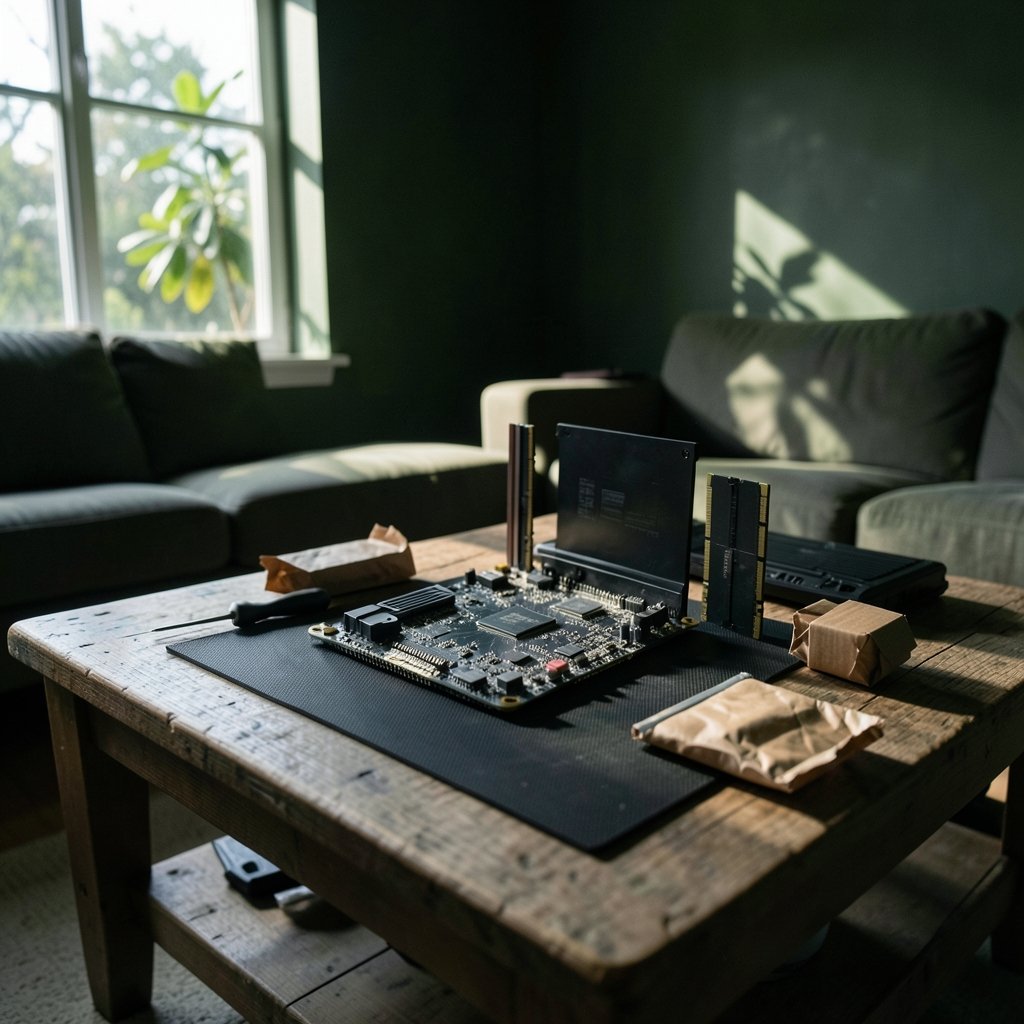
Quick Answer: Is ddr5 ram worth buying for beginners and everyday use?
It depends. For most beginners building a new PC on a current platform, DDR5 is worth buying because the platform requires it and prices have come down a lot since launch. If someone already owns a working DDR4 system, upgrading just for DDR5 rarely pays off in everyday tasks.
The distinction matters because “worth it” is really two questions: which memory should go into a new build, and whether an existing machine should be torn apart for faster RAM. The first answer is usually yes. The second is usually no.
Before acting, compare platform compatibility, total kit price, capacity you actually need, rated speed versus what the board supports, and whether the workload is memory-heavy.
DDR5 arrived with Intel’s 12th-generation Core chips in late 2021 and reached AMD builds a year later with the AM5 socket. Since then it has gone from a pricey novelty to the default choice on new motherboards. That shift leaves plenty of beginners staring at two nearly identical product pages, one DDR4 and one DDR5, wondering whether the extra money buys anything they will actually notice. The short version: sometimes yes, often no, and the deciding factor is usually the platform rather than the RAM itself. This guide breaks down where DDR5 earns its keep, where it quietly wastes money, and what to check before clicking buy. (DDR5 SDRAM)
What DDR5 actually changes compared with DDR4

DDR5 is the fifth generation of double data rate memory, and its headline improvements are bandwidth and density. Each module splits into two smaller channels, which helps keep data flowing efficiently, and manufacturers can pack far more capacity onto a single stick. Where a typical DDR4 kit tops out around 16GB or 32GB per module, DDR5 modules routinely reach 32GB and beyond.
The generational jump also moved some power management onto the memory module itself. In plain terms, the stick handles more of its own voltage regulation instead of leaning entirely on the motherboard. That is why DDR5 boards and DDR4 boards are not interchangeable: the notch position and pin layout differ, so a DDR5 stick simply will not fit a DDR4 slot. For a beginner, that physical incompatibility is the single most important fact on this page.
What DDR5 does not do is magically speed up email, YouTube, or a spreadsheet. Those tasks are rarely limited by memory bandwidth. The JEDEC DDR5 standard defines the technical baseline, but real-world benefit depends entirely on whether the software is pushing memory hard in the first place.
The platform question decides almost everything
Here is the practical shortcut most experienced builders use: pick the CPU first, then buy whatever memory that platform accepts. Modern AMD AM5 boards require DDR5. Recent Intel boards mostly do too, though some earlier generations offered DDR4 variants of the same chipset. In those cases the motherboard model, not personal preference, dictates the answer.
That framing saves beginners from a common and expensive mistake. People read that DDR5 is faster, buy a kit, and then discover their existing motherboard has DDR4 slots. The RAM cannot be installed, and the return window may already be closed. Before ordering anything, check the motherboard’s specification page or the manual’s memory support list. It takes two minutes and prevents a frustrating afternoon.
For anyone assembling a fresh build around a current-generation processor, DDR5 is not really a choice. It is the entry ticket. The interesting question then becomes which kit to buy, not whether to buy the technology at all. Buyers comparing complete systems rather than parts often find similar logic applies to prebuilt machines, where the platform is fixed and the memory spec is listed on the box.
Where DDR5 delivers real gains
Memory bandwidth matters most when large amounts of data move constantly. A few everyday scenarios benefit noticeably:
| Workload | Noticeable DDR5 benefit? | Why |
|---|---|---|
| Web browsing, email, video | Rarely | Low memory pressure |
| Office documents, spreadsheets | Rarely | Small working sets |
| Photo editing | Sometimes | Large files, but CPU and GPU matter more |
| Video editing and rendering | Often | High bandwidth helps timelines and exports |
| Gaming at high frame rates | Sometimes | Depends on title and resolution |
| Virtual machines, large datasets | Often | Capacity and bandwidth both help |
| Local AI and data science work | Often | Memory-hungry by nature |
The pattern is consistent: the heavier and more parallel the workload, the more DDR5 earns its price. A student writing essays and streaming music will not feel a difference. Someone editing 4K footage or running several virtual machines will. This mirrors a broader truth about hardware upgrades that shows up across technology purchases, from budget-friendly beginner hardware picks to software tools: the spec sheet only matters when the task actually stresses it.
The beginner mistakes that cost the most
Several recurring errors show up again and again among first-time builders, and most have nothing to do with DDR5 versus DDR4.
Buying four sticks instead of two. High-speed DDR5 is harder to stabilize with four modules installed. Two larger sticks usually run at their rated speed more reliably than four smaller ones. Beginners chasing a “full” look often create instability they then blame on the brand.
Forgetting to enable the rated profile. DDR5 kits ship at a conservative default speed. The advertised number only appears after enabling the overclocking profile in the BIOS, called XMP on Intel boards and EXPO on AMD boards. A buyer who never opens the BIOS is running slower memory than they paid for. This single step is the most common reason people report “my fast RAM feels slow.”
Overspending on speed, underspending on capacity. A 16GB kit at a modest speed will serve an everyday user better than 8GB of blazing fast memory. Capacity prevents slowdowns; speed shaves fractions of a second off tasks that already feel instant.
Ignoring the motherboard’s memory support list. Board vendors publish tested kits. Choosing one from that list removes most compatibility guesswork, especially at higher speeds.
Skipping the BIOS update. Early DDR5 platforms had memory training quirks that later firmware fixed. A quick update before installing new memory can save hours of troubleshooting.
Price, value, and the upgrade trap
DDR5 launched with a steep premium over DDR4, and that gap has narrowed considerably as manufacturing scaled up. Even so, the value calculation differs sharply between two groups.
For a new build, DDR5 is usually the only option and the price difference versus a comparable DDR4 platform has largely evaporated. Comparing total build cost rather than RAM cost alone is the honest way to judge it.
For an existing DDR4 system, upgrading means a new motherboard and often a new CPU. That is not a memory upgrade; it is a platform rebuild. Spending several hundred dollars to gain bandwidth that everyday tasks never touch is poor value. A simpler path is adding capacity within the existing DDR4 platform, which addresses the actual bottleneck most people hit.
The same logic applies to other purchase decisions where the shiny new version tempts buyers beyond their real needs. People weighing a truck lease against buying outright face a similar question: does the newer option genuinely serve the daily job, or does it just look better on paper? Buyers exploring new and used truck inventories quickly learn that matching the tool to the task beats chasing specs. Memory works the same way. (How Much RAM Does My Computer Need?)
How much RAM do most people actually need?
Capacity questions come up more often than speed questions, and the answers are refreshingly simple for everyday use.
- 8GB: Fine for light browsing and documents on a tight budget, but increasingly cramped with modern browsers.
- 16GB: The sensible baseline for most home and student machines. Handles browsing with many tabs, office work, and casual gaming comfortably.
- 32GB: Worth it for video editing, virtual machines, large photo libraries, and heavy multitasking.
- 64GB and up: Specialist territory. Data science, professional rendering, and serious virtual lab work.
For a beginner, 16GB of DDR5 at a mainstream speed is the sweet spot. It leaves room to grow without paying for capacity that sits idle. Stepping up to 32GB makes sense when the workload is known to be heavy, not as insurance against an imagined future.
Practical buying checklist
Before ordering, run through these steps in order. They take minutes and prevent most regrets.
- Identify the exact motherboard model and confirm whether it takes DDR4 or DDR5.
- Check the board vendor’s tested memory list for compatible kits.
- Choose capacity first, based on actual software needs.
- Pick a mainstream speed rather than the fastest available; stability beats headline numbers.
- Buy a two-stick kit rather than four sticks where possible.
- Update the BIOS before installing, then enable XMP or EXPO afterward.
- Verify the rated speed in a system tool once the machine boots.
Anyone who follows that sequence will end up with memory that works, runs at the speed on the box, and costs about what it should. The steps are unglamorous, which is precisely why they work.
Conclusion
DDR5 is worth buying for beginners building a new PC, mostly because current platforms require it and the old price penalty has faded. It is rarely worth buying as an upgrade for a working DDR4 machine, because the cost spreads into a new motherboard and processor for gains that everyday tasks never show. The technology is genuinely better, but “better” only converts into a felt improvement when the workload is heavy. Buy capacity before speed, buy two sticks instead of four, enable the rated profile, and let the motherboard decide the generation. Do that, and the DDR5 question answers itself.
FAQ
Does DDR5 fit in a DDR4 slot?
No. The modules have different pin layouts and a differently positioned notch, so a DDR5 stick cannot be inserted into a DDR4 slot. Attempting to force it will damage the module and possibly the motherboard. The two generations are physically and electrically incompatible.
Will DDR5 make a slow computer feel faster?
Usually not on its own. Everyday slowness typically comes from a full storage drive, too little total memory, or an aging processor. If a machine already has enough RAM, adding faster RAM changes very little in browsing, office work, or streaming.
Is 16GB of DDR5 enough for everyday use?
For most home and student users, yes. Sixteen gigabytes handles heavy browser use, documents, video calls, and casual gaming comfortably. People editing large video files, running virtual machines, or working with big datasets should consider 32GB instead.
Do I need to change settings to get the advertised speed?
Yes. DDR5 kits boot at a conservative default speed, and the marketed figure only applies once the memory profile is enabled in the BIOS, through XMP on Intel boards or EXPO on AMD boards. Skipping this step means running slower than the rated specification.
Is faster DDR5 speed worth the extra money?
Rarely for everyday tasks. A mainstream speed kit with good capacity serves typical users better than an expensive high-speed kit with less capacity. Very high speeds mainly help memory-heavy workloads and can be harder to stabilize, especially with four modules installed.
Can I mix DDR5 sticks from different brands?
It sometimes works, but it is not recommended. Mixed modules may have different timings and chips, which can cause instability or prevent the rated speed from being reached. Buying a matched two-stick kit from a single product line is the safer and usually cheaper route.



