

Quick Answer: Why is edge computing important for beginners?
Edge computing matters to beginners because it moves processing power closer to where data is created, which cuts delays, saves bandwidth, and opens the door to building real projects without a giant cloud bill. You can act on this by starting with a single-board computer, a free open-source edge platform, or a small sensor kit that runs code locally.
Edge computing differs from using only the cloud, where data travels to a distant data center and back. Edge setups handle work on the device or a nearby local hub, and the two approaches often operate together rather than one replacing the other.
Before you commit, compare hardware cost, power draw, connectivity needs, security setup, available tutorials, and how much data you actually need to send to the cloud.
A single connected car can generate terabytes of data in a day, and a modern smart factory might produce more data in an hour than the entire internet handled in its early years. That flood of information is the reason edge computing has moved from a niche engineering term to something a beginner can reasonably learn. When data is created faster than a network can ship it, the smart move is to process it where it lives.
This guide is for people who are new to the field and want a straight answer about why it deserves their attention. It covers the core ideas in plain language, shows where beginners actually fit in, and flags the mistakes that trip people up early.
What edge computing actually means in plain terms
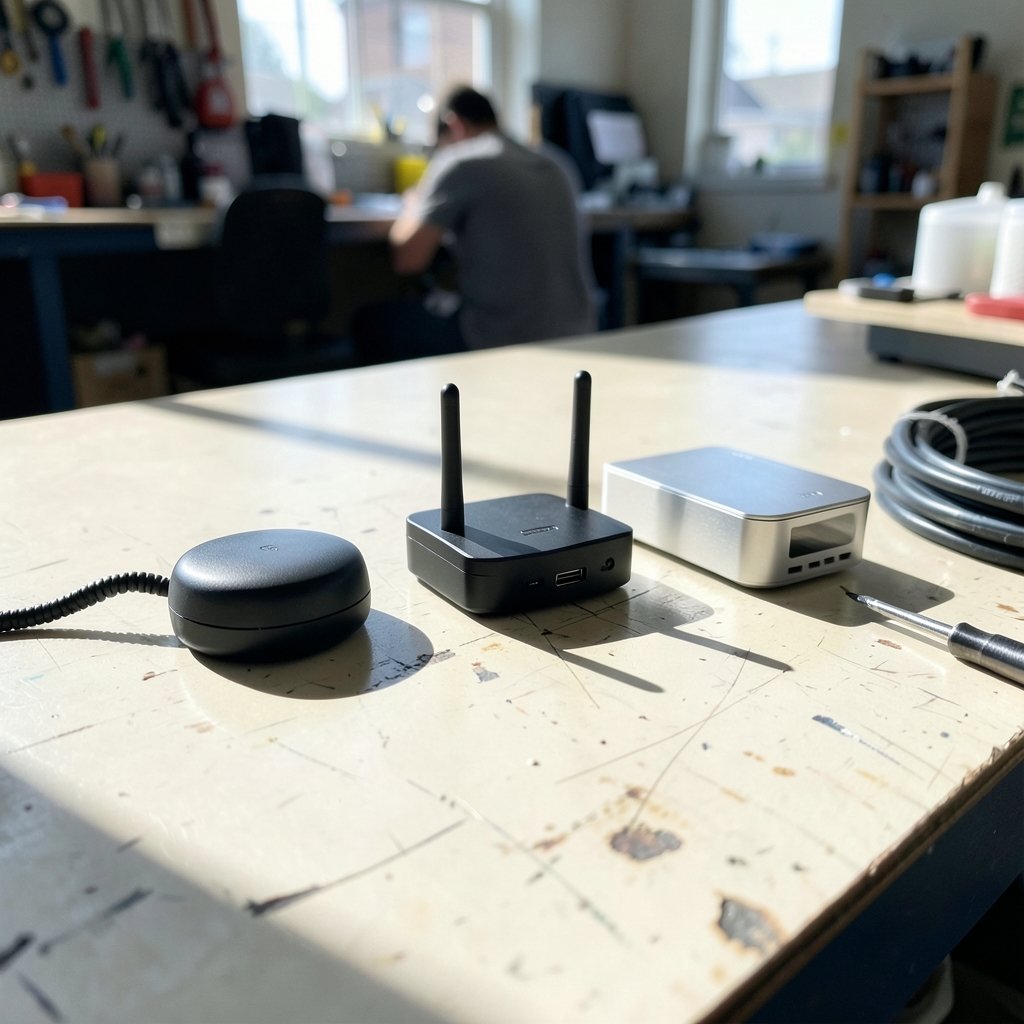
Edge computing places computation and data storage close to the sources of data, such as devices, gateways, or local servers, instead of relying only on a distant central data center. The concept took shape in industry and academic literature roughly between 2014 and 2016, and there is still no single universally agreed definition. Some people mean the device itself, some mean a nearby network node, and some mean a regional cloud outpost.
That flexibility confuses newcomers, so it helps to picture three layers:
| Layer | Where the work happens | Beginner example |
|---|---|---|
| Device edge | On the sensor or gadget itself | A camera that detects motion without uploading video |
| Local hub edge | On a nearby local hub | A small computer collecting readings from several sensors |
| Cloud edge | At a regional data center close to users | A cloud service running in a nearby city |
For a beginner, the practical takeaway is simple: edge computing is less about a specific product and more about a design choice about where code runs. The same project can be built cloud-first or edge-first, and the second option often teaches you more about how systems really behave.
The latency problem that edge computing solves
Round-trip network latency to a distant cloud region can run from tens to hundreds of milliseconds depending on distance and routing. That sounds tiny, but it compounds fast. A robot arm that waits 100 milliseconds to react to an obstacle is a safety problem, not a convenience one.
Edge placement shortens the physical distance data travels, which reduces delay for latency-sensitive applications. This is a general networking principle rather than a fixed number, and the exact figures vary by network, hardware, and load. Anyone who quotes a single universal latency figure is oversimplifying.
Beginners should focus on the trade-off rather than the number. Running logic locally gives you speed and independence from the internet, but it also means you own the maintenance, updates, and failures. There is no support ticket to file when your own local hub crashes at 2 a.m.
Bandwidth and cost: why sending everything to the cloud breaks down
Sending all raw sensor and IoT data to a central cloud can be bandwidth-prohibitive. A camera streaming uncompressed video around the clock will burn through a data cap and a budget quickly. Processing locally and sending only the useful result, like a count, an alert, or a compressed summary, changes the economics entirely.
This is where beginners often discover a pleasant surprise: edge projects can be cheaper to run than cloud projects because you skip egress fees and storage charges for data you never needed to keep. The catch is upfront hardware cost and the electricity to run it.
A sensible rule of thumb for newcomers is to ask one question before adding a sensor: does this reading need to leave the building? If the answer is no, keep it local.
Where beginners actually encounter edge computing
The field is not reserved for industrial engineers. Several entry points are genuinely beginner-friendly, and they overlap with skills people are already learning elsewhere.
Open-source projects lower the barrier considerably. EdgeX Foundry, launched in 2017 under the Linux Foundation, and KubeEdge, which appeared in 2018, both provide documented, beginner-accessible starting points for running workloads at the edge. You do not need a factory to experiment with either.
The same pattern shows up in adjacent hobbyist areas. Someone building a smart camera rig will quickly run into the same constraints professionals face, and the lessons transfer directly. If you are already exploring how to generate video from still images, you will notice that processing frames locally versus in the cloud is exactly the edge-versus-cloud decision in miniature. You can read more about that workflow in this guide to an AI video generator from images, where local processing choices affect speed and cost.
Hardware curiosity is another common doorway. People who start by picking up a 3D printer for beginners often end up wanting remote monitoring, which means a camera, a small computer, and a decision about where the detection logic runs. That is edge computing, whether or not anyone calls it that.
How 5G and cloud providers pushed edge into the mainstream
Telecom standards work gave edge computing a major push. 5G standards development explicitly includes edge computing concepts such as edge application enablement, with the relevant work appearing from around 2018 onward in later releases. Faster radio links only help if the computation is not sitting an ocean away.
Major cloud providers followed with edge services in the late 2010s. AWS Greengrass was announced in 2016 and Azure IoT Edge in 2017, though those dates come from vendor announcements, which are primary sources for product timelines but are marketing material rather than neutral analysis. Treat them as useful markers, not independent evidence.
The broader computing landscape is shifting in related ways. The same forces driving interest in quantum computing breakthroughs and specialized hardware are pushing general-purpose computing out toward where data is generated. Beginners who understand the where does the code run question will find it relevant across all of these areas. (What is edge computing?)
Security at the edge: the part beginners underestimate
Edge devices expand the attack surface. Every local hub, camera, and sensor is another machine that needs patching, credentials, and monitoring. Standards bodies publish guidance worth reading early, including the NIST Cybersecurity Framework, which has been revised over time, with version 1.1 in 2018 and version 2.0 in 2024.
The most common beginner mistake is deploying a device with default passwords and open ports because it is “just on the local network.” Local networks are exactly where attackers land first after a router compromise. If you want a broader grounding in the fundamentals before wiring anything up, this explanation of what cybersecurity is and why it matters covers the basics in accessible terms.
Practical habits that actually work, based on widely documented guidance rather than theory:
- Change every default credential before the device touches a network.
- Put edge devices on a separate network segment from your main machines.
- Disable remote access you are not actively using.
- Log what the device does and check the logs occasionally.
- Plan for updates before you deploy, not after.
Common mistakes beginners make with edge projects
Experience with newcomers reveals a predictable set of stumbles. None of them are fatal, and most are cheap to avoid once you know they exist.
Overbuilding the first project. People buy industrial-grade hardware for a proof of concept. A single-board computer and one sensor will teach you 90 percent of the lessons for a fraction of the cost.
Ignoring power and heat. Edge devices often live in closets, garages, or outdoor enclosures. A board that runs fine on a desk may throttle or fail in a sealed box in summer.
Assuming the edge is always better. Sometimes the cloud genuinely wins, especially for heavy batch processing or long-term storage. The right answer depends on the workload.
Skipping the data question. Before building, estimate how much data you generate per hour and where it needs to go. Many projects shrink dramatically once that number is on paper.
Forgetting about failure. Edge systems fail locally and quietly. Build in a heartbeat check or a simple alert so you know when a device stops reporting.
Skills worth building first
Beginners do not need a formal curriculum, but a rough order of operations helps. Start with basic networking concepts: IP addresses, ports, and what a local hub does. Add some Linux familiarity, since most edge platforms assume it. Then learn one container tool, because packaging software so it runs the same way everywhere is the single most transferable edge skill.
After that, pick a domain. Cameras, environmental sensors, and audio devices are all common and well documented. Whichever you choose, the underlying pattern is identical: sense, process locally, transmit only what matters.
AI tooling has made this more accessible too. Beginners experimenting with AI graphic design tools or learning how to use Leonardo AI will notice that model size and inference location drive most performance decisions. Running a small model on a local device is edge computing in practice, and it is a genuinely good way to learn the constraints.
When the cloud is still the right call
Balance matters here. Edge computing is important, but it is not a universal replacement for centralized infrastructure. The cloud remains better for workloads that need elastic scaling, long-term archival, or heavy computation that would overwhelm a small device.
A hybrid approach is usually the honest answer. Process time-sensitive logic locally, send summaries and historical data to the cloud, and keep the ability to push updates back to the edge. That architecture is what most production systems actually look like, and it is a reasonable target for a beginner’s second or third project.
Conclusion
Edge computing matters for beginners because it reframes a question they will face repeatedly: where should this code run? Latency, bandwidth, cost, and privacy all push some work toward the device, while scale, storage, and maintenance pull other work back to the cloud. Learning to weigh those forces is more valuable than memorizing any single product or platform.
The field is also unusually welcoming right now. Open-source projects are documented, hardware is affordable, and the same concepts show up in hobbies people already enjoy. Start small, secure the device before you connect it, and measure your data before you build. Those three habits will carry a beginner further than any expensive kit.
FAQ
Is edge computing hard to learn for someone with no background?
It is approachable if you start with one small project rather than the whole field. Basic networking and a little Linux go a long way, and most beginner platforms assume no prior edge experience. The concepts are simpler than the jargon suggests.
Do I need special hardware to try edge computing?
No. A single-board computer, a microcontroller, or even a spare laptop can serve as an edge node. Specialized industrial hardware is only worth buying once a prototype proves the idea works.
How is edge computing different from the Internet of Things?
They overlap but are not the same. IoT describes the network of connected devices, while edge computing describes where processing happens relative to those devices. An IoT system can send everything to the cloud, or it can process at the edge; the second choice is what makes it an edge deployment.
Can edge computing replace cloud computing entirely?
Rarely, and usually it should not. Edge handles latency-sensitive and bandwidth-heavy work well, while the cloud handles elastic scaling and long-term storage. Most real systems combine both.
What is the biggest security risk with edge devices?
Default credentials and unnecessary open ports remain the most common weaknesses. Devices are often deployed and forgotten, which means they miss updates and quietly accumulate vulnerabilities over time.
How much data does an edge setup actually save?
It depends entirely on the project, which is why estimating data volume before building is so useful. A camera that sends only event alerts instead of continuous video can cut transmitted data dramatically, while a simple temperature sensor saves almost nothing.



