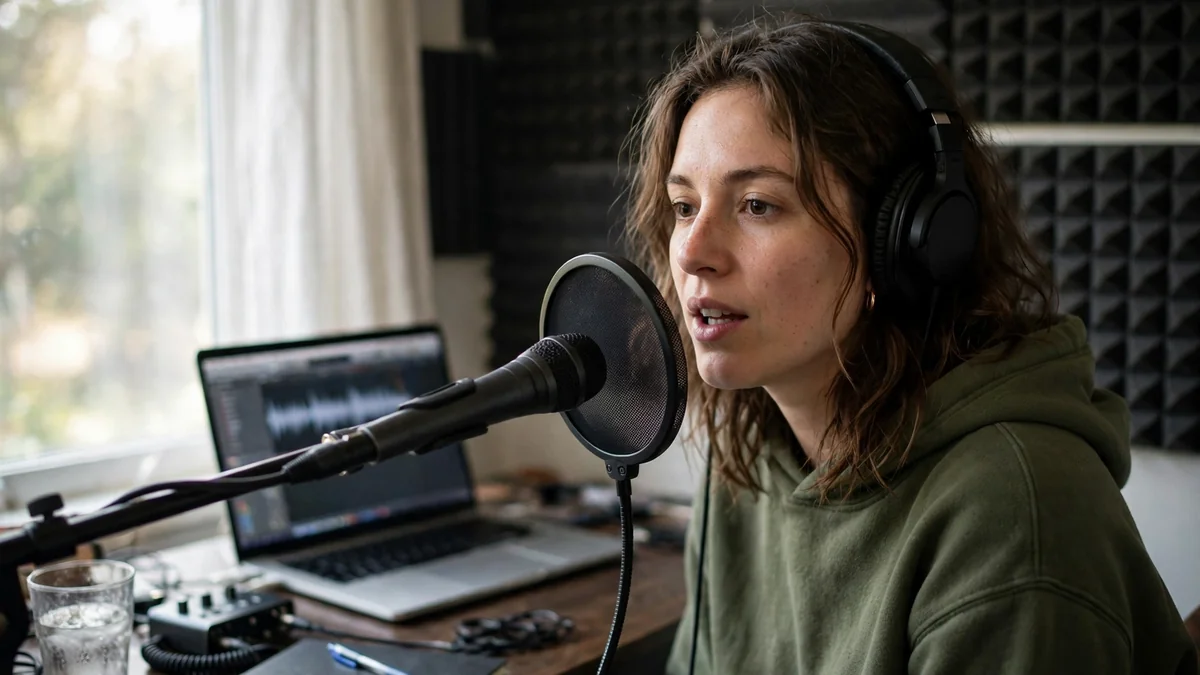
ElevenLabs vs Descript for voiceover is a comparison that comes down to one question: which tool sounds more human? Both can turn text into speech and both can clean up a recording, but they were built for different jobs. ElevenLabs started as a voice generator, and it still leads on raw vocal quality. Descript started as an editor, and it still leads on the workflow around the voice. If you only care about how the finished audio sounds to a listener, that difference matters more than any feature list.
The gap between the two has narrowed, and that is what makes the choice harder in 2027. ElevenLabs now offers editing and dubbing tools, while Descript now offers realistic AI voices of its own. A podcaster, a course creator, or a small team making training videos could reasonably use either one. The wrong choice is not a disaster, since both produce usable audio, but the right choice saves hours a week and sounds noticeably better to the people listening.
This comparison tests both tools on the things voiceover buyers actually judge: naturalness, emotion, pronunciation, ease of editing, and price. It is written for creators who need voiceover regularly, not for a one-off experiment, and it ends with a clear recommendation for each common use case.
Key takeaways
- ElevenLabs produces the more natural-sounding AI voice, with better emotion and pacing on long passages.
- Descript wins on editing, because you can fix a recording by editing its transcript like a document.
- For pure narration from text, ElevenLabs is the stronger choice in most cases.
- For podcasts and videos built around real recordings, Descript saves more time overall.
- Both tools need a human listen before publishing, since neither one is perfect on names, numbers, or unusual words.
| Detail | ElevenLabs | Descript |
|---|---|---|
| Main strength | AI voice quality | Transcript-based editing |
| Best for | Narration from text | Podcasts and video editing |
| Voice cloning | Yes, with strong results | Yes, with consent steps |
| Editing style | Audio and text tools | Edit audio by editing text |
| Free plan | Yes, limited characters | Yes, limited hours |
| Starting paid price | From around $5 a month | From around $12 a month |
| Multilingual voices | Strong, many languages | Good, fewer languages |
| Learning curve | Low | Moderate |
ElevenLabs: the voice-first choice
ElevenLabs is built around one idea: the voice itself should be the product. Paste in a script, pick a voice, and the result sounds closer to a human narrator than anything else in this price range. The pacing is natural, pauses fall where a person would put them, and emotion comes through without the flat, robotic tone that older text-to-speech tools produced. On long-form narration such as audiobooks, course lessons, and explainer videos, that quality gap is easy to hear within the first minute.
Voice cloning is the other reason creators choose ElevenLabs. Record a few minutes of your own voice, and the tool can narrate new scripts in a voice that sounds like you, which is useful for creators who want consistency across dozens of videos without recording every line. The library of ready-made voices is also large, covering many accents and languages, and the dubbing tools can carry a video into another language while keeping the tone of the original. If you want a broader view of the field first, our roundup of the best AI voice generators puts ElevenLabs in context with its main rivals.
ElevenLabs is not perfect. Unusual names, technical terms, and long numbers sometimes come out wrong, and fixing a single mispronounced word means regenerating a section rather than tweaking it in place. The editing tools have improved, but they are still simpler than a full audio editor. For creators who mostly generate narration from a finished script, those limits rarely get in the way.
Pros:
- The most natural-sounding AI voices in this comparison, especially on long narration.
- Strong voice cloning and multilingual dubbing for creators working across languages.
- Simple to use: paste a script, choose a voice, and generate.
Cons:
- Mispronunciations need regeneration rather than a quick inline fix.
- Editing tools are lighter than Descript’s transcript-based editor.
- Heavy use can get expensive, since pricing is tied to how much audio you generate.
Descript: the editor-first choice
Descript takes the opposite approach. Its headline feature is not the voice but the transcript: record or import audio, and Descript turns it into a text document you can edit like a word processor. Delete a sentence from the transcript and it disappears from the audio. That single idea makes cutting filler words, fixing mistakes, and tightening a recording far faster than working with waveforms, and it is the reason so many podcasters and video creators stay with Descript.
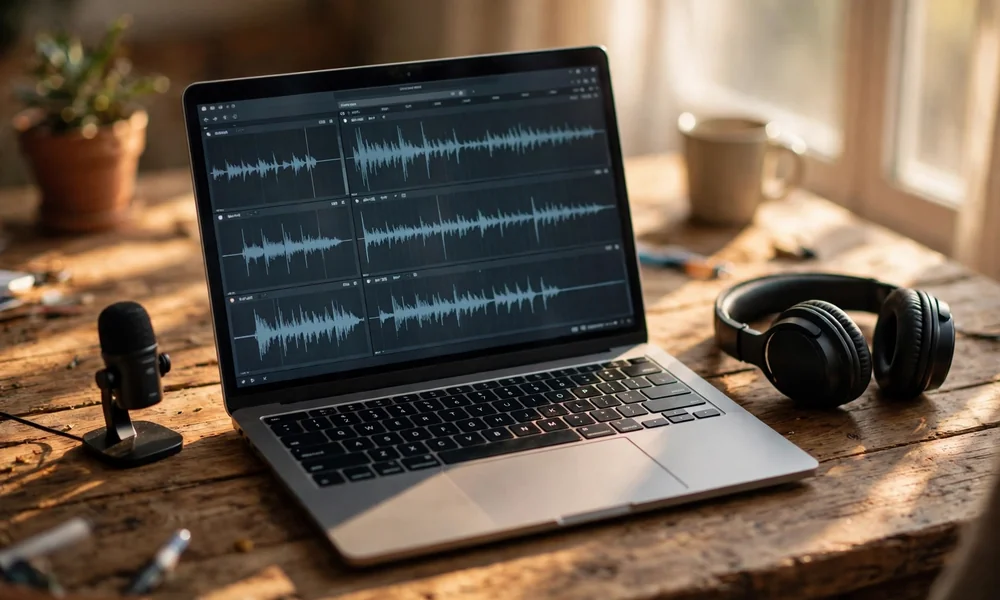
Descript’s AI voices have improved a lot, and its Overdub feature lets you clone your own voice to fix a flubbed line without re-recording. For a podcaster who misspoke one word, typing the correction and having it spoken in their own voice is genuinely useful. The video tools are also strong, with captions, screen recording, and simple cutting in the same project. The trade-off is that Descript’s stock AI voices do not sound as natural as ElevenLabs on long narration, and the interface takes longer to learn.
Pros:
- Transcript-based editing makes cutting and fixing recordings far faster.
- Overdub can repair a single word in your own voice without re-recording.
- Audio and video editing, captions, and publishing tools in one project.
Cons:
- AI narration sounds less natural than ElevenLabs on long passages.
- The interface has a steeper learning curve for new users.
- Paid plans start higher than ElevenLabs, and some features need the pricier tiers.
Which sounds more human?
On the question that matters most, ElevenLabs wins. Side by side on the same script, its voices breathe better, handle emotion more convincingly, and keep a listener’s attention over ten or twenty minutes. Descript’s voices are perfectly usable for short clips, corrections, and drafts, but on a full audiobook chapter or a long course lesson the difference is audible. A listener may not be able to explain what is different, but they will usually describe the ElevenLabs version as warmer and easier to follow.
That does not mean ElevenLabs wins every job. If the voiceover starts as a real recording, Descript is the better tool, because its editing saves more time than ElevenLabs’ voice quality gains. The same applies to podcasts and videos where the voice is one part of a bigger edit. The practical rule is simple: if the script is the starting point, choose ElevenLabs; if a recording is the starting point, choose Descript. Creators who make both kinds of content often end up using the two together, generating narration in ElevenLabs and editing finished recordings in Descript.
The verdict
For voiceover judged purely on how human it sounds, ElevenLabs is the winner in 2027. Its voices are more natural, more expressive, and more consistent across long scripts, and its cloning and dubbing tools extend that advantage to creators working in several languages. A narrator, audiobook producer, or course creator who generates voiceover from text should start here.
Descript wins the wider contest for creators whose work begins with a microphone rather than a script. Podcasters, video creators, and teams that record interviews will save more time with its transcript editing than they would gain from a slightly better voice. If you can only pay for one tool, pick the one that matches where your voiceover starts, not the one with the best demo voice. For video work in particular, our guide to the best AI tools for video editing shows how Descript fits alongside the other editors creators rely on.
How to choose between ElevenLabs and Descript
Start by listing what you actually produce in a normal month. Count the minutes of narration you generate from text against the minutes of recorded audio you edit, and let the bigger number decide. A course creator producing hours of narration a month will feel the ElevenLabs quality advantage every day, while a podcaster releasing two episodes a week will feel the Descript editing advantage just as often.
Then test both with your own material, not a demo script. Use a passage with names, numbers, and the technical words your audience actually hears, and listen on ordinary headphones rather than studio speakers, since that is how your audience will hear it. Check the pricing against your real volume too: ElevenLabs charges by generated characters, Descript by editing hours, so the cheaper option depends on how you work. And if your voiceover is part of a wider content routine, our roundup of the best AI tools for content creation can help you place either tool in a full workflow.
Checklist: choosing a voiceover tool in 2027
Use these checks before you pay for either plan.
- Listen to your own script on both tools, on ordinary headphones.
- Test names, numbers, and technical terms your audience will actually hear.
- Check whether your work starts from a script or from a recording.
- Confirm voice cloning rules and consent steps before cloning any voice.
- Price the plan against your real monthly volume, not the demo allowance.
- Confirm you can export clean audio files to use anywhere.
Frequently asked questions
Which sounds more human, ElevenLabs or Descript?
ElevenLabs sounds more human on the whole, with better pacing, emotion, and natural pauses on long narration. Descript’s voices are good for short clips and corrections, but they do not match ElevenLabs on a full chapter or lesson.
Can Descript clone my voice?
Yes. Descript’s Overdub feature can clone your voice after a consent and verification process, and it is mainly used to fix mistakes in a recording without re-recording. ElevenLabs also offers voice cloning, with a wider range of languages and voice options.
Is ElevenLabs good for audiobooks?
Yes, it is one of the strongest options for audiobook narration from text, because its voices stay natural over long passages. Check the licensing terms for your audiobook distributor before publishing, and always listen to the full recording before release.
Can I use ElevenLabs and Descript together?
Yes, and many creators do. A common workflow is to generate narration in ElevenLabs, then edit the finished audio or video in Descript, where transcript-based cutting and captions make the final polish faster.
Do I need to record my own voice at all?
Not with either tool. ElevenLabs can narrate entirely from text with a stock voice, and Descript can do the same with its AI voices. Recording your own voice only matters if you want a cloned voice that sounds like you.
Which is cheaper, ElevenLabs or Descript?
It depends on how you work. ElevenLabs paid plans start lower, from around $5 a month, but pricing is tied to generated characters. Descript starts from around $12 a month, priced around editing hours. Estimate your real monthly use before comparing the headline prices.
The bottom line
ElevenLabs vs Descript for voiceover comes down to where your work starts. If you write a script and need it spoken beautifully, ElevenLabs sounds more human and is the better choice. If you record first and need to edit fast, Descript’s transcript-based workflow will save you more time than a marginally better voice ever could.
For most creators buying one tool in 2027, the deciding test takes twenty minutes: run your own script through both, listen on the headphones your audience uses, and pick the one that sounds like a person you would keep listening to. That test rarely gives the wrong answer.