The Pixel 10 Pro’s US price depends on storage and whether you buy outright or use a current promotion. That matters when you compare the real cost of different buying options. A low amount due today may still come with months of payments or conditions that change your total.
This page separates the US list price from temporary discounts and carrier installments. It also covers storage choices, key features, and the details that can affect availability. Those details may vary by seller, configuration, and offer. Qi2 is a wireless-charging standard that uses magnetic alignment to attach a compatible charger to a phone.
Use the comparisons to match the phone’s features to your needs and budget. Check the final terms for the exact configuration you want, since a price shown in an ad may not apply to every buyer. Compare the amount due today with the full device price before choosing an offer.
Key Takeaways
- The 128GB configuration had a $999 US list price in the 2025 lineup.
- Amazon listed the 128GB phone at $799 on October 28, 2026.
- Storage options, seller offers, and carrier terms can change what you pay.
- Unlocked buying lets you choose a compatible carrier.
- Compare the full checkout total, not only a monthly installment.
- Choose features and storage that match how you use your phone.
Google Pixel 10 Pro Price: Current US Listings
The 128GB Pixel 10 Pro has a $999 US list price, while Amazon listed it for $799 on October 28, 2026. The dated listing gives shoppers a useful price check, but it does not set the price for every seller.
The Amazon figure is a dated marketplace listing, not a guaranteed checkout price. The price may change by the time you order, and availability can vary. Compare the exact device, storage, and seller before treating two listings as equal.
Google’s regular price for the base configuration
The 128GB configuration had a $999 US list price in the 2025 lineup. Google listed the Pixel 10 Pro at $999 before its time-limited discount in October 2026. That regular price gives you a baseline for comparing offers without mixing in a temporary reduction.
A list price is the regular price before offers. It does not include every possible tax, accessory, or service cost. Check whether a listing is for the phone alone, and whether it names the storage size you want.
The Amazon listing and its date
Amazon listed the device at $799 on October 28, 2026. That amount is a snapshot of one marketplace listing on that date, not a promise that the same offer will remain available. Marketplace sellers can change prices, stock, or listing terms.
Recheck the final checkout total because marketplace listings can change.
Pay attention to the seller shown on the listing and the final amount in your cart. A displayed price may not include taxes or other checkout charges. The listing date helps you judge whether the amount is still current.
For a fair comparison, put the same storage configuration beside the same storage configuration. Then compare the total shown at checkout, rather than relying on a headline number alone.
How Much Do the Pixel 10 Pro Storage Options Cost?
The 256GB, 512GB and 1TB configurations were listed at $1,099, $1,219 and $1,449, respectively, in the 2025 lineup. Each step adds space for files kept on the device, but the higher tiers cost more. The right capacity depends on what you save locally.
The 128GB tier was priced in the previous section; the table compares larger storage options. Pick a size based on your photos, apps, and videos, not simply because one model has the largest number.
| Storage capacity | 2025 US list price | Who may find it useful |
|---|---|---|
| 256GB | $1,099 | A larger local photo and app library |
| 512GB | $1,219 | Frequent high-resolution photo and video capture |
| 1TB | $1,449 | Shoppers who want the largest listed capacity |
The 256GB option gives you more room for a growing collection of apps and pictures. It can suit you if you often keep files on your phone instead of moving them elsewhere. The price rises by $120 from the 256GB tier to the 512GB tier.
At 512GB, frequent photo and video capture has more local room. That can help if you record high-resolution clips or keep a large library available offline. The 1TB option costs more, so it makes sense mainly when that added space matters to you.
Storage needs can change as you add apps, downloads, and media. Think about the files you keep and remove, rather than guessing from one busy week. Pick capacity around the files you keep on the phone, not the largest number on the list.
Should You Buy the Pixel 10 Pro Unlocked?
The unlocked Pixel 10 Pro was listed from $749, making it a starting point for shoppers who want to choose their own carrier. An unlocked phone can suit you if you want flexibility instead of buying through one carrier. The price shown is a starting price, not a promise for every configuration.
Confirm network compatibility and activation before checkout. Carrier services can differ, so make sure the device works with the network and line you plan to use. eSIM is a digital SIM option for phone activation, but your carrier must support it for your line.
Use this checklist before placing an unlocked order:
- Check carrier compatibility for the phone and the network bands you need.
- Confirm whether eSIM activation works for your intended line.
- Check the box contents and whether you need a charging adapter.
The box includes a USB-C to USB-C cable. It is 1 meter long and uses USB 2.0, so the cable handles charging and data at that standard. A charging adapter may be a separate purchase, depending on what you already own.
Unlocked buying can also make it easier to change carriers later, as long as the next carrier supports the device. That flexibility is useful when you want to compare service plans or keep your phone apart from a carrier account.
Review the terms for the exact model and the carrier you intend to use. Confirm the carrier can activate the phone before placing an unlocked order.
How Do Carrier Installments Compare?
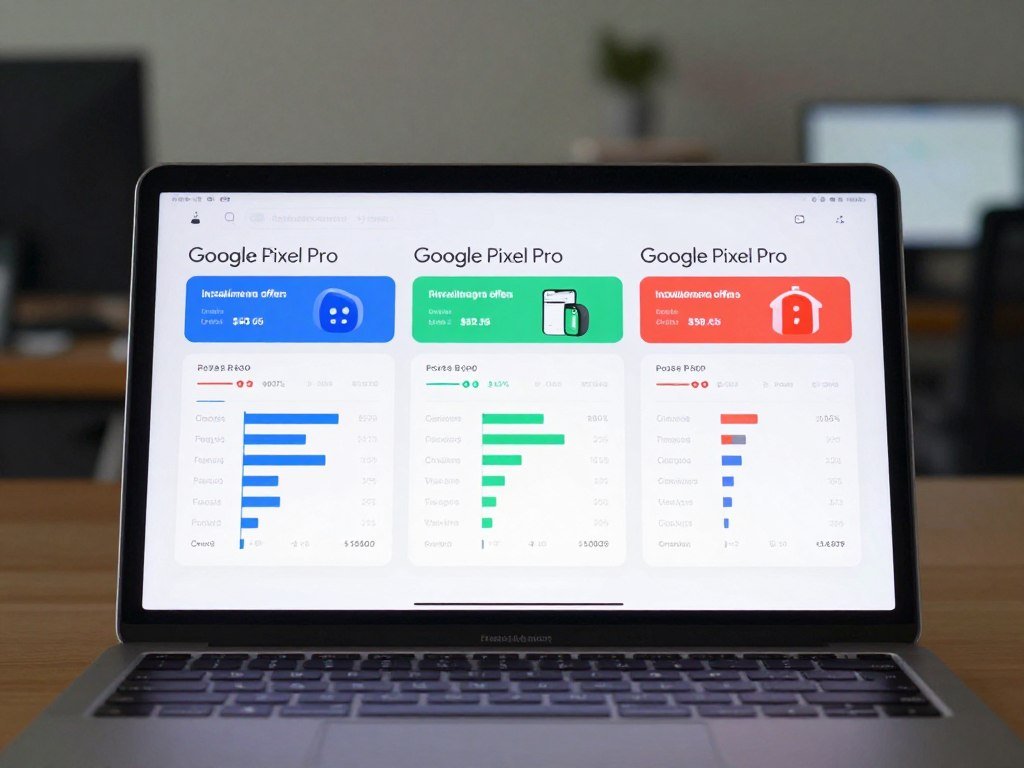
The displayed monthly payments range from $20.81 to $30.55 across these three listings, but the terms differ. The monthly amount is only one part of the cost. Look at the length of the agreement and the stated retail price, too.
An installment is not the same as paying the full device price upfront. Taxes, service plans, account terms, and eligibility can affect what you pay. A low monthly figure may also require a specific plan or account setup.
| Seller | Listed monthly payment | Stated term or condition |
|---|---|---|
| Google Store | $20.81 per month | 36 months |
| Verizon | $30.55 per month | 36 months at 0% APR |
| AT&T | $29.17 per month | 36 months; $1,049.99 retail price |
The Google Store listed financing at $20.81 per month for 36 months. Verizon listed installments starting at $30.55 per month for 36 months at 0% APR. AT&T listed a $1,049.99 retail price and installments of $29.17 per month for 36 months.
These figures describe separate offers, so they do not have identical terms. The Verizon amount is a starting installment figure. AT&T states both a retail price and a monthly payment, which gives you another way to compare the agreement.
Before choosing, add the payments across the full term and include any known taxes or required service costs. Ask whether early payoff, plan changes, or account closure affect the agreement. Compare the total amount due over the full installment term, not just the monthly payment.
What Should You Check Before Taking a Pixel 10 Pro Deal?
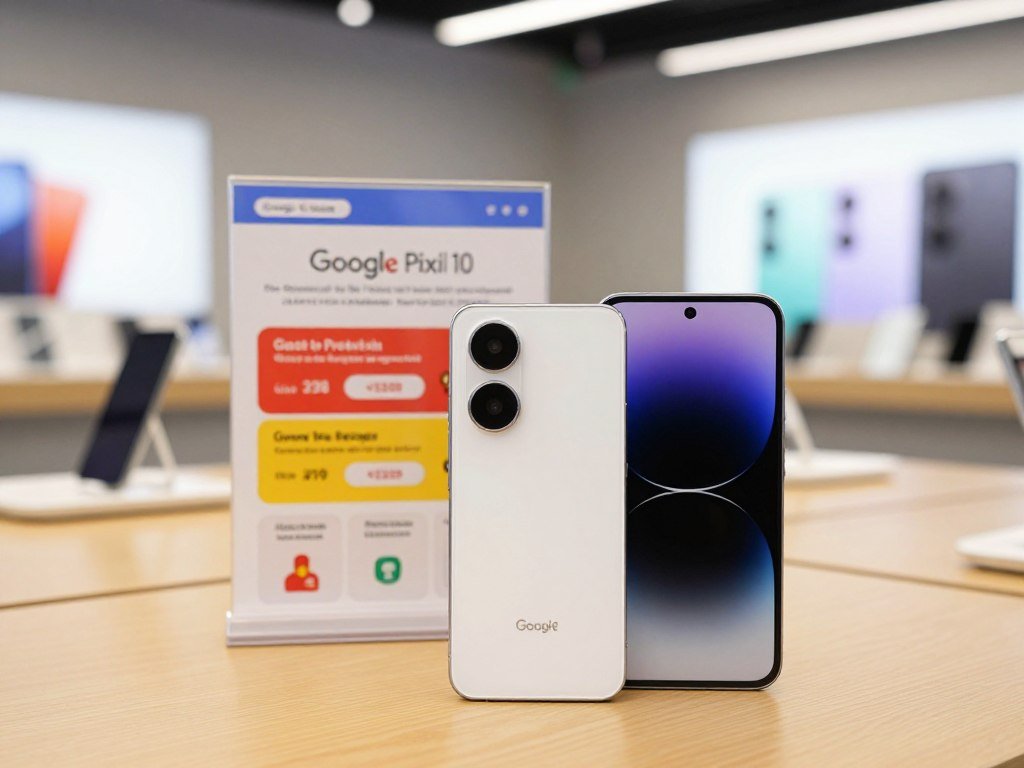
Google’s unlocked-phone promotion was scheduled to end October 29, 2026, with savings advertised up to $300. The Google Store listed the Pixel 10 Pro from $749 during the promotion. The maximum saving does not mean every buyer gets the same reduction.
“Up to $300” is not a promise that every configuration or buyer receives $300. A trade-in can also affect the offer, and its final value depends on the device assessment. Review the terms for the exact phone and the offer you plan to use.
Run through these checks before relying on a deal:
- Verify that your chosen configuration is eligible for the promotion.
- Check the trade-in device and its condition requirements.
- Read when promotional credits apply and what can end them.
Google offers a trade-in option, but an estimate is not the same as a confirmed credit. A cracked screen, damaged body, or mismatch in the device details can affect the final value. Check how the seller handles an assessment that differs from the estimate.
Promotional credits may arrive on a schedule rather than reducing the amount at checkout. Read the terms for timing, account requirements, and what happens if you cancel or change service. Keep a copy of the offer details until the order is complete.
Compare the promotional total with the regular amount for the same configuration. Treat a trade-in estimate as provisional until the seller confirms the device’s condition and final value.
Is the Pixel 10 Pro XL Worth the Larger Size?
Choose the 6.8-inch Pixel 10 Pro XL for a larger screen, or the 6.3-inch Pixel 10 Pro if a smaller phone matters more. Both models are presented with the same Pro features, so screen size and handling are the main choice here.
The Pro XL gives you more viewing area, while the Pro is easier to handle in one hand. The larger screen can help when reading, watching video, or viewing photos. The smaller model may fit your pocket and daily grip more comfortably.
The 6.8-inch display gives the Pro XL more room for onscreen content. That extra space can be pleasant if you often watch shows or read long pages on your phone. It also makes the device larger in your hand and pocket.
The 6.3-inch Pro is the smaller option. If you use your phone while walking, carrying bags, or reaching across the screen with one hand, its size may feel easier to manage. Your grip and pocket size matter more than a number alone.
Since Google presents both phones with the same Pro features, the larger model is not the only way to get the Pro experience. Think about how often screen space helps you, compared with how often a larger phone gets in the way.
Try a phone with a similar footprint if possible, and check how it feels in your usual case. Handle a phone of similar size before buying if one-handed use is a priority.
Which Is Better, the Pixel 10 or the Pixel 10 Pro?
The Pixel 10 Pro is the better fit for camera-focused shoppers, while the standard Pixel 10 is the simpler choice if you do not need the Pro camera system. The best fit depends on how much you value camera hardware and higher RAM.
The standard Pixel 10 suits everyday use; the Pro adds more advanced rear cameras and 16GB of RAM. These are separate devices with separate listings, so compare prices for the same storage size.
| Feature | Pixel 10 | Pixel 10 Pro |
|---|---|---|
| RAM | 12GB | 16GB |
| Rear wide camera | 48MP | 50MP |
| Ultrawide camera | 13MP | 48MP |
| Telephoto camera | 10.8MP | 48MP |
| Maximum stated zoom | Up to 20x | Up to 100x |
What the standard Pixel 10 gives you
The Pixel 10 has 12GB of RAM and three rear cameras: a 48MP wide camera, a 13MP ultrawide camera, and a 10.8MP telephoto camera. Its stated zoom reaches up to 20x. That camera setup can cover common family photos, travel scenes, and everyday moments.
For the standard model’s price, use its own current US listing and chosen storage configuration. The Pro’s price does not apply to the Pixel 10. You can also compare other models in this phone buying guide for different budgets.
What the Pro model adds
The Pro has 16GB of RAM, a 50MP main camera, and 48MP ultrawide and telephoto cameras. Its listed maximum zoom reaches 100x. Those upgrades make it a stronger fit if you often frame distant subjects or want more camera options.
More megapixels do not guarantee better photos in every setting, but the Pro offers higher-resolution rear cameras across its camera types. Decide whether those features matter for your own pictures, rather than paying for numbers you rarely use.
Compare current prices for the same storage capacity before deciding whether the Pro upgrades justify the difference.
How Good Is the Pixel 10 Pro Display?
The 6.3-inch display combines a 2,856-by-1,280 resolution with an adaptive refresh rate that can range from 1Hz to 120Hz. That makes the screen sharp and fluid for reading, video, and scrolling.
The listed peak brightness is 3,300 nits, not a level the screen stays at in every situation. Brightness and visibility depend on the screen setting and what you are viewing.
The resolution describes how many pixels make up the picture. At 2,856 by 1,280 pixels, text and images have plenty of detail on a 6.3-inch screen. You can expect small text to look crisp when the app or page supports it.
The adaptive refresh rate can move between 1Hz and 120Hz. A higher rate can make scrolling and motion look smoother, while a lower rate suits content that does not change often. The word adaptive means the screen can adjust rather than holding one rate all the time.
Google lists a peak brightness of 3,300 nits. That peak figure does not mean every app or scene reaches that brightness, or that the screen remains there continuously. Use your own eyes to judge readability in the places where you use the phone.
Screen comfort also depends on font size, glare, and your brightness setting. Try a long message or article in your usual lighting before deciding whether the panel feels right.
Judge screen comfort at your usual brightness and lighting rather than relying only on a peak specification.
What Can the Pixel 10 Pro Cameras Do?
The rear system pairs a 50MP main camera with 48MP ultrawide and telephoto cameras. The three cameras cover different framing needs, from everyday shots to wide scenes and distant subjects.
The telephoto camera gives you 5x optical zoom, while Super Res Zoom reaches up to 100x. Maximum zoom does not promise equally sharp results at every magnification.
Rear cameras, close-ups and zoom
The 50MP main camera suits everyday and portrait shots. The 48MP ultrawide camera fits more of a scene into the frame and supports Macro Focus for close details. The 48MP telephoto camera uses a dedicated lens for distant subjects.
| Camera | Resolution | Practical use or zoom |
|---|---|---|
| Main | 50MP | Everyday and portrait shots |
| Ultrawide | 48MP | Wide scenes and Macro Focus |
| Telephoto | 48MP | 5x optical zoom; up to 100x Super Res Zoom |
Optical zoom uses the telephoto camera’s lens to bring a subject closer. Super Res Zoom processes the image to extend the range. Pro Res Zoom can help when you want to reach farther, but detail can drop as magnification rises.
Selfies, video and camera assistance
The 42MP front camera has autofocus, which can help keep a selfie or group shot in focus. The phone records video at up to 8K30 and includes video stabilization to reduce distracting movement in recorded clips.
Camera Coach can offer guidance while you compose a shot. Ask Photos helps you work with pictures, while Auto Best Take can select a preferred expression from group photos. Add Me helps include the photographer in a group image.
These features can save time, but each works best for its intended task. Keep a steady hand when recording, and frame the subject before increasing zoom. Use moderate zoom when detail matters more than reaching the maximum magnification.
How Does Tensor G5 Support Pixel AI?
Tensor G5 powers the Pixel 10 Pro’s AI features, and Google claims a 34% gain in speed and efficiency over Tensor G4. That is Google’s comparison, not an independent test result. The chip is the hardware base for the phone’s AI tools.
Gemini helps with tasks, Gemini Live supports spoken conversation, and Magic Cue offers timely suggestions. These features can be useful when they fit your habits and the Google services you use.
Gemini can help you draft, summarize, and ask questions. Gemini Live is designed for spoken back-and-forth conversation, rather than only typed prompts. Magic Cue can surface suggestions based on what you are doing on the phone.
These tools rely on software as well as the processor. Their value depends on what tasks you want help with and which services you use. You can compare Gemini with other chat tools in this guide to AI chatbots and their uses.
Google says Tensor G5 gains 34% in speed and efficiency over Tensor G4. That number describes Google’s stated comparison; it should not be treated as a result from an independent test. Daily performance can also depend on the app and task.
AI features may save steps, but they do not matter equally to every buyer. If you rarely use voice tools or writing help, the chip’s AI focus may not change your choice.
Treat AI convenience as a reason to choose the phone only if those features fit your everyday tasks.
How Long Does the Battery Last and How Fast Does It Charge?
The 4,870mAh battery supports 30W wired charging and 15W wireless charging with Qi2 chargers. Battery capacity is not a direct clock for how many hours you will get on one charge.
Google lists 24-plus-hour battery life and up to 100 hours with Extreme Battery Saver. Your actual battery life depends on use and settings, including how often you stream, use apps, and connect to networks.
The 4,870mAh figure describes the battery’s capacity. It does not predict the same runtime for every person. Heavy use can drain a charge faster, while less active use may stretch it further.
Google lists 30W wired charging and 15W wireless charging with Qi2 chargers. The charging rate depends on using compatible gear, so a familiar connector alone does not guarantee the stated speed.
Check these points when choosing charging accessories:
- Use a compatible 30W wired setup for the stated wired rate.
- Use a Qi2 charger for the stated wireless rate.
- Check the charger’s own specifications before purchase.
Extreme Battery Saver is listed for up to 100 hours, while Google lists more than 24 hours of battery life for normal use. Those are claims, not a fixed promise for each day. Screen time, signal strength, apps, and settings can change runtime.
Choose a charger by its supported standard and output, not just its connector.
What Connectivity and Security Hardware Does It Include?
The Pixel 10 Pro supports Wi-Fi 7, Bluetooth 6 and NFC, and includes a Titan M2 security coprocessor. These features support different connections, from home internet to accessories and short-range data links.
Titan M2 adds dedicated security hardware, but no single part prevents every threat. Safe use also depends on keeping your software and accounts in good shape.
Wi-Fi 7 matters when you connect to a compatible router and network. An older router can still connect, but it will not provide Wi-Fi 7 features. Check the network gear you already own before buying for that standard.
Bluetooth 6 supports connections with compatible headphones, watches, and other accessories. NFC enables supported short-range connections, such as tap-based exchanges or services. The other device or service must support the same use.
Titan M2 is a security coprocessor built into the phone. It supports device security tasks, but it cannot block every scam, unsafe app, or account attack by itself. Use account protections and safe habits alongside the hardware.
Compatibility depends on the router, accessory, and service you plan to use. Some services also need an internet connection or a supported account. Check that your router and accessories support the connection standards you plan to use.
How Long Will the Pixel 10 Pro Get Updates?
Google guarantees seven years of operating-system, security and Pixel Drop updates for the Pixel 10 Pro. The seven-year period starts when the device first became available on the Google Store in the United States.
The listed operating system is Android 16, and the update clock begins at US Google Store availability. The commitment covers three kinds of updates:
- Operating-system updates that bring new Android versions.
- Security updates that address software protection needs.
- Pixel Drops that add new features over time.
Operating-system updates can bring changes to the phone’s software and tools. Security updates help protect against known software risks. Pixel Drops add features that Google releases for Pixel devices.
The seven-year period is not counted from the day you buy a used or new phone. It is counted from the model’s first availability in the US Google Store. That means the remaining support period depends on when the device first went on sale there.
The listed operating system is Android 16. Updates can arrive over time, so the phone may not receive every new feature on the same day as another model.
Check the phone’s first-availability date if you need to calculate how much of the update period remains.
How Durable Is the Pixel 10 Pro, and What Is Not Covered?
The Pixel 10 Pro is designed for IP68 dust and water protection, but Google does not describe it as waterproof or drop-proof. IP68 describes tested protection under IEC 60529 when the phone leaves the factory.
Water and dust resistance can decline or be lost through wear, repair, disassembly, or damage. The phone uses Corning Gorilla Glass Victus 2 and an aerospace-grade aluminum frame, but those materials do not prevent every crack or dent.
An IP68 rating is not a promise that the device can handle every water exposure. It also does not mean the screen will survive a fall. External-force damage is not covered by warranty, and liquid damage voids the warranty.
Wear can change how well seals protect the phone. A past repair, opened device, or impact can also affect resistance. Do not treat a rating from when the phone was new as proof that a damaged device remains protected.
Keep these checks in mind after buying:
- Keep the phone away from unnecessary water exposure.
- Inspect the screen and body for cracks after a drop.
- Check repair and warranty coverage before paying for a repair.
Corning Gorilla Glass Victus 2 and the aluminum frame add physical protection, but they do not remove the risk of damage. A screen protector or case may help with some impacts, but neither makes the phone indestructible.
Treat any damaged phone as less resistant to water and dust than it was when new.
Is the Pixel 10 Pro a Good Phone for You?
The Pixel 10 Pro is a good fit if you want Google’s AI tools, advanced cameras and long software support in one phone. Those strengths matter most when you will use them often, rather than simply liking their names on a feature list.
Do not pay extra for AI tools if you will not use them or they are unavailable where you live. Gemini availability varies by country and language, and it requires an internet connection.
Satellite SOS is designed to connect to emergency services without cellular or Wi-Fi. It can be useful when you have no regular connection, though it is an emergency feature rather than a replacement for everyday service.
Gemini may suit you if you use Google services or want help with questions and tasks. Its availability varies by country and language, and an internet connection is required. Make sure the features you value work where you live.
The phone’s advanced cameras and long update commitment can also support a longer ownership plan. Those benefits may be less important if you take simple snapshots, replace phones often, or prefer a lower-cost device.
If the price feels high for your needs, compare other options in this guide to budget phones under $500. The Pixel 10a is noted there as a value Android choice with a seven-year update promise.
Before buying for Gemini, confirm that the feature you want is available where you live and works with your connection.
Think about the work you expect the phone to do each week, not just the features you might try once. That makes it easier to judge whether its extra tools fit your routine.
Conclusion
The Pixel 10 Pro makes the most sense when its camera, AI and update support match what you want from your next phone. Your choice should come down to the features you will use and the configuration you need.
Compare the exact storage configuration and full checkout total before ordering. Then check the current price for your chosen storage configuration and verify the final checkout terms before placing your order.
FAQ
What was the price of Google Pixel 10?
The standard Pixel 10 has its own price, separate from the Pro. Check its current US listing for the storage configuration you want, since the Pro’s price does not apply to it. Compare the full checkout amount, not only a price shown in an ad. Seller offers and the selected storage size can change what you pay.
Is the Google Pixel 10 Pro worth the money?
Yes, it can be worth the money if you will use its Pro camera system, AI features, and seven-year update commitment. Compare the price for your chosen configuration with the standard Pixel 10. The Pro is a better fit when its added camera tools and memory matter to your routine. If not, a less costly model may suit you.
Which is better, the Pixel 10 or the Pixel 10 Pro?
The Pixel 10 Pro is better for camera-focused buyers, while the standard Pixel 10 fits everyday use at a lower tier. The Pro has 16GB of RAM and a 50MP main camera. The standard model has 12GB of RAM and a less advanced rear camera setup. Compare both at the same storage size before choosing.
What are the disadvantages of Google Pixel 10 Pro?
Its main drawbacks are the higher list price for larger storage, the need for a compatible charger to reach stated charging rates, and limits on Gemini availability. Gemini also requires an internet connection. A feature that is unavailable in your country or language may add little value. Consider those limits alongside the camera and update benefits.
Is the Google Pixel 10 Pro a good phone?
Yes, it is a good phone for shoppers who value advanced cameras, Google AI, and seven years of updates. Those features may not justify the cost if you mainly use basic apps or take casual photos. Check whether Gemini works in your country and language. A less expensive model can be a better match if you do not need the Pro tools.



