
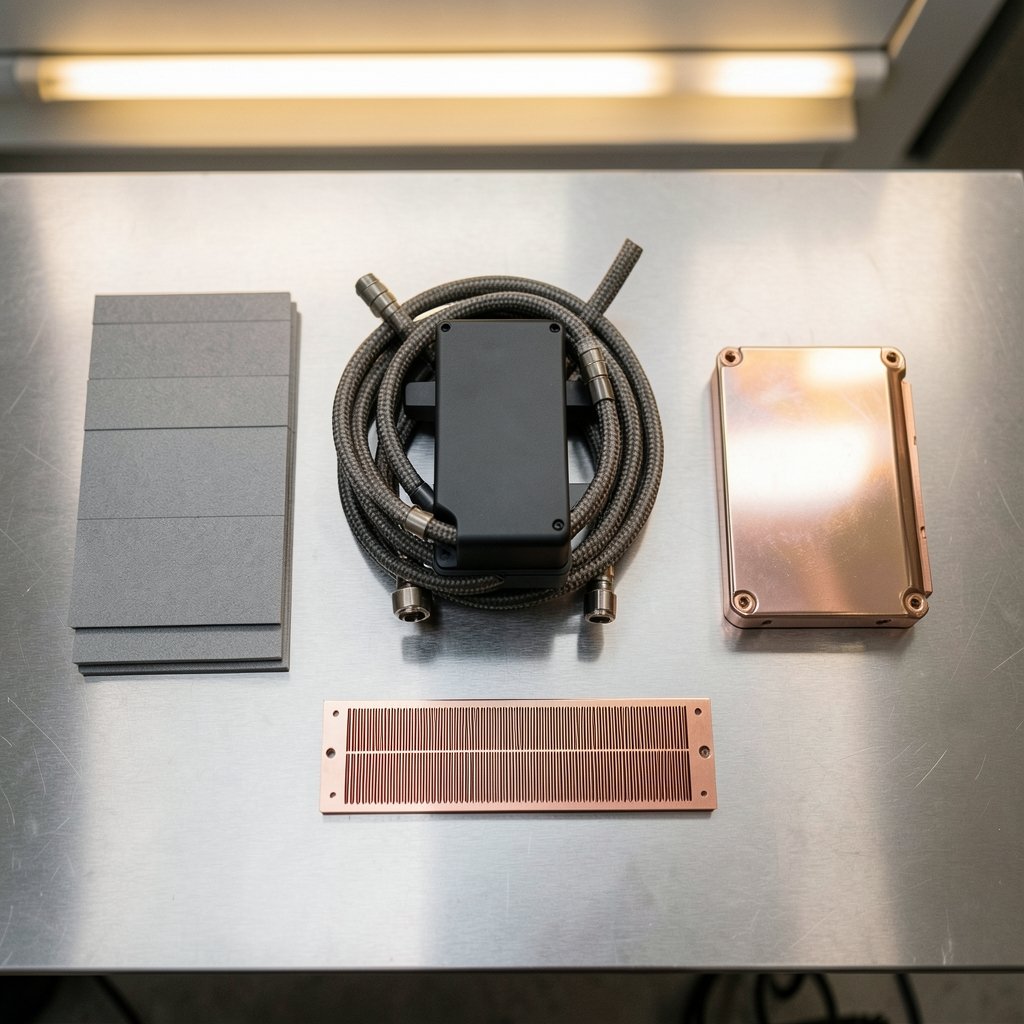
What do a data center cooling skid, a water block for a gaming card, and a thermal pad have in common? They all landed on the market in 2026 as answers to the same problem: graphics chips keep pushing more heat into less space, and the hardware around them has to keep up. This year’s GPU cooling product launches tell a story that runs from warehouse-scale liquid loops down to a 0.2 mm fin on a copper cold plate. Understanding that story helps buyers, builders, and IT teams tell a genuine engineering step forward from a fresh coat of paint.
Why GPU Cooling Launches Suddenly Matter More
For years, cooling was the boring part of a graphics card launch. You bought the card, the shroud came attached, and that was that. That assumption is breaking down for two reasons.
First, power density. The Renda Nova8 server, launched with Nexalus in November 2026, packs eight Nvidia RTX PRO 6000 Blackwell GPUs into a 4U chassis, each running at its full 600W capacity. The RTX PRO 6000 Blackwell is normally a dual-slot card, but a bespoke liquid-cooling design lets each GPU occupy a single slot. The companies claim up to 20% greater AI throughput and 22% better energy efficiency than comparable air-cooled systems. Numbers like that are why cooling has moved from accessory to headline feature.
Second, facilities. Most server rooms were never built for liquid. The Nova8’s pitch is that it fits a standard 19-inch air-cooled rack, so operators can adopt liquid cooling without installing extra piping or cooling infrastructure. That is a launch decision driven by real estate and plumbing as much as by thermal engineering.
If you have ever watched a card throttle under load and wondered what went wrong, the practical fixes overlap heavily with what these products address. A guide to fixing a refrigerator that stopped cooling practical guide sounds like a different world, but the diagnostic logic is the same: find where heat is not moving, then fix that link in the chain.
The Data Center Wave: Modular Liquid Cooling Goes Mainstream

The biggest launches of the year were not consumer parts. Vertiv introduced new configurations of its MegaMod HDX modular power and liquid cooling system for high-density computing environments across North America and EMEA, aimed squarely at artificial intelligence and high-performance computing deployments. The system is prefabricated, which matters because site-built cooling is slow and inconsistent.
Vertiv positioned MegaMod HDX as a hybrid: direct-to-chip liquid cooling combined with air cooling. The company linked the design to heat management for GPU-based systems and pod-style deployments. Two configurations are offered:
| Configuration | Height | Rack support | Power capacity |
|---|---|---|---|
| Compact | Standard module height | Up to 13 racks | Up to 1.25 MW |
| Combo | Extended height | Not specified in launch details | Not specified in launch details |
The takeaway for buyers is that the unit of purchase has shifted. Instead of ordering components and assembling a loop, teams can order a prefabricated block of cooling capacity sized to a pod. That shortens commissioning and reduces the number of ways an install can go wrong.
What This Means for Ordinary Builders
Almost nothing, directly. But the design language trickles down. Direct-to-chip cooling, hybrid air-liquid layouts, and quick-disconnect plumbing all get cheaper and better understood once they ship at megawatt scale. The same engineering vocabulary shows up two years later in desktop gear.
Desktop GPU Blocks: Fitment Becomes the Feature
On the consumer side, the most interesting launch story of 2026 was about compatibility, not raw thermal numbers. Thermal Grizzly expanded its DeltaMate liquid cooling series, and the DeltaMate GPU Block line grew to cover specific board models rather than a generic reference design.
The company announced a full-cover water block for MSI GeForce RTX 5090 cards on 17 September 2026, covering models including SUPRIM and VANGUARD. It is the third GPU block in the DeltaMate series and cools the GPU, VRAM, and VRM together. It is manufactured in Germany, and the manufacturer’s suggested retail price on the official online shop is €549.90 including tax. The cooling section uses a dual cold plate structure: a core cold plate for the GPU and a VRM/VRAM cold plate, both copper with nickel plating after precision machining. The GPU side carries Ultra-High-Performance micro fins just 0.2 mm wide, paired with an optimized flow path and a large surface area for efficient heat transfer to the coolant.
The genuinely novel part is not the fin. It is a spacer board called The Oracle, which reproduces the same PCB layout as the supported graphics card. Owners can check whether the block fits and how it sits before dismantling an expensive card. At install time it doubles as a template showing screw and thermal interface material placement, and it is useful as a reference when converting back to an air cooler.
That is a quiet admission of a real problem. Water-cooling a flagship card is nerve-wracking, and most failures happen before the loop is even filled. A fitment-check tool addresses the mistake people actually make.
Alphacool and the Model-Specific Problem
Thermal Grizzly is not alone. Alphacool launched Core GPU water coolers for the Palit GeForce RTX 5080 and 5070 Ti GamingPro (OC). The company redescribed the coolers from the ground up, with precise adjustments to the spacing between cooler and PCB, optimized water flow simulations, and extensive practical testing producing improvements to the cooler base and jetplate.
The lesson across both launches: board-specific fitment is now the selling point. A block that fits one vendor’s PCB may not fit another’s, even on the same GPU die. Buyers who assume otherwise end up with a return and a stripped screw.
Fans, Fittings, and Thermal Interface Materials
A loop is only as good as its least glamorous part. Several smaller launches filled in the gaps.
Thermal Grizzly introduced DeltaMate Purrformante fans, optimized for low speeds and high static pressure, which is the right profile for liquid-cooling radiators. They can be daisy-chained, so a multi-fan setup needs only a single power cable. The company also showed a new TG O coating that uses plasma to blast a rainbow finish across the copper core of a block, plus new coatings for DeltaMate GPU blocks.
On the fittings side, Thermal Grizzly added matt nickel-plated options, including the DeltaMate Rotary FF90° and the DeltaMate Extender FF14, each with two G1/4-inch female threads. The intended use is combining two fittings: two short hard tubes can become one long run using two HT16 fittings and an FF14 extender, or a route can turn 90 degrees using the Rotary FF90° and two HT16 fittings.
Thermal pads got attention too. The company launched Minus Pad Extreme 2, with high thermal conductivity and optimized cost-effectiveness, and Minus Pad High Compression, which is extremely compressible and aimed at high-performance scenarios with highly variable gaps, such as covering VRAM and power supply modules during a graphics card water-cooling conversion.
There is also a monitoring angle. The WireView Pro II is a monitoring device for graphics cards with per-pin current measurement, a TFT-IPS display, and an extended warranty, aimed at preventing connector melting. For anyone running a high-power card, per-pin current data is more useful than a single temperature reading, because it shows imbalance before damage.
Radiators saw movement as well. XSPC’s TX series uses a copper and brass core with welded seam tubes and high-density splitter fins, with fins protruding past the tubing to use the space between tubing and frame, increasing fin volume without changing overall dimensions. Fin density rose to 22 FPI, and the company claims performance holds up with low-speed fans thanks to the radiator’s thin profile. No launch date was specified at announcement, with availability expected through retailers the following month.
If you are assembling a loop and want to sanity-check temperatures before and after, a step-by-step method helps: how to check gpu temperature 13 steps 2026 walks through the measurement side so you can prove a change actually helped.
How to Judge a Cooling Launch Before You Buy
Marketing copy is uniform. Test conditions are not. A few practical filters separate substance from noise.
- Check the compatibility list, not the product family. Confirm your exact board model, including the vendor variant. Reference-design blocks do not fit custom PCBs.
- Look for fitment aids. Spacer boards, templates, and published PCB layouts reduce the risk of a destructive mistake.
- Read the fin spec and the flow spec together. A 0.2 mm micro fin means little if the pump cannot push enough flow through a restrictive plate.
- Ask what problem the launch solves. A new coating is cosmetic. A new cold plate structure or a hybrid cooling architecture is engineering.
- Check the connector and power path. Per-pin current monitoring exists because melting connectors are a real failure mode at high wattage.
- For servers, verify the facility fit. A liquid-cooled chassis that needs new piping is a construction project, not a purchase.
One common mistake deserves its own warning: buying a block based on a photo of a card that looks identical. Vendors change component layouts between SKUs, and the block that fits one GamingPro variant may not clear the inductors on another. The Oracle-style spacer exists precisely because visual comparison fails.
A second mistake is treating thermal pads as generic. Pad thickness and compressibility have to match the gap. A pad that is too thin leaves the VRAM uncovered; one that is too thick lifts the cold plate off the GPU die. High-compression pads exist for exactly this reason.
A third mistake is skipping the leak test. Fill, run the pump with the board unpowered, and wait. It is boring, and it is the cheapest insurance in the hobby.
The Software Side of Cooling
Cooling launches increasingly ship with a software story. Fan curves, pump speeds, and per-pin monitoring all depend on firmware and utilities that may lag the hardware by weeks. When evaluating a launch, check whether the control software supports your operating system and whether the monitoring data is exposed in a usable way. A TFT display on a card is convenient, but logged data is what lets you diagnose a transient spike.
For teams planning hardware refreshes, the compatibility question extends beyond cooling. Accelerator choices interact with cooling budgets and chassis layouts, so it is worth running gpu vs tpu compatibility checks before 2027 upgrade before committing to a platform, because a cooling design built for one accelerator family may not transfer.
What to Expect Next
Three directions look likely based on this year’s launches. First, more prefabricated hybrid cooling for data centers, since the Vertiv approach trades customization for speed of deployment. Second, more board-specific consumer blocks with fitment tooling, because the flagship GPU market is now expensive enough that buyers demand a safety net. Third, more instrumentation: per-pin current, on-card displays, and monitoring accessories that treat the power path as a thermal problem.
What is less likely is a return to one-size-fits-all cooling. The launches of 2026 all point the same way: the cooling product is now co-designed with a specific card, a specific rack, or a specific facility. Buyers who plan around that reality will get better results than those who shop by brand alone.
Conclusion
The GPU cooling product launches of 2026 were less about radical new physics and more about precision. Vertiv scaled hybrid liquid cooling into prefabricated megawatt blocks for AI pods. Renda and Nexalus squeezed eight 600W GPUs into a standard rack without new plumbing. Thermal Grizzly built a spacer board so owners can check fitment before dismantling a card, then backed it with 0.2 mm micro fins, daisy-chained radiator fans, and per-pin power monitoring. Alphacool rebuilt its Core coolers around PCB spacing and flow simulation. XSPC pushed radiator fin density to 22 FPI. None of these is glamorous on its own. Together they show a market that has accepted a simple truth: at these power levels, cooling is not a feature of the product. It is the product.
FAQ
What was the biggest GPU cooling launch of 2026?
By scale, Vertiv’s MegaMod HDX configurations for high-density AI and HPC deployments, with a compact version supporting up to 13 racks and up to 1.25 MW of power capacity. By interest for desktop builders, Thermal Grizzly’s DeltaMate GPU Block for MSI RTX 5090 cards, which introduced the Oracle spacer board for pre-installation fitment checks.
Do I need a board-specific water block for my graphics card?
In most cases, yes. Blocks are designed around a specific PCB layout, and vendors vary component placement between models. Thermal Grizzly’s block covers specific MSI SUPRIM and VANGUARD RTX 5090 models, and Alphacool’s Core coolers target the Palit RTX 5080 and 5070 Ti GamingPro (OC). Check the exact model before buying.
What is The Oracle on Thermal Grizzly’s DeltaMate block?
It is a spacer board that reproduces the same PCB layout as the supported graphics card. It lets owners confirm the block’s position and compatibility before disassembling an expensive card, and it works as a template for screw and thermal interface material placement during installation.
Are liquid-cooled AI servers hard to deploy?
That depends on the design. The Renda Nova8 is built to fit a standard 19-inch air-cooled rack, so operators can adopt liquid cooling without installing additional piping or cooling infrastructure. Older liquid systems often required facility changes, which is why the rack-compatible approach is notable.
What do radiator fin density numbers like 22 FPI mean?
FPI stands for fins per inch. Higher density increases surface area for heat dissipation, but it can also raise airflow resistance. XSPC increased its TX series to 22 FPI and claims performance remains strong with low-speed fans because the radiator is thin. In practice, match the radiator to your fan’s static pressure.
Should I monitor per-pin current on my GPU power connector?
It is a sensible precaution on high-wattage cards. Connector melting is a documented failure mode, and a single temperature reading will not reveal an imbalance across pins. Devices like the WireView Pro II measure current per pin and display it, which helps catch a problem before damage occurs.


