
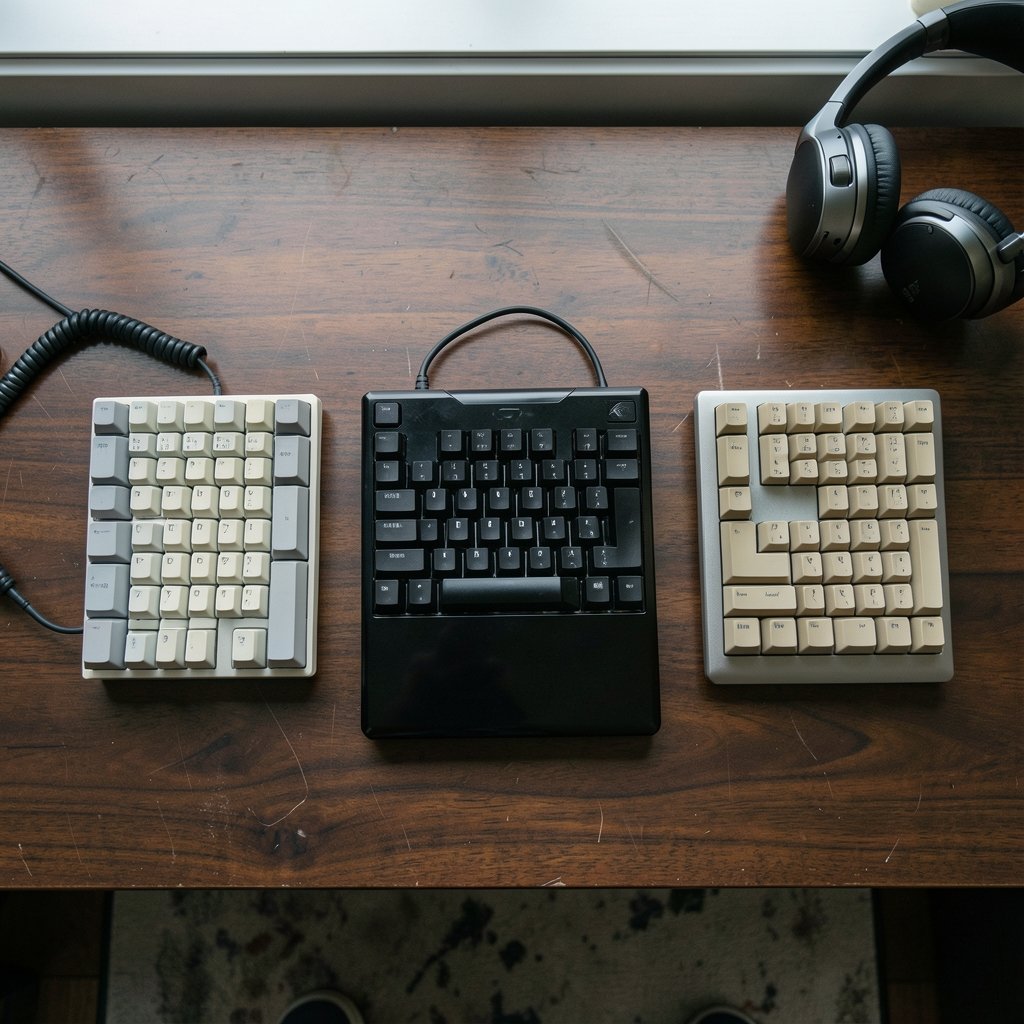
What if the keyboard you already own is quietly losing you fights, not because of its switches, but because of how it reports keypresses to your PC? That question sits at the heart of the HHKB Studio vs Realforce vs Das Keyboard debate. These three boards come from very different design philosophies, yet shoppers keep comparing them for the same reason: each one promises a better everyday typing and gaming experience. The trick is knowing which differences actually matter when you sit down to play, and which ones are marketing noise. (Visual studio code safe private enough everyday use)
Three Keyboards, Three Very Different Ideas
Before comparing anything, it helps to understand what each board is trying to be.
The HHKB Studio, announced in late 2023, broke a long tradition. Classic HHKB boards used Topre domes, but the Studio moved to hot-swappable MX-style mechanical switches. It also added a pointing stick and four mouse buttons, so your hands can stay on the home row. That is a bold idea for people who hate reaching for a mouse.
Topre is an electro-capacitive switch design, sometimes called a capacitive dome. It is not a mechanical switch in the usual sense. Realforce and classic HHKB models use it, and fans describe the feel as a refined, cushioned thock rather than a sharp click.
Realforce is Topre’s own keyboard line, offered in variable and uniform weighting. Variable weighting means keys are lighter under your weaker fingers and heavier under stronger ones. That is an ergonomic argument, not a gaming one.
Das Keyboard has historically sold mechanical boards built on Cherry MX switches, with model names and switch options that change often. Some models have also used other switch types. Anyone shopping in 2027 should confirm the current lineup directly, because naming a specific Das model from memory is a good way to buy the wrong thing.
So you have three archetypes: a hybrid mechanical board with built-in mouse control, a capacitive-dome ergonomic board, and a mainstream mechanical brand. Comparing them is less about picking a winner and more about matching a design to your habits.
What Actually Shapes Gaming Feel
Switch Type and Force Curve
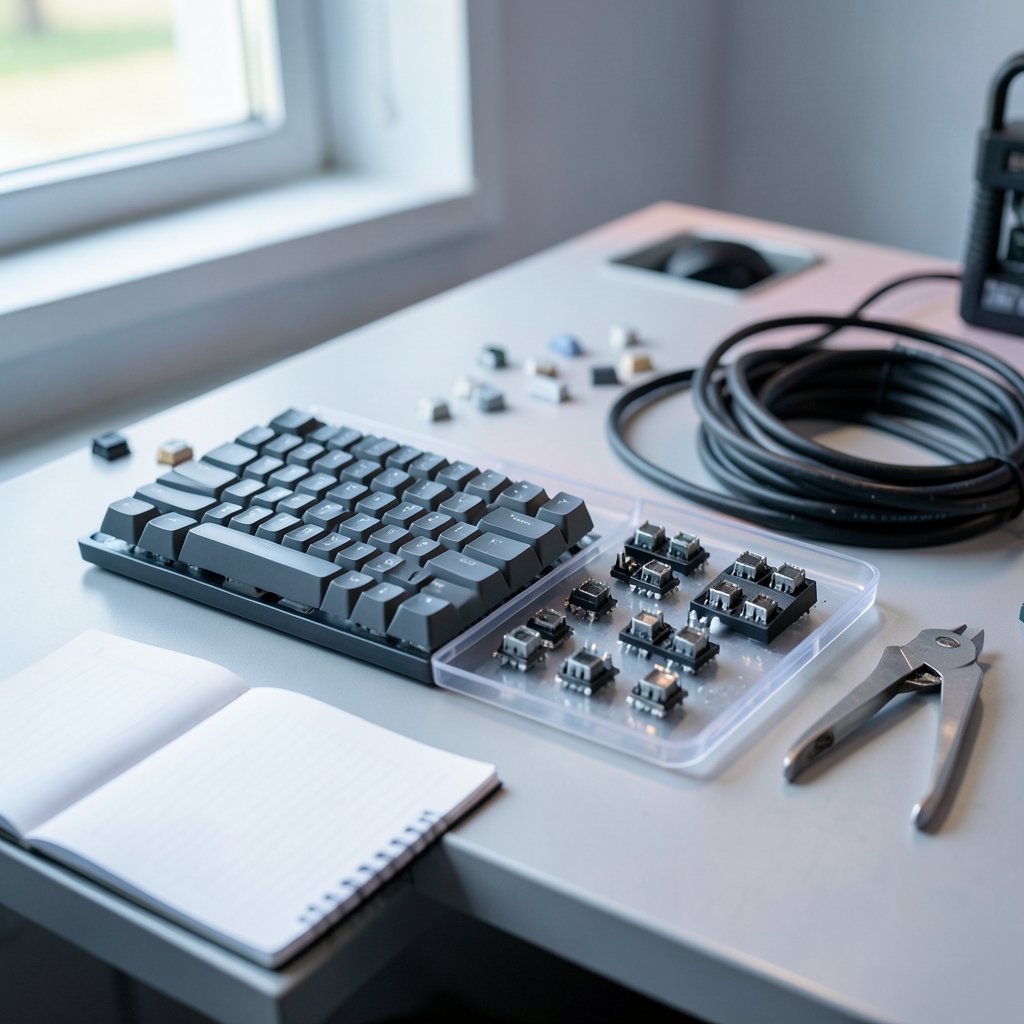
Switch type changes how a keypress feels and sounds, but evidence that one type wins games is thin. Linear, tactile, and capacitive designs all register presses reliably. What differs is fatigue over long sessions, accidental presses, and personal preference.
Topre’s capacitive mechanism is genuinely different from an MX-style mechanical switch, and readers who want the technical background can look up what electro-capacitive switches are and how they differ from mechanical contacts. The practical takeaway is simple: try before you commit. A switch that feels wonderful for ten minutes of typing can feel heavy after three hours of play.
Rollover and Ghosting
This is where gaming performance gets real. N-key rollover (NKRO) means the keyboard can register many simultaneous keypresses without dropping any. Ghosting is the failure mode where a phantom or missing input appears when you press several keys at once. If you want a plain-language explanation of how rollover and ghosting work, that reference is worth ten minutes. (Gaming monitor worth buying beginners everyday use)
Why does it matter? In a game where you hold forward, strafe, crouch, and fire at the same time, a board that drops inputs will cost you. Most modern boards handle this fine over a wired USB connection. The catch is wireless: some keyboards implement full NKRO only over USB and fall back to a limited mode over Bluetooth. If you game wirelessly, check the manual for that specific mode.
Polling Rate and Latency
Polling rate describes how often the keyboard reports its state to the PC. A common figure is 1000 Hz over USB, which works out to roughly one report per millisecond. Many wireless modes drop to a lower rate to save battery.
Here is the honest part: for most players, the difference between a good wired board and a good wireless board is smaller than the difference made by monitor refresh rate, network latency, or plain practice. Polling rate is a real, measurable factor, but it is rarely the bottleneck. Treat it as a tiebreaker, not a headline.
The Protocol Underneath
Every keypress travels through USB HID, the standard that defines how human interface devices talk to a computer. The official USB HID class documentation explains this layer in detail. It matters because “gaming performance” is partly a firmware and protocol question, not just a switch question. Two boards with identical switches can behave differently because of how they implement reporting.
HHKB Studio: Clever Control, Real Tradeoffs
The HHKB Studio’s pitch is compelling: keep your hands on the keys and use a pointing stick plus mouse buttons instead of grabbing a mouse. For players who use keyboard-heavy genres, or who switch between typing and light gaming all day, that is a genuinely useful trick.
The tradeoffs are worth naming.
- Layout learning curve. The compact 60% layout relies on layers and shortcuts. New users will fumble for the first week or two.
- Switch feel is a departure. If you loved classic HHKB Topre feel, the Studio’s MX-style switches are a different animal. Hot-swappable sockets soften that blow, since you can change switches later.
- Pointing stick precision. A stick is not a mouse. For fast aiming it will frustrate you; for menu navigation and strategy games it can be a joy.
The everyday verdict: the Studio shines for people who value compact control and hate mouse reach. It is a weaker fit for competitive shooters where a real mouse and a familiar layout matter more.
Realforce: Comfort First, Gaming Second
Realforce boards are built around Topre switches and ergonomic weighting. The case for them is comfort and typing pleasure, and that case is strong. Long sessions feel less punishing, and the sound is distinctive without being obnoxious.
For gaming, the picture is more mixed. Capacitive domes have a different actuation feel than linear mechanicals, and some players find rapid repeated presses less crisp. That is preference, not a rule. Plenty of people game happily on Topre.
The bigger practical question is features. Realforce boards have historically focused on typing rather than gaming extras like per-key lighting or aggressive polling specs. If your priority is a board that feels great for eight hours of work and fine for two hours of play, Realforce is a serious contender. If your priority is competitive features, look elsewhere.
Das Keyboard: The Mainstream Mechanical Option
Das Keyboard sits closest to the conventional gaming keyboard. Mechanical switches, full-size or tenkeyless options depending on the model, and a familiar layout mean less relearning.
The caveat is lineup churn. Model names and switch options change frequently, and some past models used non-Cherry switch types. Before buying, confirm three things:
- Which switch type the current model uses, and its actuation force.
- Whether NKRO works over the connection you plan to use.
- What the polling rate is in that same mode.
Get those answers and you can compare a Das board to the other two on equal terms. Skip them and you are guessing.
A Practical Comparison Table
| Factor | HHKB Studio | Realforce | Das Keyboard |
|---|---|---|---|
| Switch type | Hot-swappable MX-style mechanical | Topre electro-capacitive dome | Mechanical (varies by model) |
| Layout | Compact 60% with layers | Traditional, varies by model | Full-size or tenkeyless options |
| Built-in pointing device | Yes, stick plus buttons | No | No |
| Best fit | Compact control, mixed work and play | Comfort and long typing sessions | Familiar mechanical feel |
| Main risk | Learning curve, stick precision | Fewer gaming-focused features | Model and switch confusion |
How to Evaluate Any of Them in Practice
Specs only get you so far. Here is a routine that separates real-world performance from brochure claims.
- Test simultaneous presses. Open a key-test page and hold five or six keys at once. Watch for dropped or phantom inputs. Repeat over wireless if that is how you plan to play.
- Time your own typing. Run a few typing tests on day one and again after a week. Comfort problems show up as slowing speed or increasing errors, not as a dramatic failure.
- Play your actual games for an hour. Not a demo. Your real genre. Note missed inputs, hand fatigue, and how often you reach for the mouse.
- Check the manual for connection-specific specs. Polling rate and NKRO often differ between wired and wireless modes.
- Give the layout two weeks. Compact boards feel wrong before they feel right. Judge after the adjustment period, not during it.
Common mistakes people make: buying on switch sound alone, assuming wireless performs like wired, and ignoring desk ergonomics entirely. A great keyboard on a bad desk still hurts. If you are rebuilding a setup, this look at which gaming desks actually hold up under real loads is a useful reality check. The same logic applies to peripherals: a beginner-friendly guide to whether a mechanical keyboard is worth buying covers the basics without hype, and a breakdown of whether a gaming monitor is worth buying for beginners explains why display refresh usually matters more than keyboard polling. (Keyboard switch)
Where the Rest of Your Setup Fits
It is easy to over-focus on the keyboard. In practice, the board is one link in a chain. A few honest observations:
- Displays and frame rates change perceived responsiveness far more than a polling-rate upgrade.
- Desk stability and height affect wrist angle and fatigue across a long session.
- Software choices matter too. If you stream or record, the practical verdict on whether OBS Studio is safe and private for everyday use is worth reading before you blame your keyboard for stutter.
None of this makes keyboard choice irrelevant. It just puts it in proportion. The HHKB Studio, Realforce, and Das Keyboard are all capable boards. The differences that decide your experience are layout comfort, connection mode, and whether the feature set matches your genre.
Conclusion
So which one wins? None of them, universally. The HHKB Studio rewards people who want compact control and are willing to learn a new layout. Realforce rewards people who type far more than they game and want comfort to come first. Das Keyboard rewards people who want a familiar mechanical feel and are willing to verify the current specs before buying.
The evaluation method matters more than the answer. Check rollover and ghosting, confirm polling rate in the mode you will actually use, test simultaneous presses, and give any new layout two full weeks. Do that, and the right board for your everyday gaming in 2027 becomes obvious. Skip it, and you will be shopping again in six months.
Frequently Asked Questions
Is the HHKB Studio good for gaming?
It can be, depending on genre. The pointing stick and mouse buttons suit strategy and menu-heavy games, and hot-swappable switches let you tune the feel. Fast aiming games are a weaker fit because a stick is not a mouse and the compact layout takes time to learn.
Is Topre better than mechanical switches for gaming?
Not in any proven sense. Topre’s capacitive dome design feels different from MX-style mechanicals, and some players find rapid repeated presses less crisp. That is personal preference. No controlled evidence shows one switch type produces better gaming outcomes.
Does polling rate actually matter for everyday gaming?
It matters, but it is rarely the bottleneck. A 1000 Hz wired connection reports roughly every millisecond. Most players will notice monitor refresh rate, network latency, and practice far more than a polling-rate difference between two decent boards.
What is N-key rollover and why should I care?
N-key rollover means the keyboard registers many simultaneous keypresses without dropping any. Without it, pressing several keys at once can produce ghosting, where inputs go missing or phantom keys appear. It is one of the most gaming-relevant specs to check.
Why is wireless NKRO sometimes limited?
Some keyboards implement full rollover only over a wired USB connection and fall back to a reduced mode over Bluetooth to save power. If you plan to play wirelessly, check the manual for the specific mode rather than assuming wired performance carries over.
How long should I test a new keyboard before deciding?
Give it two weeks of regular use. Compact layouts and new switch types feel wrong at first and often become natural after an adjustment period. Judge after that window, using your real games and real work rather than a five-minute demo.



