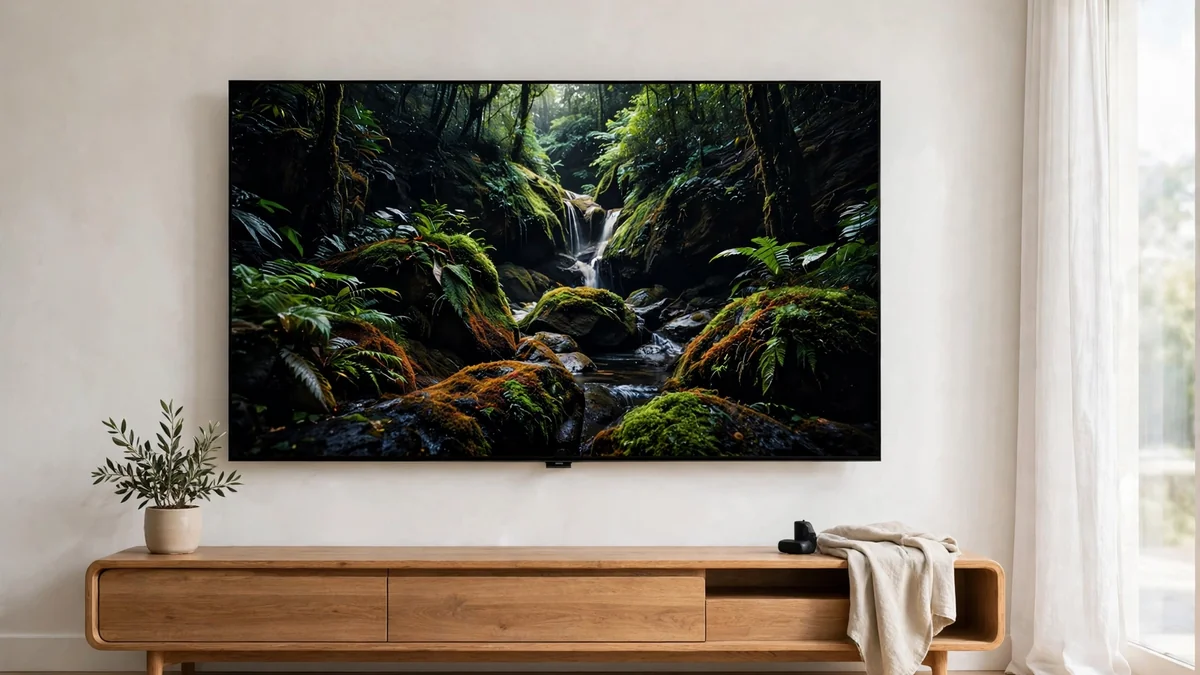
How to Choose an OLED TV
Choosing an OLED TV is one of the best upgrades you can make to a living room, because OLED panels produce perfect blacks, rich colours, and wide viewing angles that other screen types struggle to match. Each pixel makes its own light, so a black pixel switches off completely instead of leaking light the way a backlit screen does. The result is deep shadows, bright highlights, and a sense of depth that stands out beside a standard television.
OLED TVs come in many sizes, prices, and feature sets, and the differences are not always obvious from the box. Size, brightness, refresh rate, gaming features, and smart software all affect the price, and the wrong combination can leave you with a television too small for the room, too dim for a bright living room, or missing the ports your console needs.
This guide breaks the decision into clear steps, from measuring your room and picking the right size to comparing brightness, checking gaming features, and choosing between the leading models. By the end, you will know which specifications matter for the way you watch.
Key takeaways
- OLED panels switch each pixel off for perfect blacks, giving them deeper contrast than backlit LCD and QLED screens.
- Pick the screen size from your viewing distance: sit about 1.5 times the screen width away for the most comfortable view.
- Brightness matters most in bright rooms, so check peak brightness and anti-reflection coatings before you buy.
- Gamers should look for a 120Hz panel, HDMI 2.1 ports, variable refresh rate, and low input lag.
- Compare total cost, including a soundbar if needed, because most OLED TVs have thin speakers.
What You Need
Before you start comparing models, gather a few facts about your room and your viewing habits. These details narrow the choice far faster than scrolling through specification sheets.
First, measure the distance from your sofa to the television wall, and measure the width of the wall or stand where the television will sit. Note how much light the room gets during the day, and whether windows sit opposite the screen, because bright rooms demand a brighter panel. If you want a shortlist to start from, our roundup of the best OLED TVs in 2027 compares the leading models by size, brightness, and price.
Next, list what you watch and play. Films benefit most from OLED contrast, live sport from motion handling, and gaming from a high refresh rate and HDMI 2.1. Finally, check what you already own: a soundbar, a console, a streaming stick, and a wall mount all affect which ports you need, and whether the stand is wide enough for the feet of the model you choose.
Step 1: Measure Your Room and Pick the Right Size
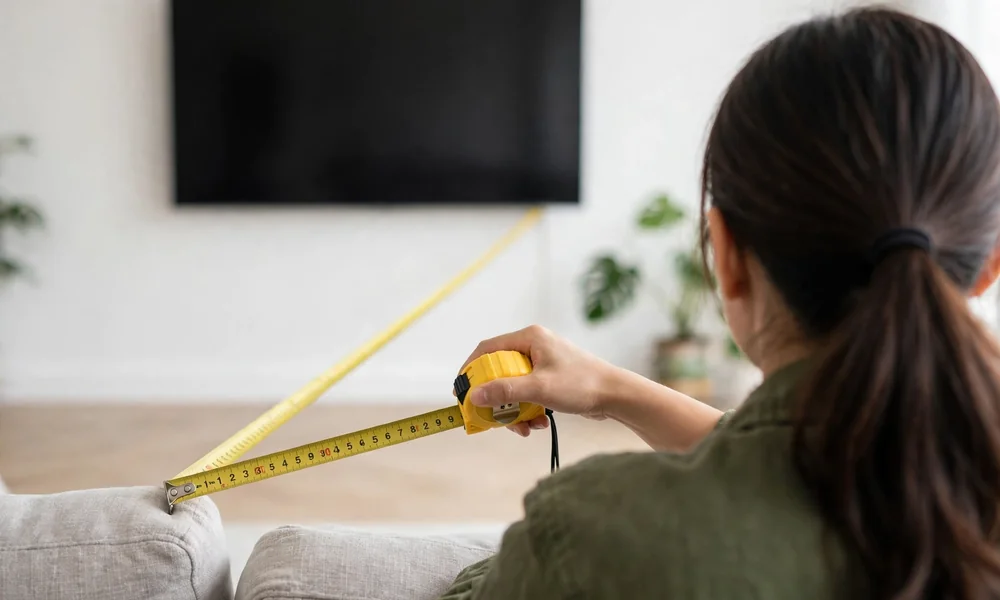
Screen size affects your enjoyment more than any other decision, and buyers most often get it wrong by choosing too small. A television that looks large in a shop often looks modest on your wall, so measure first and trust the numbers.
Use viewing distance to set the size
As a starting point, sit about 1.5 times the screen width away. A 55-inch television suits roughly 6 to 7 feet, a 65-inch suits 7 to 8 feet, and a 77-inch suits 9 to 10 feet. Sit much further away and the extra detail of 4K becomes harder to see.
Check the wall and the stand before you buy
Measure the wall or stand and compare it with the width of the television, including the feet. Many OLED models have feet set wide apart, so a set can be wider than the stand even when the screen fits. If you plan to wall-mount it, check the VESA mount pattern on the back and confirm your mount supports the size and weight.
Step 2: Compare Brightness, Contrast, and Picture Quality
OLED contrast is excellent across the range, but brightness varies widely, and that matters more than most buyers expect. This step separates the panels that shine in a bright living room from those built for dark cinema rooms.
Understand why OLED contrast looks so good
Because each OLED pixel produces its own light, a black pixel is fully off, giving OLED effectively infinite contrast. Stars look sharp against a truly black sky, and dark film scenes keep shadow detail instead of turning into a grey wash.
Check peak brightness for bright rooms
Brightness is measured in nits, and higher numbers mean the picture stays punchy in daylight. Entry-level OLED models reach around 700 to 800 nits, which is fine for a dim room, while brighter models reach 1,500 nits or more and hold up far better in a sunny living room. If your room has large windows opposite the screen, look for an anti-reflection coating and higher peak brightness, and compare independent reviews rather than the marketing figures on the box. For a direct comparison, see our guide on OLED versus QLED TVs in 2027.
Step 3: Check Gaming, Ports, and Smart Features
A television is a long-term purchase, and the ports you need depend on the devices you will connect over the next five to seven years. Checking them now avoids discovering a missing port after the set is on the wall.
Look for 120Hz, HDMI 2.1, and variable refresh rate
If you play games on a current console or a gaming PC, choose an OLED television with a 120Hz panel and at least two HDMI 2.1 ports. HDMI 2.1 supports 4K at 120 frames per second, while variable refresh rate and auto low latency mode keep the picture smooth and the controls responsive. Most OLED televisions have very low input lag in game mode, often under 10 milliseconds. If gaming is a priority, our roundup of the best TVs for gaming in 2027 compares the strongest gaming models.
Count the ports you actually need
Count the devices you will connect: a console, a soundbar, a streaming box, and perhaps a Blu-ray player. Make sure the television has enough HDMI ports, and that at least one supports eARC for high-quality audio to a soundbar. If it has only three or four ports, plan for an HDMI switch, because swapping cables behind a wall-mounted set gets old quickly.
Step 4: Set a Budget and Compare the Final Shortlist
With size, brightness, and features settled, turn a long list of models into a shortlist of two or three, and compare them on total cost rather than the sticker price alone.
Compare models at the same size and tier
Compare models at the same screen size and price tier, because a 65-inch flagship and a 77-inch entry-level model can cost the same while serving very different rooms. List your three favourites with price, peak brightness, refresh rate, and HDMI 2.1 ports, and the best choice usually becomes clear. Do not pay extra for a feature you will never use, such as an 8K panel, when that money could buy a larger screen.
Budget for sound and mounting
OLED televisions are thin, which leaves little room for speakers, so most models sound weaker than they look. Budget for a soundbar if you watch films or sport regularly, and add a wall mount or wider stand if your furniture does not fit. These extras often add several hundred dollars, and it is better to plan for them now than to be surprised after delivery.
Tips for Getting the Most From Your OLED TV
A few settings make a real difference to OLED picture quality and lifespan. First, use filmmaker or cinema picture mode for films and television, because these modes are the most accurate out of the box. Second, turn off motion smoothing for films if you dislike the soap-opera effect, but leave it low for sport.
Third, use the built-in screen care features, such as pixel refresh and logo dimming, and let the television run its automatic refresh cycle when it asks. Fourth, avoid leaving a static news ticker, game HUD, or paused image on screen for hours, and vary what you watch. Fifth, set brightness for the room: bright for daytime, lower at night.
Troubleshooting Common OLED TV Problems
Most OLED problems are settings issues, and a few quick checks usually solve them. If the picture looks too dark, switch from eco mode to filmmaker or cinema mode, turn off the ambient light sensor, and raise the brightness. If it looks too bright at night, lower the OLED brightness rather than the contrast, and switch to a warmer colour temperature.
If the sound is thin, check the audio output source, and consider a soundbar connected through eARC. If a console shows a black screen, check the HDMI cable, try a different HDMI 2.1 port, and confirm game mode is on. If apps are slow or crash, restart the television and check for a software update.
Frequently Asked Questions
Is OLED better than QLED?
OLED usually wins on contrast, black levels, and viewing angles, while QLED often wins on peak brightness and price, especially in large sizes. For films in a dim room, OLED is the better choice. For a very bright room with lots of daytime viewing, a bright QLED may suit you better.
What size OLED TV should I buy?
About 6 to 7 feet suits a 55-inch screen, 7 to 8 feet suits a 65-inch screen, and 9 to 10 feet suits a 77-inch screen. When in doubt, most buyers are happier with the larger one, provided it fits.
Do OLED TVs suffer from burn-in?
Modern OLED televisions resist burn-in far better than early models, thanks to pixel refresh cycles, logo dimming, and screen shift. It is still possible if the same static image is shown for very long periods daily, but for normal mixed viewing it is rarely a problem. Varying your content keeps the risk low.
Is a 120Hz OLED TV worth it?
Yes, if you play games on a current console or PC, or watch a lot of fast sport. A 120Hz panel shows smoother motion and supports 4K at 120 frames per second through HDMI 2.1. If you only watch films and streaming television, a 60Hz panel is fine, because most of that content is recorded at 24 or 60 frames per second.
Do I need a soundbar with an OLED TV?
Most buyers benefit from one. OLED televisions are thin, so their built-in speakers are small and often sound flat, especially for film dialogue. A mid-range soundbar connected through eARC makes a bigger difference than many picture upgrades, and it is usually the best money you can spend after the television itself.
How long will an OLED TV last?
With normal use, an OLED television should last seven to ten years. The panel may dim slightly over many years, but for typical viewing of a few hours a day, the set will usually be replaced for newer features long before the panel wears out.
The Bottom Line
Choosing an OLED TV comes down to four decisions: the right size for your viewing distance, enough brightness for your room, the gaming and port features your devices need, and a total budget that includes sound. Get those four right, and any OLED television from a major brand will deliver a picture that is clearly better than the television it replaces.
Measure the room, compare two or three models at the same size, and buy from a retailer with a fair return policy so you can test the set at home. The best OLED TV is not the most expensive one, but the one that fits your room, your viewing habits, and your budget.