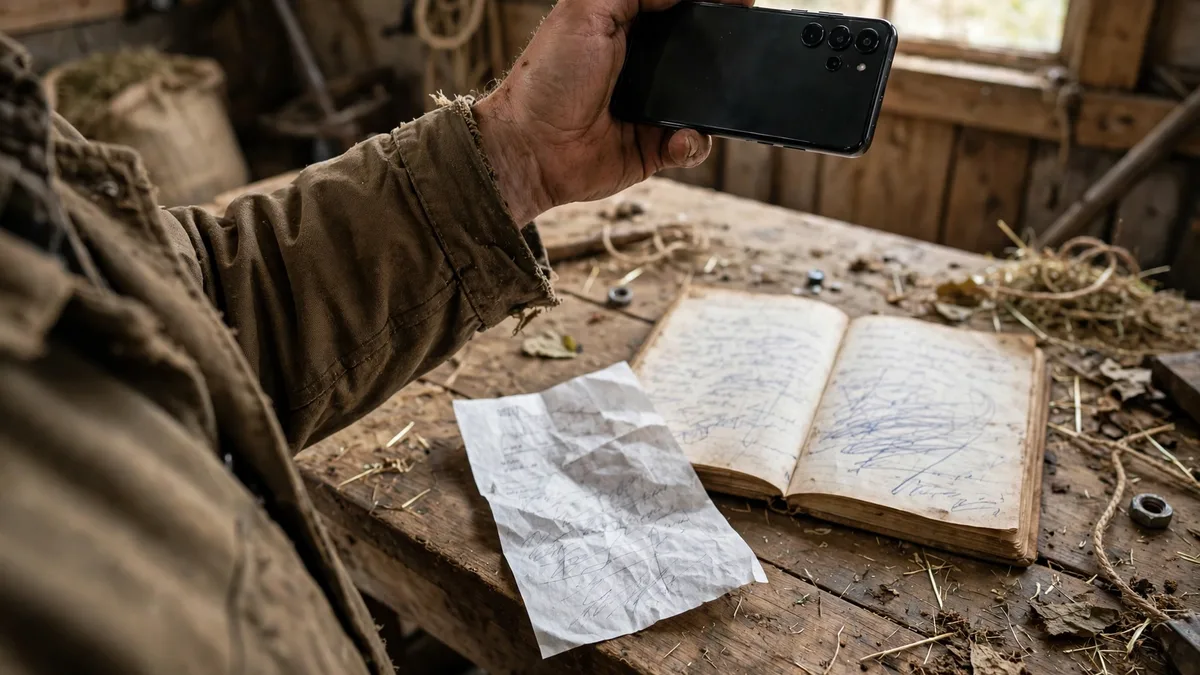
How to Use AI for Farm Record Keeping
Farm record keeping has always been the chore that gets pushed to the end of the day, after the animals are fed and the equipment is parked. Receipts pile up in the truck cab, spray logs live on a whiteboard in the shed, and the notebook that holds this season’s planting dates is somewhere you cannot quite remember. Learning how to use AI for farm record keeping changes that routine without asking you to become a computer expert or to rebuild the way you run your farm.
AI record-keeping tools for farms work by turning the messy inputs of a working farm into organised, searchable records. You can photograph a receipt and have the tool read the date, supplier and amount. You can dictate a field note while walking a fence line and have it filed under the right paddock. You can ask a plain question, such as how much you spent on feed in March, and get an answer drawn from your own records instead of an afternoon spent adding up slips of paper.
This guide walks through the whole process step by step, from choosing a tool that fits your farm to setting up your first records and keeping the system running through a busy season. By the end, you will have a record system that takes minutes a day and gives you answers you can actually use when it matters, at tax time, at the bank, or in the middle of a growing season.
Key takeaways
- Start with one record type, such as expenses or livestock movements, and add more only once the habit sticks.
- Photograph or dictate records in the field instead of saving paperwork for later, because later rarely happens during a busy season.
- Pick a tool that works offline or with weak signal if your farm has patchy coverage, and test it in the shed before you commit.
- Check every AI-read receipt and note against the original for the first month, since even good tools misread handwriting and faded print.
- Keep a simple weekly review of ten minutes to catch missing entries while the details are still fresh in your mind.
| What you need to know | The short version |
|---|---|
| Best first record to digitise | Expenses and receipts, because they are the most frequent and the most useful at tax time |
| Typical starting cost | Free plans cover basic capture; paid farm tools start around $15 to $40 a month, so check current pricing before you sign up |
| Time to set up | About two to three hours for one record type, including your field, crop and livestock lists |
| Daily time once running | Five to ten minutes of photos and voice notes, plus a ten-minute weekly review |
| Biggest risk | Trusting AI-read entries without checking them, especially handwritten notes and faded receipts |
| Works without signal? | Some tools capture offline and sync later; confirm this before buying if your coverage is patchy |
Step 1: Decide What Records Actually Matter on Your Farm
Before you look at a single app, sit down with a cup of coffee and list the records you actually use, not the ones you think a perfect farm should keep. Most farms need the same core set: income and expenses, livestock movements and treatments, planting and harvest dates, spray and fertiliser applications, and equipment maintenance.
Step 2: Choose an AI Tool That Fits Your Farm and Your Signal
There are two broad kinds of tools here. General AI assistants and note apps can transcribe voice notes, read photographed receipts and answer questions about your records, and they cost little or nothing to start. Farm-specific platforms go further, with built-in fields for paddocks, herds and spray programs, but they cost more and take longer to learn.

Signal matters more than features. If your fields have weak coverage, a tool that needs a live connection will fail you exactly when you need it, standing in a paddock with a sick animal and no bars on your phone. Look for offline capture, where the app stores your photo or voice note on the phone and syncs it when you are back at the house. Test this in the place where you will actually use it, not in the kitchen, before you pay for anything.
Price is the next filter. Free plans from general AI tools cover basic capture and questions, while dedicated farm record apps typically start around $15 to $40 a month for a single user, with higher tiers for teams. Check current pricing on the provider’s site before you commit, since prices change often. The best AI tools for farmers cover a wider range of farm jobs than record keeping alone, so they are worth a look when you are comparing options.
Step 3: Set Up Your Fields, Animals and Categories
Good records start with a tidy setup. Enter your field or paddock names exactly as you say them out loud, because you will be dictating them later and the AI needs to match your words. Do the same for livestock groups, crop names and suppliers. Keep names short and distinct: “North 40” and “North 40 back” will confuse both you and the software, while “North 40” and “Creek paddock” will not.
Step 4: Capture Records in the Field, Not at the Desk
The core habit is simple: capture the record where the work happens. Photograph the receipt before you leave the supplier’s yard. Dictate the spray note while you are still standing in the field, saying the paddock, the product, the rate and the weather in one short message. Snap the ear tag and the treatment bottle together when you dose an animal, so the photo carries both pieces of information.
Voice notes are the fastest capture method for most farm work, because your hands are usually busy. Speak in short, complete sentences and say the numbers twice if they matter: “North 40, glyphosate, two litres per hectare, wind light from the south, 14 March.” The AI will transcribe and file it.
Step 5: Check the AI’s Work Every Week
AI transcription and receipt reading are good but not perfect, and farm records are exactly the kind of data where a small error becomes a big problem. A misread dose rate, a wrong paddock name or a receipt total off by a zero can all cause real trouble. For the first month, check every AI-created entry against the original photo or recording. After that, a weekly review of new entries is enough for most farms.
Step 6: Turn Your Records Into Answers You Can Use
Records only pay off when you ask them questions. Once you have a month or two of clean data, start using the AI to query it. Ask how much you spent on feed per head this quarter, which paddock produced the best yield per hectare last season, or when the last drench was given to each mob.
At tax time, export your expense records in the format your accountant wants, usually a spreadsheet with dates, categories and amounts, and keep the original receipt photos attached or filed alongside. If your farm software links to accounting tools, connect it now rather than in the week your return is due. The accounting software for small businesses that many farms pair with AI capture tools can take these exports directly, which cuts out a round of manual entry.
Troubleshooting Common Problems
When the AI keeps misreading your receipts, the cause is usually the photo, not the software. Photograph receipts on a plain background in daylight, flatten curled paper with your hand or a clipboard, and make sure the total and the date are both sharp. For handwritten dockets, print the key details, such as the amount and the supplier, in clear block letters at the top before you photograph it.
When the system starts to feel like more work than paper, you have almost certainly set it up too complicatedly. Cut your categories back, stop recording the nice-to-have details, and return to the one record type that started the whole project. A simple system you actually use beats a complete system you abandon, and you can always add detail later once the habit is solid. Automating invoicing with AI follows the same principle, starting with one repetitive task and expanding only when the first one runs smoothly.
Frequently Asked Questions
Do I need an internet connection in the field to use AI record keeping?
Not always. Many tools capture photos and voice notes offline and sync them when you are back in coverage. Check for offline capture before you buy, and test it in your weakest-signal paddock. Tools that need a live connection for every entry will frustrate you on a farm with patchy coverage.
How much does AI farm record keeping cost?
You can start for free with a general AI assistant or a free note app, which covers photo capture, transcription and basic questions. Dedicated farm record apps usually start around $15 to $40 a month for one user. Check current pricing on the provider’s site, since prices and free tiers change.
Can AI read handwritten farm notes?
It can read clear handwriting reasonably well, but faded pencil, wet paper and rushed scrawl will defeat it. Print key details in block letters, photograph notes the same day, and check the transcription for the first month. For treatment and spray records, where an error matters, verify the numbers every time.
Is my farm data private when I use an AI tool?
It depends on the provider. Read the privacy terms before you upload anything, and check whether your data is used to train the provider’s models. Farm-specific tools usually state that your data stays yours, while some free general tools may use inputs for training. If you are concerned, choose a paid plan or a provider with a clear no-training policy.
What is the best first record to move to AI?
Expenses and receipts, for most farms. They are frequent, they pile up fast, and clean expense records pay off directly at tax time. Livestock treatments are a close second if you sell animals regularly, because buyers and vets ask for those histories often.
Can one person run this, or does the whole farm need to use it?
One person can start it and run it alone, and that is the best way to begin. Add other workers once the system works for you, and keep the capture routine simple enough that a new worker can learn it in five minutes. If a worker will not use it, give them a paper backup and enter their notes yourself rather than fighting over the app.
The Bottom Line
Using AI for farm record keeping is less about the technology and more about a single habit: capture the record where the work happens, then spend ten minutes a week checking it. Start with expenses, choose a tool that works offline, set up short clear names for your fields and animals, and let the AI do the typing while you do the farming. The system does not need to be perfect to be useful; it needs to be current, and current comes from a routine you can keep through the busiest weeks of the year.
The payoff shows up quietly. A spray record you can find in seconds when a buyer asks. A treatment history that is complete when the vet visits. An expense total you can trust at tax time without a weekend of sorting paper. Build the habit one record type at a time, keep the weekly check, and your farm’s records will finally keep up with your farm.