

How to Use AI for Inventory Management in a Small Business
Every small business owner knows the same two inventory headaches: the empty shelf when a customer wants a product, and the back room full of stock nobody is buying. Both cost real money. A stockout loses the sale and sometimes the customer, while overstock ties up cash that could have paid for wages or marketing.
AI inventory management is software that watches your sales, your suppliers, and your stock levels, then spots patterns a spreadsheet never will. It forecasts demand, flags slow movers before they become dead stock, and tells you when to reorder and how much to buy. In 2027, affordable cloud options work for a shop with one location and a few hundred products.
This guide walks through the whole setup, from cleaning up your stock records to letting the system make its first reorder suggestions. No technical background is needed, and you can run it alongside your existing point-of-sale system without shutting anything down.
Key takeaways
- AI inventory tools forecast demand from your sales history, seasonality, and supplier lead times, so you order what will sell.
- Clean product data is the foundation: duplicate SKUs and wrong stock counts teach the AI the wrong lessons.
- Start with one product group, prove the forecasts work, then expand to the rest of the catalogue.
- Most small businesses see results in four to eight weeks, with fewer stockouts and less cash in slow-moving stock.
- Keep a human in the loop: let the AI recommend orders, but approve them yourself until you trust it.
At a glance: AI inventory management for small businesses
| Detail | What to expect |
|---|---|
| Best for | Retail shops, online sellers, wholesalers, and food businesses with 100 to 5,000 products |
| Typical cost | About $50 to $300 per month for small-business plans in 2027 |
| Setup time | One to three weeks, including data cleanup and a physical stock count |
| Data needed | At least six months of sales history, supplier lead times, and accurate stock counts |
| First results | Four to eight weeks after launch, once forecasts are checked against real sales |
| Works with | Most point-of-sale systems, Shopify, WooCommerce, QuickBooks, and Xero |
Step 1: Audit your current inventory honestly
Before any AI tool can help, you need to know what you actually have. Pull a stock report from your point-of-sale system or spreadsheet and compare it with reality. Count the shelves, the back room, and any storage off site. Most small businesses find the numbers are off by 5 to 10 percent.
While you count, note the gaps in your data. Are the same products listed under two different names? Are costs missing? Do you know each supplier’s lead time, the days between ordering and delivery? Also list every product that has not sold in 90 days: that dead stock shows money already wasted, and it teaches the AI what not to reorder.
Step 2: Clean up your product data
AI is only as good as the data it learns from, so this is where most of the real work happens. Merge duplicate listings into one SKU per product, and give every product a consistent name, category, cost price, selling price, and supplier. Duplicate names make one strong seller look like three weak ones.
Set a standard for new products as you clean: the naming format, who enters new products, and which fields are mandatory before a product goes live. Also record supplier details, lead time, minimum order quantity, and seasonal availability, because an AI that does not know your supplier takes ten days will reorder too late. If you sell through a shop and a website, keep both on the same stock numbers. Our guide to the best AI tools for small business covers multi-channel stock tools.
Step 3: Pick the right AI inventory tool
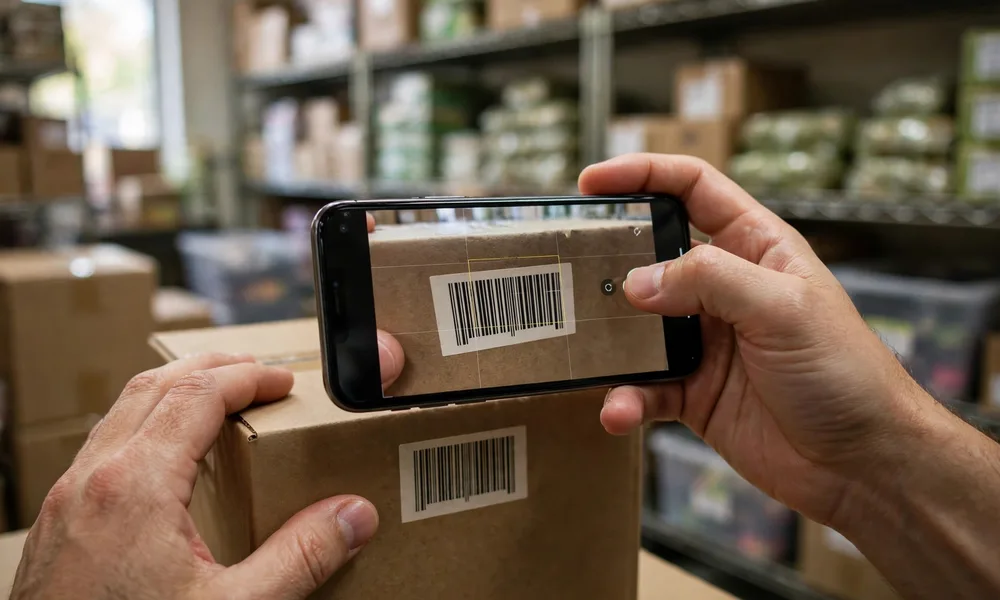
Choose a tool that fits your size, not the biggest name on the market. A small business usually needs demand forecasting, reorder alerts, low-stock warnings, and a clear dashboard, not warehouse robotics or enterprise planning modules. Check that the tool connects directly to your point-of-sale system or online store, because manual uploads every week will kill the habit within a month.
Compare three options before you commit. Look at the monthly price at your product count, not the headline starter price, and ask whether forecasting is included or locked behind a higher tier. Ask each vendor how much sales history the forecasting needs and how easy it is to export your data if you leave. If your business is a restaurant or cafe, the best AI tools for restaurants include inventory features built around perishable stock and recipe costs.
Step 4: Connect your sales and stock systems
Integration is the step where the AI starts seeing your business. Connect the tool to your point-of-sale system, your online store, and your accounting software so every sale reduces stock automatically and every purchase order adds to it. Most modern tools offer one-click connections for Shopify, WooCommerce, Square, and QuickBooks, and setup usually takes an afternoon.
After connecting, run a reconciliation. The AI tool’s stock numbers should match your point-of-sale numbers exactly on day one, because you have just finished a physical count. If they do not match, find the cause before going further: it is usually a product that exists in one system and not the other, or a channel that is not connected yet. If you hold stock in more than one place, give each location its own count and record transfers as transfers, not as sales and new purchases.
Step 5: Train the forecast on your real history
Once connected, import at least six months of sales history, and twelve months if you have it. A full year lets the AI see seasonal patterns, such as the December rush or the summer dip, instead of treating them as surprises. If you are a new business with less history, start with what you have and expect the forecasts to improve month by month.
Mark your promotions and unusual events in the data. A one-off sale, a viral social media post, or a week closed for renovation will distort the forecast if the AI treats it as normal demand. Tell the system about seasonal and discontinued products too, so it does not forecast steady sales for a Christmas line in March. Then check the first forecasts against your own judgement: pick twenty products you know well and compare the AI’s suggested quantities with what you would have ordered. Businesses comparing sales platforms should also check our Duda vs Shopify for small teams comparison, since your store platform decides how cleanly sales data flows into the inventory tool.
Step 6: Let the AI recommend, but approve every order at first
For the first month, treat the AI as an adviser, not a manager. Let it generate reorder suggestions and purchase orders, then review each one before sending it to the supplier. You will catch mistakes, learn how the system thinks, and build the confidence to automate more later. Keep a simple log of every suggestion you change and why, because those notes become the tuning guide for the system.
Set reorder points and safety stock levels with the AI’s help rather than guessing them. The reorder point is the stock level that triggers a new order, based on how fast a product sells and how long the supplier takes to deliver. Safety stock is the buffer you keep for unexpected demand. Watch the two numbers that matter most during this trial month: stockouts, and how much cash sits in stock that has not moved in 60 days. Improvement in both at once is the sign the system is working.
Step 7: Automate, review weekly, and expand
After a month of good forecasts, start automating the routine orders. Let the system send purchase orders for your most predictable products, the ones it has forecast accurately three or four times in a row, while you keep approving orders for seasonal, new, or high-value items yourself. This split keeps the time savings while protecting you from the expensive mistakes.
Hold a short weekly review, no more than 30 minutes. Check forecast accuracy for your top twenty products, look at anything that ran out, and look at anything flagged as overstocked. Once the first product group runs smoothly, expand to the rest of the catalogue the same way: clean the data, check the forecasts, approve orders manually for a few weeks, then automate. Most small businesses finish the full rollout in two to three months.
Troubleshooting common problems
If the forecasts look wrong for most products, the data is almost always the cause. Check for duplicate SKUs first, then for sales history that is missing a channel, and then for stock counts that drifted since your physical count. A ten-minute spot check of five products will usually reveal which it is.
If the system keeps recommending too much of a slow product, look for a promotion or bulk purchase in its history that it is treating as normal demand, and flag the period as an exception. If it recommends too little of a fast seller, check the supplier lead time: a lead time entered as three days when it is really ten will make every reorder late. If staff are not using the system, make scanning faster in the new tool than the old way, and give one person ownership of the daily routine.
Checklist: launching AI inventory management
- Complete a full physical stock count and record every gap between the system and the shelves.
- Merge duplicate SKUs and fill in cost, price, supplier, and lead time for every product.
- Choose a tool that connects directly to your point-of-sale system and your online store.
- Import at least six months of sales history and flag promotions and unusual events.
- Approve every AI reorder suggestion manually for the first month and log every change you make.
- Set a weekly 30-minute review to check forecast accuracy, stockouts, and slow-moving stock.
Frequently asked questions
How much does AI inventory management cost for a small business?
Most small-business plans cost about $50 to $300 per month in 2027, depending on product count and features.
Do I need a lot of sales history for AI forecasting to work?
Six months of history is enough to start, and twelve months is better because it shows seasonal patterns.
Will AI inventory software work with my point-of-sale system?
In most cases, yes. The leading tools connect directly to Square, Shopify, WooCommerce, Lightspeed, and similar systems, so sales reduce stock automatically.
Can AI inventory management handle multiple locations?
Yes. Each location gets its own stock count, and the system can suggest transfers between locations before it suggests a new order.
What happens if the AI forecast is wrong?
A wrong forecast usually means a data problem, not a broken tool. Duplicate SKUs, missing sales channels, unflagged promotions, and wrong supplier lead times are the usual causes.
Is AI inventory management worth it for a very small shop?
It is worth it once you have more than about 100 products or you lose sales to stockouts more than once a month.
The bottom line
AI inventory management works for small businesses because it turns the records you already have into decisions you would otherwise make by gut feeling. The technology is not the hard part: the hard part is clean data, a physical count you can trust, and a month of patient checking before you hand over the ordering. Get those right and the system quietly pays for itself in fewer stockouts and less dead stock.
Start small, start with your best-selling product group, and let the results earn the expansion. In a few months, the weekly review will be the only inventory meeting you need.



