
A routine email, a spreadsheet update, and a weekly report can each claim a few minutes until they take over a useful part of your day. AI can read messy information, while connected workflow tools move it between apps or prepare a next step. A trigger is the event that starts an automated workflow, such as a new email or form submission.
Learning how to use AI to automate tasks does not mean handing your work to a machine. You can start with one small process, check each result, and keep people in charge of important decisions. The aim is to save time on repeat steps without losing track of what the system does.
Key Takeaways
- Pick one repeated task with a clear start and finish.
- Use AI to read, summarize, or sort information that is hard to handle with fixed rules.
- Map the workflow before connecting your apps.
- Test with sample data and review the results before launch.
- Keep human approval for messages, payments, and other consequential actions.
- Check accuracy and time saved after the workflow goes live.
Choose one task you already understand well before you try to automate it.
What Does AI Automation Actually Do?
A basic rule can move a file when a form arrives, while AI can first interpret what the form says. An AI workflow connects that interpretation to an app action, such as sorting a request or adding a record. AI helps with unclear information, while fixed rules handle predictable steps.
A regular script follows set instructions, such as “if the subject says invoice, move the email.” It may fail when the message uses different words or leaves out a detail. AI can read the message and judge its likely meaning, though you still need a person to review important decisions.

Robotic process automation, or RPA, uses software bots for repeatable, rules-based tasks. An AI agent can process unstructured inputs and exceptions, then pass clear steps to RPA. RPA and AI agents working together shows why AI does not simply replace RPA.
Let AI interpret ambiguity and reserve stable, repeatable clicks for rules-based automation.
For example, an incoming support message can be classified by intent and urgency. The system can route it to the right person or support platform. A person can still step in when the message is unclear or needs care.
Fixed, programmable, flexible, and integrated automation are four industrial classifications. They describe how machines and production systems operate, not four kinds of AI workflow. A phone assistant can also turn a recording into searchable text or rewrite a message, but those AI features do not automatically form a workflow.
Traditional RPA can break when an app changes a selector, such as an HTML ID or XPath. A workflow that depends on that screen detail may need repair after an update. AI features on phones offer another example of AI interpreting information without automatically carrying out a full process.
Let AI interpret ambiguity and reserve stable, repeatable clicks for rules-based automation.
Which Tasks Should You Automate First?
If you repeatedly move the same kind of information from a message into a spreadsheet, you have a practical first candidate. Start small with a task that has a clear input and result. A good first workflow has a predictable trigger, an output you can check, and low consequences if it makes a mistake.
Practical examples of how to use AI to automate tasks include email triage, meeting preparation, support-ticket classification, invoice extraction, lead qualification, and reporting. AI helps when text needs to be read, summarized, categorized, or turned into an action. It can connect Gmail, Slack, Google Sheets, and Notion with a language model.

Choose tasks where a person can quickly compare the result with the original information. For example, an inbox workflow can gather action items from emails and send you a daily digest to review. It can prepare the list without deciding which commitments you should accept.
Other useful examples include social monitoring that checks brand mentions for sentiment and creates project tasks for feedback that needs attention. Lead enrichment can find LinkedIn profile URLs for email addresses in a Google Sheet, then write the URLs back. Those workflows turn text or scattered data into a result someone can inspect.
The table shows how the starting input, AI work, and final result fit together. Each example has a visible output, so you can check whether the automation handled the task correctly.
| Task | Starting input | AI work | Result |
|---|---|---|---|
| Email triage | New Gmail message | Sorts topic and urgency | Label and draft reply |
| Support-ticket routing | Customer support request | Classifies intent and urgency | Ticket sent to the right team |
| Invoice extraction | PDF invoice attachment | Reads vendor, date, and total | Data added to a review sheet |
| Meeting preparation | Calendar invite and notes | Summarizes topics and open items | Brief sent before the meeting |
Begin with the task whose output you can verify quickly and safely.
How Do You Map a Workflow Before Automating It?
Write down what a person does from the moment the task begins to the moment it is complete. Map the real process, not the version you wish the team followed. Clear steps and exceptions give you a safer build plan.
Record the trigger, the source of information, the decisions people make, the destination app, and the expected result. Include the handoffs between people and systems. Those details show where data gets lost or where a human must make a call.
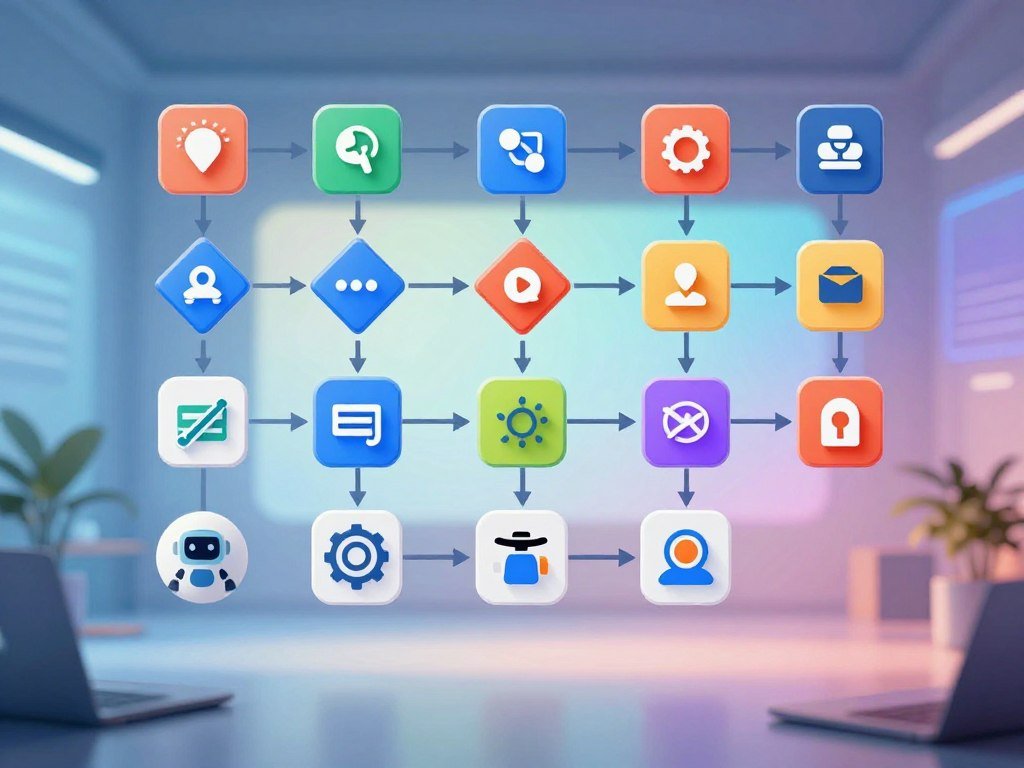
Record the trigger, inputs, and outputs
Describe the start event in plain language, such as “a new form response arrives.” Name the app or file that holds the input. Then state what the workflow should create, update, or send when it finishes.
A short map gives you a useful starting point:
- Trigger: what event starts the workflow?
- Input and source: what information arrives, and where?
- Decision or transformation: what must be sorted, checked, or changed?
- Destination and output: which app receives the result?
- Exception and human owner: what needs a person to decide?
Write down decision rules and edge cases
List cases that may break a normal path, such as missing fields, unclear requests, or duplicate records. Say what should happen when a request needs a person. A rule like “send missing invoice dates for review” is easier to test than “handle unusual invoices.”
MIT Sloan’s coverage of research on AI and work describes how grouping related tasks can reduce handoffs, while repeated review can offset gains. Research on connected work processes can help you think about the whole sequence, not just one click.
An AI assistant can draft a workflow plan and raise questions about gaps. The process owner must check the rules against actual work before building. That person knows which exceptions carry risk and which steps are truly repeatable.
If you cannot explain an exception in plain language, keep that case with a person until the rule is clear.
Which AI Automation Tool Fits Your Workflow?
If your workflow only needs a new message to trigger one follow-up action, start by checking which builder already connects to those apps. App fit comes first for a simple setup. The easiest choice is usually a platform that matches your apps and skill level.
Think about how much control the process needs. A simple trigger and action may suit a basic app-to-app builder. A visual platform can help when the workflow branches or transforms data, while a self-hosted option gives developers more control.
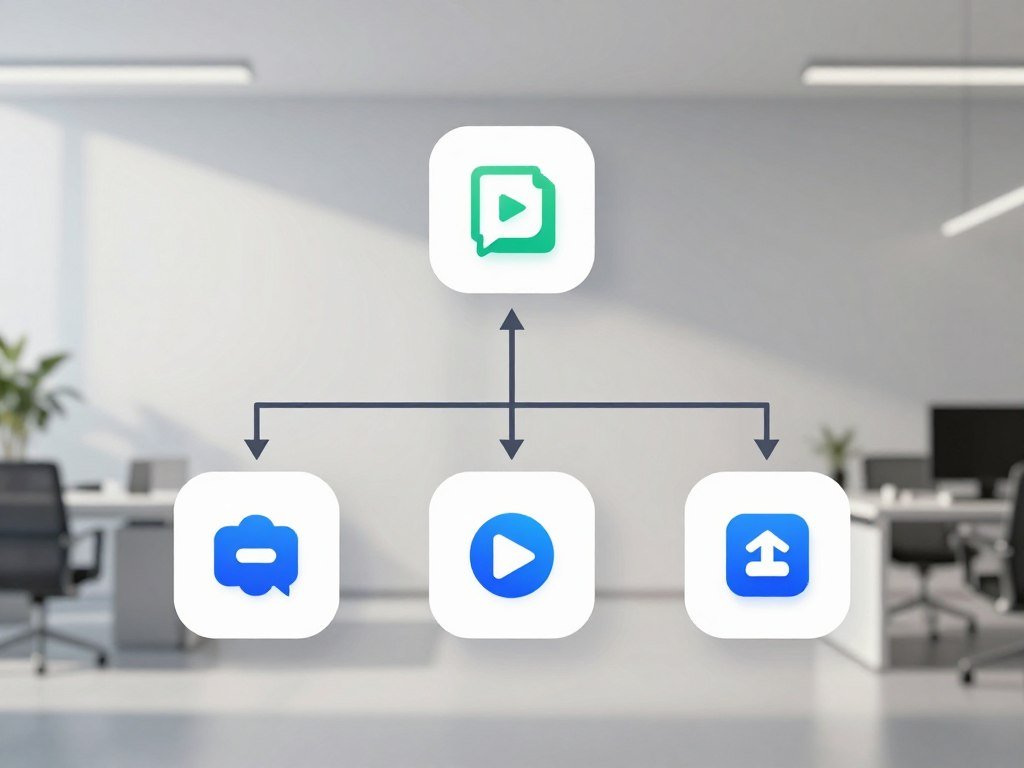
Match the platform to your apps and control needs
For straightforward app connections, look for clear triggers and actions. Choose a visual workflow builder when you need filters, routes, or several paths. A self-hosted system suits people who want more technical control.
Microsoft-centered teams may favor a tool with many Microsoft connectors. AI workflow builders can help when you want to add model steps to connected apps. For help choosing a language model for a repeated task, compare ChatGPT, Claude, and Gemini by their fit rather than a single overall ranking.
Compare five no-code and developer-friendly options
These tools differ in app coverage, workflow design, and control. Check which details match your mapped process before you commit to a plan.
| Tool | Best fit | Workflow capability | Plan or control detail |
|---|---|---|---|
| Zapier | Quick app-to-app connections | Triggers and actions across more than 9,000 apps | Free plan has 100 tasks per month and two-step Zaps |
| Make | Visual workflows with branches | Conditional logic, filters, routing, and data changes | Visual workflow builder |
| n8n | Developer control | Connected workflows with custom control | Offers self-hosting |
| Microsoft Power Automate | Microsoft-centered work | App connections through more than 1,000 connectors | Broad connector support |
| Gumloop | AI workflow building | Builds workflows around AI tasks | 14-day free trial; listed starting price is $37 per month |
Zapier’s free plan includes 100 tasks per month and two-step Zaps. Gumloop’s listed starting price does not set your eventual total, which depends on the setup you use. Test the smallest workflow on a free or trial option before committing to a paid setup.
How to Use AI to Automate Tasks Step by Step
Build one small path first, such as turning a new email into a structured action item, rather than automating an entire department. One clear path is easier to understand and test. Start with a single trigger, one AI step, and one destination action.
For example, a new Gmail message can start the workflow. AI extracts the action item and due date, then adds a row to Google Sheets. A Slack alert can be prepared for a person to approve before it is sent.
Start with a small trigger and one clear action
Set the trigger to a new email in a chosen inbox or label. Limit the first version to one kind of message, such as project requests. A narrow trigger keeps unrelated email out of the workflow.
Connect the message to a destination, then choose the fields the workflow should create. A row might hold the action item, due date, sender, and email link. Keep the original message available so you can check what the model read.
Add AI where information needs interpretation
Use AI to identify the request and date, since people may phrase them in different ways. Give the model enough context to tell a firm deadline from a suggested date. Keep model output in a structured format that your app can use.
Use natural language instructions for meaning, not for every app setting. The workflow builder still needs clear choices about where each field goes. If a date is absent, the system should leave it blank or send the item for review.
Test the workflow before it runs live
Run the workflow with sample or dummy data before connecting it to live work. Check both the AI’s interpretation and the app action. Beginners can learn basic no-code workflow design through regular practice, but progress depends on prior experience and practice time.
- Normal input: an email with a clear action and due date.
- Ambiguous input: a message with two possible deadlines.
- Missing information: an action with no due date.
- Failed connection: a test where the sheet or Slack app is unavailable.
Do not send a live Slack alert until you know which person should receive it and what it will say. Keep approval between the model and any message that could confuse a team member. You can expand the workflow after the first path works as expected.
Keep the first live run narrow enough that you can inspect every result.
Where Should Human Review Stay in the Workflow?
A useful instruction tells the model what it is looking at, what to do, and what a usable answer should look like. Specific instructions help the AI return consistent information. Keep a person in the loop when an action could harm someone or make a commitment.
A vague request such as “summarize this” does not say what matters or how the result should look. Give the model context, a task, a requested format, and an example. Those four parts make an instruction easier to judge.
Write instructions the AI can follow
For example, tell the model: “Context: this is a customer support email about a delayed order. Task: identify the issue and any requested next step. Format: return issue, urgency, and next step as three fields. Example: ‘Where is my package?’ means tracking request, normal urgency, and check shipment status.”
The model then has a clear job and a sample of the result you expect. You can compare its answer with the request before sending it to another app. Keep the example close to real cases, but remove private customer details.
Add approval gates for consequential actions
Require a person to approve customer replies, payments, changes to private data, and sales messages before the workflow acts. A sales process might research a prospect and draft a personalized message, then send it only after a person approves it.
An AI agent can make more open-ended decisions than a fixed workflow. Limit what apps and records it can access. Set a clear stop point for cases it cannot handle, and require approval before it sends or changes anything important.
Even a well-written instruction can produce an inaccurate or incomplete answer. Check key facts before using an AI response for a decision, as you would with other AI features. Require approval before an automated message makes a promise on behalf of a person or business.
What Do AI Automation Trends Mean for Jobs?
A task that an AI model could perform is not automatically a whole job that an employer will eliminate. Task exposure is not job loss; a job includes duties, decisions, and human contact. Estimates describe possible exposure, not certain outcomes for each worker.
Anthropic’s observed-exposure measure combines what large language models could do with how people use them. In that measure, automated work use weighs more than AI use that assists a person. Claude use covered 33% of Computer and Math tasks, compared with 94% rated theoretically feasible for LLMs in that category.
Across Anthropic’s previous four Economic Index reports, 97% of observed tasks were rated theoretically feasible for LLMs alone or with extra tools. That figure measures technical feasibility, not how often employers use AI. No systematic rise in unemployment appeared in highly exposed occupations since late 2022.
The same findings showed suggestive evidence of slower hiring for younger workers in exposed occupations. That signal does not prove AI caused the change. A job may shift as reports, data analysis, or routine writing move between people and software.
The Tufts Digital Planet American AI Jobs Risk Index estimates 9.3 million vulnerable U.S. jobs under its median adoption path. Its plausible range is 2.7 to 19.5 million jobs, tied to occupations accounting for $757 billion in annual U.S. wage and salary income. The index estimates vulnerability at 57% for writers and authors, and 55% for computer programmers and web and digital interface designers.
Anthropic’s observed-use and feasibility measures distinguish actual use from theoretical ability. The Tufts estimates also describe exposure, not a forecast for every worker. You can follow selected AI and technology updates through the Occcy newsletter.
Treat job-risk estimates as signals to assess task changes, not as individual predictions.
Can You Make Money With AI Automation?
A practical way to earn from AI automation is to charge for solving a repeatable workflow problem, not for merely reselling access to an AI tool. A defined business need gives your service a clear purpose. Revenue depends on finding clients and delivering reliable work.
Freelancers and agencies can offer workflow audits, setup, fixed-price builds, or ongoing maintenance. The work may include app connections, testing, staff guidance, and support after launch. Scope, integrations, client needs, and ongoing care all affect the work and price.
U.S. independent work is a large part of the labor market. MBO Partners counted 72.9 million independent workers in 2025, including 27.6 million full-time independents. In 2024, 28% of U.S. skilled knowledge workers freelanced.
Upwork reported 109% year-over-year growth in demand for AI-tagged freelance skills, comparing U.S.-originated marketplace earnings in 2025 with 2024. In 2025, 74% of independent workers and 69% of traditionally employed workers reported using generative AI. These figures describe broad use, not guaranteed client demand for one service.
AI use was frequent among skilled freelancers: 62% used AI tools several times a week, compared with 53% of full-time employees. Pricing examples can help set expectations, but they are not guaranteed earnings or a promise of profit.
| Service model | Pricing range | Typical scope | Pricing structure |
|---|---|---|---|
| Small-business setup | $1,500-$5,000 | Set up a small-business workflow | One-time setup fee |
| Small-business retainer | $500-$1,500 per month | Ongoing updates and support | Monthly retainer |
| Fixed-price build | $3,000-$20,000 | Build a defined automation project | Fixed project price |
| Subscription-plus-usage | $1,500-$4,000 monthly base | Ongoing system access and use | Monthly base plus usage |
Making money is possible when you solve a clear business workflow problem and deliver work clients can rely on. Quote a project only after you have mapped its integrations, review points, and ongoing support needs.
How Do You Test and Improve an AI Workflow?
A workflow is not finished when it runs once; it needs a quick check that its results remain useful. Review real outcomes, not just a green status icon. Track accuracy, completed actions, human overrides, and time saved.
Use a simple review routine after launch. Compare the workflow’s actions with the manual process, and check what happens when an app connection changes. NIST’s report on monitoring deployed AI systems describes why checks matter after deployment.
- Check whether the AI output matches the original information.
- Confirm each action finished in the intended app.
- Count how often a person corrected or overrode a result.
- Compare time saved with the manual process.
Pause and adjust a workflow when a connection breaks, an app field changes, or a new exception appears.
A person may need to change an instruction or route a new case for review. Check the workflow again after a connected app, permission, or business rule changes.
Conclusion
Start with one task you already know how to do and can check without guesswork. A well-defined workflow is easier to build and review because its start, rules, and result are clear. Keep human review wherever an output could trigger a consequential action.
Choose a repeated task and write down its trigger and desired result. Test a small version with sample data before it affects live work. That first trial can show whether the automation saves time without hiding mistakes.
This week, map that task on paper and decide which single action you want the workflow to handle first.
FAQ
Which tasks can AI automate?
AI can help automate recurring tasks such as email triage, meeting preparation, invoice extraction, support-ticket classification, lead qualification, and reporting. It works best when it reads or sorts information before a clear next step. Keep a person involved when a task affects private data, money, a customer promise, or another sensitive decision.
Can I learn AI in 3 months?
Yes, learning basic no-code workflow design in three months can be a realistic goal with regular practice. Your pace depends on what you already know and how much time you spend building and testing. Start with one app connection, then add an AI step after you understand the trigger and result.
Is RPA replaced by AI?
No, RPA still helps with stable, rules-based steps, while AI agents can interpret unstructured inputs and exceptions. The two can work together: AI sorts or interprets information, then RPA handles repeatable actions. A stable process may still be easier to run with RPA alone, especially when its rules rarely change.
What do you mean by automation?
Automation is a system carrying out defined steps after a trigger, such as a new form submission or email. AI can add interpretation when the information is unclear, then select or prepare a next action. A model that only writes a summary is not a full automated workflow unless connected tools carry out a step.
What are the top 5 automation tools?
Five options are Zapier, Make, n8n, Microsoft Power Automate, and Gumloop. Zapier suits app connections, Make offers visual branching, n8n offers self-hosting and developer control, and Power Automate fits Microsoft-centered work. Gumloop focuses on AI workflow building. The best fit depends on your apps, skill level, and need for control.
Can you give me an example of an automated system?
A support system can classify a new message by intent and urgency, then route it to the right person or app. For example, a billing question can go to the billing queue while a possible service outage reaches the support team. A person can review unclear messages before the system sends a reply.
What jobs are most at risk from automation?
Vulnerability estimates identify writers and authors at 57%, and computer programmers and web and digital interface designers at 55%. These numbers describe estimated exposure under a model, not certain outcomes for every worker. A job may change as tasks shift, even when an employer does not remove the role.
Is AI a type of automation?
AI can enable automation by interpreting information and selecting or preparing actions, but AI alone is not necessarily an automated workflow. A chatbot that answers a question uses AI, while a connected workflow might classify the request and create a support ticket. The trigger and app actions make the process automated.