A photo can look convincing and still tell the wrong story. An old picture, a changed image, or a misleading caption can fool people scrolling through social media. A fast share may spread misinformation before the facts catch up.
That matters when a post claims to show breaking news, a public event, or someone in danger. Sharing it without context can harm a person’s reputation and weaken trust in real reporting. A popular post is not proof that its claim is true.
Provenance is information that records where digital content came from and how it was edited. This guide offers a practical way to check a questionable post before you pass it along. You can make a sound choice without becoming a professional fact-checker.
Key Takeaways
- Look for earlier appearances of the image.
- Compare the caption with reliable reporting.
- Use file details as clues, not proof.
- Check permission before reposting someone else’s photo.
- Correct a post if later evidence changes the story.
Treat a moment of doubt as a reason to pause, not as a reason to pass the post along.
How to Verify Images Before Sharing Them
A reverse image search is a quick way to find out whether the same or a similar picture appeared online earlier. It can reveal older posts and possible versions, giving you a useful starting point for checking a claim.
A match can show an image’s history, but it cannot prove that the caption is true. Google Images and Google Lens are practical places to start, whether you have a webpage, file, screenshot, or camera image.
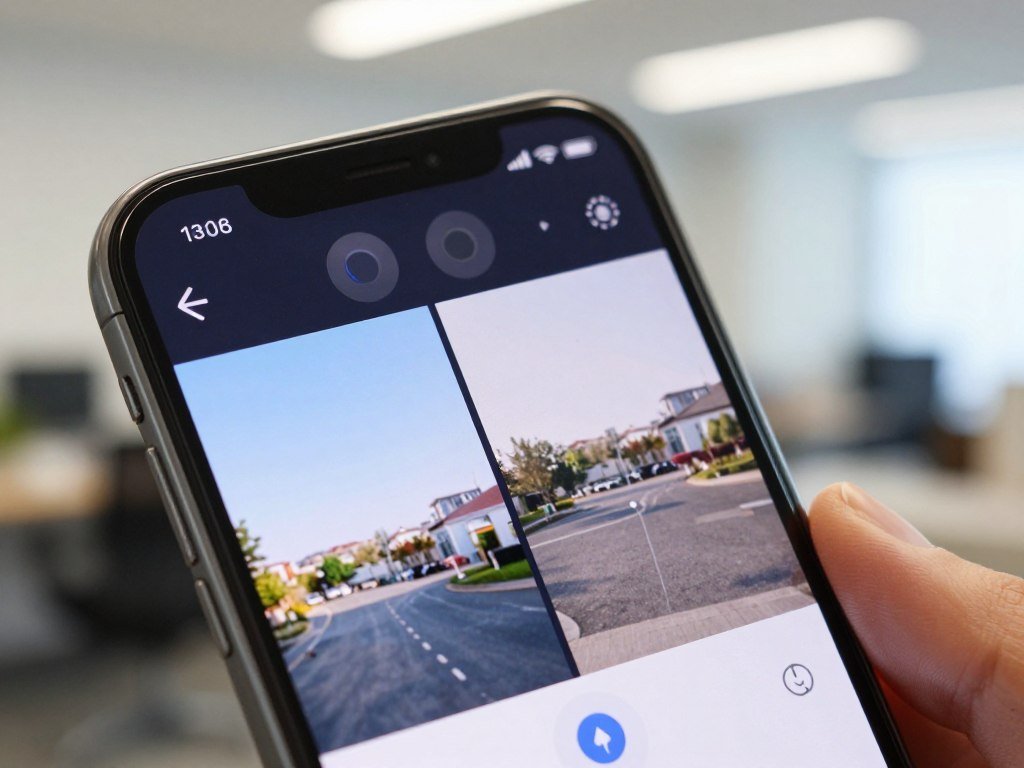
- Open the image in Google Lens or Google Images.
- Choose a screenshot, saved file, webpage image, or camera image.
- Compare results that look like the same scene or picture.
- Open earlier credible matches and read their dates and captions.
- Check whether the original post supports the claim it makes.
Google Lens can search with a camera image, saved image, or screenshot on desktop and through the Google app on mobile. Android Chrome users can hold a webpage image and tap “Search image with Google Lens.” Desktop Chrome can search an image without leaving its tab.
| Tool | Starting point | Useful result |
|---|---|---|
| Google Lens | Webpage, camera, saved image, or screenshot | Visually similar results |
| Fact Check Explorer | Image upload or link for approved users | Existing fact checks and image-index context |
| TinEye | Image file or direct image link | Matches sorted by oldest, newest, or most changed |
Google announced Fact Check Explorer image-search and image-context betas in 2023. Approved users can search fact checks and see when an image was first indexed and how it appeared across the web.
A result that shows no match is not proof that an image is original or authentic.
On Android Chrome, Lens temporarily processes a screenshot and page data to select objects. Google says it does not save those items beyond query processing or use the page or image for training as a result.
Fact Check Explorer’s image-search beta can help find existing fact checks, but its results still need careful reading.
How Do You Confirm an Image’s Source and Context?
A real image can still mislead if its date, location, or caption is wrong. To confirm the scene, compare the earliest credible post with details from independent reporting and other material.
The original poster’s identity and account history can help show where a visual began. A large number of reposts only shows that people shared it, not that anyone checked it.
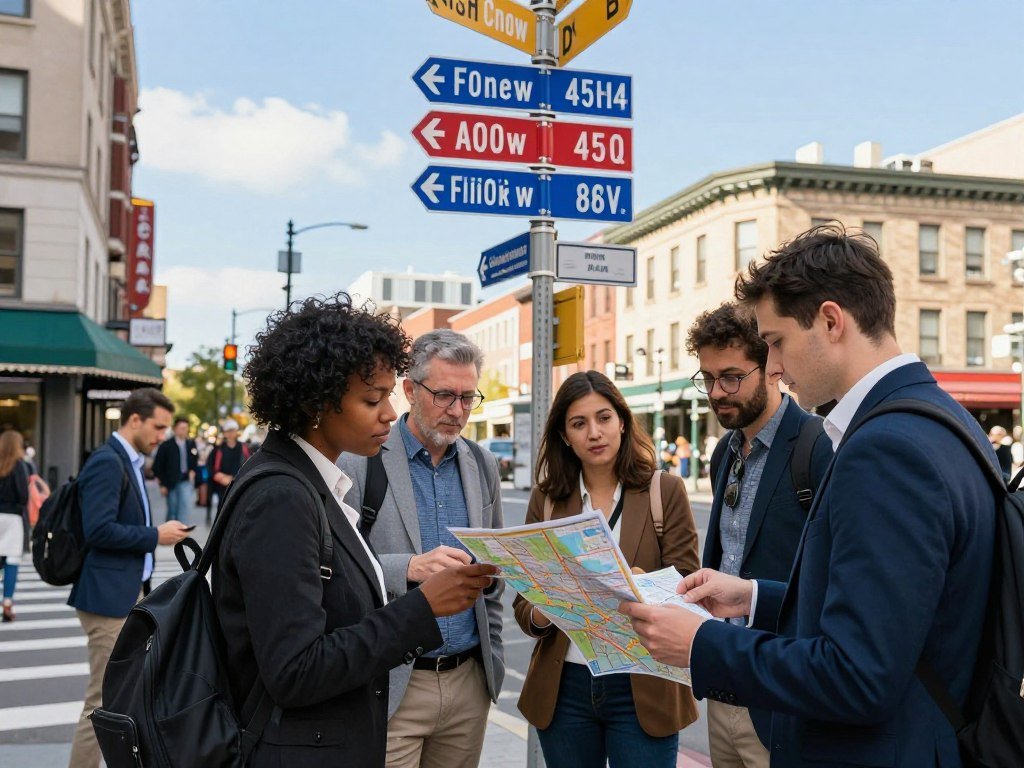
Trace the original poster and earliest credible appearance
Look for the person or group that first posted the image, then review the account’s older posts. An established account with a clear connection to the scene may offer useful context, but it still needs independent support.
The Associated Press checks user-submitted photos and videos with reverse-image searches, geolocation, landmark, sign, weather, and language comparisons. It also checks video frame by frame for edits and contacts the original filmer.
The Associated Press’s checks of user-generated content show why a repost chain cannot replace direct confirmation.
Match the scene to its location, time and reporting
Compare landmarks, signs, language, weather, clothing, and the setting with maps or satellite images. Other independently posted photos or videos can help test whether the location and time fit.
Google Lens can translate text in more than 100 languages using a camera image. That can help when a sign or street notice offers a clue you cannot read.
In 2024, a video with more than 278,000 views falsely claimed to show an explosion at Maryland’s Francis Scott Key Bridge. The footage actually showed the 2022 Kerch Bridge explosion. The Key Bridge collapsed in March 2024 after a container ship collision, not an explosion.
A lack of trustworthy reporting does not prove an image false, but it calls for more caution. Compare the scene with more than one independent account of the event, rather than treating a repost chain as corroboration.
What Can EXIF Data and Content Credentials Confirm?
Metadata can offer clues about a file’s capture, but it is not an unchangeable record. EXIF metadata is embedded camera and file information that may include a photo’s date, time, device, GPS location, and camera settings.
Missing EXIF data is common after social-platform uploads and does not prove a picture is fake. Platforms often remove it, and someone can edit the details before sharing a file.
| Record | What it may show | Main limitation |
|---|---|---|
| EXIF metadata | Capture details, such as date or GPS, when retained | May be stripped or edited |
| Content Credentials | Information about origin and edits | Useful only when attached |
| Content Credentials pin | Presence of provenance information and editing history | Does not verify a caption by itself |
Content Credentials follow C2PA, an open standard that can record information about digital content’s origin and edits. A Content Credentials pin signals available provenance information, including how the file was created and its editing history.
The C2PA Content Credentials explainer describes signed records that help show a file’s history. Those records do not establish whether the scene or caption is true.
C2PA’s open Content Credentials standard provides information about digital content’s origin and edits.
Treat missing or inconsistent metadata as one clue to weigh alongside the image’s history.
How Can You Spot Manipulation or AI-Generated Images?
Small details can raise a useful question, but no single visual oddity proves an image is fake. Inspect the picture slowly, rather than relying on the quick glance you give a normal social media post.
Visual clues are reasons to check further, not proof of deception. AI-generated images can imitate real people, locations, and events, while real photos can also be cropped or edited.
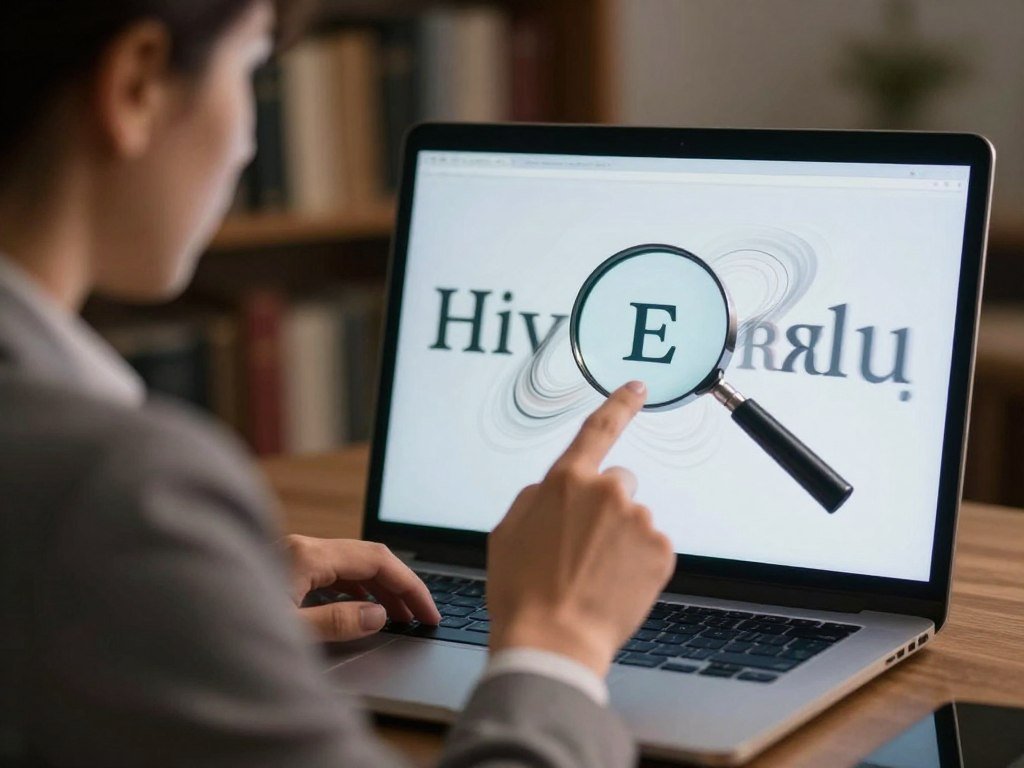
Check the edges, hands, reflections, lighting, signs, repeated patterns, and perspective. Look for shadows that do not fit the light or background text that bends into odd shapes.
These signs can appear in synthetic images, yet current AI can also make convincing scenes. A clean-looking picture is not conclusive, and an awkward detail may come from a normal camera or edit.
AI image detectors offer supporting clues, not a final verdict. Resizing, compression, or routine editing can make their results less reliable, especially for pictures.
For more ways to assess suspicious pictures, see this guide to checking AI-generated images. It covers visual clues, file history, reverse image search, and detector limits.
Do not label a person or post deceptive on the strength of one suspicious detail.
What Should You Check Before Reposting Someone Else’s Photo?
Finding the photographer’s name is not the same as getting permission to repost the photo. Checking where an image came from and checking whether you may publish it are separate tasks.
Confirm the current rights holder, permission for your planned use, and the preferred credit before publishing. The person who posted a photo may not own its copyright now.
Identify the photographer and current rights holder
An image on Google Images, Pinterest, or social media is not automatically in the public domain. A credit line names a creator, but it does not grant permission to use the work.
The photographer usually owns a photo’s copyright, though an employer may hold it in some cases. The U.S. Copyright Office explains that owning a print or file does not mean owning its copyright.
The U.S. Copyright Office’s fair use FAQ explains permission and ownership. It also notes that fair use depends on the facts of each case.
Match permission and credit to the way you will publish
Ask the rights holder for permission that covers your exact use, and follow the credit they request. Save the answer, along with any terms that limit where or how you may share the photo.
A license may allow editorial use but exclude commercial use, print, or paid promotion. Check the terms for the platform and purpose you have in mind, since one type of permission may not cover another.
Credit can still matter to the photographer, but it does not replace consent. Keep a record of the permission and the exact use it covers before publishing.
What If You Still Cannot Verify an Image?
If you cannot establish what a picture shows, do not present its caption as confirmed. Uncertainty is not proof of a hoax, and a claim may change as better information appears.
Share only with clear context when the claim is corroborated; otherwise, pause or label what remains uncertain. A developing story may have facts that are still changing.
Choose one of these three actions based on what you can support:
- Hold an uncorroborated post instead of passing it along as fact.
- For a developing story, state what is known and what remains uncertain.
- If later evidence disproves a claim you shared, correct or remove the post and explain the update.
When you correct a post, make the correction as visible as the original claim.
A clear update helps people who saw the first version understand what changed. Keep the correction tied to the same account or post when possible, so readers can find it.
Do not turn an open question into a firm claim just to make a post sound complete. When you correct a post, make the correction as visible as the original claim.
Conclusion
Confidence in a post should come from evidence, not from how often it has been shared. A careful caption and a brief pause help protect people from misinformation and protect your reputation as a thoughtful voice on social media.
Before the next repost, save the original post’s link and compare its caption with the image’s earliest credible appearance. That small step can keep useful content attached to the right story.
Before your next share, keep the original link beside the image so its context is easy to check.
FAQ
Can a reverse image search identify who owns a photo’s copyright?
No, a reverse image search cannot confirm who currently owns a photo’s copyright. It can help you find earlier appearances and accounts that posted the image. Those posts may lead you to a photographer or rights holder, but reposts can hide the original trail. Confirm ownership and permission separately before you publish the photo.
Can a photo be real but still misleading?
Yes, a real photo can mislead when someone gives it the wrong date, location, or event. A genuine image may be cropped to remove context or paired with a false caption. Check what the image actually shows and whether reliable reporting supports that specific claim. Authenticity of the file does not confirm the story attached to it.
Does missing EXIF data mean a picture is fake?
No, missing EXIF data does not mean a picture is fake. Social platforms commonly remove embedded camera and file details when people upload images. A screenshot may also lack the original capture information. Treat missing data as a limit on what you can learn from the file, not as evidence that someone fabricated the picture.
Do Content Credentials prove that a photo’s caption is true?
No, Content Credentials do not prove that a photo’s caption is true. They can provide information about a digital file’s origin and edits, when those records remain attached. That history may help you understand how the image changed. You still need independent evidence to confirm the event, place, or people described in the caption.
Are AI image detectors reliable after a photo is resized?
AI image detector scores are only one clue, especially after a photo is resized. Compression and ordinary edits can also reduce a detector’s reliability. A result should not replace checks of the image’s history and context. Treat the score as uncertain evidence, rather than a final answer about how the picture was made.
What should I do if I already shared an image that turns out to be misleading?
Correct or remove the post, then make the correction easy to see. Explain what new evidence changed your understanding, and avoid repeating the false claim without context. If the platform lets you edit the original post, add a clear update there. A correction helps people who saw the first version understand what is now known.



