

What actually separates a keyboard that feels great in a review video from one that still feels great eight months into nightly sessions? That question matters more than ever now that three brands with very different backgrounds are chasing the same buyer. Cherry Xtrfy brings a legacy switch maker’s name and an esports pedigree. Akko brings affordable enthusiast tuning and a huge variety of switch options. Monsgeek brings a value-first aluminum case reputation and an interest in magnetic sensing technology.
TMR, or tunneling magnetoresistance, is the sensing method some analog keyboards now use to detect how far each key is pressed. It is a real technology, not marketing fluff, and it changes what you should look at when you shop. The 2027 framing is a projection, not a promise, so treat any roadmap claim you read as unconfirmed until a spec sheet backs it up.
Why the 2027 question is really about sensing, not branding
Most gaming keyboards still use mechanical contacts. A metal leaf touches another, a circuit closes, and the key registers. That system works, but it has fixed actuation points and physical wear. Analog and magnetic keyboards replace the contact with a sensor that reads key position continuously.
Hall effect sensors measure magnetic field strength. TMR sensors measure a change in electrical resistance caused by a magnetic field. Both let you set custom actuation points, rapid trigger behavior, and per-key sensitivity in software. The practical difference for a buyer is not the physics lesson. It is whether the firmware is stable, whether the sensitivity drifts, and whether the brand keeps shipping updates.
That last point is where brand choice starts to matter more than sensor type. A well-tuned Hall effect board will beat a poorly tuned TMR board every time in daily use.
The three contenders at a glance
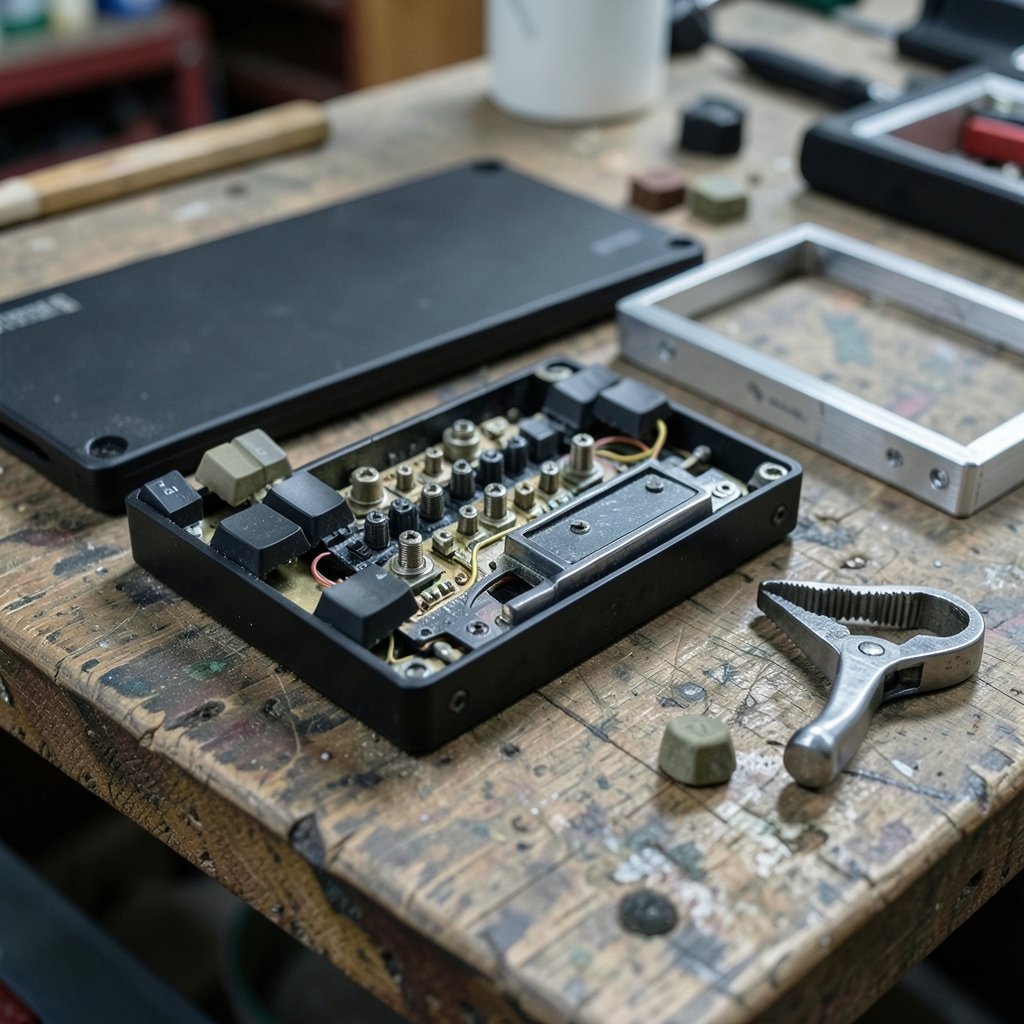
Each brand arrives with a different set of strengths, and none of them is the default winner.
| Brand | Likely strength | Likely weak spot | Who should care |
|---|---|---|---|
| Cherry Xtrfy | Switch engineering heritage, esports tuning, build consistency | Premium pricing, narrower ecosystem | Buyers who want proven hardware and don’t mind paying |
| Akko | Switch variety, enthusiast-friendly tuning, strong value | Inconsistent stock, firmware polish varies by model | Tinkerers who enjoy swapping and customizing |
| Monsgeek | Aluminum cases, gasket mounts, aggressive value | Newer to magnetic sensing, thinner long-term track record | Buyers who want a heavy, solid board without flagship prices |
A quick reality check: brand reputation is a starting point, not a verdict. The exact model matters far more than the logo on the box. A budget line from a strong brand can still ship with mushy stabilizers, and a no-name board can arrive surprisingly well tuned.
What “everyday gaming experience” should actually mean
Reviewers love synthetic benchmarks. Real players spend most of their hours doing something much less dramatic: holding movement keys, tapping abilities, typing in chat, alt-tabbing, and forgetting to charge things. That is the experience worth evaluating.
Break it into five everyday dimensions:
- Feel under sustained use. How do the keys sound and feel after two hours, not two minutes?
- Actuation consistency. Does the same press register the same way across the whole board?
- Wireless reliability. Does the connection hold up near a router, a phone, and a headset?
- Software sanity. Can you set things once and forget them, or does the app fight you?
- Long-term support. Are firmware updates still arriving a year after launch?
If a keyboard wins on all five, the sensor technology inside barely matters to your hands.
Actuation and rapid trigger: the features that define modern gaming boards
Custom actuation lets you set how far a key travels before it registers. Rapid trigger resets the key the instant you release it, which can help in games where quick direction changes matter. These features are genuinely useful, but they are also where cheap implementations fall apart.
Common mistakes buyers make here:
- Setting actuation too shallow. A 0.1 mm actuation point sounds elite until every resting finger triggers a jump. Most players land somewhere between 0.5 mm and 1.5 mm after testing.
- Turning rapid trigger to maximum on every key. Movement keys benefit. Chat and menu keys usually do not, and over-triggering gets annoying fast.
- Ignoring the reset point. Actuation depth and reset depth are separate settings. Mismatched values cause double-taps and dropped inputs.
- Never calibrating. Magnetic sensors can drift with temperature and desk position. A recalibration routine solves most ghost-input complaints.
If you are still deciding whether a specialized board is even the right purchase, it helps to read a grounded take on whether a gaming monitor is worth buying for beginners and everyday use first. Display and input hardware shape the same experience, and budget spent in the wrong place rarely pays off.
Building a test routine you can run at home
You do not need a lab. You need repetition and a notebook.
- Type a fixed paragraph three times in the first ten minutes and again after two hours. Note missed keystrokes and fatigue.
- Run a key tester and press every key at light, medium, and firm pressure. Flag any key that behaves differently from its neighbors.
- Play one familiar game for 30 minutes and log any input that felt wrong, including ones you cannot prove were wrong.
- Stress the wireless link by placing a phone and a router between you and the receiver. Note dropouts.
- Open the software twice, a week apart, and check whether your profiles survived.
Do this within the return window. It is the single most effective habit in keyboard shopping, and almost nobody does it.
Ergonomics and long-session comfort
A gaming keyboard is a typing keyboard for most of its life. Wrist angle, keycap height, and case slope decide whether hour four feels fine or miserable. A board with a steep typing angle and no wrist support will punish you regardless of its sensor.
If wrist strain is already a problem, a dedicated split or tented design may help more than any gaming feature. It is worth reading about which ergonomic keyboards actually reduce wrist strain before spending flagship money on a gaming-first board. The same logic applies to switch feel: a mechanical keyboard worth buying for beginners and everyday use is usually one that suits your hands, not one that tops a spec sheet.
Firmware, software, and the long tail of ownership
This is the most underrated factor and the hardest to review. A keyboard is a small computer, and its firmware determines whether features work reliably. Look for: (Hall effect sensors explained)
- A public changelog with dated entries
- A web-based configurator that works without installing anything
- Onboard memory so profiles survive a move between machines
- Clear documentation of how to recover a bricked board
A brand that publishes firmware notes is telling you it plans to support the product. A brand that ships one utility and vanishes is telling you something too.
Wireless latency and interference in real rooms
Marketing numbers for polling rates are easy to print and hard to feel. What matters is consistency under load. A 2.4 GHz dongle competing with Wi-Fi, Bluetooth headphones, and a phone in your pocket is the real test environment.
Practical habits that help:
- Use the bundled extension cable and put the dongle on the desk, not in a rear USB port behind a metal case.
- Keep the receiver away from the monitor’s USB hub.
- Prefer wired mode for competitive sessions if you notice any hesitation.
- Charge on a schedule rather than waiting for a warning.
For laptop players, the same interference logic applies, and it is worth checking how a gaming laptop under 1000 that actually fits a budget handles its own wireless and thermal load before blaming the keyboard.
Where each brand tends to fit
Cherry Xtrfy suits buyers who value switch pedigree and esports-tuned defaults. Expect solid construction and fewer surprises, at a price. The trade-off is usually a narrower range of switch and layout options.
Akko suits tinkerers. The catalog is broad, the pricing is friendly, and the community knowledge is deep. The risk is model-to-model inconsistency, so buy from a seller with a clear return policy.
Monsgeek suits buyers who want a dense, aluminum, gasket-mounted feel without flagship pricing. If the brand’s magnetic-sensing models mature, they could be genuinely compelling. Until independent testing confirms stability and firmware cadence, treat those models as promising rather than proven.
The 2027 outlook: what to watch, not what to assume
Three trends are safe to expect. Magnetic sensing will spread down the price ladder. Firmware quality will matter more than sensor branding. And software ecosystems will become a real switching cost, because nobody wants to relearn a configurator.
What is not safe to assume is any specific 2027 product, price, or specification from these brands. Announcements slip, features get cut, and roadmaps change. Before buying on the promise of a future update, check whether the feature you need works today.
Conclusion
The honest answer to the Cherry Xtrfy versus Akko versus Monsgeek question is that the brand is a shortcut, not an answer. TMR and Hall effect sensing are both capable technologies, and neither rescues weak firmware or a case that hurts your wrists. Judge the board in front of you: run a two-hour typing test, stress the wireless link, verify the actuation settings you actually use, and confirm that firmware updates are still shipping. Do that, and the 2027 label stops mattering. You will be choosing hardware that fits your hands and your habits, which is the only comparison that holds up over time.
FAQ
Is TMR better than Hall effect for gaming keyboards?
Neither is automatically better. Both sense key position without physical contact, and both support custom actuation and rapid trigger. What decides the experience is how well the firmware is tuned, how stable the calibration is, and whether the brand keeps shipping updates. Ask for independent testing rather than trusting the sensor name.
How shallow should I set my actuation point?
Start around 1.0 mm to 1.5 mm and reduce gradually over a week of real play. Most players settle between 0.5 mm and 1.5 mm. Going extremely shallow causes accidental inputs from resting fingers, which costs more than it gains.
Do I need rapid trigger for everyday gaming?
Only if you play games where fast direction changes matter, such as competitive shooters or rhythm games. For slower genres and general typing, rapid trigger adds little and can cause double inputs if configured carelessly. Enable it per key rather than globally.
How can I tell if a brand will support its keyboard long term?
Look for a dated firmware changelog, a web-based configurator, onboard profile storage, and published recovery instructions. A brand that documents updates is signaling ongoing support. A brand with a single utility and no release notes is a gamble.
Is a wireless gaming keyboard reliable enough for competitive play?
Modern 2.4 GHz links are good, but they are vulnerable to interference from routers, phones, and headsets. Use the bundled extension cable to bring the receiver close to the keyboard, keep it away from other transmitters, and switch to wired mode if you notice hesitation during important sessions.
Should I wait for 2027 models instead of buying now?
Only if a specific announced feature is essential to you and you can verify it exists. Otherwise, buy a board that meets your needs today from a seller with a solid return policy, test it thoroughly within the window, and upgrade later if the technology genuinely improves.
