
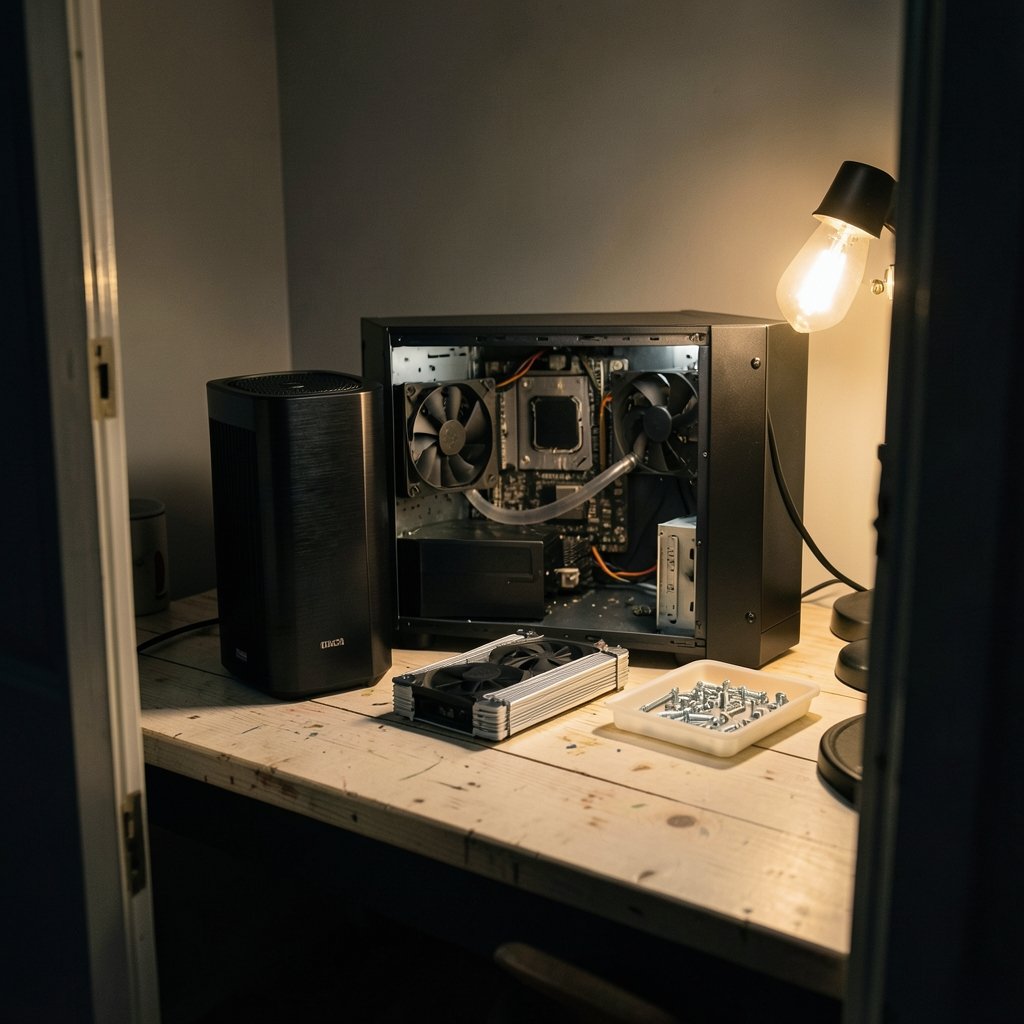
Will that shiny new cooler even fit your case, your board, and your socket? That is the question most buyers forget to ask until the box is open and the return window is ticking. The liquid cooler vs air cooler debate usually turns into a noise and temperature argument, but compatibility is the part that actually decides whether your upgrade works. Get it wrong and you are stuck with a cooler that cannot mount, a side panel that will not close, or a radiator that fights your RAM for space.
This guide walks through the checks that matter, in the order that saves the most time and money, with a clear eye on what a 2027 upgrade might look like.
Why compatibility beats raw cooling specs
Marketing numbers are easy to compare and often misleading. A cooler rated for a certain TDP (thermal design power) may struggle with a modern CPU that pulls far more power under boost than its base rating suggests. Cooler TDP figures are vendor-defined and not standardized, so two coolers with the same headline number can perform very differently. For a future upgrade, match the cooler to the CPU’s real package power rather than the marketing badge. On Intel chips that means looking at PL1 and PL2 limits; on AMD it means PPT and TDP figures.
The practical lesson: spec sheets tell you what a cooler can do in ideal conditions. Compatibility checks tell you whether it can do anything at all in your specific build. Do the second part first.
Check one: socket and mounting kit support
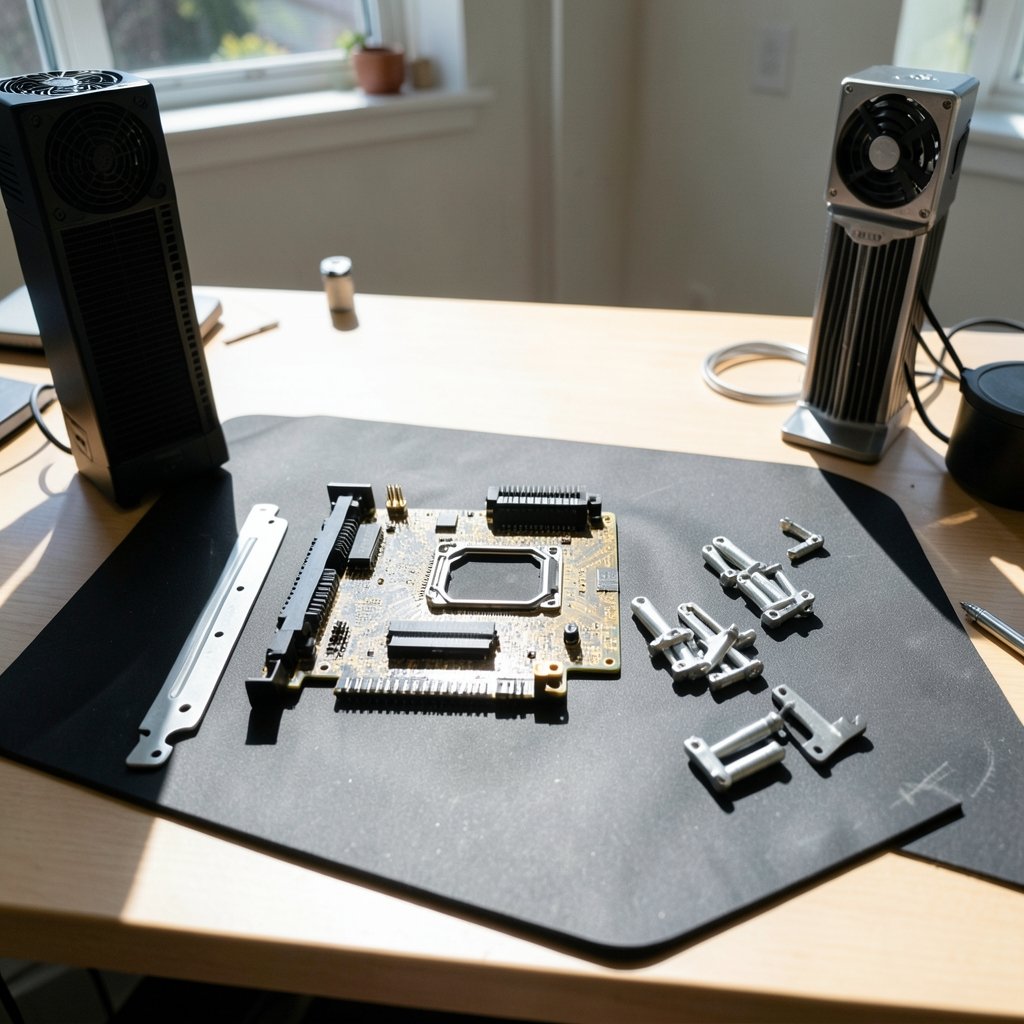
Every cooler attaches through socket-specific brackets. If the bracket does not match your socket, nothing else matters. The main sockets in play right now are Intel’s LGA1700 and LGA1851 and AMD’s AM4 and AM5.
A few useful facts make this less scary than it sounds. AMD’s AM5 socket, launched in September 2022, kept the same cooler mounting-hole spacing as AM4, so many older coolers fit AM5 without new hardware. You can read the platform details on the Socket AM5 reference page for dates and mounting notes. Intel’s LGA1851, which arrived with the Core Ultra 200S lineup in October 2024, likewise kept the LGA1700 mounting-hole pattern, so most LGA1700 coolers are mechanically compatible.
That said, “mechanically compatible” is not the same as “officially supported.” Both AMD and Intel point buyers to the cooler vendor’s per-socket compatibility list, and backplate or height clearance can still bite. Always confirm the exact model against the vendor’s list before buying.
Check two: air cooler height versus case clearance
This is the most common and most painful fit failure. Tower air coolers typically run roughly 120 to 170 mm tall, and every case lists a maximum CPU cooler height in its specs. Exceed it and the side panel will not close. No BIOS update, no firmware patch, no clever cable routing fixes a physical collision.
The fix is simple: look up your case manual, find the max cooler height, and add a small buffer of a few millimeters. Then check the cooler’s official height, which usually includes the fan. If you are close to the limit, a slightly shorter cooler or a low-profile design is the safer call.
Check three: radiator size and thickness for liquid coolers
Liquid cooling swaps one clearance problem for another. Instead of height, you are dealing with radiator length and thickness. Common radiator sizes are 120, 240, 280, and 360 mm, and not every case supports every size. A case that fits a 240 mm radiator may not fit a 280 mm one, because 140 mm fan mounts are not universal. (Computer cooling)
Thickness matters too. A push-pull fan setup adds depth, and that extra depth can collide with the motherboard, tall RAM, or top-panel connectors. Before buying, check the case manual for supported radiator sizes and maximum radiator thickness at each mount position. Then check the motherboard manual for clearance around the top edge.
Check four: RAM height and VRM heatsink clearance
Both cooler types can clash with memory and power delivery hardware. Large air coolers often overhang the DIMM slots, and tall RGB memory heatsinks make that worse. On the liquid side, the pump block and tubing can conflict with top-mounted radiators or tall VRM heatsinks near the socket.
Memory module dimensions are standardized by bodies like JEDEC, but real-world heatsink heights vary a lot between kits. The reliable move is to read the motherboard manual’s cooler and DIMM clearance notes, then measure your actual RAM. If you are planning a memory upgrade alongside the cooler, do both checks together rather than one at a time.
Check five: headers, pump control, and cabling
Air coolers need one CPU fan header. Liquid coolers usually need more. Many boards have a dedicated AIO_PUMP header plus CPU_FAN, and some AIOs also want SATA power or a USB connection for pump control and RGB lighting. Count your headers in the motherboard manual before you commit.
This is where a lot of first-time liquid buyers get surprised. They install the radiator, mount the pump, and then discover there is no free USB header for the lighting controller. Plan the cabling path at the same time you plan the physical fit.
Check six: airflow, radiator placement, and case pressure
Where the radiator goes changes how the whole case breathes. Front-mounted radiators pull intake air through the fins, which can warm the air reaching the GPU. Top-mounted radiators exhaust heat upward but may compete with other top-panel components. Even tube orientation (up versus down) has been shown to shift temperatures in some cases.
Independent testers have documented measurable differences here, though results vary by case. Treat placement advice as guidance, not gospel. The safest approach is to sketch your airflow before buying: which fans intake, which exhaust, and where the radiator sits in that loop.
What a 2027 upgrade actually means for compatibility
Here is the honest part. As of late 2026, no confirmed 2027 socket or platform launch details are public. Intel and AMD roadmaps change, and it is unwise to assume LGA1851 or AM5 will still be the current platform in 2027. Anyone selling you a cooler “guaranteed for 2027” is guessing.
What you can do is build in flexibility. Choose a cooler whose vendor offers mounting kits for multiple sockets, and confirm the vendor’s policy for supplying new brackets if a new socket arrives. Air coolers with long or lifetime warranties and broad bracket support tend to age better than niche designs. If you are weighing a bigger platform move, it helps to check if your PC supports Windows 11 before you upgrade, since a CPU or motherboard swap often triggers an OS decision too.
Liquid versus air: a side-by-side compatibility view
| Check | Air cooler | Liquid cooler (AIO) |
|---|---|---|
| Socket bracket | Vendor list per socket | Vendor list per socket |
| Case limit | Max cooler height | Supported radiator size and thickness |
| RAM clearance | Overhang over DIMM slots | Pump block and tubing conflicts |
| Motherboard clearance | VRM heatsink overhang | Top-edge and VRM clearance |
| Headers needed | One CPU fan header | AIO_PUMP, CPU_FAN, sometimes SATA or USB |
| Placement effects | Fixed by socket | Front or top mount changes airflow |
| Warranty | Often long or lifetime | Typically 3 to 6 years, varies by brand |
Common mistakes that cost people a return
The same errors show up again and again. Buying on cooling performance alone and checking fit afterward. Trusting a case’s “supports 360 mm radiator” claim without reading the thickness limit. Assuming a cooler that fits AM4 automatically has official AM5 support. Forgetting that a new cooler may also need a new bracket, which sometimes ships separately. (ENERGY STAR)
Another frequent one: ignoring the pump’s power and control requirements until the build is half done. And a quieter but real risk is warranty confusion. AIO warranties are typically shorter than air cooler warranties, and leak damage coverage terms vary by brand. Read the vendor’s warranty document itself, not the marketing page.
If you are comparing other upgrade decisions at the same time, the same principle applies: verify before you commit. That holds whether you are weighing Notion alternatives and their limitations before switching or checking whether a free VPN is actually safe before you install it. Compatibility homework is cheaper than regret.
A practical pre-purchase checklist
- Confirm your exact CPU socket and the cooler’s official support list.
- Look up your case’s max cooler height (air) or radiator size and thickness limits (liquid).
- Read the motherboard manual for cooler, DIMM, and top-edge clearance notes.
- Measure your RAM height, especially tall RGB kits.
- Count available fan, pump, SATA, and USB headers.
- Sketch your airflow and decide on radiator placement.
- Check the warranty length and what it covers.
- Confirm whether a mounting bracket ships in the box or must be requested.
Work through that list once and the liquid cooler vs air cooler decision becomes much less abstract. You stop comparing marketing numbers and start comparing what actually fits.
Conclusion
The right cooler is not the one with the biggest radiator or the tallest tower. It is the one that mounts to your socket, clears your case panel, avoids your RAM, and plugs into the headers you actually have. Socket brackets, case clearance, radiator thickness, memory height, and header count are the five checks that decide the outcome, and every one of them is verifiable before you spend a cent.
For a 2027 upgrade, add patience. No one knows yet what sockets will be current, so favor coolers with broad bracket support and clear vendor policies. Do the compatibility homework first, and the cooling performance conversation becomes the easy part.
FAQ
Does an AM4 cooler fit an AM5 socket?
In most cases, yes. AM5 kept the same mounting-hole spacing as AM4, so many AM4-compatible coolers fit without new hardware. Still confirm your specific model on the cooler vendor’s per-socket compatibility list, because backplate and clearance details can differ.
Will an LGA1700 cooler work on LGA1851?
Mechanically, usually yes, since LGA1851 kept the LGA1700 mounting-hole pattern. But Intel advises confirming cooler height, backplate clearance, and updated mounting hardware with the cooler vendor, so check the official support list rather than assuming.
How do I know if a tower cooler will fit my case?
Find the maximum CPU cooler height in your case manual, then compare it to the cooler’s official height including the fan. Leave a few millimeters of buffer. This is a hard physical limit, so no software setting can fix a cooler that is too tall.
What radiator size should I check for?
Check your case manual for supported radiator sizes (120, 240, 280, or 360 mm) and the maximum thickness at each mount. Remember that 280 mm mounts are not universal, and push-pull fan setups add depth that can collide with the motherboard or top connectors.
Do liquid coolers need special headers?
Often, yes. Many boards have a dedicated AIO_PUMP header plus CPU_FAN, and some AIOs also need SATA power or a USB connection for pump control and RGB. Count your headers in the motherboard manual before buying.
Can anyone guarantee a cooler will fit a 2027 platform?
No. As of late 2026, no confirmed 2027 socket or platform details are public, and roadmaps change. The safer strategy is to pick a cooler with broad multi-socket bracket support and a clear vendor policy for supplying new mounting kits later.



