
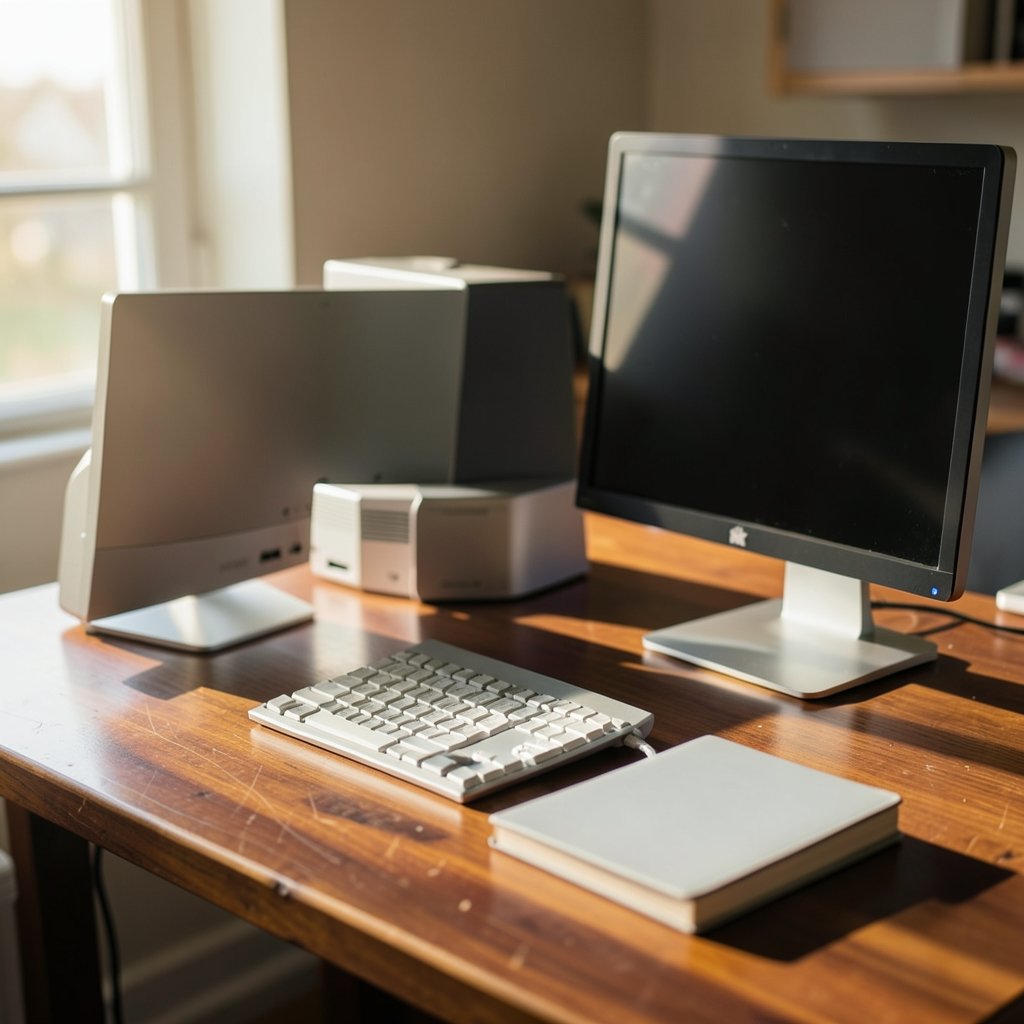
Desktop Macs account for a small share of Apple’s hardware sales, but they play a larger role in professional studios and home offices. Apple’s own environmental reports show that one Mac Studio can replace a small render farm, while the Mac mini has become the default “first Mac” for millions of switchers. That contrast shapes every Mac mini vs Mac Studio 2026 decision: one machine is built for efficiency and value, the other for headroom and sustained load.
This comparison walks through how the two lines differ in practice, who should pick which, and the mistakes buyers make when they assume “more expensive” automatically means “better for me.”
The Core Difference in One Sentence
The Mac mini is Apple’s compact, budget-conscious desktop that covers everyday work and most creative tasks, while the Mac Studio is a larger, higher-tier machine aimed at people who push long, heavy workloads and need maximum memory and cooling. Everything else flows from that split.
Apple has historically positioned the mini with base and Pro-class chips and the Studio with Max and Ultra-class silicon. Because Apple refreshes both lines on irregular schedules, exact 2026 configurations should always be confirmed against Apple’s official tech specs page before you buy.
Design, Size, and Desk Footprint

The mini is the smaller of the two, designed to tuck under a monitor or sit beside a keyboard. The Studio is taller and heavier, with a chassis built around bigger cooling hardware. In practice, this matters more than spec sheets suggest:
- Noise under load: The Studio’s larger thermal envelope generally means quieter sustained performance. If you record audio at your desk, that difference is real.
- Port access: Both machines put ports on the back, which is fine until you’re plugging in a card reader ten times a day. A cheap front-facing hub solves this on either machine.
- Mounting options: The mini’s size makes it easy to mount under a desk or behind a display. The Studio is usually a sit-on-desk machine.
If your desk is small or shared, the mini wins before the benchmarks even start.
Performance: Where the Money Actually Goes
Raw chip names tell only part of the story. The real-world gap shows up in three places: sustained exports, memory ceiling, and GPU-heavy work.
| Workload | Mac mini (typical role) | Mac Studio (typical role) |
|---|---|---|
| Office apps, browsing, video calls | Excellent | Overkill |
| Photo editing, 4K timeline edits | Strong | Strong, with more headroom |
| Long 8K exports and multicam | Workable, slower | Noticeably faster |
| Large language models, 3D rendering | Limited by memory ceiling | Built for high memory configs |
| Audio production with big sessions | Fine for most projects | Quieter, more stable under load |
| Running many VMs or containers | Constrained | Comfortable |
The pattern is consistent: the mini handles bursts well, and the Studio handles sustained pressure better. A ten-minute export on a mini might take eighteen minutes on a Studio-class workload that runs for hours. That gap compounds across a workweek.
For buyers weighing chip platforms more broadly, the same “match the tool to the workload” logic applies in the Roblox Studio vs Unity vs Godot 2026 breakdown, where engine choice matters far more than raw hardware for most beginners.
Memory and Storage: The Hidden Decision Point
This is where most buying mistakes happen. People compare base prices, then discover the configuration they actually need costs far more.
Memory ceilings differ sharply between the lines. The Studio supports much higher unified memory configurations, which matters enormously if you run local AI models, huge sample libraries, or virtualization. The mini’s ceiling is lower, and once you hit it, no amount of clever workflow saves you.
Storage is upgradeable at purchase only on both machines. External Thunderbolt drives are fast enough for most media work, so a practical tip: buy the smallest internal drive you can live with and put active projects on a fast external SSD. What actually works in practice is keeping the boot drive lean and treating external storage as part of the plan from day one.
A common mistake is overspending on internal storage when that money would buy more memory instead. Memory is the upgrade you can never add later.
Ports and Connectivity
Both machines offer Thunderbolt connectivity, HDMI, Ethernet, and headphone jacks, with the Studio generally providing more ports overall. For most home setups, either is sufficient. For studio racks with multiple displays, audio interfaces, and card readers, the extra ports on the Studio reduce dongle clutter.
Count your permanent connections before you buy. If you need six, the machine with four will annoy you daily.
Who Should Buy the Mac mini
The mini is the right call for a surprisingly large group:
- Home and office users who want a fast, quiet Mac without paying for headroom they’ll never touch.
- Students and early-career creatives editing photos, cutting 1080p or light 4K video, and running design apps.
- Developers building and testing apps, provided their containers and simulators fit within the memory ceiling.
- Secondary machine buyers who want a desktop to complement a laptop.
- Budget-conscious upgraders coming from an older Intel Mac who mainly need modern speed and silence.
If your heaviest task is a monthly video export, the mini is almost certainly enough. Spending double for a Studio you’ll never stress is money that could go toward a better display, which will improve your daily experience far more.
Who Should Buy the Mac Studio
The Studio earns its price for people whose income depends on throughput:
- Video professionals working with multicam 8K, ProRes workflows, or long color grades.
- 3D artists and animators rendering scenes that run for hours.
- Audio engineers running huge sessions with dozens of plugins at low buffer sizes.
- AI and ML practitioners running local models that need large unified memory.
- Anyone whose machine is currently the bottleneck in a paid workflow.
The rule of thumb that actually holds up: if you can’t name the specific task that’s too slow today, you don’t need the Studio yet.
The 2026 Buying Context
Two forces shape this purchase more than any spec table.
First, Apple silicon generations matter less than they used to. Each generation brings efficiency gains, but a well-configured machine from a prior generation still handles most work comfortably. Chasing the newest chip is rarely the best use of a budget.
Second, the wider hardware market has shifted. Handheld PCs and compact consoles now compete for the same desk space and dollars, as the OneXPlayer Arc G3 vs X2 Mini Pro 2026 comparison shows. Meanwhile, consolidation across the industry has changed which platforms get long-term support, a point covered in Xbox layoffs and studio sales in 2026. Platform stability is now a legitimate factor in hardware buying, rather than a footnote.
For anyone also weighing AI subscriptions against hardware spend, the AI model comparison of GPT 6.1 Sol vs Sonnet 5.5 vs Gemini 4 Argon is a useful sanity check: cloud tools often replace the need for a high-memory local machine entirely.
Practical Setup Tips That Save Real Money
These are the habits that separate a good purchase from a regretted one:
- Buy memory before storage. External drives are cheap and fast; memory is fixed forever.
- Skip the high-core upgrade if your apps are single-threaded. Many creative apps still favor fast single cores over core count.
- Budget for the whole desk. A mid-tier machine plus a great monitor beats a top-tier machine plus a mediocre display for most people.
- Check your actual current bottlenecks using Activity Monitor for a week before ordering. Memory pressure graphs don’t lie.
- Don’t buy for a future workload you haven’t started. By the time you need the power, newer options will exist.
A frequent mistake is buying the Studio “to be safe,” then discovering the workload never arrives. The opposite mistake, buying the mini and immediately hitting the memory ceiling, is more painful, so be honest about your ceiling.
Resale Value and Longevity
Both lines hold value reasonably well, but the calculus differs. Base-configuration minis tend to sell quickly on the used market because they’re accessible. High-configuration Studios depreciate more in absolute dollars, though their buyers are fewer and more motivated.
On longevity, both machines should serve five years or more for their intended workloads. The limiting factor is almost always memory, not the chip. A mini with generous memory will outlast a Studio with a base configuration for everyday work, which is a counterintuitive but reliable pattern.
Longevity is a memory story, not a chip story.
Conclusion
Choosing between the Mac mini and Mac Studio in 2026 comes down to one honest question: does your work run in bursts, or does it run hot for hours? The mini is the smarter buy for the vast majority of people, offering modern performance, silence, and a small footprint at a price that leaves room for a better display and faster storage. The Studio justifies itself only when sustained load, high memory ceilings, and extra ports directly serve paid work.
Buy for the workload you have today, upgrade memory before anything else, and confirm current specifications against Apple’s official pages before ordering. Do that, and either machine will serve you well for years.
FAQ
Can the Mac mini handle video editing in 2026?
For 1080p and most 4K editing, yes. The mini handles typical timelines well, especially with enough memory configured. Multicam 8K, heavy effects, and long ProRes workflows are where the Studio’s sustained performance advantage becomes obvious.
How much memory should I order on a Mac mini?
Order as much as your budget allows after choosing the right chip tier, because memory cannot be upgraded later. Users running virtual machines, large photo libraries, or local AI models should prioritize it heavily. Everyday office and browsing work needs far less.
Does the Mac Studio run quieter than the Mac mini?
Generally, yes, under sustained load. The Studio’s larger chassis and cooling hardware let it maintain performance with less fan effort. The mini is very quiet in normal use but spins up during long exports. If you record audio at your desk, this matters.
Can I upgrade storage later on either machine?
Internal storage is fixed at purchase on both. The practical workaround is buying a smaller internal drive and using fast external Thunderbolt SSDs for active projects. This is the single most common money-saving configuration choice.
Should I wait for the next model before buying?
Only if your current machine still works and you’re not losing money to slow exports. Apple refreshes both lines on irregular schedules, so waiting has no guaranteed payoff date. If a specific task is slowing your income today, buy the machine that fixes it now.
Is the Mac Studio overkill for a home office?
Usually, yes. For documents, browsing, video calls, and light photo editing, the mini delivers everything needed at a much lower price. The Studio makes sense when a named, recurring, heavy task is genuinely bottlenecked by your current hardware.
The strongest signal is usually the one you feel daily: fans spinning, a spinning beachball during exports, or a memory-pressure graph in the red. Write those moments down for a week, then match the machine to them rather than to a spec sheet. Whichever you choose, verify the current configuration options and pricing on Apple’s official product pages before you order, since memory ceilings and port counts can shift between generations.



