
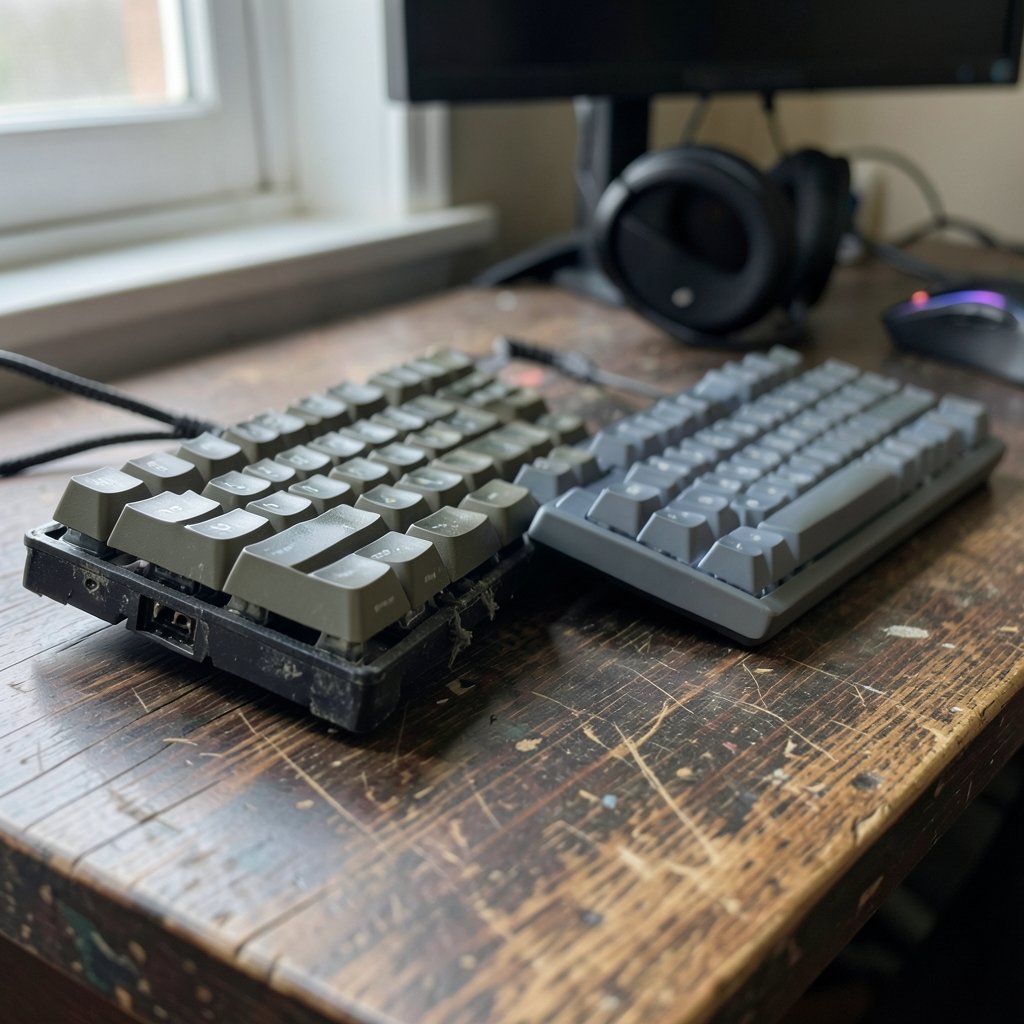
What actually changes between a mechanical and a membrane keyboard when you sit down to play night after night? Not the spec sheet. Not the marketing video with slow-motion key presses. The real answer shows up in hour three of a session, when your wrists are tired, your teammates are loud, and you just want the keys to do what your fingers intended.
This guide is about evaluating that everyday experience honestly. It is not a buying guide, and it is not here to declare a winner. The goal is to give you a way to judge both switch types against your own habits, your own desk, and your own tolerance for noise and maintenance. (Gaming monitor worth buying beginners everyday use)
What Actually Separates the Two Designs
A membrane keyboard works like a sealed sandwich. Press a key, and a rubber dome collapses onto a conductive pad, closing a circuit. The whole board often shares one continuous membrane sheet, so every keypress travels through the same layered material.
A mechanical keyboard gives each key its own independent switch. A plunger moves down a housing and closes a contact, or in optical and hall-effect designs, interrupts a light beam or shifts a magnetic field. Because each key is a separate unit, it can be tuned, replaced, and rated on its own.
That single structural difference drives almost everything else: feel, sound, repairability, weight, price, and how the board ages.
| Trait | Membrane | Mechanical |
|---|---|---|
| Switch design | Rubber dome over a shared membrane | Individual switch per key |
| Typical actuation distance | Varies; dome collapse point | Often around 2 mm, total travel around 4 mm |
| Feel consistency | Can vary across the board over time | Consistent per switch type |
| Repairability | Usually replace the whole board | Individual switches and keycaps can be swapped |
| Noise | Generally quieter | Depends entirely on switch and housing |
| Price floor | Lower | Higher |
Those actuation figures are typical, not universal. Treat any specific number as something to check against the actual switch specification rather than a rule.
Why Spec Sheets Mislead the Everyday Player
The gaming keyboard market sells numbers: polling rate, latency, actuation point, durability in millions of presses. Each number is real in some sense, and each one is easy to misread.
Polling rate describes how often the keyboard reports its state to the computer. A 1000 Hz board reports roughly every millisecond. Higher figures exist and are marketed heavily. What the number does not tell you is your end-to-end input latency, which includes the game engine, your monitor, your frame rate, and your own reaction time. A keyboard shaving a fraction of a millisecond off a chain that is already tens of milliseconds long is not the bottleneck most players think it is.
Durability ratings are manufacturer self-reported and not standardized across brands. A “50 million press” claim from one company and a “100 million press” claim from another are not measured the same way, so comparing them directly is close to meaningless.
Actuation point matters more than the marketing suggests, but not in the way ads imply. A shorter actuation distance means the key registers with less finger travel. That can feel fast. It can also cause accidental presses if you rest your fingers heavily on the keys.
The honest way to read a spec sheet is to ask what it changes about your actual session. If the answer is “nothing I would notice,” it belongs in the marketing column, not the decision column.
Feel, Fatigue, and the Long Session Test
Here is where the everyday experience lives, and where reviews rarely help.
Membrane domes have a soft, cushioned bottom-out. Many people find that comfortable for long sessions, especially if they type a lot during the day and game at night. The tradeoff is that the dome degrades. A well-used membrane board can start to feel mushy in the middle keys long before the outer ones, because those keys get pressed most.
Mechanical switches come in flavors. Linear switches travel smoothly with no bump. Tactile switches have a noticeable bump at the actuation point. Clicky switches add an audible click. None of these is better. They are preferences, and they interact with how heavy your hands are and how much you rest on the keys.
The practical test is simple and free: play for two hours on each type and pay attention to your hands, not the board. Do your fingers feel like they are fighting resistance? Are you bottoming out hard on every press? Are you accidentally triggering keys you only meant to hover over? Those signals matter more than any review score.
One common mistake: buying a heavy, stiff switch because a reviewer called it “premium.” Heavy switches are tiring over a long session if your hands are light. Another: chasing the loudest clicky switch, then discovering that voice chat picks it up constantly.
Noise, Roommates, and Voice Chat
Sound is the most underrated factor in the everyday gaming experience, and the most personal.
Membrane boards are generally quieter, though “quiet” is relative. Mechanical boards range from near-silent (lubed linear switches in a dampened case) to genuinely loud (unlubed clicky switches in a hollow plastic case). The case matters as much as the switch. A cheap hollow board amplifies everything.
If you play with an open microphone, a loud board is a real problem. Your teammates hear every keystroke. Some players solve this with push-to-talk. Others pick quieter switches. Either way, evaluate noise in the conditions you actually play in, not in a silent room.
This is also where the practical side of setup matters. A board that sounds great but rattles, double-types, or has a sticky key ruins the experience faster than any switch type debate. If you run into that, a practical troubleshooting walkthrough for mechanical keyboard problems is worth reading before you assume the board is defective.
Build, Repair, and What Happens After Two Years
Membrane boards are usually sealed units. When a key fails, you replace the board. That is fine for a budget purchase and frustrating for an expensive one.
Mechanical boards are modular by design. Keycaps pull off. Switches on hot-swappable boards pop out and go back in. If one key dies, you swap one switch. If you spill something, you can often clean and revive the board rather than bin it. That modularity is a genuine long-term advantage, and it is the reason many people who start on membrane boards eventually move over.
The catch is that modularity invites tinkering, and tinkering invites mistakes. Buying a board because it looks good without checking whether it is actually worth the money for daily use is the classic first error. A grounded guide to whether a mechanical keyboard is worth buying for beginners and everyday use covers that decision without the hype. (Keyboard technology overview)
If you do buy one, the first week matters more than the first hour. Learning how to set up a mechanical keyboard for peak performance, from key rollover settings to a sensible layout, prevents a lot of small frustrations later. (USB-IF official documentation)
Matching the Board to Your Actual Setup
The keyboard does not exist in isolation. It sits on your desk, next to your monitor, in front of your chair, and it competes for space and budget with everything else.
A few practical checks before you commit:
- Measure your desk space. Full-size boards with number pads eat width that some players would rather give to mouse movement.
- Check your monitor before your keyboard. A 60 Hz panel caps your visible smoothness no matter how fast your board polls. If you are upgrading a whole setup, a plain explanation of what makes a gaming monitor worth buying for beginners and everyday use will save you from over-spending in the wrong place.
- Decide whether you need portability. A heavy mechanical board is a desk fixture, not a LAN bag item.
- Set a realistic budget and stick to it. The best budget mechanical keyboards can be chosen without wasting money if you know which features to skip.
For players who split time between a desk and a couch, the calculus changes again. A laptop keyboard is essentially a membrane design, and it is often the most-used input device in the house. If that is your situation, a look at which gaming laptops under 1000 actually fit a budget is a more useful read than any switch comparison.
The 2027 Question: What to Expect and What to Ignore
The honest answer about 2027 is that nobody can tell you what products will exist. What can be said is which trends are likely to keep shaping the market, and which claims deserve skepticism.
Adjustable actuation and rapid re-actuation are real features enabled by hall-effect and optical switches. They let software set how far a key must travel to register and to reset. Whether they improve your play is contested and depends on the game and the player. There is no independent, peer-reviewed evidence establishing a competitive advantage, so treat bold claims accordingly.
Higher polling rates will keep appearing in marketing. The physics of human reaction time does not change with them.
Wireless will keep improving, and latency concerns that were legitimate years ago are much smaller now, though battery and interference remain real tradeoffs.
Membrane boards are not going away, and they are not automatically slower. Dome collapse is fast. The real differences are feel, consistency across the board, and how the material ages. Framing membrane as categorically inferior is a marketing habit, not a technical fact.
The most useful 2027 mindset is boring: ignore the year, evaluate the board. A well-built board from three years ago will serve most players better than a feature-stuffed one bought on launch hype. If you want a sense of what actually matters before you buy, a breakdown of what to check in the best mechanical keyboards before you commit is a better use of ten minutes than any spec comparison.
A Simple Evaluation Routine That Works
If you want a repeatable way to judge any keyboard, use this sequence.
- Type a full page of text on it. Notice whether your fingers feel guided or fighting.
- Play your main game for at least an hour. Watch for accidental presses and fatigue.
- Record a short voice clip with the mic open. Listen for how much keystroke noise bleeds in.
- Press every key slowly and listen for rattle, ping, or scratchiness.
- Check whether keycaps and switches can be replaced if something fails.
- Confirm the board fits your desk and your budget without displacing something more important.
That routine will tell you more about the everyday experience than any review, including this one.
Conclusion
Mechanical versus membrane is not a contest with a winner. It is a tradeoff between feel, noise, repairability, and price, and the right answer depends on how you actually play. Mechanical boards win on modularity and consistency. Membrane boards win on quiet, cost, and cushioned comfort. The players who end up happy are the ones who evaluated the board against their own hands, room, and routine rather than against a spec sheet.
Frequently Asked Questions
Are mechanical keyboards actually faster for gaming?
Not in any way most players would notice. The measurable differences in actuation and polling are tiny compared with human reaction time and frame rate. A comfortable board you trust will do more for your play than a faster-spec board you fight with.
Is membrane bad for gaming?
No. Membrane boards are perfectly capable for gaming. The main drawbacks are feel consistency over time and the fact that a failed key usually means replacing the whole board. Many players use membrane boards happily for years.
How long do mechanical switches last?
Manufacturers often rate switches in the tens of millions of presses, but those figures are self-reported and not standardized across brands. In practice, a well-treated board lasts years, and individual switches can be replaced if one fails.
Do I need rapid trigger or adjustable actuation?
Only if you have a specific reason. These features are real and can be tuned, but the competitive benefit is contested and depends heavily on the game. Most players will not notice a difference in everyday play.
What is the biggest mistake when choosing a gaming keyboard?
Buying on spec numbers or looks without testing feel and noise. A board that sounds great in a review can be tiring or annoyingly loud in your actual room. Test it in your own conditions if you can.
Should I upgrade my keyboard or my monitor first?
Usually the monitor. A slow display caps your visible smoothness no matter how fast the keyboard reports. If your monitor is old, that upgrade will change your experience more noticeably than a new board.



