

The emulator you pick can decide whether your Pokemon save survives the next laptop upgrade. That decision drives the mGBA vs WatermelonDS vs Azahar comparison. The three names appear in the same forum threads, but they do different jobs. One runs Game Boy Advance cartridges, one handles Nintendo DS titles, and one runs 3DS games. Pick the wrong one and your ROM will not boot. Pick the right one and you get responsive controls, clean saves, and years of trouble-free play.
This guide breaks down compatibility, controls, and save files for each option, with an eye on what players should expect heading into 2027.
The short answer: these emulators are not rivals
Before comparing anything, it helps to clear up a common mix-up. mGBA, WatermelonDS, and Azahar target three different Nintendo handheld generations. They are not competing products fighting for the same slot. A Pokemon FireRed player needs mGBA. A Pokemon HeartGold player needs WatermelonDS. A Pokemon X player needs Azahar. Owning all three is normal for anyone working through a series-spanning backlog. (Pokemon pinball ruby sapphire mgba rumble setup 2026)
That framing matters because most “which is best” arguments online compare apples to oranges. The real question is which emulator matches the game you want to play tonight.
mGBA: the Game Boy Advance workhorse
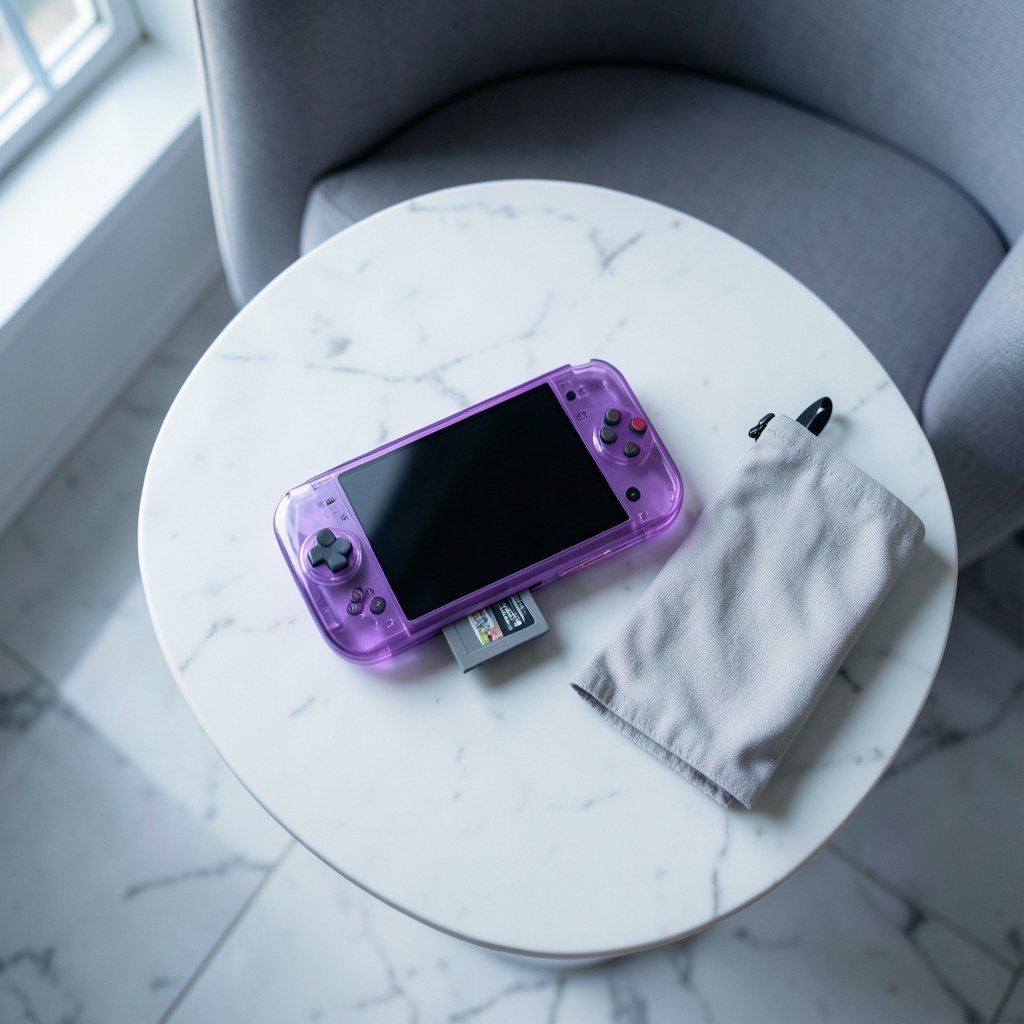
mGBA is an open-source emulator built for Game Boy Advance, with solid support for Game Boy and Game Boy Color as a bonus. It has been in development since 2013 and earned a reputation as the most accurate GBA emulator available. It also ships as the default GBA core inside RetroArch, which tells you how much the community trusts it. (Emulator)
For Pokemon fans, that accuracy is not academic. The GBA era covers FireRed, LeafGreen, Ruby, Sapphire, and Emerald, plus a stack of ROM hacks. These games lean on timing-sensitive mechanics like RNG-based encounters and frame-perfect input during battles. An inaccurate emulator can produce glitches, corrupted save data, or shiny hunting behavior that does not match real hardware. (Service mesh architecture explained control plane data plane)
Compatibility
mGBA runs essentially the entire GBA library without fuss. It also handles Game Boy and Game Boy Color titles, so a single install covers three generations of Pokemon. If a specific game misbehaves, the project maintains a per-game compatibility list that documents known issues.
Controls
Keyboard and gamepad input are both supported, and every button can be remapped. Most players map A and B to comfortable face buttons, set Start and Select to the shoulder area, and bind fast-forward to a trigger. If you plan to play on a TV, a standard Bluetooth controller works fine. Setting up a one-click launcher for your emulator and ROMs is also worth the ten minutes it takes, since it removes the friction of hunting through folders every session.
Save files
mGBA writes standard raw battery saves, usually with a .sav extension. Those files move cleanly between mGBA installs and, in most cases, other GBA emulators. Save states are a different story. They are tied to the emulator version that created them and generally will not load elsewhere. Treat save states as quick checkpoints and battery saves as your real backup.
WatermelonDS: the Nintendo DS option
Here is where the naming gets messy. “Watermelonds” is almost certainly a misspelling or mashup of melonDS, the well-known open-source Nintendo DS emulator. No established emulator called WatermelonDS appears in reliable documentation. If you saw the name in a video title or a forum post, the author likely meant melonDS. Some people also blend “melonDS” with “Watermelon” because the project’s mascot and branding lean fruity.
Assuming the intended target is melonDS, here is what DS players get.
Compatibility
melonDS focuses on accuracy and speed, and it runs the DS Pokemon lineup well: Diamond, Pearl, Platinum, HeartGold, SoulSilver, Black, White, Black 2, and White 2. These games are among the most emulated titles in the franchise, so community testing is deep. A few titles with unusual hardware features may need per-game tweaks, but mainstream Pokemon play is smooth.
Controls
The DS layout is the tricky part. Two screens and a stylus change how you interact with the game. melonDS lets you map buttons to a gamepad and control the touchscreen with a mouse or a mapped pointer. For Pokemon, the touchscreen mostly handles menu navigation and the Poketch, so keyboard-and-mouse play works surprisingly well.
Save files
DS saves follow the same principle as GBA saves. Raw battery files transfer between emulator installs, while save states stay locked to their version. One quirk: DS games sometimes store save data in formats that need the correct save type detected on first boot. If a game refuses to see an existing save, check the save-type setting before assuming the file is dead.
Azahar: the 3DS successor
Azahar is a Nintendo 3DS emulator that emerged in 2024 and 2025 as a community continuation after Citra was discontinued in March 2024 under legal pressure. That backstory matters for anyone planning a long-term collection. The 3DS emulation scene went through a disruption, and Azahar represents the community’s effort to keep the platform alive.
Compatibility
Azahar covers the 3DS Pokemon generation: X, Y, Omega Ruby, Alpha Sapphire, Sun, Moon, Ultra Sun, and Ultra Moon. These are heavier games than their predecessors, so performance depends on your hardware. A mid-range desktop handles most battles fine, but demanding scenes can stutter on older laptops. Compatibility is improving steadily, though it lags behind the maturity of mGBA and melonDS.
Controls
The 3DS adds a circle pad, a touchscreen, and a stereoscopic 3D effect that most players turn off. Azahar supports keyboard and gamepad mapping, and the touchscreen can be driven with a mouse. Because the 3DS library assumes dual screens, plan your layout before you start. Stacking screens vertically on a single monitor works, but a second display feels far better for long sessions.
Save files
This is where 3DS emulation gets genuinely complicated. 3DS ROMs and system files require decryption, and save data often lives in encrypted containers tied to the console’s encryption keys. Moving saves between Azahar and real hardware, or between different emulator builds, is not a simple file copy. Back up early and back up often, and expect to consult project documentation when migrating.
Side-by-side comparison
| Feature | mGBA | melonDS (WatermelonDS) | Azahar |
|---|---|---|---|
| Target system | GBA, GB, GBC | Nintendo DS | Nintendo 3DS |
| Pokemon era | Gen 3 | Gen 4 and 5 | Gen 6 and 7 |
| Accuracy reputation | Excellent | Very good | Improving |
| Controller support | Full remapping | Full remapping | Full remapping |
| Save file portability | High (.sav) | High (.sav) | Low (encrypted) |
| Hardware demand | Low | Moderate | High |
| Best for | Quick, reliable play | DS-era classics | Modern 3DS titles |
The save file rule that saves headaches
Across all three emulators, one principle holds: raw battery saves travel, save states do not. Players who learn this early avoid the most common disaster in emulation, which is finishing a 40-hour playthrough on save states alone and then losing everything after an update.
A practical routine looks like this:
- Enable in-game saves and use them every time you close a session.
- Keep save states for risky moments like legendary encounters.
- Copy your .sav file to a second folder or cloud drive weekly.
- Note your emulator version before updating, in case a state breaks.
Anyone building a broader emulation setup will find the same discipline pays off. The same logic applies to keeping your emulator launcher organized so saves, ROMs, and configs stay in predictable places.
Common mistakes players make
The biggest error is downloading the wrong emulator for the game. A DS ROM will not open in mGBA, and a GBA ROM will not open in Azahar. Match the system first, then worry about settings.
The second mistake is ignoring controller dead zones. Cheap gamepads drift, and drift ruins precision inputs like bike puzzles and safari zone throws. Test your controller in a menu before a serious run.
The third is skipping BIOS files. Some emulators need a BIOS dump to behave correctly, and missing files cause odd crashes that look like compatibility bugs.
Finally, many players assume a save state is a backup. It is not. It is a snapshot tied to one build of one emulator. If you want to understand how fragile version-locked data can be, the same lesson shows up in software systems everywhere, from the way GitOps turned Git into a control plane to the way a service mesh splits control and data planes. State is powerful, but it is also specific.
How to choose for 2027
Heading into 2027, the sensible approach is to install all three and treat them as a toolkit rather than a tournament. mGBA remains the safest bet for Gen 3 and ROM hacks. melonDS, assuming that is what “WatermelonDS” refers to, is the clear pick for DS-era Pokemon. Azahar is the right choice for 3DS titles, provided your hardware can keep up and you are disciplined about backups.
If you only have time for one, start with mGBA. It demands the least hardware, offers the most reliable saves, and covers the games most players return to. Add the others as your backlog grows.
Conclusion
The mGBA vs WatermelonDS vs Azahar question dissolves once you realize the three emulators serve different consoles. mGBA delivers accuracy and dependable saves for Game Boy Advance Pokemon. melonDS, the likely true name behind “WatermelonDS,” handles the DS generation with solid compatibility. Azahar carries the 3DS torch after Citra’s shutdown, with real power behind it but real complexity around encrypted saves.
Choose by console, protect your battery saves, and keep save states in their proper place as temporary checkpoints. Do that, and your Pokemon journey survives whatever hardware and software changes 2027 brings.
FAQ
Is WatermelonDS the same as melonDS?
Most likely, yes. No established emulator called WatermelonDS appears in reliable documentation, and the name is widely believed to be a misspelling or mashup of melonDS, the open-source Nintendo DS emulator. If a guide references WatermelonDS, assume it means melonDS until proven otherwise.
Can mGBA run Nintendo DS Pokemon games?
No. mGBA targets Game Boy Advance, Game Boy, and Game Boy Color. DS titles like Diamond, Platinum, and Black require a DS emulator such as melonDS. Trying to load a DS ROM in mGBA will simply fail.
Why did Azahar replace Citra?
Citra was discontinued in March 2024 following legal pressure, leaving 3DS players without an actively maintained emulator. Azahar emerged in 2024 and 2025 as a community continuation, picking up development where Citra stopped.
Are save states safe to rely on?
They are convenient but fragile. Save states are tied to the specific emulator version that created them and usually break after updates or when moved to another emulator. Use in-game battery saves as your real backup and treat states as temporary checkpoints.
Which emulator is easiest on older hardware?
mGBA is by far the lightest. It runs smoothly on modest laptops and even some low-power devices. melonDS needs a bit more headroom, and Azahar demands a reasonably capable machine for smooth 3DS performance.
Can I move my Pokemon save between emulators?
For GBA and DS games, usually yes, as long as you use raw battery save files rather than save states. For 3DS games on Azahar, migration is much harder because saves often sit in encrypted containers tied to console encryption, so plan backups carefully.



