Monday.com vs Asana is the comparison most teams make first, and for good reason: they are the two most popular project management tools for small and mid-sized businesses. The honest answer is that both are excellent, and the better choice depends on how your team works. Monday.com wins on flexibility and visual design; Asana wins on polish, structure and ease of adoption. This comparison breaks down the differences that actually matter, so you can choose with confidence.
Both tools handle the essentials well: tasks, due dates, assignees, boards, timelines and mobile apps. The differences show up in how they feel day to day. Monday.com is a colourful, customisable workspace that can be shaped into almost anything. Asana is a calmer, more structured tool that guides teams toward good habits. Neither is wrong — but one will fit your team better than the other.
Key takeaways
- Monday.com is more flexible and visual; Asana is more structured and polished.
- Asana is usually easier for new team members to learn.
- Monday.com’s automations and dashboards are stronger for managers.
- Trial both with a real project — a demo will not reveal the day-to-day difference.
Ease of Use
Asana is the easier tool to learn. A new team member can create a task, assign it and set a due date within minutes, and the interface stays calm even on complex projects. Its templates are excellent, covering everything from product launches to content calendars, and they teach good structure by example. Teams that value quick adoption usually prefer Asana.
Monday.com is more powerful but busier. Its boards can be customised endlessly, which is a strength for teams with unusual workflows and a weakness for teams that want to get started fast. A Monday.com workspace needs someone to design it well; without that, it can become cluttered. Teams that enjoy customising will love it; teams that want a tool that just works may find it fiddly.
The mobile apps are both strong, with Monday.com’s app slightly more visual and Asana’s slightly faster for quick task updates. For field or travelling teams, both are usable, though neither replaces the desktop experience for complex planning.

Features Compared
Both tools cover tasks, subtasks, timelines, calendars, comments and file attachments. The differences are in the details. Monday.com’s automations are more capable, letting teams build rules such as moving a task when its status changes or notifying a manager when a deadline slips. Asana has automations too, but its rules are simpler and its higher-tier features sit behind more expensive plans.
Reporting is another difference. Monday.com’s dashboards are flexible and visual, pulling data from multiple boards into charts a manager can read at a glance. Asana’s portfolios and reporting are cleaner and more structured, giving leadership a consistent view across projects. Both work; the choice is between visual flexibility and structured clarity.
Integrations are strong on both sides. Each connects with the email, calendar, file-storage and chat tools most teams already use, and each has a large marketplace of add-ons. Check current pricing and the plan pages for the specific integrations you need, since some are limited to higher tiers on both platforms.
Pricing
Neither tool is cheap at scale, and pricing changes regularly, so check current pricing on each vendor’s site before budgeting. Both charge per user per month, with discounts for annual billing, and both offer a free tier — Asana’s is more useful for small teams, while Monday.com’s free offering is more limited.
The real cost difference is in the tiers. Monday.com’s lower paid tiers are generous, but its automations and advanced features sit on higher plans. Asana’s lower tiers are clean and capable, but timelines, advanced reporting and some automations require its more expensive plans. In practice, most teams end up on a mid-tier plan on either tool. Cost the tier that includes the features you actually need, not the cheapest tier, and multiply by your full team before comparing.
Which Should You Choose?
Choose Asana if your team values simplicity, quick adoption and a calm, structured workspace. It suits teams that want a tool that works well out of the box, with minimal setup and training. It is also the safer choice if your team is not particularly technical, since its learning curve is gentler.
Choose Monday.com if your team wants flexibility, visual boards and powerful automations. It suits teams with unusual workflows, multiple project types, or a manager who enjoys designing a workspace around the team’s real processes. It is also the better choice if dashboards and reporting matter a lot to leadership.
Decision Checklist
- List your top five workflows: if they are standard, Asana fits; if they are unusual, Monday.com fits.
- Trial both with real work: run one live project in each for a week.
- Ask the least technical person: if they struggle with one tool, that is your answer.
- Cost the right tier: price the plan that includes the features you need, not the cheapest.
- Check the mobile app: if your team works on the move, test both apps properly.
Comparison Table
| Feature | Monday.com | Asana |
|---|---|---|
| Ease of use | Good, needs setup | Excellent, quick to learn |
| Customisation | Very high | Moderate |
| Automations | Strong | Good |
| Dashboards | Flexible and visual | Clean and structured |
| Free plan | Limited | Useful for small teams |
| Best for | Visual, flexible teams | Teams wanting simplicity |
If you want a broader view before deciding, our guide to the best project management software for small business compares both against the wider field. Marketing teams should also read the best project management software for marketing teams, and if cost is the deciding factor, the best free project management software in 2027 shows what each tool offers for free.
The Free Plans Compared
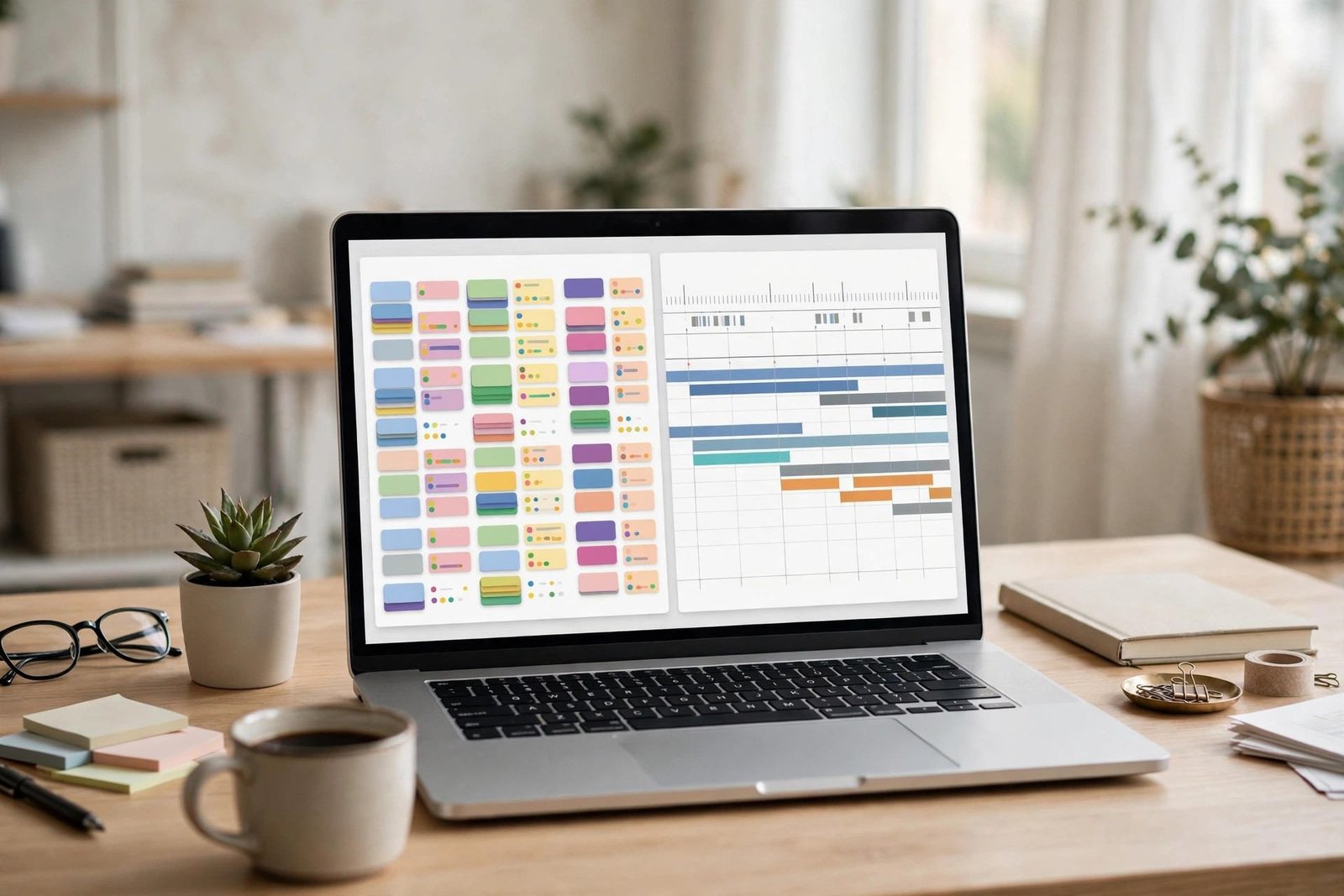
Both tools offer a free tier, and for a very small team the free plan can be a genuine way to work rather than just a trial. Asana’s free plan is the more useful of the two: it covers unlimited tasks, projects and messages, with list, board and calendar views, and it is designed for teams of a handful of people. A team of three or four running simple projects can use it for months without hitting a wall.
Monday.com’s free offering is more limited. It covers a small number of users and boards, and it lacks the automations and advanced views that make the paid plans attractive. It is best treated as a way to test the interface rather than as a long-term home for a team. If your team plans to stay on a free plan indefinitely, Asana is the clear winner here — but be honest with yourself about whether that is realistic. Most teams that adopt either tool seriously need timelines, reporting or automation within a few months, and all of those sit on paid tiers. The free plan is a starting point, not a destination, so treat the trial as a chance to learn which paid features you will actually need.
Frequently Asked Questions
Is Monday.com or Asana better?
Neither is universally better. Asana is easier to learn and more structured; Monday.com is more flexible and visual. The better choice depends on your team’s workflow, technical confidence and appetite for customisation. Trial both with real work.
Is Monday.com more expensive than Asana?
Pricing is similar at comparable tiers, and both change their prices regularly. Check current pricing on each vendor’s site and cost the tier that includes the features you need. The difference is usually small compared with the cost of choosing the wrong tool.
Can I switch from Asana to Monday.com later?
Yes. Both tools support importing from the other, and from spreadsheets. Switching is straightforward for small teams but takes planning for larger ones, since templates, automations and dashboards need rebuilding.
Which is better for small teams?
Asana is usually the easier choice for small teams, because it works well with minimal setup. Monday.com suits small teams with unusual workflows or a strong preference for visual boards. Both offer free or low-cost entry points.
Do Monday.com and Asana integrate with other tools?
Yes, both connect with the email, calendar, storage, chat and design tools most teams use, and both have large integration marketplaces. Check the specific integrations you need against each vendor’s current plan pages, as some sit on higher tiers.
Which has better reporting?
Monday.com’s dashboards are more flexible and visual, which suits managers who want custom views. Asana’s portfolios and reports are cleaner and more consistent, which suits leaders who want a standard view across projects. Both are capable.
Conclusion
Monday.com vs Asana comes down to a simple question: does your team want flexibility or structure? Choose Monday.com for visual boards, custom workflows and strong automations. Choose Asana for quick adoption, calm structure and excellent templates. Either way, trial both with a real project before you pay — a week of real use will tell you more than any comparison article can, including this one. Pick your finalist, run a live project in it, and let the team’s experience decide.