Quick Answer: How much do disaster recovery services cost?
There is no single sticker price. Disaster recovery services cost anywhere from a few hundred dollars a month for basic backup-and-restore protection to six figures a year for always-on, multi-site resilience, and the gap between those ends is set almost entirely by how fast you need to be back online and how much data you can afford to lose.
Most organizations land in the middle by matching a DR tier to each system rather than paying for one blanket standard. The main options are backup and restore, pilot light, warm standby, and active/active, and each roughly doubles the infrastructure bill as you move up.
Before committing, compare recovery time and recovery point targets, duplicated infrastructure, data transfer and egress fees, licensing, testing time, staff hours, and contract terms.
Why the Price Tag Moves So Much
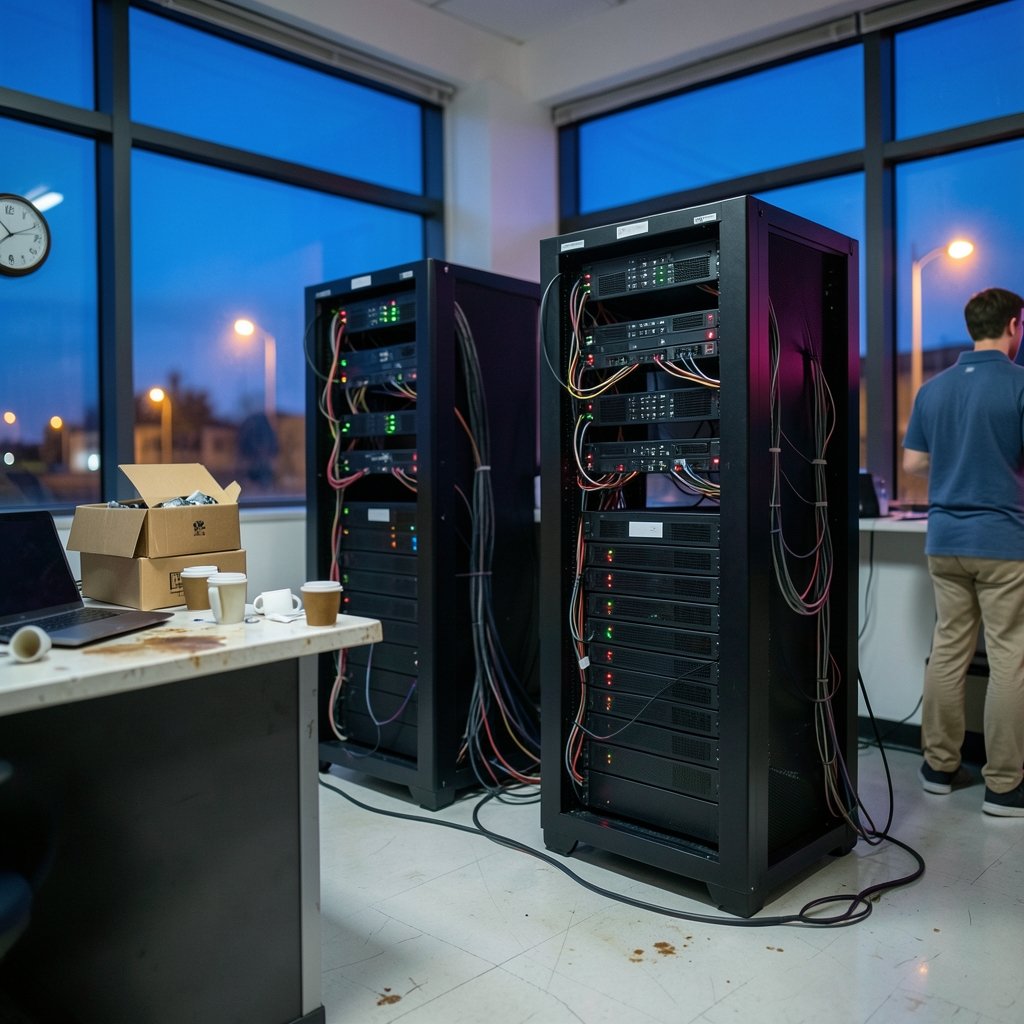
Ask five providers what disaster recovery costs and you will get five answers that barely resemble each other. That is not because anyone is lying. It is because DR is not a product you buy off a shelf. It is a promise about how fast your business comes back after a fire, a ransomware attack, or a cloud region going dark, and promises are priced by how hard they are to keep.
Two numbers drive almost everything: Recovery Time Objective (RTO), which is how long you can be down, and Recovery Point Objective (RPO), which is how much data you can lose. A company that can tolerate a two-day outage and a six-hour-old backup pays a rounding error compared to a payments processor that needs to be live in under a minute with zero data loss. Same software stack, wildly different invoice.
The practical takeaway is that “how much does DR cost” is really “how much does your downtime tolerance cost.” Everything else is arithmetic.
The Four DR Tiers and What Each One Really Costs
The most widely used framework for cloud DR comes from the major cloud providers’ architecture guidance, which splits strategies into four levels. Each one trades money for speed.
| Tier | Typical RTO | Typical RPO | Cost Profile |
|---|---|---|---|
| Backup and restore | Hours to days | Hours | Lowest; storage and restore fees dominate |
| Pilot light | Tens of minutes to hours | Minutes | Low; core data replicated, compute mostly off |
| Warm standby | Minutes | Seconds to minutes | Medium; a scaled-down copy always running |
| Multi-site active/active | Near zero | Near zero | Highest; near-duplicate production everywhere |
Backup and Restore: The Cheap Floor
This is the tier almost everyone starts with, and it is genuinely inexpensive. You copy data to object storage or a secondary location and, if disaster strikes, you rebuild from those copies. Because you are not running duplicate servers, the bill is mostly storage plus the cost of pulling data back out when you need it.
The catch is restore time. Rehydrating terabytes from cold storage and rebuilding servers can take many hours or even days, and that restore window is exactly when your business is bleeding. The other catch is egress and data transfer fees, which are the single most underestimated line item in DR budgets. Moving large volumes of data out of a cloud provider during a failover can cost far more than the storage did all year.
Pilot Light: The Middle Ground Most Companies Should Aim For
In a pilot light setup, you keep the core of your environment always replicated, such as databases and configuration, but keep servers switched off or minimal. When disaster hits, you scale up from the pilot light into a full environment.
This is where the “fraction of production cost” rule of thumb lives. Pilot light is often described as costing a small fraction of a full production deployment, though no provider publishes a single official percentage. Treat any specific number you hear as illustrative and model your own.
Warm Standby: Paying for Speed
A warm standby runs a scaled-down but fully functional copy of your environment at all times. Failover is faster because the lights are already on. You pay for that readiness every hour of every month, which means your DR bill starts to look like a second infrastructure bill.
Multi-Site Active/Active: The Expensive Insurance Policy
At the top, you run production in more than one place simultaneously and traffic flows to both. RTO and RPO approach zero. So does your tolerance for budget surprises, because you are now paying for roughly two of everything, plus the data synchronization between them.
Most companies do not need active/active for everything. The mature move is tiering: active/active for the checkout system, warm standby for the customer portal, backup-and-restore for the internal wiki nobody reads on weekends.
What Actually Shows Up on the Bill
Headline quotes rarely match the final invoice. Here is what tends to appear, and where budgets quietly break.
Compute and storage. Straightforward, and the part everyone budgets for.
Data transfer and egress. The sneaky one. Replication in, failover out, and restore traffic all carry charges. A DR plan that looks cheap on paper can produce a shocking bill the month you actually use it.
Software licensing. Many commercial databases and enterprise apps charge for standby instances, and some charge full price even when the standby is idle. Check the license terms before you promise a five-minute RTO.
DRaaS subscriptions. Disaster-recovery-as-a-service providers typically price per protected virtual machine or server per month, or per gigabyte replicated. List prices vary widely by vendor and region, so get three quotes and read the failover terms as well as the per-VM rate.
People and testing. This is the cost that never makes it into the vendor slide deck. DR tests consume staff time and, in the cloud, temporary duplicate infrastructure you spin up and tear down. Testing is recurring, not one-time, and skipping it is how companies discover their runbook references a server that was decommissioned last spring.
A useful discipline is to build a fully loaded annual DR number that includes all five categories, then compare it against the cost of an outage. That comparison is the only one that matters.
Where to Start Without Blowing the Budget
Practical sequencing beats a big-bang project. The pattern that works in real environments looks like this:
- Rank systems by business impact, not by how loud their owner is.
- Assign a realistic RTO and RPO to each tier of systems.
- Map each system to the cheapest DR tier that meets its targets.
- Model the fully loaded cost, including egress and testing.
- Test once, fix what breaks, then schedule the next test before anyone forgets.
The most common mistake is buying the top tier for everything because a vendor framed it as best practice. The second most common is buying the bottom tier for everything and discovering during an incident that the finance system takes eleven hours to restore. Both are budget failures, just in opposite directions.
It also helps to know the failure modes before you design anything. Reviewing the common cloud disaster recovery problems that sink real projects is a fast way to avoid paying for resilience you cannot actually operate. Pair that with cloud disaster recovery best practices that actually survive contact with a real incident, and the architecture conversation gets much shorter.
For teams that want concrete patterns rather than theory, cloud disaster recovery examples with hard lessons from real outages show what the invoices looked like afterward. And if you are building from scratch, a cloud disaster recovery tutorial that walks through a build plan will save you from reinventing a runbook badly.
The Architecture Decisions That Set Your Price
Cost is mostly locked in at design time, not at contract time. A few decisions carry outsized weight.
How much you duplicate. Every always-on copy of production is a recurring charge. The cloud disaster recovery architecture design decisions that keep costs sane usually involve replicating data aggressively but compute lazily.
Where you replicate to. A second region in the same country is cheaper than a second continent, but it may share a failure domain with your primary. Geography is a cost lever and a risk lever at the same time.
How you handle data gravity. Large datasets are expensive to move and expensive to store twice. Tiering hot, warm, and cold data inside your DR plan often saves more than switching vendors.
How much you automate. Manual failover is cheap to build and expensive to run, because it needs skilled people awake at 3 a.m. Automation costs money up front and pays it back the first time nobody has to be paged.
Comparing Vendors Without Getting Fooled
Quotes are not comparable until you normalize them. Ask every vendor the same questions in writing:
| Question | Why It Matters |
|---|---|
| What is the per-VM or per-GB rate, and what is excluded? | Reveals the real unit of billing |
| What do failover and failback cost? | Often billed separately or not at all |
| Are egress and data transfer included? | The most common budget surprise |
| How many tests per year are included? | Testing is where hidden costs live |
| What is the SLA, and what are the credits? | Credits rarely cover business loss |
| What happens at contract renewal? | Introductory pricing is common |
The pattern to watch for is a low monthly headline paired with per-incident charges. A provider that charges nothing until you fail over is not necessarily cheap; it is deferring the cost to the worst possible moment.
How Insurance and Compliance Fit In
Cyber insurance policies increasingly ask whether you have a tested DR plan and how quickly you can recover. A credible, documented plan can affect premiums and coverage terms, which means part of your DR spend is effectively offset by insurance savings. Ask your broker what evidence they need before you finalize the design.
On the compliance side, standards such as ISO 22301 for business continuity management and NIST SP 800-34 for contingency planning define what a plan must contain and how often it must be exercised. Both treat testing and maintenance as ongoing obligations, which is another reason to budget DR as a recurring operating cost rather than a one-time project. Regulated industries should also check sector-specific recovery expectations, since those can push a system into a higher tier than its business impact alone would justify.
Conclusion
Disaster recovery pricing is not mysterious once you stop looking for a single number. The cost of DR is the price of a specific promise about downtime and data loss, and that price is set by how much infrastructure you keep warm, how much data you move, and how often you prove the plan works.
The companies that get this right do three things. They tier their systems instead of buying one standard for everything. They budget for the boring costs, especially data transfer, licensing, and testing, that never appear in the sales deck. And they compare the annual DR number against the cost of an outage, because that ratio is the only justification that survives a budget review.
Start with your RTO and RPO. Everything else, including the invoice, follows from those two numbers.
FAQ
Is disaster recovery cheaper in the cloud or on-premises?
It depends on your baseline. Cloud DR avoids paying for idle physical hardware and lets you scale a standby environment up only during a test or an incident, which usually wins for smaller and mid-sized organizations. On-premises DR can be cheaper for very large, stable workloads where hardware is already owned and depreciated. The deciding factor is usually how often you need the standby to be fully powered on.
How often should a DR plan be tested, and what does testing cost?
Most continuity frameworks expect at least annual testing, and many organizations test critical systems more often. Testing costs come from staff hours and, in the cloud, temporary duplicate infrastructure spun up for the exercise. Budget for it as a recurring line item. A test that finds nothing wrong is suspicious; a test that finds three broken runbook steps just paid for itself.
What is the difference between RTO and RPO?
RTO is how long the business can be offline before the damage becomes unacceptable. RPO is how much data loss is tolerable, measured in time. A four-hour RTO with a fifteen-minute RPO means you must be running again within four hours and can lose no more than fifteen minutes of transactions. Tighter targets on either measure raise cost.
Can small businesses afford disaster recovery services?
Yes, if they scope it honestly. Backup-and-restore protection for a handful of critical systems is well within reach of a small business budget, and it covers the most common disasters: deleted data, ransomware, and hardware failure. The mistake is assuming DR means a duplicate data center. It usually means tested backups, a written runbook, and one person who knows how to use them.
Why do data transfer fees surprise so many DR budgets?
Because replication and failover both move data, and outbound transfer is priced separately from storage. A plan that looks cheap while idle can generate a large bill the month it is actually exercised. Model a full failover, including restoring data back to the primary site afterward, before you sign anything.
Does having disaster recovery lower insurance premiums?
It can. Insurers increasingly ask for evidence of a documented, tested recovery plan, and a credible one may improve your terms. The savings rarely cover the whole program, but they are real. Ask your broker which artifacts they want, such as test records or a business impact analysis, before you finalize the design so you capture the evidence as you go.