

Have you ever put in your Bluetooth earbuds, hit play, and noticed something odd: one side is noticeably quieter than the other? It’s one of the most common complaints about wireless earbuds, and it can turn a favorite playlist or an important call into a frustrating experience. The good news is that the cause is often something you can fix at home in a few minutes. The less good news is that sometimes it points to a hardware problem that no amount of cleaning will solve.
This guide walks through the most likely reasons for a volume imbalance between your left and right earbuds, the fixes that actually work in practice, and how to tell when it’s time to contact support or replace the buds.
Start With the Simplest Explanation: Earwax and Debris
Before you dig into settings menus or firmware updates, check the mesh screen on the quieter earbud. On most in-ear models, a fine metal or fabric mesh sits between your ear canal and the driver. Over weeks of use, that mesh collects earwax, skin flakes, and dust. The result is a muffled, quieter sound on that side, often with reduced bass.
This is the single most common cause of a one-sided volume drop, and it’s easy to overlook because you can’t always see the blockage. A thin film of wax is enough to cut output noticeably.
What works in practice:
- Remove the ear tip and look at the nozzle against a light.
- Use a dry, soft-bristled brush (a clean toothbrush works) to gently loosen debris from the outside of the mesh.
- Wipe the mesh with a dry cotton swab. Do not push it into the nozzle.
- If your manufacturer allows it, follow their specific cleaning guidance for stubborn buildup.
A common mistake here is reaching for a pin, needle, or compressed air. Poking at the mesh can tear it or push wax deeper into the driver chamber, and compressed air can damage the delicate diaphragm. Manufacturer guidance varies widely on this point: some brands explicitly warn against inserting anything into the nozzle, while others recommend soft brushing. Check your model’s official support page rather than assuming one method fits all. Apple, for example, publishes step-by-step cleaning instructions for AirPods on its official support site, and Samsung does the same for Galaxy Buds through its support portal.
Check the Ear Tips and the Seal
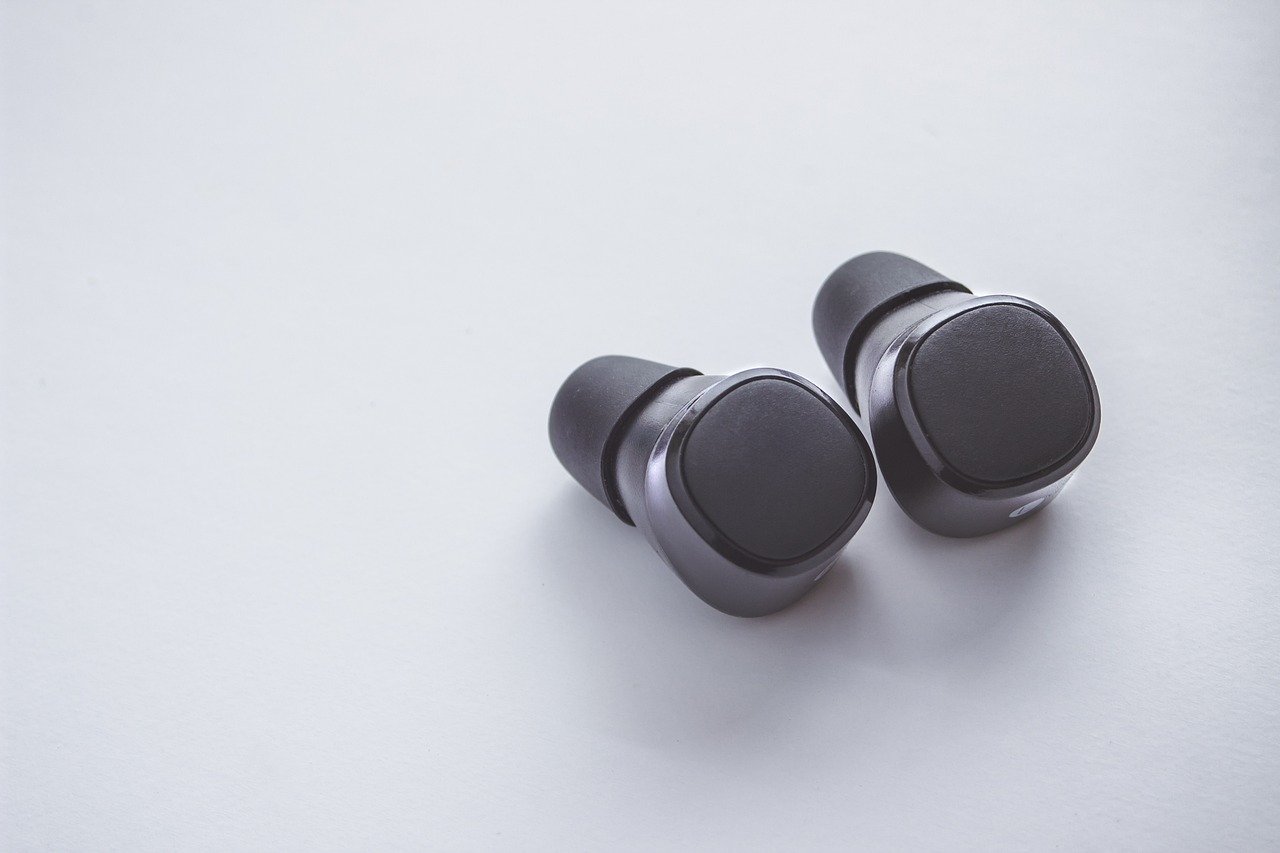
Fit matters more than most people realize. If the tip on one side is a different size, worn out, or simply not seated properly on the nozzle, that earbud won’t seal your ear canal correctly. A poor seal leaks low frequencies, so that side sounds thin and quiet compared with the other.
Practical checks:
- Confirm both tips are the same size and fully pushed onto the nozzle.
- Swap the tips left to right. If the quiet side follows the tip, you’ve found the problem.
- Try the next size up on the quiet side. Many people have slightly different ear canal sizes on each side, and using two different tip sizes is completely normal.
- Replace tips that have hardened or cracked. Silicone degrades over time and stops sealing well.
If you’re shopping for new buds and fit is a recurring issue, it’s worth reading up on models known for a secure seal, such as the options covered in this guide to the best wireless earbuds under 200.
Rule Out Phone and App Settings
Sometimes the earbuds are fine and the imbalance lives in your phone. Two settings cause most of these surprises.
Accessibility audio balance. Both iOS and Android include a left/right volume balance slider under accessibility settings. It’s easy to nudge by accident, and once it’s off-center, every pair of headphones you connect will sound lopsided. Open your phone’s accessibility menu and confirm the slider sits in the middle.
Mono audio. If mono audio is switched on, both channels get summed and sent to both ears. That usually makes things sound centered rather than quiet on one side, but combined with a balance offset it can produce confusing results. Toggle it off and test again.
Per-app volume and spatial audio. Some music and calling apps have their own volume or channel settings. Spatial audio features can also make one side seem quieter depending on how the virtual channels are placed. Test with a plain stereo track in a different app to see whether the problem follows the app or the earbuds.
If you mainly use your buds for work, a quick check of call-specific settings is worthwhile too. The advice in this guide to the best earbuds for phone calls and meetings covers how different models handle call audio, which can behave differently from music playback.
Reset the Pairing and Update the Firmware
Software glitches can absolutely cause a channel imbalance. A stale Bluetooth pairing, a half-finished firmware update, or a bug in the companion app can leave one bud outputting at reduced volume.
The fix sequence that resolves most software-side cases:
- Forget the earbuds in your phone’s Bluetooth settings.
- Put both buds in the case and perform a factory reset using the manufacturer’s method (usually a long press on the case button or a button combo on the buds).
- Update the earbuds’ firmware through the official companion app.
- Update your phone’s operating system.
- Re-pair the earbuds and test.
If you use Android, pairing behavior and codec support vary by phone, so it helps to know which models play nicest with your device. This roundup of the best earbuds for Android explains the codec side of things in plain terms.
Understand the Bluetooth Link Itself
True wireless earbuds don’t both connect to your phone in the same way. In many designs, one bud maintains the primary link to your phone and relays audio to the other. That relay is model-dependent, but where it exists, interference or a weak relay link can affect one side more than the other.
Signs that the wireless link is the culprit:
- The imbalance comes and goes rather than staying constant.
- It’s worse in crowded places with lots of Wi-Fi and Bluetooth traffic.
- It improves when you hold your phone in the same pocket as the affected bud.
- It disappears when you use the buds with a different device.
What helps: keep your phone and buds on the same side of your body, avoid covering the buds with your hand, move away from dense wireless interference, and make sure the buds’ firmware is current. The Bluetooth Special Interest Group, which maintains the wireless standard, publishes background on how these links work at bluetooth.com if you want the technical picture. (Bluetooth)
Battery Aging and Uneven Drain
Battery wear doesn’t always progress at the same rate in both buds. One bud may take on more of the wireless relay work, or simply have aged differently. In some designs, a bud running low on charge reduces its output before the other does. This is model-specific and hard to confirm without testing, but it’s a plausible explanation when the quiet side is also the side that drains fastest.
A simple diagnostic: fully charge both buds, then listen for the first 20 minutes. If the imbalance is absent when both are fresh and appears as the battery drops, aging cells are a likely factor. There’s no user fix for this beyond a warranty claim or replacement.
When It’s a Hardware Fault
If cleaning, refitting, resetting, and updating all fail, the odds shift toward a hardware problem: a damaged driver, a torn mesh, a failing internal connector, or moisture damage. Warning signs include crackling, distortion at higher volumes, or a side that cuts out entirely when you move your head.
At that point, check your warranty status. Most major brands cover defects for a year, and some extend coverage for battery issues. If you’re out of warranty, professional repair is rarely economical for budget earbuds, which is why many people replace rather than repair. If you’re weighing a cheap replacement in the meantime, this list of the best budget earbuds under 50 is a reasonable starting point.
A Quick Diagnostic Table
| Symptom | Most likely cause | First fix to try |
|---|---|---|
| Constant quiet side, muffled bass | Blocked mesh or wax | Clean the nozzle mesh gently |
| Quiet side sounds thin, no bass | Poor ear tip seal | Swap or resize the tip |
| Both pairs sound lopsided | Phone balance setting | Center the accessibility slider |
| Imbalance comes and goes | Wireless interference | Change phone position, update firmware |
| Quiet side drains faster | Battery aging | Test with a full charge, check warranty |
| Crackling or dropouts | Hardware fault | Contact support |
Habits That Prevent the Problem
A few small habits keep both buds sounding matched for longer. Wipe the nozzles with a dry cloth after sweaty workouts, store the buds in the case rather than loose in a bag, and clean the mesh every few weeks rather than waiting for a problem. Replace ear tips when they harden, and avoid sharing buds without cleaning them between users. It’s also worth keeping the companion app installed so firmware updates don’t pile up unnoticed. (Understanding Noise Exposure Limits)
One more tip that saves time: when troubleshooting, change only one variable at a time. Clean the mesh, test. Swap the tips, test. Reset the pairing, test. Jumping straight to a factory reset before checking for wax means you’ll never know what actually fixed it, and you may repeat the same mistake next time.
Conclusion
A Bluetooth earbud that’s quieter than its twin is rarely a mystery for long. In most cases, the culprit is a blocked mesh screen, a bad ear tip seal, or a balance setting that drifted off-center on your phone. Work through those three first, then move on to firmware updates and pairing resets. If the imbalance survives all of that, especially with crackling or dropouts, treat it as a hardware issue and check your warranty before spending money on a repair. A few minutes of methodical troubleshooting resolves the vast majority of one-sided volume complaints, and the cleaning habit you build along the way will keep both buds sounding balanced for years.
Frequently Asked Questions
Why is one of my earbuds suddenly quieter than the other?
The most common cause is earwax or debris blocking the mesh screen on the quieter bud. A poor ear tip seal, an off-center audio balance setting on your phone, or a software glitch after an update are the next most likely explanations. Start by cleaning the nozzle and checking your phone’s accessibility balance slider.
Can earwax really make an earbud quieter?
Yes. A thin layer of wax on the mesh is enough to reduce output and muffle bass on that side. The blockage is often invisible from the outside, which is why people overlook it. Gentle brushing with a dry soft brush usually restores the volume.
Is it safe to clean the mesh with a pin or compressed air?
Generally no. Pins and needles can tear the mesh or push debris into the driver chamber, and compressed air can damage the diaphragm. Use a dry soft brush or cotton swab instead, and follow your manufacturer’s specific cleaning instructions, since guidance differs between brands.
Why does the volume imbalance come and go?
An intermittent imbalance usually points to the wireless link rather than a physical blockage. Interference from Wi-Fi and other Bluetooth devices, distance from your phone, or an outdated firmware version can all cause it. Keeping your phone close and updating the firmware often resolves it.
Could a battery problem cause one earbud to be quieter?
Possibly, in some designs. If one bud’s battery has aged faster, it may reduce output as it drains. Test by fully charging both buds and listening right away. If the imbalance only appears as the battery drops, aging cells are a likely factor and a warranty claim is worth considering.
When should I replace my earbuds instead of troubleshooting?
If you’ve cleaned the mesh, tried new ear tips, reset the pairing, updated the firmware, and confirmed your phone’s balance setting is centered, and the quiet side persists with crackling or dropouts, it’s likely a hardware fault. Check the warranty first. Out of warranty, replacement is often more economical than repair.



