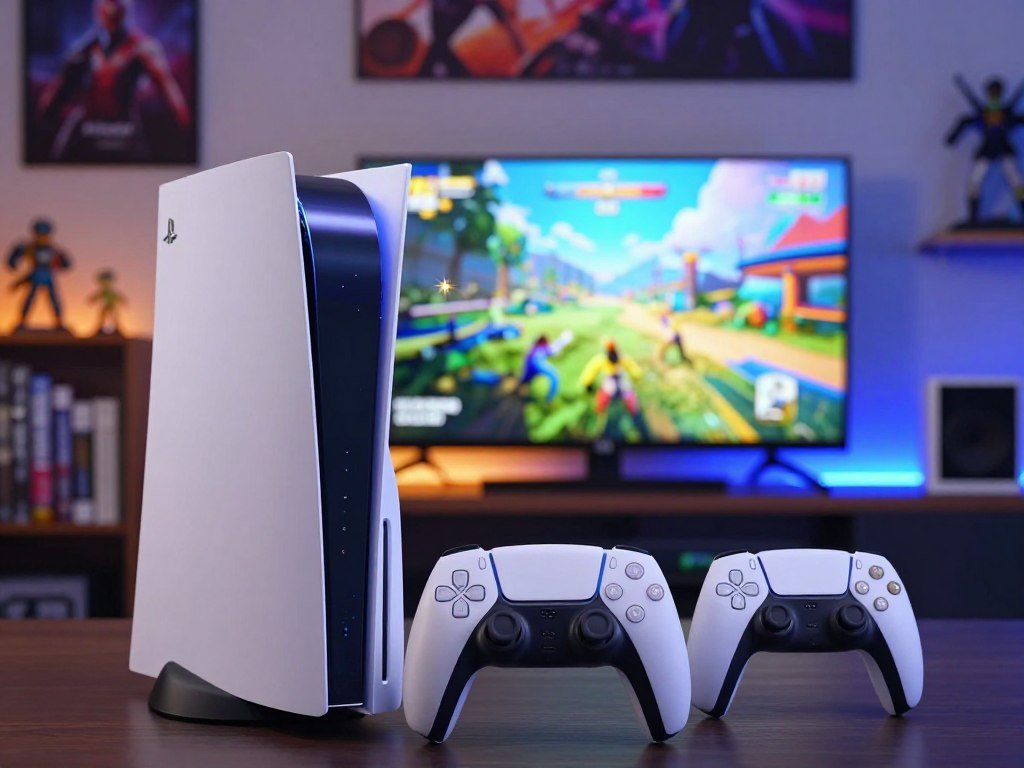
The PS5 Pro is a graphics-focused upgrade, while the standard PS5 remains the better value for most players. Your choice depends on what you play, the screen you use, and whether sharper images and steadier frame rates justify a higher price.
This comparison separates headline specifications from changes you may actually notice during gaming. The right choice depends most on your display, your games, and how much you want to spend.
Key Takeaways
- Choose the standard PS5 for lower-cost access to the shared PS5 game library.
- Choose the PS5 Pro if sharper graphics matter enough to pay a premium.
- The Pro’s GPU, image reconstruction tools, and larger storage are its main upgrades.
- Not every game gains the same image quality or frame rates.
- Your display, game library, and spending limit should guide the choice.
PlayStation 5 Pro vs PS5: Which Should You Buy?
For most buyers, the standard PS5 is the smarter purchase, while the PS5 Pro suits players who prioritize the best available image quality. The Pro launched on November 7, 2024, as a mid-generation upgrade, not a new game generation.
Both consoles play PS5 games, so the Pro does not unlock a separate PS5 library. Its advantage is how supported games can look and run, while the standard model costs less.
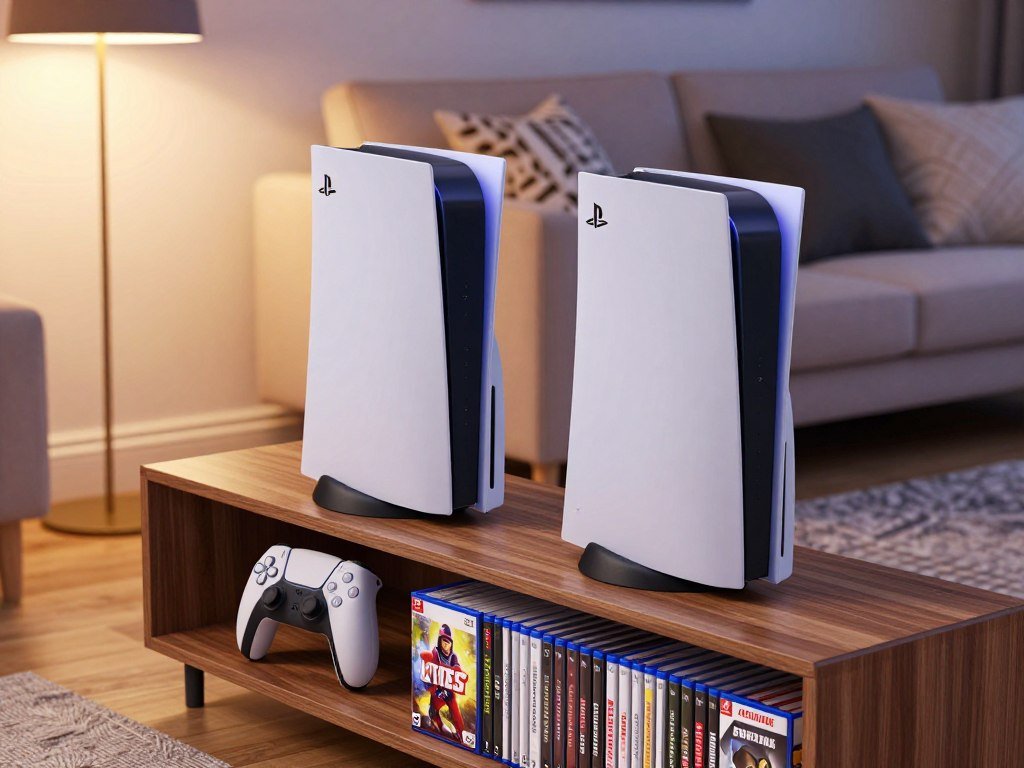
- Standard PS5: choose it for value and the shared PS5 game library.
- PS5 Pro: choose it for better image quality and more graphics headroom.
- Either console: play PS5 games from the same core library.
For most buyers, the standard PS5 is the better buy. Pay extra for the Pro only when its graphics gains matter to your play.
The Pro also supports PS4 games, which helps if you are carrying forward older favorites. Both options can deliver the same core gaming experience, though supported titles may use different graphics settings.
Think about the games you play most and the screen they appear on. A sharper image may stand out on a capable 4K display, while the same improvement can be harder to spot on a smaller or lower-resolution screen.
If you already own a capable PS5, upgrade only when its specific graphics improvements solve a problem you notice.
How Do the Core Specs Compare?
The core specs show that the PS5 Pro’s clearest hardware lead is its GPU, not a new processor generation. In this PS5 Pro comparison, the largest gap is in GPU compute units.
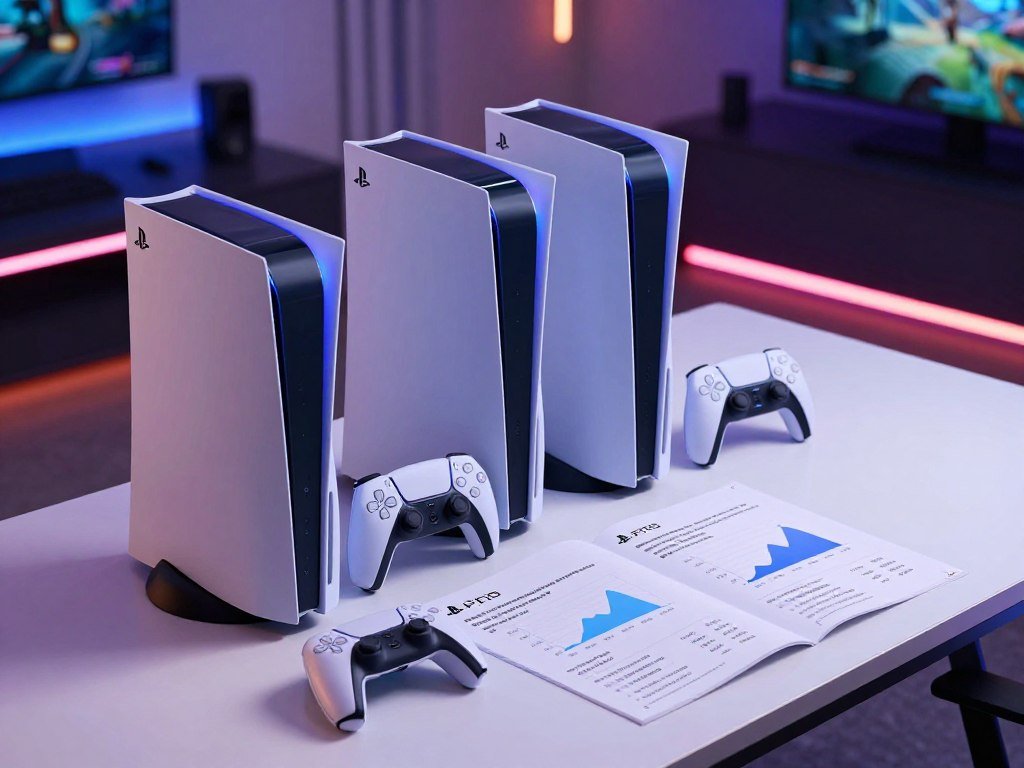
The Pro has 60 GPU compute units, compared with 36 in either PS5 Slim model. The table shows the key differences in the PS5 Slim disc edition, the PS5 Slim Digital Edition, and the Pro.
| Specification | PS5 Slim disc | PS5 Slim Digital Edition | PS5 Pro |
|---|---|---|---|
| GPU compute units | 36 | 36 | 60 |
| Maximum GPU clock speed | 2.23 GHz | 2.23 GHz | 2.35 GHz |
| Maximum CPU clock speed | 3.5 GHz | 3.5 GHz | 3.85 GHz |
The GPU handles much of the work that creates a game’s images and effects. A larger GPU can give developers more room to raise detail, improve resolution, or support demanding visual features.
The CPU manages other game tasks, including instructions and activity in the game world. Its clock speed also rises on the Pro, though by less than the GPU count changes.
A clock speed measures how fast a processor can run, not the frame rate a game will reach. Game design, graphics settings, and other hardware limits shape the result you see.
Specifications can help explain a console’s capacity, but they do not predict every title. A game may favor image quality, a steady frame rate, or a balance between them.
Treat the table as a description of hardware capacity, not a promise that every game will look or run better by the same amount.
What Does the Pro’s GPU Upgrade Change?
The Pro’s extra GPU capacity matters most when a game has been held back by graphics processing. That headroom can improve visual detail, image sharpness, or frame rates in supported games.
Sony says the Pro has 67% more GPU compute units and 28% faster memory than the standard PS5. The company says this can enable up to 45% faster rendering during gameplay, but that is a maximum claim.
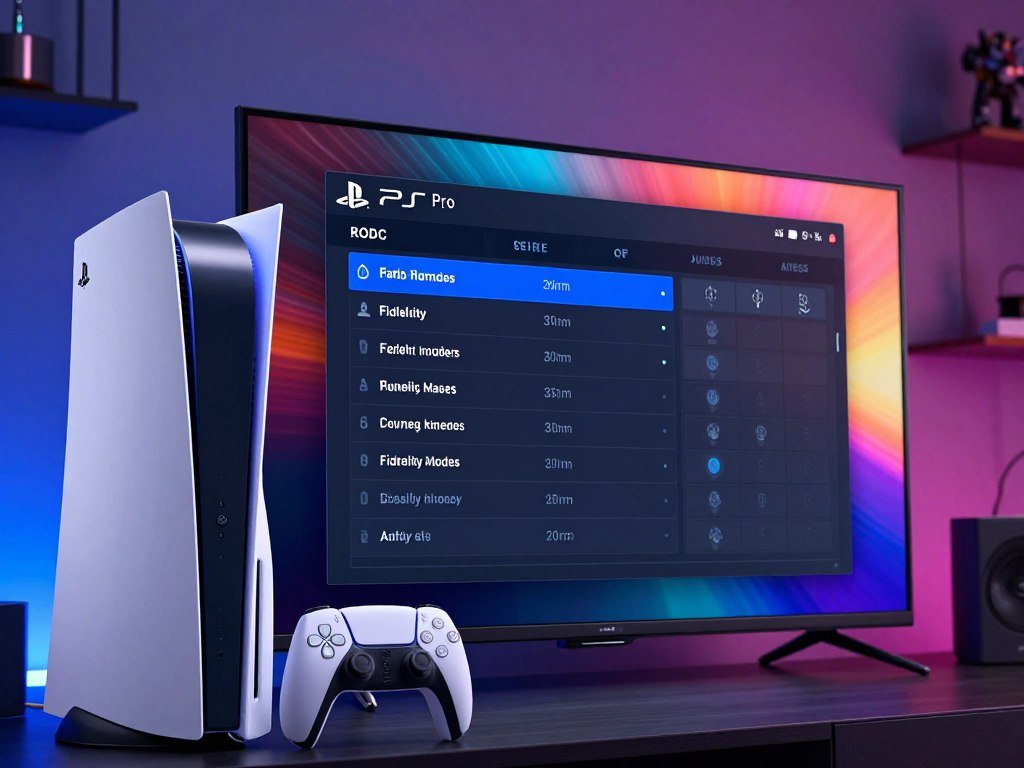
Faster rendering does not guarantee a matching increase in frame rates for every game. A title’s result depends on its design, settings, and the work that limits its performance.
A game with a performance mode may favor a higher frame rate and reduce some visual detail. A fidelity mode may add detail or effects while targeting a lower frame rate.
The Pro can give developers room to improve one setting without making the same trade-off. In some supported games, a mode can aim for sharper images and steadier performance together.
That benefit depends on the game and its graphics workload. A title limited by CPU work may gain less from extra GPU capacity than a game that strains the graphics processor.
Frame rates also matter differently across games. A quick action game can feel more responsive at a higher rate, while a slower adventure may benefit more from richer lighting or detail.
Reports about future game targets can add context, but they do not promise a particular mode. The reported GTA 6 frame-rate target does not confirm a permanent cap or a 60 fps mode.
Compare the same game and graphics mode on your own display before treating a headline performance gain as a reason to upgrade.
How Does PSSR Improve Image Quality?
PSSR is the Pro’s AI upscaling technology, designed to make a lower-resolution game image look sharper on screen. PlayStation Spectral Super Resolution (PSSR) is Sony’s AI upscaling technology, which reconstructs a sharper, higher-resolution image from a game rendered at a lower internal resolution.
PSSR gives supported games another way to balance image clarity and performance. A game can render internally at a lower resolution, then use the technology to create a sharper image for your screen.
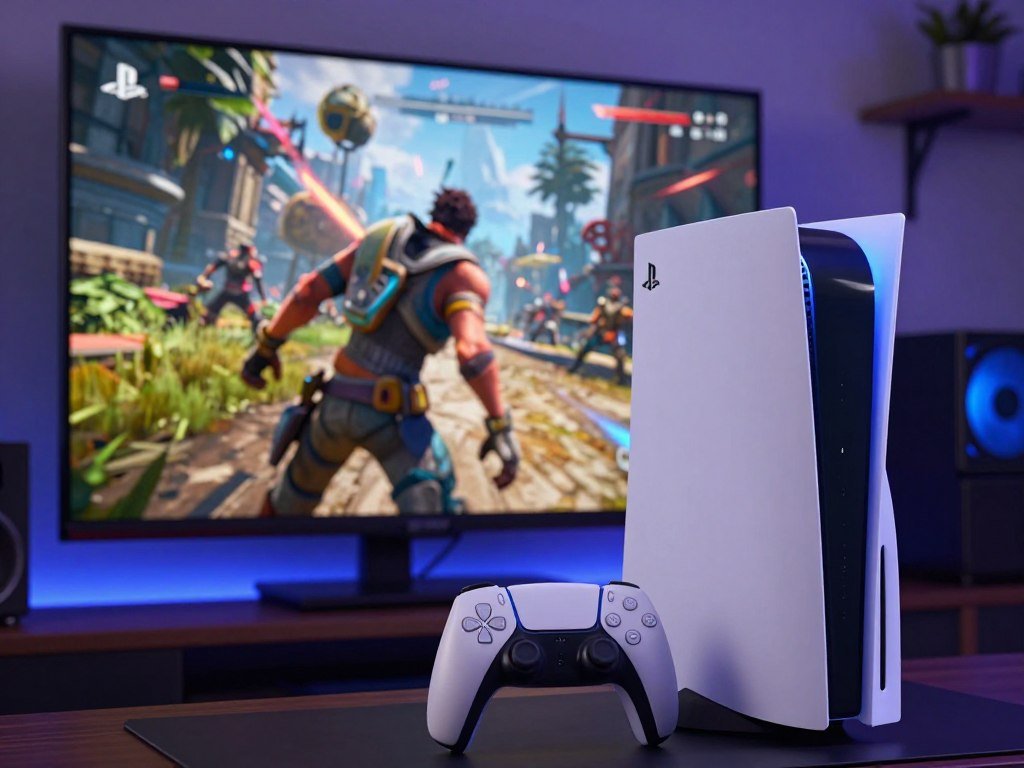
This can help a game maintain a higher frame rate without showing the same softness as a lower-resolution image. The improvement depends on the game and how its developers use the technology.
One title may produce clear edges and fine detail, while another may leave some areas soft. The method reconstructs image information, so the result is not always identical to a full image rendered at the higher resolution.
Upscaling can also introduce visual artifacts. Thin lines, fast movement, or small details may look less natural in some scenes, especially when the game’s implementation struggles.
Those limits matter if you sit close to a large display or notice small image flaws. If you play from farther away, a modest change may be harder to see during normal play.
PSSR is a feature for the PS5 Pro, not a setting available across every PS5 game. Supported titles can use it in different ways, so one game’s results do not predict another’s.
Check how PSSR looks in the games you play most, because implementation quality can change the result.
Does Ray Tracing Look Better on the Pro?
Ray tracing is one of the clearest visual areas where the PS5 Pro can pull ahead, especially in supported games with demanding lighting effects. Its visual impact shows in reflections, shadows, and light that fills a scene.
In supported workloads, the Pro’s ray-tracing throughput can be roughly two to three times faster than standard PS5 performance. That figure describes a graphics workload, not the speed of an entire game.
Ray tracing can make a glass window reflect nearby objects or help a shadow match the shape of a light source. It can also improve global illumination, which describes how light bounces around a scene.
These effects can make a game world feel more lifelike, but they do not matter equally in every game. Some titles use ray tracing for a few effects, while others rely on it more heavily.
A game also needs to support the feature before the Pro can improve it. The console’s added capacity does not add ray tracing to a title that does not use it.
Players who value rich lighting and reflections may welcome the upgrade. Those visual gains can come with a performance trade-off, depending on the game’s chosen mode.
Competitive games often benefit more from responsive controls and consistent frame rates than from extra lighting effects. If you mainly want consistent frame rates in competitive games, prioritize the game’s performance mode over ray-tracing effects.
Which Games Show the Biggest Difference?
The biggest visible Pro gains tend to appear in games whose base-console image is soft or whose graphics push the standard GPU hard. Game by game, the difference can range from clearer detail to almost no change.
Some supported-game comparisons show frame rates up to 20% higher, but that is not a universal result. The table shows reported examples and the limits that shape each experience.
| Game | Base PS5 experience | PS5 Pro difference |
|---|---|---|
| Returnal | Lower reported resolution | Roughly 2.5 times the resolution in a reported comparison |
| Final Fantasy VII Rebirth | Softer base-console image | Cleaner reconstruction |
| Spider-Man 2 | Graphics modes make visual trade-offs | Supported content can combine sharper visuals with a 60 fps target |
| Dragon’s Dogma 2 | CPU limits can hold back frame rates | Graphics improvements do not remove the frame-rate ceiling |
Returnal’s reported comparison shows how much a game’s image can change when developers tune it for the Pro. That result belongs to that game and comparison, not every title.
Final Fantasy VII Rebirth offers a different example. Its base image can look softer, while the Pro’s reconstruction can produce a cleaner result.
Spider-Man 2 can use a Pro mode to target 60 fps with sharper visuals in supported content. Dragon’s Dogma 2 shows why extra graphics capacity cannot solve every limit.
Early analysis has also described image and performance differences in games such as Alan Wake 2. Wccftech’s report on early Pro analysis notes that its observations came from early console footage.
Check the exact game and graphics mode you play, since mode names and results can differ by title. If you are still choosing what to play, this list of PS5 exclusive games compares titles by genre and play style.
Make your decision around the titles you actually play, rather than assuming every game gets the same upgrade.
Do Both Consoles Play the Same Games?
Choosing the Pro does not mean leaving the PS5 game library or your compatible accessories behind. Game access stays shared across both consoles for PS5 titles.
The Pro changes how some supported games look or perform, not which PS5 games you can access. Sony also lists PS4 backward compatibility and compatibility with existing PS5 accessories.
- PS5 games run on both consoles.
- PS4 games are supported on the PS5 Pro.
- Existing PS5 accessories are compatible with the Pro.
The game library remains the same, so your choice is not about getting separate Pro-only PS5 games. Some supported titles receive updates that improve graphics or performance on the Pro.
Game Boost may improve performance for some unpatched games. It is a possible benefit, not a promise that every older title will run better.
For ideas across action, role-playing, horror, and multiplayer, browse this guide to PS5 games for different play styles. You can narrow choices by the kinds of games you enjoy and how you prefer to play.
Sony describes the Pro’s PS5 game and accessory support, along with its feature support for compatible titles. Those features do not mean every game uses every enhancement.
Check for a Pro-specific update when a particular game matters to you, since the degree of improvement is title-dependent.
What Changes in Storage, CPU, and Wi-Fi?
The PS5 Pro’s everyday extras are double the storage on the disc Slim and newer Wi-Fi support, not a wholesale change to every part of the console. Storage and networking can affect daily use more than the small CPU change.
The Pro’s 2 TB SSD gives you more room for installed games than either PS5 Slim model. These changes matter most when you keep a large library or have a compatible home network.
Double the Storage for a Larger Game Library
The Pro has a 2 TB SSD, compared with 1 TB in the PS5 Slim disc edition and 825 GB in the PS5 Slim Digital Edition. The added space can reduce how often you remove games to install others.
That extra room helps if several large games stay installed at once. It matters less if you usually finish one game before adding another.
The CPU Is a Smaller Upgrade
The Pro’s CPU has a higher maximum clock speed than the standard PS5 and PS5 Slim. The difference is modest beside the GPU change, so it is less central to most visual improvements.
A game limited by CPU work may not gain much from the Pro’s graphics upgrades. That can affect crowded scenes or games with many actions happening at once.
Wi-Fi 7 Needs Compatible Home Networking
The Pro supports Wi-Fi 7, while the standard PS5 and PS5 Slim support Wi-Fi 6. To use Wi-Fi 7, your home router must support the same standard.
A newer console cannot make an older router use Wi-Fi 7. Your network setup sets whether that feature can help, and a wired connection remains a separate option.
Choose based on your actual storage pressure and home network, rather than assuming Wi-Fi 7 will improve an older router connection.
What Does Each PS5 Cost in 2026?
At October 2026 U.S. recommended prices, the PS5 Pro costs $250 more than the disc PS5 and $300 more than the Digital Edition. That premium buys graphics features and more storage, not a different PS5 game library.
Sony’s U.S. PS5 price increases took effect April 2, 2026. The table lists the recommended prices and whether each console includes a disc drive.
| Model | U.S. recommended price as of October 2026 | Disc drive included |
|---|---|---|
| PS5 Pro | $899.99 | No |
| PS5 disc model | $649.99 | Yes |
| PS5 Digital Edition | $599.99 | No |
The $250 and $300 gaps are calculated from the prices shown in the table. They make the Pro a larger commitment, especially if its image improvements would be hard to notice on your screen.
The price changes came as PS5 hardware sales weakened in the United States. Unit sales fell 58% year over year in May 2026, while spending on PS5 hardware fell 43% year over year.
Those May figures describe the market after the price increase took effect. They do not show that the price change caused the sales decline.
For a value comparison, consider how often you use the added graphics features and whether the extra storage would help. The less you notice those benefits, the harder the higher price is to justify.
Compare the current recommended price with the configuration you need before deciding whether the graphics upgrade fits your budget.
Can You Use Physical Games on the Pro?
The PS5 Pro cannot play a physical disc until you add the separate disc drive. Out of the box, the Pro is a digital-only console, while the standard disc PS5 includes a built-in drive.
Include the optional disc drive in your setup decision if you use physical media. The Pro can use Sony’s separately sold drive, but it does not come in the box.
- The Pro is digital-only as sold.
- A separate disc drive can be added.
- The standard disc PS5 plays discs without that add-on.
Physical PS5 or PS4 game owners should account for the drive setup before choosing the Pro. The same applies if you borrow discs or watch disc-based movies.
Digital purchases are tied to your digital account and library, while physical media needs a disc drive. A digital copy cannot replace a disc you already own unless you buy the game digitally.
If you rarely use discs, the Pro’s digital setup may fit your habits. If most of your games are physical, the add-on changes the full cost and the space your console setup needs.
If your existing library is mostly on disc, decide on the drive configuration before comparing console prices.
How Large Are the PS5 Pro and Slim?
The PS5 Pro is longer than either PS5 Slim configuration, even though its listed weight is close to the Slim disc model. Shelf depth may matter more than the small weight difference.
The Pro disc-drive configuration measures 388 mm long, compared with 358 mm for either Slim model. Check the space around your console, not just whether it fits on a shelf.
| Model configuration | Dimensions | Weight |
|---|---|---|
| PS5 Slim disc | 358 × 96 × 216 mm | 3.2 kg (7.0 lb) |
| PS5 Slim Digital Edition | 358 × 80 × 216 mm | 2.6 kg (5.7 lb) |
| PS5 Pro disc-drive configuration | 388 × 105 × 216 mm | 3.1 kg (6.8 lb) |
The PS5 Pro digital configuration measures 388 × 89 × 216 mm. Its length is still greater than the listed length of either Slim model.
The Slim digital model is the lightest option in the table. The Pro disc-drive configuration weighs slightly less than the Slim disc model, despite its larger measurements.
The console’s shape matters when you place it near a wall, cabinet door, or other device. A shelf may have room for the console body but not enough space for cables or airflow.
Use the full measurements when checking your setup. The PS5 console dimensions and weights show why length and depth can be more useful checks than weight alone.
Measure the available shelf depth and ventilation space before placing a console in a tight cabinet.
What Display Do You Need to See the Difference?
A 4K display is the most relevant setup for noticing finer image detail, while 8K output support is not the same as native 8K gaming in every title. Your screen matters because it affects how clearly you can see the Pro’s image changes.
All PS5 models support 720p, 1080i, 1080p, 1440p, and 4K output. The Pro also supports 8K output, though individual games do not all render natively at that resolution.
- 720p
- 1080i
- 1080p
- 1440p
- 4K
A capable 4K display makes it easier to judge sharper details and image reconstruction. On a lower-resolution screen, the difference may be less clear, making the Pro’s premium harder to justify.
Output support describes the signal a console can send to a display. It does not mean every game creates its image at that same resolution.
Your screen’s refresh rate can also shape your gaming experience. A display that supports a high refresh rate does not force a game to run at higher frame rates.
For help matching a screen to your setup, see this guide to PS5 monitors and display features. Check that the screen’s connection supports the resolution and refresh rate you want to use.
Match the console to the screen you already use, rather than paying for output capabilities your setup cannot show.
Who Should Choose the PS5 Slim or Pro?
The PS5 Slim is the better choice for most budget-conscious buyers, while the Pro suits players who will notice and value its sharper graphics. Your priorities, rather than the model name, should guide the decision.
The Slim is better for value, while the Pro is better for graphics-focused play. Your display, favorite games, and current console all affect which one makes sense.
Choose the PS5 Slim for Lower-Cost Access
Choose the Slim if you want access to the shared PS5 game library without paying for the Pro’s graphics upgrades. It is a practical fit when image quality is nice to have, but not the main reason you play.
The Slim also suits players who use a lower-resolution display or mostly choose games that show little visible change on the Pro. You still get PS5 games and familiar accessories.
Choose the Pro for Sharper Graphics
The Pro fits players with a capable 4K display, supported graphics-heavy games, and a strong preference for image quality. The extra graphics headroom can matter when you want sharper detail or improved effects.
It makes less sense if the games you play rarely use Pro features. A higher price brings little value when you do not notice the image changes during normal play.
Keep Your Current PS5 Unless You Need the Upgrade
If your current PS5 works well, upgrade only when the visible changes address a real preference. A new console should solve something you notice, not just add another model to your setup.
Consider whether your current game modes look too soft or limit the frame rates you want. If neither issue bothers you, keeping your console is a reasonable choice.
Before replacing a working console, name one game and one visual improvement that would make the upgrade worthwhile.
The best pick is the one that suits how you actually play. Before replacing a working console, identify one game and one visual improvement that would make the upgrade worthwhile.
Should You Wait for the PS6?
You can buy a PS5 now without having a confirmed PS6 release date to plan around. There is no fixed date for the PS6 as of the 2026 report.
Waiting does not come with a confirmed launch timeline. Decide based on whether you want to play now and whether your current setup still serves you.
- Do you want to play now?
- Does the current PS5 library meet your needs?
- Are you comfortable buying without a confirmed PS6 release date?
If you want to play current PS5 games now, the choice is between the models already on sale. If your existing console meets your needs, you can wait without missing a date that Sony has confirmed.
There is no fixed PS6 release date as of the 2026 report. Sony has not set a launch date, so a wait could be open-ended.
Use your own timing rather than guessing when the next system might arrive. The current PS5 library may already offer the games you want, while a working console can remove any need to buy now.
Sony’s PS6 release-date status remains unconfirmed in the 2026 report. That leaves your interest in current games and comfort with waiting as the useful checks.
If your current console meets your needs, waiting is a reasonable choice; if you want to play now, decide between the current models on their actual differences.
Conclusion
For most players, the standard PS5 delivers the better balance of cost and access to games, while the Pro is a premium graphics choice. Pay more for the Pro when its image improvements matter enough to you.
Before buying, check the performance and visual modes for the games you play most. Then compare the console configuration you need with your screen and budget.
Check the modes available in your favorite games and choose the console that fits your display and budget.
FAQ
Are PS5 Pros still available?
Yes, the PS5 Pro remains a current console model. A retailer’s stock can change over time and by location, so one store may have it when another does not. The Pro is part of the current PS5 lineup, rather than an older system that has been replaced. Availability also does not change the shared game library or the console’s features.
Is the PS5 Pro worth getting over the PS5 Slim?
The PS5 Pro is worth the premium if sharper graphics matter to you on a capable 4K display. Its improvements depend on the games you play, so the benefit is not equal across the library. The Slim remains the better value for most buyers who want PS5 games without prioritizing the best image quality. Check support for your favorite titles before paying more.
Which is better to buy, PS5 or PS5 Pro?
The standard PS5 is the better value for most buyers, while the Pro is better for graphics-focused play. Both consoles run PS5 games, so the Pro does not provide a separate game library. Its added graphics features matter most when your display and chosen games can show them. If you rarely notice image quality changes, the standard console is usually the sensible pick.
Is it worth buying a PS5 Pro in 2026?
The Pro can make sense in 2026 if you care strongly about graphics and play supported games on a capable display. Its October 2026 U.S. recommended price is much higher than the standard models. Consider the modes available in your favorite games, not just the console’s feature list. If those modes do not address a preference you have, the extra cost may not feel worthwhile.
Should I buy PS5 Pro or wait for PS6?
Buy the PS5 Pro if you want its graphics improvements now and your games can use them. Sony had not set a fixed PS6 release date as of the 2026 report, so waiting has no confirmed launch timeline. If your current console works and you are content with it, waiting is a reasonable choice. If you want to play now, compare the current PS5 models.
Should I buy PS5 or wait for PS6 in 2026?
Buy a PS5 if you want to play its current game library now, or wait if your setup still meets your needs. The PS6 had no fixed release date as of the 2026 report. That means you cannot plan around a confirmed launch date. Your timing, interest in current games, and comfort with waiting should guide the decision.