
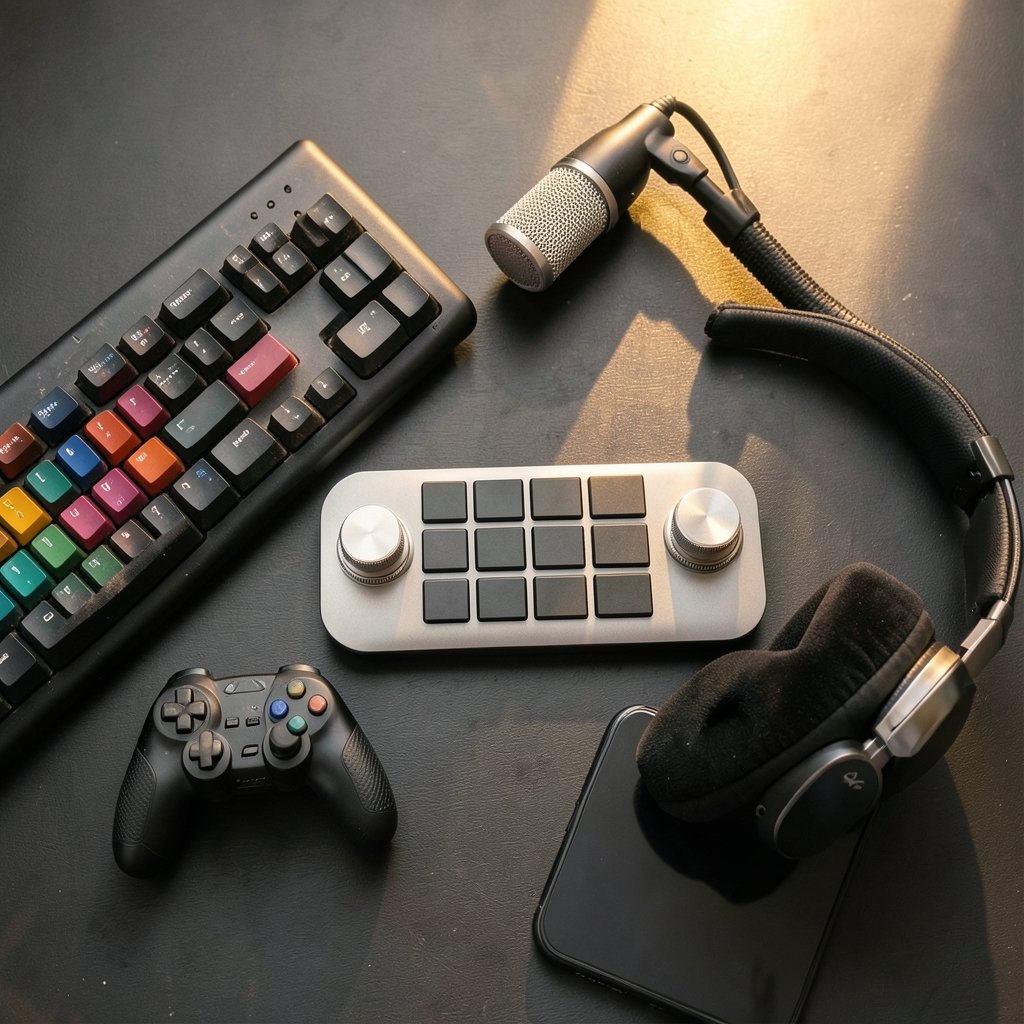
Quick Answer: Are premium stream decks worth it for a small gaming channel?
It depends. A premium deck pays off when live production errors are costing you viewers, clips, or focus every single stream, and it rarely pays off when your channel is still finding its format. Cheaper routes like phone apps, macro keyboards, or OBS hotkeys cover most basic scene switching, while premium hardware adds tactile feedback, labeled keys, dials, and deeper plugin automation. (Xbox cloud gaming vs ps plus premium which cloud service)
The difference matters most for streamers who run multi-scene shows, juggle chat and alerts, or record while live. Before buying, compare your actual workflow gaps, the deck’s key count and layout, software and plugin support, subscription costs for mobile alternatives, warranty terms, and resale value.
Why the Stream Deck Question Keeps Coming Up
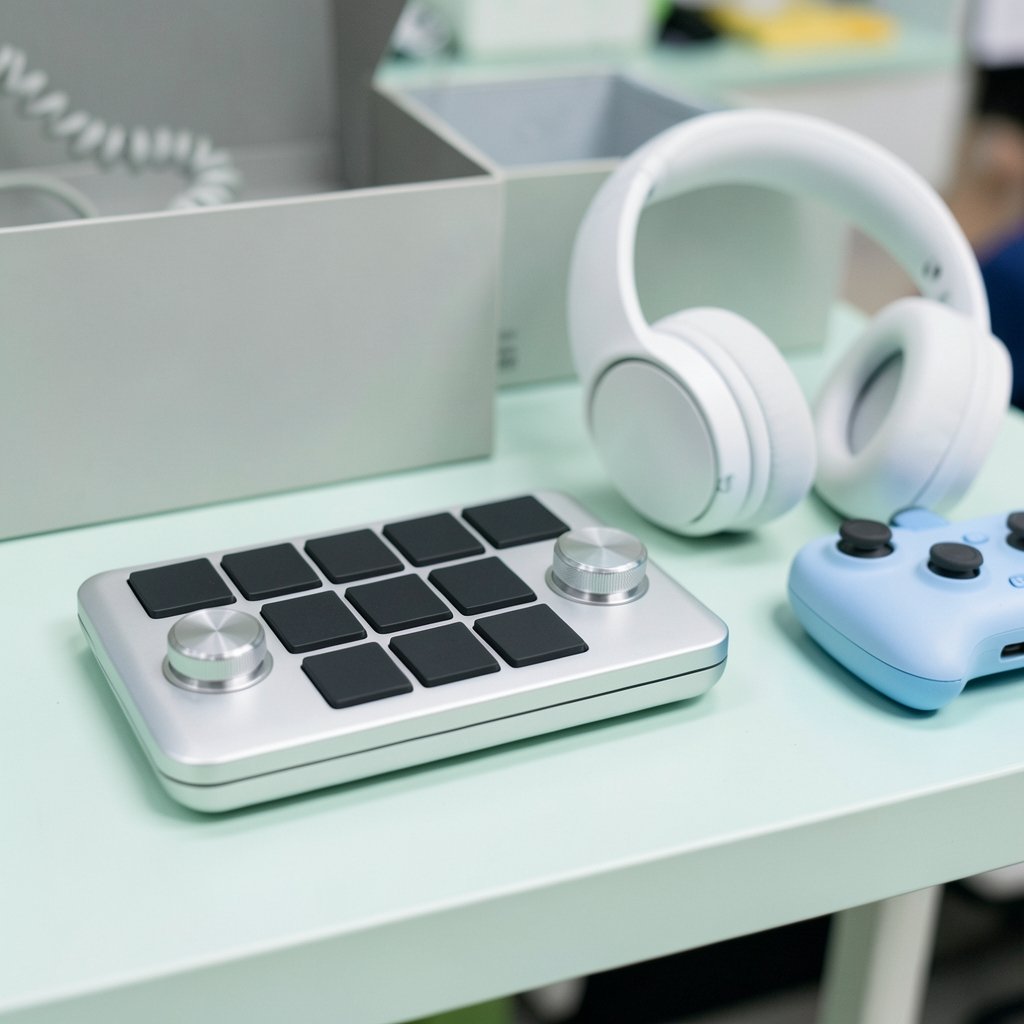
Picture this: you are mid-boss-fight, chat is spamming, an alert fires, and your mic is somehow muted. You alt-tab, fumble for the right window, and die on stream. Sound familiar?
That moment is exactly why small streamers start eyeing a Stream Deck. The pitch is simple. Press a physical button, and your scene changes, your mic mutes, or a clip gets marked without ever leaving the game. It sounds like magic. But premium decks cost real money, and a small channel has plenty of other places to put that cash.
So the honest question is not whether a Stream Deck is cool. It obviously is. The question is whether the premium version earns its price for someone streaming to a modest audience, often solo, often after work. That is what this guide digs into.
What a Premium Stream Deck Actually Adds
The current Elgato lineup runs from the Stream Deck Mini with 6 keys up to the Stream Deck XL with 32 keys. There is also the Stream Deck +, which pairs 8 keys with dials and a touch strip, and the Stream Deck Pedal with 3 foot switches. Prices and configurations shift often, so check current listings before budgeting.
Most buying guides gloss over this: the hardware is a grid of small screens and buttons. The real product is the software. Elgato’s Stream Deck software handles multi-actions (one press fires a whole sequence), folders and pages, and profiles that switch automatically when you change applications. Add the plugin catalog for OBS, Twitch, Discord, and Spotify, and the deck becomes a control surface rather than a fancy keyboard.
Those plugins talk to OBS through obs-websocket, the native protocol built into OBS Studio since version 28 in 2022. That is why a button press can switch scenes, start recording, or toggle a source almost instantly. The same idea powers Twitch integrations, which react to follows, subs, and raids through Twitch’s API and EventSub.
Where the Premium Tier Separates Itself
| Feature | Budget approach | Premium deck |
|---|---|---|
| Scene switching | OBS hotkeys, keyboard macros | Labeled physical keys with icons |
| Multi-step actions | Manual, one hotkey per step | Multi-actions chain several steps |
| App-aware profiles | Manual switching | Auto-switch per application |
| Feedback | None or on-screen only | Live key images and states |
| Audio control | Sliders in software | Dials on the Stream Deck + |
| Setup time | Minutes | Hours to tune properly |
The pattern is clear. Premium buys you less thinking during a live stream. Whether that is worth the money depends entirely on how much thinking your stream currently demands.
The Real Case for Buying One
For a small channel, the strongest argument is not growth. It is error reduction. Live streams punish multitasking. A missed scene switch, a hot mic during a break, or a fumbled clip marker all look sloppy, and sloppy moments are what new viewers remember.
A deck also collapses distance. Instead of alt-tabbing to OBS, you press a key. Instead of hunting for a mute shortcut, you press a key. Over a three-hour stream, those saved seconds and avoided mistakes add up to a calmer broadcast.
There is a second, quieter benefit: consistency. Multi-actions mean your intro sequence, your starting-soon screen, and your ending routine run the same way every time. Consistency is boring to talk about and powerful in practice. If you are still weighing whether streaming hardware is worth it at all, the same logic applies to monitors, which is why a practical buying guide on whether a gaming monitor is worth buying for beginners is a useful companion read before you spend on peripherals.
The Case Against, Especially Early On
Now the uncomfortable part. A common rule of thumb in creator communities is to avoid gear purchases until a channel has consistent viewership or some monetization. That is community advice, not a measured finding, but it exists for a reason. Gear feels like progress. It is not progress. It is a purchase.
Be honest about what a deck cannot do. It will not improve your commentary, your game choice, or your thumbnail. It will not bring viewers in. It only makes the production side smoother, and if your production is already simple (one scene, one game, no alerts), a deck solves a problem you do not have.
There is also a setup tax. Plugins need installing. Profiles need building. Keys need labeling. Most people underestimate this and end up with a half-configured deck sitting on the desk. If you enjoy tinkering, that is a feature. If you do not, it is a chore you paid for.
Cheaper Alternatives That Cover Most of the Job
Before spending on premium hardware, test the free and cheap routes. They reveal whether you actually have a workflow problem.
- OBS hotkeys. OBS supports native hotkeys for scenes, sources, recording, and streaming. Set a few, live with them for two weeks, and see what still feels clumsy.
- Keyboard macro software. Windows and macOS both support built-in shortcuts, and dedicated macro tools can chain keystrokes. A spare keyboard with macro keys is a legitimate deck substitute.
- Phone and tablet apps. Elgato’s own Stream Deck Mobile turns a phone into a virtual deck, though it runs on a subscription. Open-source options like Deckboard exist too. Terms and feature parity change, so verify current pricing.
- DIY macro pads. For the tinkerers, small programmable keypads are cheap and surprisingly capable.
If a free hotkey layout solves 90 percent of your friction, you have your answer. If you keep hitting the same wall, that is evidence a deck would earn its place.
How to Decide Without Wasting Money
A simple test works better than any spec sheet. Stream for two weeks and keep a tally of every moment you wished for a physical button. Count the scene switches, the mutes, the clip markers, and the moments you alt-tabbed mid-action. Then ask whether a deck removes most of those tallies.
If the answer is yes, match the deck to your workflow rather than to the biggest number. A 6-key Mini handles scene switching and mic control. A 15-key MK.2 covers most solo streams. The XL with 32 keys suits people running complex shows with many scenes, or streamers who also use the deck for editing and other apps. The Stream Deck + is the interesting middle option because the dials genuinely help with audio levels, which is a constant live-stream headache.
Also weigh longevity and support. Elgato has been owned by Corsair since 2018, and warranty terms vary by region and product, so check the support site for your country. On the plus side, the hardware is not locked to vendor software forever. The open-source python-elgato-streamdeck library lets technically minded users drive the devices without Elgato’s software, which softens the lock-in worry and helps resale value hold up.
A Practical Checklist Before You Buy
- List the exact actions you would put on keys. Fewer than six? Skip the premium tier.
- Confirm your streaming software is supported by plugins. OBS is well covered.
- Check whether you need dials for audio or just buttons.
- Add up the deck plus any subscription costs for mobile alternatives.
- Read the warranty terms for your region.
- Search for current prices, because listings move constantly.
What Actually Works in Practice
Experienced streamers tend to converge on a few habits. First, build profiles per game or per show type so the deck switches automatically and you never hunt for the right page. Second, keep the first page boring: mic mute, scene switch, start and stop recording, and a clip marker. Third, resist filling every key on day one. Empty keys are fine, and a cluttered deck is slower than a keyboard.
A common mistake is buying the biggest deck first. Most small channels never fill 32 keys, and the extra surface just adds decisions. Another mistake is skipping the labeling step. Unlabeled keys force you to remember layouts, which defeats the entire point of tactile control.
The same honesty applies to the rest of your setup. A deck will not rescue a weak display or an awkward control scheme, and the same judgment call shows up across gaming gear. Handheld players face a near-identical question when comparing a legion go vs steam deck for judging the everyday gaming experience, and the answer usually comes down to workflow fit rather than raw specs. Cloud services follow the same pattern, as this comparison of Xbox cloud gaming vs PS Plus Premium on which cloud service suits you shows. The gear only helps when it matches how you actually play. (Gaming monitor worth buying beginners everyday use)
Conclusion
So, are premium stream decks worth it for a small gaming channel? For most brand-new channels, no. The money is better spent later, after the format settles and the friction becomes specific and repeatable. For streamers who already run multi-scene shows, juggle alerts, and lose focus every time they alt-tab, yes, and the mid-range models usually deliver the value without the XL price tag.
The smart path is to test free hotkeys first, tally your pain points for a couple of weeks, then buy the smallest deck that clears the list. Premium hardware is a workflow tool, not a growth strategy. Treat it that way, and it earns its keep. Treat it as a shortcut to an audience, and it becomes an expensive paperweight with nice little screens.
Frequently Asked Questions
Can a cheap macro keyboard replace a Stream Deck?
For basic scene switching and hotkeys, yes. A macro keyboard can fire the same shortcuts a deck sends to OBS. What it lacks is per-key labeling, live key images, and automatic profile switching, so it gets confusing once your layout grows past a handful of actions.
How many keys does a small streamer actually need?
Most solo streamers use between six and fifteen actions regularly: scene switches, mic mute, recording, clip marking, and a couple of alert or chat controls. Start small and only upgrade if you genuinely run out of space.
Does a Stream Deck work without Elgato’s software?
Technically, yes. Open-source libraries exist that drive the hardware directly, which is useful for custom setups and for people who dislike vendor lock-in. In practice, most users stay with the official software because the plugin catalog is the main reason to own the device.
Will a stream deck help grow my channel?
Not directly. It does not affect discoverability, content quality, or audience retention. It reduces production mistakes and frees attention, which can make your stream look more polished, but growth still comes from the content itself.
Is the Stream Deck + worth it over the standard model?
It depends on whether you fight with audio levels. The dials and touch strip make volume and settings adjustments faster than keys alone. If your stream is mostly scene switching, the standard model covers it for less.
What should I check before buying a used deck?
Confirm the device connects and registers properly, test every key and dial, and ask about the original purchase date for warranty purposes. Because the hardware works with third-party software too, you can verify function independently before committing.



