

Quick Answer: What is privileged access management?
Privileged access management (PAM) is a security discipline that controls, monitors, and records the use of accounts with elevated rights, such as system administrators, root users, and service accounts. In plain language, it is the set of tools and policies that decide who can hold powerful credentials, when they can use them, and what they are allowed to do once inside a system.
PAM differs from ordinary identity and access management. Standard IAM handles everyday user logins, while PAM focuses on the small number of accounts that can change configurations, delete data, or bypass controls. Some organizations add secrets management or endpoint privilege tools as adjacent layers.
Before choosing a platform, compare vaulting capability, session recording, least-privilege enforcement, approval workflows, integration with existing directories, audit reporting, and total cost.
Why Privileged Accounts Are the Keys to the Kingdom
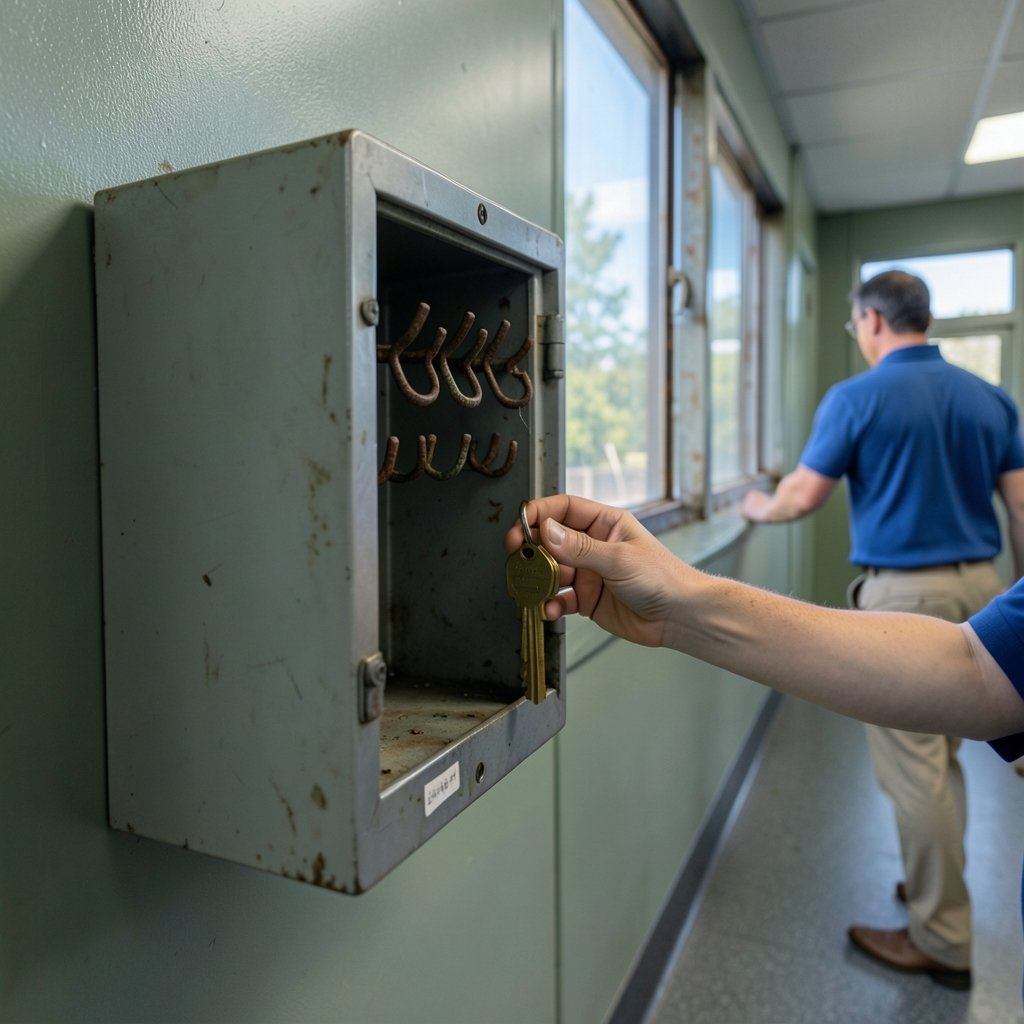
Picture a large office building. Most employees carry a badge that opens the front door, the elevator, and their own floor. A handful of people carry a key that opens every room, every closet, and the server room in the basement. If that key goes missing, nobody sleeps well that night.
That is the situation most IT environments live with every day. Privileged accounts are the all-access keys of the digital world. They can install software, change firewall rules, reset other people’s passwords, and reach sensitive data directly. Attackers know this, which is why stolen credentials remain one of the most common ways breaches begin. The Verizon Data Breach Investigations Report has tracked credential abuse as a leading breach pattern for years.
The uncomfortable truth is that many organizations do not know how many privileged accounts exist in their environment. Service accounts created for a one-off project in 2016 are still active. A former contractor’s admin login was never disabled. Shared “admin/admin” credentials sit in a spreadsheet that three teams can edit. PAM exists because people track all-access credentials badly when they do it by hand.
What Privileged Access Management Actually Does
PAM is a set of controls wrapped around high-risk accounts. Most platforms deliver four main capabilities.
Credential vaulting. Passwords, SSH keys, and API secrets live in an encrypted vault instead of a wiki page or a sticky note. Users check out credentials for a limited window, and the vault rotates them automatically afterward.
Session brokering and recording. Instead of connecting directly to a server, administrators connect through a proxy that logs every keystroke and screen frame. If something goes wrong, the security team can replay exactly what happened.
Least-privilege enforcement. Users get just enough access to do their job for just as long as they need it. Standing admin rights get replaced with temporary elevation.
Approval workflows. A request for domain admin access can require a manager’s sign-off, a ticket number, and a defined time window.
The NIST Computer Security Resource Center publishes control catalogs that describe least privilege and separation of duties as foundational access control requirements. PAM is, in many ways, the operational answer to those controls.
How PAM Differs From Standard IAM
| Feature | Standard IAM | Privileged Access Management |
|---|---|---|
| Primary users | All employees | Admins, service accounts, root |
| Main goal | Convenient access | Controlled, audited access |
| Credential storage | Directory-managed | Vaulted and rotated |
| Session visibility | Login events | Full session recording |
| Typical risk | Account takeover | Full environment compromise |
The distinction matters when budgeting. Teams sometimes assume their existing single sign-on deployment covers privileged access. It usually does not, because service accounts and local admin logins often sit outside the identity provider.
Common Mistakes Teams Make When Adopting PAM
First-hand experience across IT teams surfaces the same patterns again and again. Here is what actually goes wrong.
Treating PAM as a software install. Buying a vault and switching it on does not create a security program. Without an inventory of privileged accounts, the vault protects only the accounts someone remembered to import.
Skipping the service account problem. Human admin accounts are the visible target. Service accounts, which often have never-rotated passwords and broad permissions, are the quiet risk. Inventory them first.
Breaking workflows. If PAM makes a routine task take ten extra clicks, administrators will find workarounds. Pilot with a friendly team, measure friction, and tune approval rules before a wide rollout.
Forgetting the break-glass path. When the vault is unavailable and production is down, teams need a documented emergency procedure. Without one, someone will keep a shadow admin account “just in case.”
Ignoring the audit trail. Session recordings are only useful if someone reviews them or if alerts fire on risky commands. Many teams record everything and read nothing.
What works in practice is boring and incremental: discover accounts, vault the highest-risk ones, record sessions for a pilot group, then expand. Teams that also standardize how they track remediation work often lean on best project management software for teams to keep rollout tasks visible across security and infrastructure groups.
The Zero-Trust Connection
Zero trust has moved from buzzword to board-level mandate, and privileged access sits at its center. The core idea is simple: trust nothing by default, verify everything, and assume a breach may already be underway.
The NIST National Cybersecurity Center of Excellence has published implementation guidance for zero trust architectures that treats privileged paths as high-risk and calls for continuous verification rather than one-time login checks. In practice, that means short-lived credentials, device posture checks before admin sessions start, and just-in-time elevation instead of permanent rights.
PAM and zero trust reinforce each other. A vault without continuous verification is a locked door with a key under the mat. Continuous verification without a vault means attackers who pass the check still find standing admin rights waiting for them.
How to Evaluate PAM Vendors Without Getting Lost
The market is crowded, and every vendor claims to “secure privileged access.” A structured comparison cuts through the noise.
Start with scope. Does the platform cover on-premises servers, cloud infrastructure, databases, and SaaS admin consoles, or only a subset? Cloud-native environments often need different coverage than traditional data centers.
Then check the operational model. Some tools require an agent on every server; others work through a proxy. Agentless deployments are easier to start but may offer less granular control.
Finally, look at the audit and reporting layer. Can the platform show which accounts were used, by whom, for how long, and what commands ran? Can it export that evidence for auditors without manual spreadsheet work?
Security leaders who also manage broader compliance programs sometimes compare tools alongside best case management software for law firms when evaluating audit-ready evidence trails, because the same principle applies: if you cannot show the record, you cannot prove the control worked.
Questions to Ask in a Vendor Demo
- How does the platform discover privileged accounts we do not know about?
- What happens when the vault itself goes offline during an incident?
- How are service accounts rotated without breaking applications?
- Can administrators request temporary elevation from a chat tool or ticketing system?
- What does the audit report look like, and can it be filtered by regulation?
Regulatory Pressure Is Rising
PAM is no longer purely a security best practice. It increasingly appears in compliance obligations.
Payment Card Industry rules require strict control of administrative access to systems in the cardholder data environment. Financial reporting controls under Sarbanes-Oxley demand evidence that access to financial systems is restricted and reviewed. Healthcare rules protect systems holding patient data, and newer frameworks such as the EU’s NIS2 directive push similar expectations onto critical infrastructure operators.
The practical consequence is that PAM projects often get funded faster when framed as audit readiness rather than pure risk reduction. A session recording that satisfies an auditor is easier to justify to a CFO than a theoretical breach scenario.
The CISA website publishes free guidance and tools that help smaller organizations build baseline access controls, which is useful when a full commercial PAM suite is out of reach.
A Realistic Implementation Roadmap
Most successful PAM programs follow a similar arc over twelve to eighteen months.
Phase one: discover. Run an inventory across directories, cloud tenants, and endpoints. Expect surprises, especially in forgotten service accounts.
Phase two: vault. Start with the highest-risk human admin accounts. Add automatic rotation and require checkout justification.
Phase three: record. Put session recording in front of the servers that matter most. Review recordings for a sample of sessions and tune alerts.
Phase four: reduce standing privilege. Convert permanent admin rights into just-in-time elevation with approvals. This is the phase that changes culture, so communicate early and often.
Phase five: extend. Cover databases, network devices, and CI/CD pipelines. Add secrets management for applications.
Teams that rush phases one and two usually stall at phase four, because administrators resist losing rights they have held for years. Teams that invest in discovery and communication tend to sail through.
What Good Looks Like Six Months In
A mature PAM program shows measurable signs. The number of standing admin accounts drops sharply. Password rotation happens automatically rather than on a spreadsheet schedule. Every privileged session has a name attached to it. Auditors request evidence and receive it the same day.
It also changes incident response. When an alert fires at 2 a.m., the responder can see exactly which privileged account was used, from which device, and what commands ran. That visibility shortens investigations from days to hours.
None of this requires a massive team. It requires discipline, a clear inventory, and a refusal to let “temporary” admin rights become permanent.
Conclusion
Privileged access management is the discipline of controlling the accounts that can do the most damage. It combines vaulting, session recording, least privilege, and approval workflows into a program that protects the highest-risk credentials in an organization’s digital estate. The technology matters, but the sequence matters more: discover first, vault the riskiest accounts, record what happens, then remove standing privilege. Organizations that treat PAM as an ongoing program rather than a product purchase end up with something more valuable than a tool: evidence that the keys are accounted for.
Frequently Asked Questions
Is PAM only for large enterprises?
No. Small and mid-sized organizations face the same risk from shared admin passwords and forgotten service accounts. They can start with a lightweight vault and a strict rotation policy, then add session recording as they grow.
How is PAM different from secrets management?
Secrets management focuses on machine-to-machine credentials such as API keys and application passwords. PAM covers a broader scope that includes human administrative sessions, session recording, and approval workflows. The two overlap, and many vendors now offer both.
Can PAM stop a determined insider?
It raises the cost significantly. Session recording, approval requirements, and just-in-time access mean an insider must act visibly and leave a trail. No control is absolute, but PAM turns quiet misuse into a recorded event.
What is a break-glass account?
It is an emergency credential kept for situations where the normal PAM system is unavailable. Best practice is to store it offline, restrict who knows its location, and alert loudly whenever it is used.
How long does a PAM rollout take?
Most organizations see meaningful coverage within three to six months for human admin accounts, with service accounts and cloud infrastructure following over twelve to eighteen months. Timelines depend heavily on how complete the initial account inventory is.
Does PAM replace identity and access management?
No. IAM handles everyday access for the general workforce. PAM is a specialized layer for high-risk accounts. Most mature environments run both, with PAM feeding privileged activity data back into the broader identity program.



