
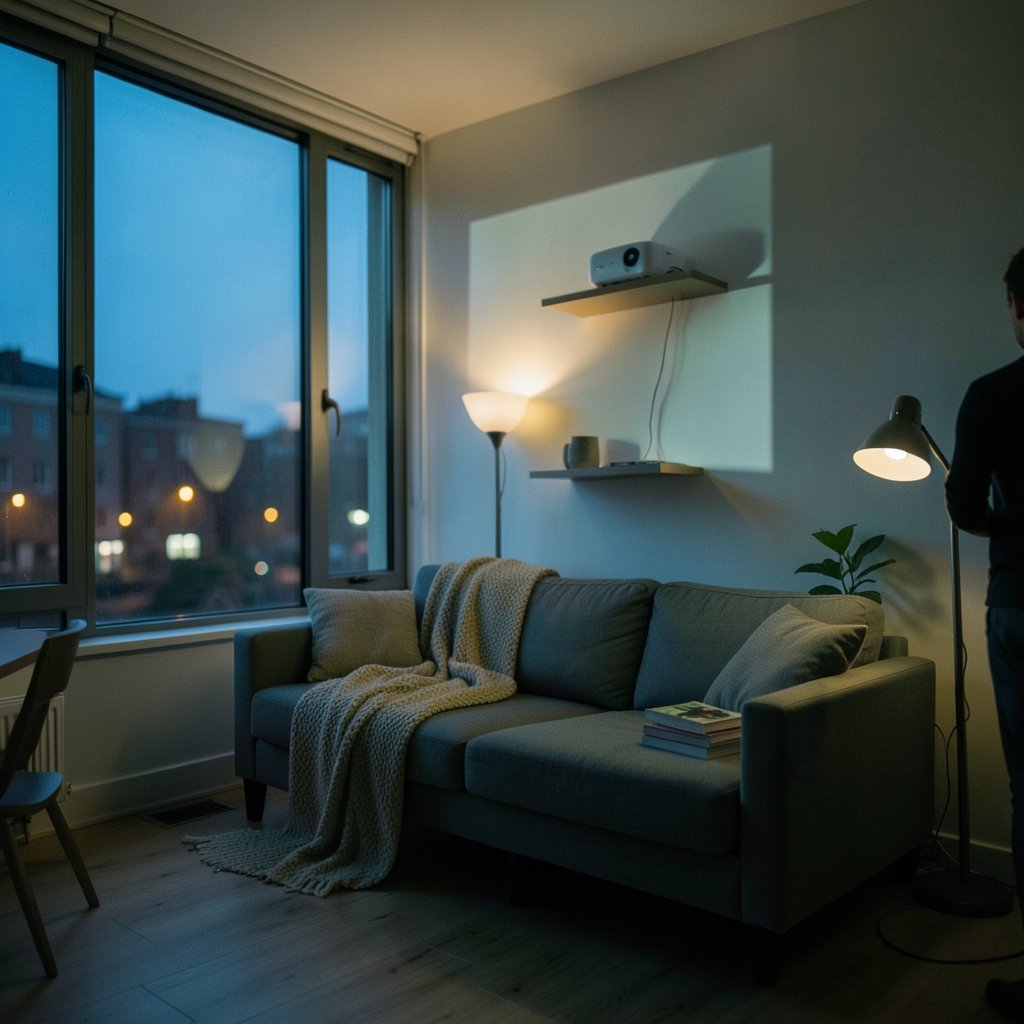
Can a projector really replace a television in a small apartment, or is it a compromise that leaves you squinting at a washed-out wall? The honest answer is that it depends almost entirely on three numbers — throw ratio, brightness, and fan noise — plus one thing most buyers ignore until it’s too late: where the machine will actually sit. Get those right and a projector can deliver a 100-inch picture from a shelf in a studio flat without swallowing the room. Get them wrong and you’ll be watching grey mush while a fan whirs through quiet scenes.
This guide walks through what actually matters in a compact space, where the marketing spec sheets mislead, and which setup choices tend to work in practice.
Why a projector suits a small apartment in the first place
A television’s footprint is fixed by its diagonal. A 65-inch TV occupies a chunk of wall and a chunk of visual space even when it’s off. A projector separates the image from the hardware: the box can live on a shelf or a side table, and the “screen” is a blank wall that disappears into the room when the film ends.
That flexibility is the whole argument. In a studio or a one-bedroom, the living area often doubles as a dining room, office, and occasional guest room. A projector that packs away, or a fixed ultra-short-throw unit sitting on a lowboard, keeps the wall usable. The trade-off is that ambient light becomes your enemy, and you need a surface worth projecting onto.
Throw ratio is the number that decides whether it fits
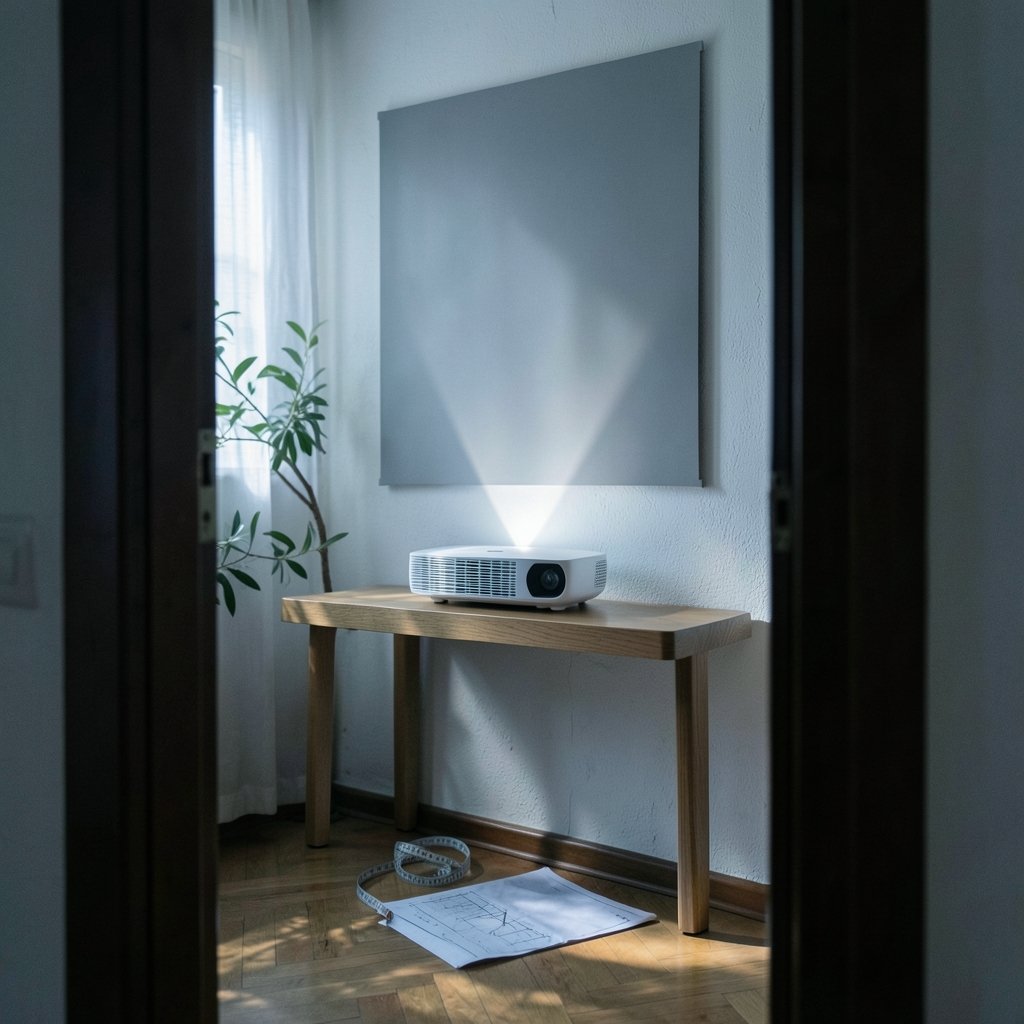
Throw ratio is the distance from lens to screen divided by the image width. A 1.5:1 projector needs 1.5 metres of distance for every metre of image width, so a 2.2-metre-wide (roughly 100-inch) picture needs about 3.3 metres of throw. In a small apartment, that distance usually doesn’t exist.
This is why compact rooms push buyers toward two categories:
| Type | Typical throw ratio | Distance for a ~100-inch image | Best for |
|---|---|---|---|
| Standard throw | ~1.2–1.6:1 | 2.7–3.5 m | Rooms with a long wall and ceiling mount |
| Short throw | ~0.4–0.5:1 | 0.9–1.1 m | Small living rooms, shelf or low table placement |
| Ultra-short throw (UST) | ~0.2–0.25:1 | 0.4–0.6 m | Studios, rented flats, units on a media console |
Ultra-short-throw models sit centimetres from the wall and bounce the image upward. They’re marketed squarely at apartments, and for good reason: no ceiling drilling, no cable run across the room, no viewer walking through the beam. The catch is price and the near-necessity of an ambient-light-rejecting (ALR) screen, which adds cost.
Measure before you buy. Not the room — the actual wall-to-seating distance, and the height of whatever furniture the projector will stand on. A common mistake is buying a short-throw model for a room where the only free wall is behind the sofa.
Brightness: why lumen claims deserve suspicion
Brightness is where spec sheets get creative. ANSI lumens and ISO lumens are measured methods; “marketing lumens” is not a standard at all, and some budget brands quote figures that no independent test reproduces. Treat any number without a stated standard as optimistic.
As a rough guide for real rooms:
- A dark room with light control needs roughly 1,500–2,000 lumens for a satisfying image.
- A room with curtains but daytime use wants 2,500–3,000 lumens, or a lower-brightness unit paired with an ALR screen.
- A bright, south-facing living room with no blinds is a hard environment for any projector; even 3,000 lumens will look flat at midday.
Note that brightness and picture quality pull against each other. A very bright projector in a dark room can look harsh, and cheap high-lumen units often sacrifice colour accuracy to hit the number. For evening viewing in a small flat, a well-calibrated 2,000-lumen model usually beats a badly tuned 3,500-lumen one. (Indoor Air Quality)
If you’re weighing up how much of your budget goes to the projector versus the rest of the setup, the same logic that applies to small language models vs large language models applies here: the smaller, more focused option often wins when the environment is constrained, and paying for headroom you’ll never use is wasted money.
Light source: laser versus lamp
Two technologies dominate the consumer market.
Lamp projectors use a metal halide bulb rated for roughly 4,000–6,000 hours in eco mode. They’re cheaper upfront, but the bulb dims gradually and replacements cost money. In a flat where the projector is the main screen and runs most evenings, you may hit that rating within a few years.
Laser phosphor projectors are typically rated at 20,000–30,000 hours by manufacturers. Those figures are claims, not measured lifetimes, but the direction is right: laser units last far longer, start up faster, and usually run cooler. They cost more.
For an apartment used as a primary viewing space, laser generally makes more sense over five years. For a secondary screen in a bedroom, a lamp model is fine.
Fan noise matters more in a small room
Here’s the thing nobody warns you about. In a large room, the projector sits far from the sofa and its fan disappears into the background. In a studio flat, the projector may be a metre from your head. A unit rated at 35 dB in full brightness mode is audible during quiet dialogue, and genuinely irritating in a bedroom.
Look for models quoted under 30 dB in eco mode. Be aware that dB figures are measured at different distances and in different modes, so they’re only loosely comparable between brands. If possible, listen before buying, or buy from a retailer with a generous return window.
A practical trick: run the projector in eco mode and pair it with a modest soundbar. The audio masks fan noise, and built-in projector speakers are almost always poor. A compact bar suits a compact room, and the considerations in this guide to soundbars for small living rooms apply directly — you want something wide enough to create a stereo image but shallow enough to sit under a lowboard.
Placement, keystone, and the mistakes people make
Keystone correction digitally squares up an image projected at an angle. It’s useful, but it crops pixels and softens the picture. Heavy keystone correction is a sign the projector is in the wrong place. Auto-focus and auto-keystone features make setup painless, but the best image always comes from a projector aimed square at the wall.
Common mistakes in small flats:
- Buying for the biggest possible image rather than the right one. A sharp 80-inch picture beats a soft 120-inch one, and in a small room a huge image forces heads to swivel.
- Ignoring the wall. Paint sheen, texture, and colour all affect the image. Matte white is the safest; a tinted or glossy wall shifts colour and hot-spots.
- Forgetting cable management. A projector needs power, and often a source. In a rental, trailing cables across a room undo the whole point.
- Skipping the screen budget. A cheap pull-down screen outperforms most painted walls, and ALR screens are close to mandatory for UST setups in daylight.
- Placing the projector where someone will walk through the beam. Standard-throw projectors cast a shadow whenever anyone crosses the room.
For renters who can’t drill, a UST unit on a console plus a freestanding ALR screen is the least invasive option. For owners, a ceiling mount with a short-throw unit keeps everything out of reach.
Portable and battery projectors: tempting, limited
Battery-powered portables are popular in small flats because they need no wiring at all. The trade-off is brightness — most battery models sit well below 1,000 lumens, which means a dim room and a modest image. They’re good for a bedroom ceiling projection or a balcony evening, not for a living-room main screen.
If your priority is a device that moves between rooms, accept the brightness ceiling and treat it as a secondary screen.
What about the rest of the setup?
A projector rarely lives alone. It needs a source — a streaming stick, a console, a laptop — and often a sound system. If you’re building out a small flat’s tech setup from scratch, it’s worth thinking about the whole picture rather than buying piecemeal. The same discipline that goes into choosing AI automation tools for small businesses — buy for the job you actually have, not the one you imagine — applies to home cinema gear.
If you work from home in the same room, screen real estate gets complicated. Some people run a projector for film and a monitor for work; others use the projector for both. Just remember that projector text rendering is softer than a monitor’s, so long reading sessions on a projected screen are tiring. (Video projector)
A realistic buying checklist
Before committing, work through this in order:
- Measure the throw distance available from your intended placement to the wall.
- Calculate the image width that distance produces for your candidate projector’s throw ratio.
- Check whether that width suits your seating distance — roughly 1.2 to 1.5 times the image width is comfortable for mixed content.
- Confirm brightness against your actual light conditions, not the manufacturer’s ideal.
- Check the noise rating in eco mode.
- Budget for a screen and a soundbar as well as the projector.
Conclusion
A projector can absolutely work in a small apartment, but only when the throw ratio fits the room rather than the other way round. Ultra-short-throw models solve the space problem at a price; short-throw units offer a middle path; standard-throw projectors need a long wall most flats don’t have. Brightness claims should be read sceptically, fan noise deserves more attention than it gets, and a screen plus a soundbar will improve the experience more than an extra 500 lumens ever will. Measure first, buy second, and the result is a room that feels bigger when the lights go down.
Frequently asked questions
How far does a projector need to be from the wall in a small apartment?
It depends entirely on throw ratio. A standard-throw projector at 1.5:1 needs about 3.3 metres for a 100-inch image, which most small flats can’t provide. A short-throw model at 0.4:1 needs under a metre, and an ultra-short-throw model at 0.2:1 sits just centimetres from the wall. Always calculate from your actual available distance before buying.
Is an ultra-short-throw projector worth it for a rental flat?
Often, yes. UST projectors need no ceiling mount and no cable run across the room, which suits renters who can’t drill. The trade-offs are a higher purchase price and the near-necessity of an ambient-light-rejecting screen. If you watch mainly in the evening and want a clean wall, a UST setup is one of the least invasive options available.
How many lumens do I need in a small apartment?
Roughly 1,500–2,000 lumens suits a dark room with light control. If you want daytime viewing with curtains drawn, aim for 2,500–3,000 lumens or pair a dimmer unit with an ALR screen. Be sceptical of very high claimed figures on budget models — check whether the number is stated in ANSI or ISO lumens, since “marketing lumens” is not a real standard.
Will a projector work on a painted wall instead of a screen?
It will work, but quality varies with the paint. Matte white gives the most neutral result. Glossy finishes create hot-spots and reflections, and tinted walls shift the colour balance. A basic pull-down screen usually outperforms a painted wall, and if you buy an ultra-short-throw projector, an ALR screen is close to essential for daytime use.
How loud is a projector in a small room?
Look for models quoted under 30 dB in eco mode. Noise measurements are taken at different distances and brightness settings, so figures aren’t strictly comparable between brands. In a studio flat the projector may sit a metre from your head, where a 35 dB fan is clearly audible during quiet scenes. Pairing the projector with a soundbar helps mask it.
Can I use a projector as my only screen?
Yes, with caveats. Projectors are excellent for film and games but render text more softly than a monitor, so long work sessions are tiring. Brightness is also limited in daylight. Many apartment dwellers run a projector as the main evening screen and keep a laptop or small monitor for work. Check the lamp or laser hour rating if the projector will run daily.



