
What actually separates a smooth VR build from a week of debugging headaches? Ask ten developers and most will point to the same thing: the workflow, not the headset. The Quest 3 and the PlayStation VR2 are both capable machines, yet they sit on opposite ends of how you build, test, and ship software. If a team is planning a 2027 VR project, the platform choice is less about raw specs and more about how the daily work feels. This guide breaks down those workflow differences in plain terms, with practical tips and the mistakes that trip up newcomers.
Two Headsets, Two Very Different Ideas About Access
The Meta Quest 3 launched on October 10, 2023, as a standalone, Android-based headset with mixed reality passthrough. It runs its own operating system, installs its own apps, and does not need a cable or a console. That single design choice ripples through everything a developer does.
The PlayStation VR2, by contrast, launched on February 22, 2023, as a tethered headset built for the PlayStation 5. It depends on a console to run anything. Sony later opened a door for PC use: the PlayStation VR2 PC adapter arrived in August 2024, letting the headset connect to a PC through a DisplayPort 1.4 connection and SteamVR. That shift matters because it changed the headset from a console-only accessory into something a PC-based team can at least experiment with. (Virtual reality headset)
Here is the first workflow fork in the road. On Quest, almost anyone can download the tools, plug in a headset, and get something running. On PSVR2, access is gated behind a licensed developer program, and that is a structural difference, not a minor inconvenience.
| Factor | Quest 3 | PSVR2 |
|---|---|---|
| Platform type | Standalone Android headset | Tethered to PS5 (or PC via adapter) |
| Toolchain | Meta Quest Developer Hub, ADB, OpenXR, Unity or Unreal | Sony’s proprietary SDKs inside a licensed program |
| Self-publishing | Possible via store review or sideloading | Not comparable; gated access |
| Iteration style | Wireless, on-device | Cable-bound, console-bound |
The Toolchain Gap: Open Doors vs a Locked Gate
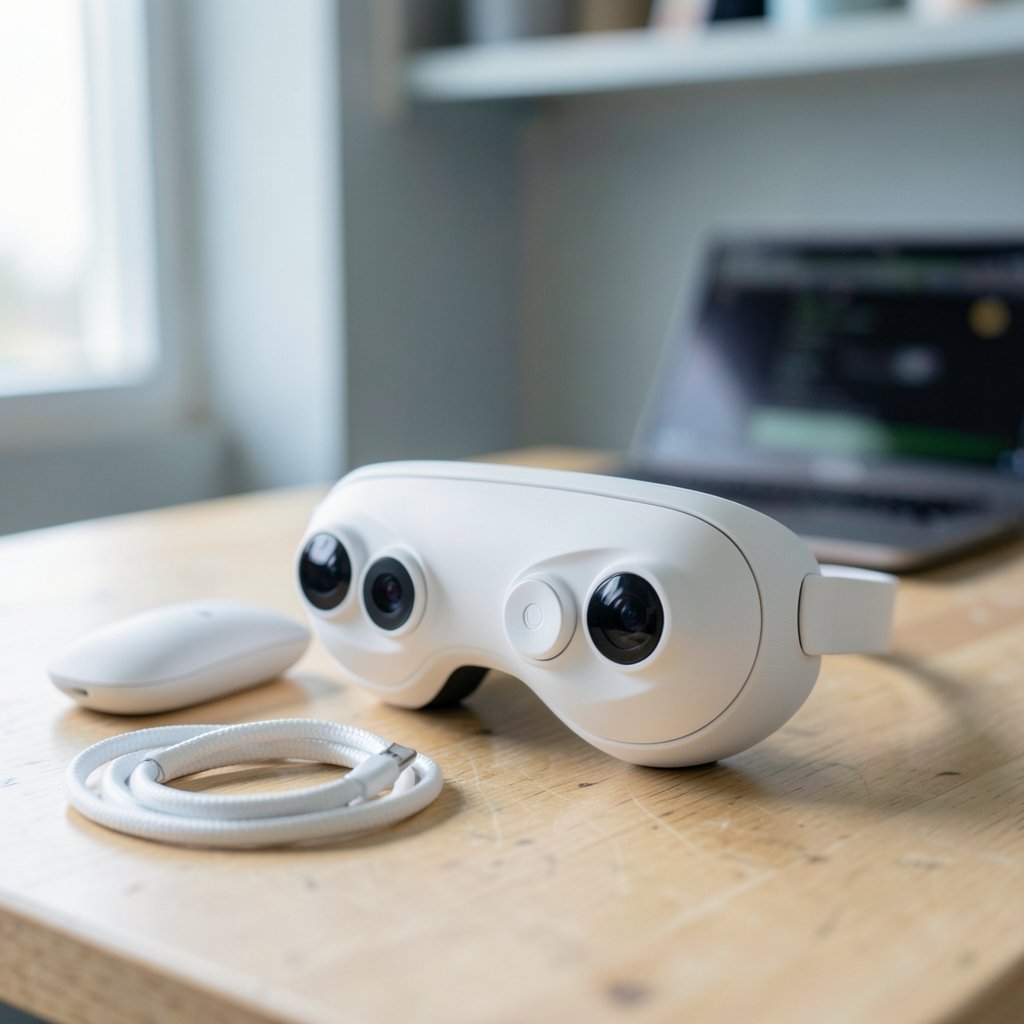
For Quest 3, the development path is refreshingly standard. Teams typically build in Unity or Unreal, manage the device through the Meta Quest Developer Hub, and push builds using the Android Debug Bridge, the same command-line tool used across the Android ecosystem. Because the headset is effectively an Android device, a lot of existing knowledge carries over. Sideloading a test build takes minutes.
The OpenXR standard, maintained by the Khronos Group, sits at the center of cross-platform XR work. Both headsets support it, but each vendor adds its own extensions and runtime quirks. That means “OpenXR compatible” does not automatically mean “port without changes.” A feature that works beautifully on one runtime may need rework on the other. (OpenXR overview)
PSVR2 is a different story. Development happens inside Sony’s licensed developer program using proprietary SDKs. You cannot self-publish a PSVR2 title the way you can sideload onto a Quest. That gate changes team planning: budgets need to account for approval timelines, and prototypes carry more risk because you cannot freely distribute test builds.
The practical takeaway for a 2027 project: if fast, cheap experimentation matters, Quest 3 wins on access alone. If the audience lives on PlayStation, the gate is simply the cost of doing business.
Testing Loops: Wireless Freedom vs Cable Discipline
The single biggest day-to-day workflow difference is how you test.
On Quest 3, the headset is untethered. A developer can cast the view to a monitor, walk around a room, and test room-scale interactions without tripping over a cable. Builds deploy over Wi-Fi or USB, and the device reboots into the new app quickly. This wireless loop encourages frequent, small iterations, which is exactly how good VR comfort tuning happens.
PSVR2 testing is cable-bound and console-bound. The headset must stay connected to the PS5, and the console must be running the build. That physical constraint slows the loop. You cannot casually hand the headset to a colleague in another room, and you cannot test on a laptop at a coffee shop.
A common mistake: teams assume the two loops are interchangeable and budget test time equally. They are not. Quest iteration tends to be faster and more frequent; PSVR2 iteration tends to be more deliberate and formal. Plan staffing around that reality rather than fighting it.
If a team already juggles multiple hardware setups, the same discipline that helps with iPhone 17 vs iPhone 16 upgrade differences that matter daily applies here: focus on the differences that change daily habits, not the spec sheet.
Performance Budgets and Comfort Tuning
VR performance is unforgiving. A dropped frame can make a user sick, so both platforms demand careful frame budgeting. But the constraints differ.
Quest 3 runs on mobile-class hardware, which means aggressive optimization is mandatory. Developers learn to watch draw calls, texture sizes, and shader complexity like hawks. The upside is that a Quest-optimized build often runs comfortably elsewhere. The downside is that pushing visual fidelity too far produces immediate, painful results.
PSVR2, powered by the PS5, offers more headroom for visual ambition. Teams can lean into richer lighting and denser scenes. But cable management and console-bound testing add friction to the tuning process, and comfort testing still requires real people in real sessions.
Practical tip that actually works: build a comfort test checklist before writing a single line of gameplay code. Include turning method, movement speed, and field-of-view restrictions. Run it on the target device early. Teams that skip this step end up rebuilding locomotion systems late in production, which is one of the most expensive mistakes in VR.
Distribution, Store Review, and What Ships When
Distribution is where the workflow differences become business decisions.
Quest 3 offers two paths: the official Meta Quest Store, which involves review and certification, and sideloading, which is ideal for internal builds and prototypes. That dual path is genuinely useful. A team can iterate privately for months and only face store review when the product is ready.
PSVR2 distribution runs through PlayStation’s store and its certification process, which is tied to the licensed developer relationship. There is no casual sideloading equivalent. Every build that reaches testers is part of a more formal pipeline.
Exact review timelines, certification requirements, and revenue terms change frequently on both platforms. Any team planning a 2027 launch should check current official developer documentation at the time of writing rather than relying on figures from older projects. Treat any specific number you hear secondhand as a rumor until confirmed.
Cross-Platform Porting: Where Teams Lose Weeks
Many studios want one codebase and two storefronts. The dream is appealing; the reality needs planning.
OpenXR helps, but vendor extensions differ. Input mappings, haptics, and passthrough features do not map one-to-one. A controller gesture that feels natural on one headset may need a redesign on the other. The 2024 PC adapter for PSVR2 added another wrinkle: PC-based teams can now test PSVR2 hardware without a console, which lowers the barrier to at least evaluating the platform.
A workflow that works in practice: keep platform-specific code in isolated modules from day one. Do not scatter device checks throughout the codebase. Teams that build a clean abstraction layer early save enormous time later. Teams that do not end up doing a painful audit when the second platform arrives.
For teams that also write documentation and design notes alongside development, a disciplined writing setup pays off. The approach in use claude writing practical workflow that actually works mirrors the same principle: keep the process repeatable so the tool never becomes the bottleneck.
Team Roles and Skill Sets
The two platforms reward different skills.
Quest 3 work leans on Android familiarity, mobile optimization instincts, and comfort with command-line tooling like ADB. A developer who has shipped mobile apps will feel at home quickly.
PSVR2 work leans on console development experience: formal certification processes, closed-platform etiquette, and patience with gated access. Console veterans often find it familiar; mobile-first developers may find it restrictive.
Neither skill set is better. They are different muscles. A studio planning a 2027 project should honestly assess which muscles it already has before committing to a platform, because hiring for the missing ones takes time.
Common Mistakes That Cost Real Time
A few traps show up again and again.
- Assuming OpenXR means zero porting work. It reduces work; it does not eliminate it.
- Skipping early comfort testing. Locomotion problems are cheapest to fix before content is built around them.
- Underestimating the testing loop difference. Cable-bound iteration needs different scheduling.
- Treating store review as an afterthought. Certification surprises delay launches.
- Ignoring the 2024 PC adapter shift. Assumptions formed at PSVR2 launch are now outdated.
On that last point, the PSVR2 PC adapter was a genuine reversal of Sony’s earlier console-only positioning. Any workflow comparison built on launch-era assumptions is already stale. That is a useful reminder for 2027 planning: verify current platform behavior instead of trusting old forum posts.
What 2027 Might Change, and What Probably Won’t
Nobody can confirm what either platform will look like in 2027. New SDKs, store policy shifts, and successor hardware are all possible, and any specific prediction should be labeled as speculation rather than fact. What is safer to say is that the structural differences tend to persist: standalone versus tethered, open tooling versus gated access, sideloading versus formal certification. Those are architectural choices, and architecture changes slowly.
Teams that plan around the workflow structure, not the spec sheet, will adapt faster when the details shift. That is the durable lesson.
Picking the Right Workflow for the Project
The choice is rarely about which headset is “better.” It is about which workflow fits the team and the product.
Choose Quest 3 when fast iteration, low-friction access, and standalone deployment matter most. Choose PSVR2 when the audience is on PlayStation and the team is ready for a formal, gated pipeline. Many studios will eventually want both, and the ones that succeed build clean abstraction layers early.
For teams managing project files and shared documentation across devices, the same logic that drives Dropbox alternatives by use case actually fits your workflow applies to VR tooling: pick the setup that matches how the team actually works, not the one with the longest feature list.
Conclusion
The Quest 3 and PSVR2 are both serious VR platforms, but their workflows pull in opposite directions. Quest 3 offers an open, Android-based toolchain, wireless testing, and a real sideloading path. PSVR2 offers console-grade performance behind a gated, formal pipeline. In 2027, the teams that thrive will be the ones that match the workflow to the project, verify current platform details instead of trusting old assumptions, and build portability into the codebase from day one. The headset is the easy part. The workflow is where projects live or die.
FAQ
Is Quest 3 easier to develop for than PSVR2?
For most newcomers, yes. Quest 3 uses standard Android tooling, supports sideloading, and does not require a licensed program to start experimenting. PSVR2 development sits behind Sony’s licensed developer program, which adds a gate before any code runs on the device.
Can I test PSVR2 builds without a PlayStation 5?
As of the 2024 PC adapter release, the headset can connect to a PC through a DisplayPort 1.4 connection and SteamVR. However, this does not replace the official development pathway, which remains tied to PlayStation’s licensed program. Teams should verify current support details before planning a PC-only test pipeline.
Does OpenXR make porting between the two headsets easy?
OpenXR reduces the work, but it does not remove it. Both platforms support the standard, yet each vendor adds its own extensions and runtime behavior. Input mappings, haptics, and passthrough features often need rework. Isolating platform-specific code early is the practical fix.
Why does testing feel so different between the two?
The Quest 3 is untethered, so builds deploy wirelessly and testers can move freely. PSVR2 is tethered to a console or PC, so every test session is cable-bound. That physical difference shapes how often teams iterate and how they schedule testing time.
Which platform is better for a small studio?
It depends on the audience and the team’s existing skills. A small studio that values fast, cheap iteration will usually find Quest 3 more forgiving. A studio with console experience and a PlayStation-focused audience may prefer PSVR2 despite the gated pipeline.
What should teams verify before a 2027 launch?
Store review timelines, certification requirements, revenue terms, and SDK details all change frequently on both platforms. Any figure heard secondhand should be checked against current official developer documentation. Structural differences like standalone versus tethered are more stable, but the details around them are not.



