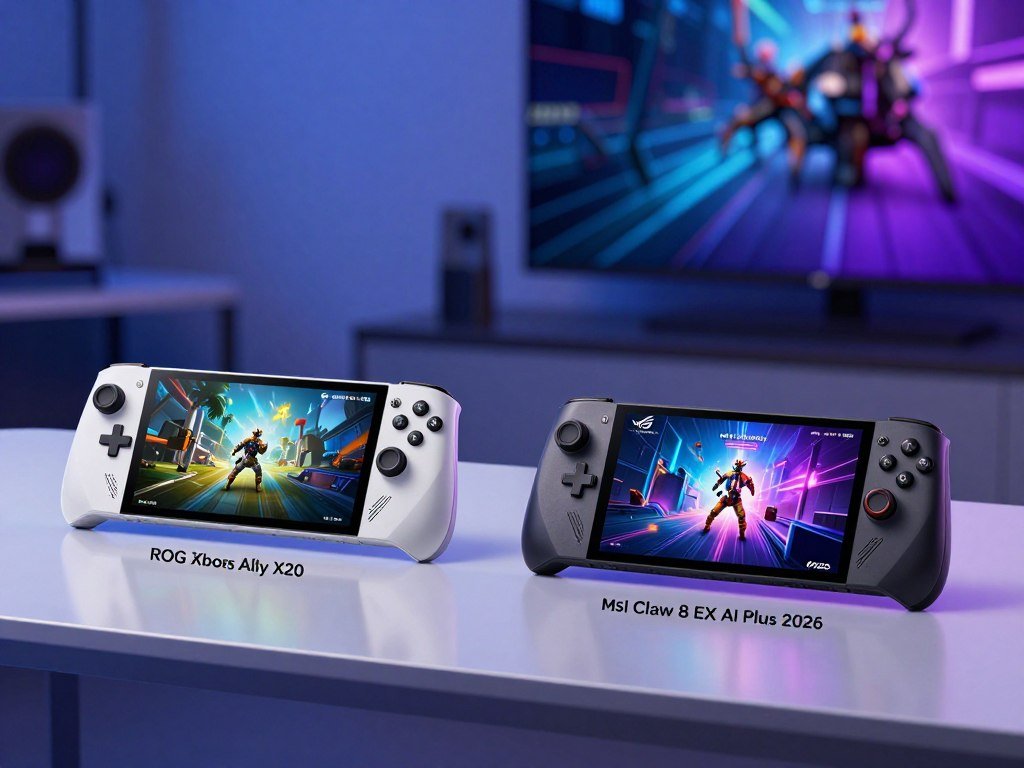
The Claw’s strongest case is gaming performance, while the ROG Xbox Ally X20 pairs a lower listed price with an OLED display. If you are a U.S. buyer weighing portable play, the choice also involves budget tradeoffs and what you expect from a premium Windows handheld. Performance per watt means how much game performance a processor delivers for the power it uses.
Keep performance, screen, battery, controls, software, and price as separate decision factors. The MSI Claw 8 EX AI+ and ROG Xbox Ally X20 use different chips and screens, so one feature cannot settle the whole purchase. Some benchmark results use a third model, the ROG Xbox Ally X, with a different name and product identity.
Key Takeaways
- The Claw is the performance-focused option.
- The X20 pairs OLED with a lower listed price.
- Both devices run Windows 11 with an Xbox Full Screen Experience.
- The Claw has 32GB of memory; the X20 has 24GB.
- Benchmark results for the Ally X do not directly test the X20.
Treat benchmark results for the ROG Xbox Ally X as a separate comparison, not as direct X20 testing.
ROG Xbox Ally X20 vs MSI Claw 8 EX AI Plus 2026: Which Is Better?
Choose the Claw for its performance-first hardware, but choose the X20 if OLED and the lower listed price matter more. The better gaming handheld for you depends on which tradeoff matters most: the Claw costs more, while the X20 centers its appeal on display quality and price.
The 2026 U.S. listing puts the X20 at $999.99 and the Claw at $1,799. The “CG3EM-024US” identifier names the specific MSI configuration in this comparison. That exact model label matters because similarly named Claw and Xbox Ally devices can have different hardware.
| Attribute | MSI Claw 8 EX AI+ | ROG Xbox Ally X20 |
|---|---|---|
| U.S. listed price | $1,799 | $999.99 |
| Processor | Intel Arc G3 Extreme | AMD Ryzen AI Z2 Extreme |
| Display | 8-inch, 1920 x 1200 | 7.4-inch, 1920 x 1080 OLED |
| Memory | 32GB | 24GB |
| Battery | 80Whr | 80WHrs |
Choose by the feature you value most, not by treating a benchmark for one Xbox Ally model as proof about another.
The Intel chip and AMD chip mark distinct hardware platforms, but processor names alone cannot predict every game result. A larger screen may suit games with small menus, while an OLED panel can give dark scenes more contrast.
The price difference also changes what “better” means for your budget. If you want premium PC gaming and can pay more, the Claw makes a stronger performance-first case. If you prefer OLED at the lower listed price, the X20 has the clearer fit.
When comparing MSI Claw 8 EX AI+ vs ROG Ally X20, match each listing to its exact full model name and configuration. Compare the complete configuration names before applying a benchmark or specification to either device.
What Are the Price and Preorder Details?
The MSI configuration is listed for $1,799.00 and marked for preorder with arrival on November 15, 2026. That date belongs to the Claw listing, not to every ROG Xbox Ally product or the X20.
Use a product’s own listing to confirm its preorder status and arrival timing. A matching brand or similar release period does not make two handhelds share the same delivery date.
MSI Claw 8 EX AI+ Release Date and Preorder
The MSI Claw 8 EX AI+ CG3EM-024US is listed at $1,799.00 in the United States in 2026. Its listing marks it for preorder and gives November 15, 2026, as the arrival date. The specific configuration name helps separate this offer from other MSI Claw models.
Before ordering, read the product page and checkout details as one offer. A listing can identify a preorder while showing an arrival date that matters more to your plans than the advertised price.
ROG Xbox Ally X20 Release Timing
The ROG Xbox Ally X20 release date is not the Claw’s listed arrival date. Check the X20’s own current product listing for its timing rather than carrying over the MSI date.
Use this short checklist on either gaming listing:
- Confirm the full model name and configuration code.
- Check whether the item is available or marked for preorder.
- Read the listed arrival timing for that exact product.
Model names can look alike even when the device, status, and delivery details differ. Before placing an order, confirm that the listing names the exact model and the arrival date you can accept.
How Do Intel Arc and AMD Ryzen Chips Differ?
These devices split on silicon, with Intel Arc and Arc B390 in the Claw and AMD Ryzen AI Z2 Extreme in the X20. The chip names identify different platforms, but the names alone do not settle which handheld runs a game faster.
A processor handles general computing, graphics hardware draws game scenes, and an NPU handles certain AI tasks. Core counts and clock speeds describe parts of the hardware, not a complete gaming result.
Intel Arc G3 Extreme and Arc B390
The MSI Claw 8 EX AI+ uses an Intel Arc G3 Extreme processor with Intel Arc B390 graphics. The processor runs the operating system and game logic, while Arc B390 handles graphics work. These parts form the Claw’s Intel Arc hardware platform.
The Intel Arc Extreme label does not tell you how every game will behave. Settings, power limits, game support, and software can all affect the experience on a gaming handheld.
AMD Ryzen AI Z2 Extreme
The ROG Xbox Ally X20 uses an AMD Ryzen AI Z2 Extreme processor with 8 cores and 16 threads. Its maximum clock speed is 5.0GHz. AMD’s XDNA NPU, a separate unit for some AI tasks, is rated up to 50TOPS.
Those figures describe the AMD Ryzen Extreme configuration, not a promise of a specific frame rate. A game may use CPU, graphics, and memory in different ways, so one number cannot rank the full device.
Both products run on different silicon platforms, and their game results still depend on power settings and software. Use the processor names to identify each platform, then judge gaming speed from comparable game tests rather than a core-count shortcut.
Which Handheld Delivers More Gaming Performance?
The Claw led the 35W suite, but the measured counterpart was the ROG Xbox Ally X rather than the X20. That model distinction matters when you apply a benchmark to a purchase decision.
Across a 36-game suite at 35W, the Claw averaged a 41% frame-rate lead over the ROG Xbox Ally X. Those scores do not directly compare the Claw with the ROG Xbox Ally X20.
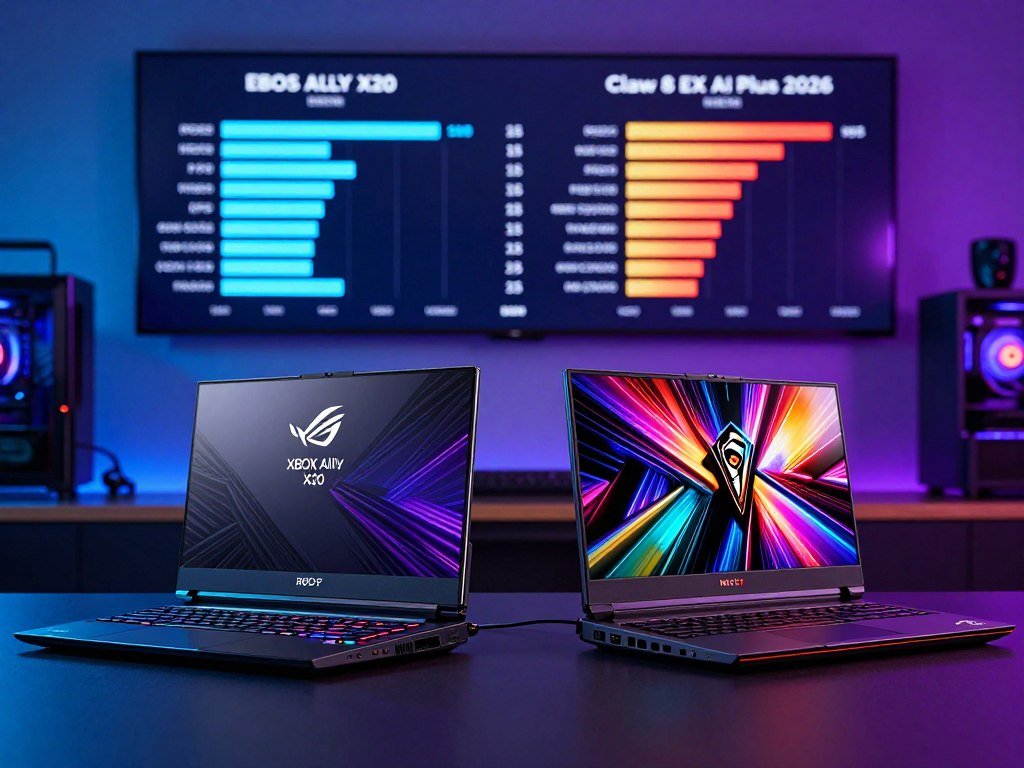
What Do the 35W Benchmark Results Show?
The results favor the Claw against the named Ally X in that test suite. The exact test conditions matter, and the comparison should not be read as a direct result for the newer-named X20.
A separate 17W test found the Claw matched the ROG Xbox Ally X running at 35W, with a 1.005x geomean ratio. Geomean is a way to combine results across multiple tests, rather than a score for one game.
The reported power-efficiency comparison points to strong performance at a lower chip power setting. It does not promise equal battery life, because the screen and other parts of the device also use energy.
How Do the Individual Game Results Compare?
These five game results compare the Claw with the ROG Xbox Ally X. Settings differ by game, so read each row with its frame rates rather than treating them as one shared test.
| Game and settings | Claw fps | Ally X fps | Comparison |
|---|---|---|---|
| Shadow of the Tomb Raider, medium, 1080p | 71 | 43 | Claw higher |
| Cyberpunk 2077, 1080p, RT Low | 44 | 25 | Claw higher |
| Forza Horizon 5, 1080p | 61 | 57 | Claw higher |
| Returnal, FHD, 17W, medium | 59 | 42 | Claw higher |
| Clair Obscur: Expedition 33, 17W, medium | 45 | 30 | Claw higher |
The Claw-versus-Ally-X benchmark tests include these individual game results. The paired scores show a lead in each listed game, but they still name the Ally X, not the X20.
A buyer choosing the X20 should treat these scores as evidence about the older named comparator, not as a measured X20 result.
Does the Claw’s Efficiency Mean Longer Battery Life?
The 17W result makes the Claw’s efficiency promising, but it does not by itself prove longer play time on a charge. Chip power is only one part of whole-device energy use.
Both handhelds list an 80Wh-class, four-cell lithium-ion battery. The Claw specifies 80Whr, and the X20 specifies 80WHrs, so their listed capacities are close in class.
The performance-per-watt comparison measured the Claw at 17W against the ROG Xbox Ally X at 35W, with a 1.005x geomean ratio. That finding concerns game performance under test conditions. It does not establish how long either full device lasts during play.
Brightness, a frame-rate cap, the selected power mode, and the game all affect battery life. A demanding game can draw more power than a lighter title, while a brighter screen can also use more energy.
The included AC adapters differ in listed power: 65W for the Claw and 68W for the X20. Adapter wattage describes the adapter’s rating, not a promised charge time or gaming runtime.
ASUS reports battery test results for the ROG Xbox Ally X, but those results concern that separate model. They do not turn its testing into a Claw-versus-X20 battery comparison.
For a travel session, a power-efficient chip may help, but the whole device and your settings still matter. Treat battery capacity, system settings and the game being played as separate factors when estimating a session.
Which Screen Suits Handheld Gaming Better?
Pick the Claw for a larger 8-inch canvas, or the X20 if OLED and its specified HDR brightness matter more. The screen choice is a tradeoff between size, resolution, contrast, and bright highlights.
The Claw has a larger, higher-resolution panel, while the X20 adds OLED and stated HDR brightness. The two screens serve different viewing priorities.
| Display feature | MSI Claw 8 EX AI+ | ROG Xbox Ally X20 | Difference |
|---|---|---|---|
| Size | 8 inches | 7.4 inches | Claw is larger |
| Resolution | 1920 x 1200 | 1920 x 1080 | Claw has more vertical pixels |
| Refresh rate | 120Hz | 120Hz | Both list 120Hz |
| Panel or display features | Touchscreen, 100% sRGB | OLED touchscreen, 600-nit SDR, 1400-nit HDR | X20 adds OLED and HDR brightness |
The Claw’s 1920 x 1200 screen gives you more vertical space in a 16:10-style layout. That can make menus and game interfaces feel less cramped on a handheld display.
OLED can show deep contrast, while HDR brightness describes how bright highlights can appear in supported content. The X20 screen also supports FreeSync Premium Pro, an anti-reflection coating, Gorilla Glass Victus, and Gorilla Glass DX.
The 600-nit SDR and 1400-nit HDR figures describe different modes, so do not compare them as if they were the same brightness measure. For more on how OLED contrast and HDR affect viewing, see this display guide to OLED, HDR, and refresh rates.
Match the display choice to your games and viewing conditions, not just the screen’s diagonal measurement.
How Do RAM and Storage Compare?
The Claw has 32GB of memory against the X20’s 24GB, while both are listed with 1TB SSDs. More RAM can help when a game and other tasks need memory at once.
RAM supports active games and tasks, while the SSD stores installed games and files. These are separate kinds of capacity, even when both affect how a device feels to use.
The Claw has 32GB of on-package LPDDR5X memory rated at 8533MHz. The X20 lists 24GB of onboard LPDDR5X memory, while both handhelds offer a listed 1TB SSD.
The 2026 comparison lists the ROG Xbox Ally X, a different model, with 24GB LPDDR5X-8000 memory. That speed figure belongs to the Ally X comparison and should not be assigned to the X20’s official specification.
The storage descriptions also differ. The Claw lists a PCIe NVMe Gen 4×4 SSD, while the X20 lists a PCIe 4.0 NVMe M.2 2280 SSD. A 1TB capacity does not mean the same drive interface or the same upgrade process.
When comparing gaming hardware, check the exact configuration rather than assuming related model names share the same memory speed. A larger memory pool may give the Claw more room for active work, but game needs vary.
Check the exact model’s service and expansion details before buying extra storage.
Which Handheld Is Easier to Hold and Control?
The X20 is a compact alternative on its listed dimensions, while the Claw’s larger body makes its fit and weight important to test in hand. Comfort depends on your grip as much as the size printed on a spec sheet.
The Claw weighs 1.73 pounds and measures 12.63 x 5.12 x 1.89 inches. The X20 weighs 756g and measures 30.0 x 12.1 x 2.75 to 5.13cm, using a different unit system.
Those dimensions describe the listed devices, but they do not show how either shape rests in your hands. The larger Claw may feel more substantial, while individual grip and hand size change the fit.
The Claw uses Hall Effect joysticks and triggers. The X20 has TMR joysticks, Hall Effect analog triggers, a transforming D-pad, and two assignable grip buttons.
Hall Effect and TMR describe different ways to sense stick movement. Neither label alone means every player will avoid control wear, drift, or an awkward reach.
Try these four checks when judging the controls:
- Grip shape: does the body sit securely in your palms?
- Trigger reach: can you press the triggers without shifting your grip?
- D-pad comfort: can you make quick inputs without strain?
- Long-session weight: does the device feel tiring after extended play?
Keep your normal posture in mind, since a device can feel different when held upright or supported on a desk. If possible, test the grip and button reach with the device held in your usual gaming posture.
How Do Windows, Xbox Mode, and Game Compatibility Compare?
Both use Windows 11 and an Xbox Full Screen Experience, but the Claw’s reported Center M problems make software stability worth checking. The shared interface does not guarantee identical setup or game behavior.
Check current updates and compatibility for the games and launchers you use. Reported MSI Center M glitches include failures to open, game crashes, and occasional failure to wake from sleep.
The Xbox Full Screen Experience and Windows
The Xbox Full Screen Experience is a gamepad-oriented interface layered over Windows. It gives you an Xbox-style way to browse and start games while the device still runs Windows 11.
The X20 runs Windows 11 Home and includes a built-in fingerprint sensor. The Claw and X20 both use the Xbox Full Screen Experience, though their hardware and related software are not identical.
Driver and Software Compatibility
Reported Center M problems can affect setup and play, especially if a launcher crashes or the handheld does not wake as expected. Check the current software experience and updates before relying on a new Windows gaming device.
Test these four areas with your usual games:
- Launcher access: can you open each store or game launcher?
- Sleep and wake: does the device resume your game as expected?
- Controller navigation: can you use menus without a mouse?
- Update stability: do current updates install and run without new trouble?
Windows compatibility can vary by game, launcher, and emulator. Do not assume every game or emulator works equally well on both devices just because they run Windows.
Confirm that your essential games launch and resume reliably before relying on either device for travel.
Which Device Has Better Ports and Wireless Connectivity?
The Claw offers two Thunderbolt 4 ports and Wi-Fi 7, while the X20 combines USB 4 with a second USB-C port. The Claw has the edge in the number of listed Thunderbolt 4 ports and wireless standards.
The X20 still supports a Thunderbolt 4-compliant USB 4 port, plus USB 3.2 Gen 2 Type-C. Both X20 ports support DisplayPort and power delivery.
The Claw has two Thunderbolt 4 ports and a Micro SD 4.0 card reader. The X20’s two USB-C ports can support a dock, an external display, or wired power when the cable and accessory support the needed function.
The Claw lists Wi-Fi 7 and Bluetooth 6.0. The X20 lists Wi-Fi 6E and Bluetooth 5.4, with its Bluetooth version subject to change with the OS version.
Wireless labels do not guarantee faster or steadier service in every home. Your router, nearby devices, and Bluetooth gear also shape how well a connection works.
The Micro SD 4.0 reader gives the Claw a card option that is not listed among the X20’s ports. No transfer speed follows from the port name alone, so check your card and accessory needs.
Check the ports on your dock and accessories before assuming a cable will support video, data and power together.
What Comes in the ROG Xbox Ally X20 Bundle?
The X20 Bundle adds display glasses, a protective case, a Killswitch and a two-month Game Pass offer. Those extras matter most if you expect to use them, rather than leave them packed away.
The ROG Xbox Ally X20 Bundle (2026) includes ROG XREAL R1 Edition 20 glasses, a custom Pelican protective case, a dbrand Killswitch, and a 68W adapter. The glasses use Micro-OLED displays with a 240Hz refresh rate.
The glasses can show a virtual screen up to 171 inches. That figure describes the glasses’ virtual display, not the handheld’s physical screen.
The bundle also includes two months of Xbox Game Pass, and the offer requires a valid payment method. Game Pass has multiple tiers, so the right plan depends on the games and features you want.
Think about how often you would wear display glasses, protect the handheld in a case, or use the Killswitch. A subscription offer matters only if its games fit your habits and you understand the payment terms.
For a wider look at family plans and game access, compare the Xbox Game Pass costs and library options with the games you expect to play.
Count only the accessories and subscription you will actually use when weighing a bundle.
Which Handheld Should You Buy?
Buy the Claw if maximum graphics performance is your priority and its premium fits your budget; favor the X20 if OLED and price matter more. Your spending limit may decide the choice before small spec differences do.
The Claw suits buyers willing to pay more for Intel graphics performance and its larger screen. The X20 suits buyers who value OLED and its lower listed price.
Choose the Claw for Graphics-First Play
Choose the Claw if you want a performance-first gaming handheld and can accept its premium price. Its Intel Arc platform and larger screen make a strong case for players who value graphics performance and visual space.
Keep the benchmark model names straight when making that choice. The reported comparisons test the Claw against the ROG Xbox Ally X, not the X20, so they do not prove the same result against the device you may buy.
The Claw’s 32GB of memory also gives it a larger listed RAM pool. That is a useful configuration detail, but it does not replace checking whether your own games run well.
Choose the X20 for OLED and a Lower Listed Price
Favor the X20 if OLED and a lower listed price matter more than the Claw’s performance-first approach. Its 7.4-inch OLED screen and listed price set it apart, while direct gaming results against the Claw remain unmeasured here.
Do not treat ROG Xbox Ally X benchmark results as X20 test results. The Ally X is a separate comparison model, and its scores should not stand in for the X20’s performance.
If you want another MSI option, the MSI Claw A8 is listed at $1,299. It has a Ryzen Z2 Extreme, 24GB of RAM, an 8-inch display, and an upgradeable SSD.
Use these three questions to narrow your choice:
- Which screen do you prefer: a larger panel or OLED?
- Do your essential games and launchers work as needed?
- What is your firm spending limit?
Do not let a nearby model name stand in for the exact device you plan to buy.
Before checking out, compare the exact model, the games you rely on and the accessories included in its configuration.
Conclusion
The Claw makes sense for a buyer paying for Intel graphics performance, while the X20 is the more appealing fit for OLED and a lower listed price. Choose by your main priority, then make sure the exact model matches your expectations.
The gaming results discussed here compare the Claw with the ROG Xbox Ally X, not the X20. That distinction matters when you use performance tests to judge the device you plan to own.
Check the exact model and current listing details before ordering. Verify the model name and current preorder or availability details on the listing before you place an order.
FAQ
Can the MSI Claw 8 EX AI+ preorder arrival date be used as the ROG Xbox Ally X20 release date?
No, the Claw’s November 15, 2026, listed arrival date does not set the X20’s release timing. That date applies to the MSI Claw 8 EX AI+ preorder listing. The ROG Xbox Ally X20 has its own product listing, so use that listing for its availability and arrival details. Similar product names do not mean the devices share a release date.
Does the ROG Xbox Ally X20 have an OLED screen?
Yes, the ROG Xbox Ally X20 has a 7.4-inch 1920 x 1080 OLED touchscreen with a 120Hz refresh rate. It also lists 600-nit SDR brightness and 1400-nit HDR brightness. Those figures describe different display modes, rather than one directly comparable brightness measure. The Claw instead has a larger 8-inch 1920 x 1200 touchscreen.
Can you use Xbox Game Pass on both devices?
Yes, both devices run Windows 11 with the Xbox Full Screen Experience, which provides a gamepad-focused way to use the system. The X20 Bundle includes a two-month Xbox Game Pass offer, and that offer requires a valid payment method. The bundle offer does not change the fact that both devices can use Xbox services through Windows.
Does Intel Arc G3 Extreme need 35W to match the ROG Xbox Ally X?
No, the reported comparison matched Claw performance at 17W with the ROG Xbox Ally X at 35W, producing a 1.005x geomean ratio. That test compares the Claw with the Ally X, not the X20. It also measures performance under specific conditions, not whole-device battery life or guaranteed runtime during your games.
What ports can connect the ROG Xbox Ally X20 to a display or dock?
The X20 has one USB 3.2 Gen 2 Type-C port and one USB 4 Type-C port that complies with Thunderbolt 4. Both ports support DisplayPort and power delivery, so they can connect with compatible displays or docks. A dock and cable still need to support the functions you plan to use, such as video and power together.
Is the X20 Bundle worth choosing over the standard device?
The X20 Bundle is worth considering if you will use the ROG XREAL glasses, custom Pelican case, dbrand Killswitch, and two-month Game Pass offer. The glasses provide a virtual display, while the case and Killswitch add carrying and device protection. The Game Pass offer requires a valid payment method, so weigh only the extras you expect to use.