
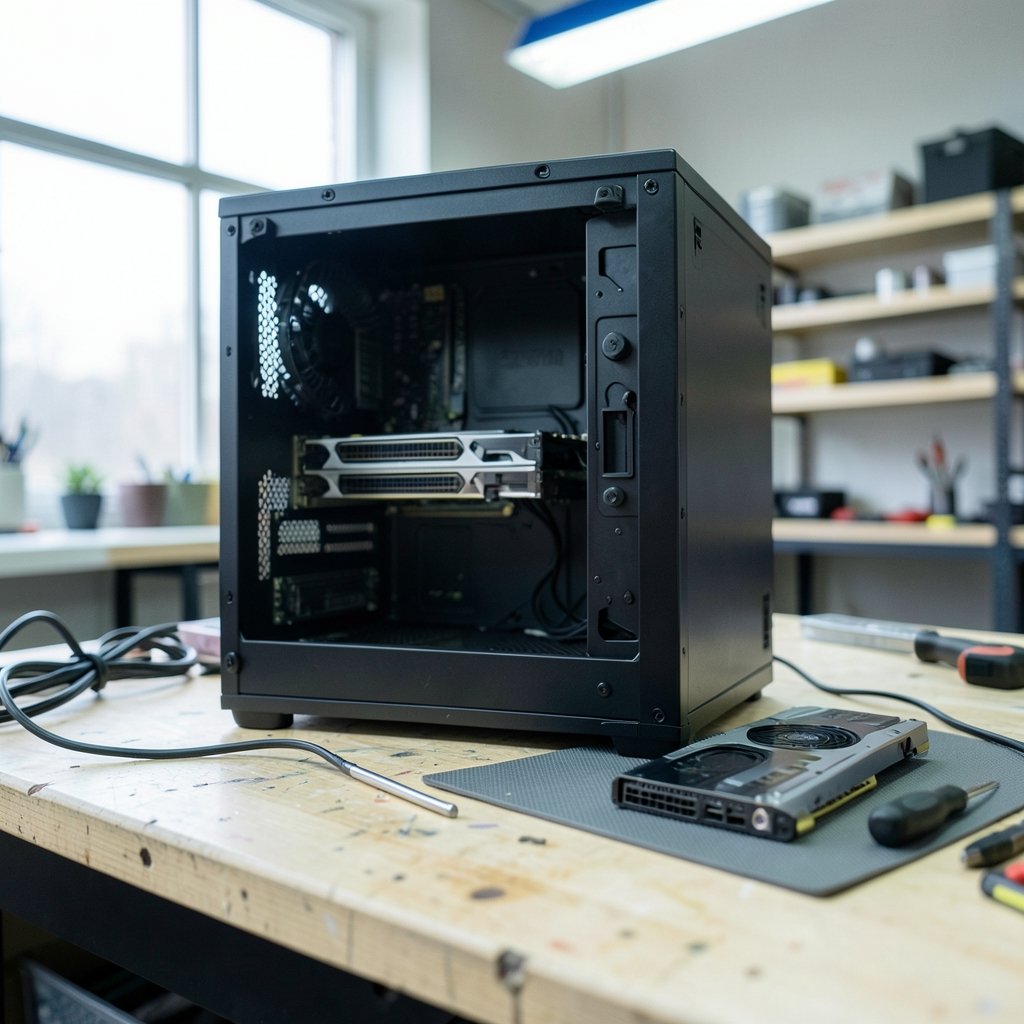
So you’re staring at a GeForce RTX 5080 listing, wondering whether it’s actually worth swapping out the RTX 4090 already sitting in your case. Maybe you’re chasing DisplayPort 2.1. Maybe you want the newer DLSS feature set. Or maybe you just like the idea of a newer card that sips less power.
Here’s the uncomfortable truth: the card itself is rarely the reason an upgrade fails. The failures happen in the boring details — the power supply cable revision, the slot thickness, the driver branch, the monitor port. Get those wrong and you’ll spend a weekend troubleshooting instead of gaming.
This guide walks through every compatibility checkpoint between these two cards, in the order you should check them, so the swap goes smoothly.
Why This Comparison Is Trickier Than It Looks
On paper, the RTX 4090 and RTX 5080 look like cards from the same family. Both are massive, both use the 16-pin power connector, both occupy a PCIe x16 slot. That surface similarity is exactly what trips people up.
The RTX 4090 launched in October 2022 with a 450 W total board power rating and a 4×8-pin adapter in the box. The RTX 5080, announced at CES in January 2025, carries a 360 W board power rating. That gap matters: a 5080 upgrade can actually reduce your PSU headroom requirements compared with a 4090, which is the opposite of what most people assume when they hear “newer, bigger number.” (USB Power Delivery specification overview)
But a 4090-to-5080 swap is not a like-for-like power trade. The 5080’s lower draw doesn’t automatically mean your existing cables, case, or cooling setup are plug-and-play. Each checkpoint below exists because someone, somewhere, got burned by it.
Checkpoint 1: Power Supply Capacity and the 16-Pin Connector
Start here, because it’s the checkpoint most likely to cost you money.
| Spec | RTX 4090 | RTX 5080 |
|---|---|---|
| Total board power | 450 W | 360 W |
| Power connector | 12VHPWR 16-pin (4×8-pin adapter included) | 12V-2×6 / 12VHPWR 16-pin |
| Recommended PSU headroom | Higher | Lower |
The connector is where things get interesting. The original 12VHPWR standard had well-documented seating and melting issues reported from late 2022 onward. In 2023, the 12V-2×6 revision changed the sense-pin geometry to improve contact reliability. If your PSU shipped with an early 12VHPWR cable, you need to know which revision you’re holding before you plug a new card into it. The PCI-SIG’s 12VHPWR connector documentation explains the standard and its revision history in detail, and it’s worth ten minutes of reading before you touch a cable.
Practical steps that actually work:
- Identify your PSU’s exact model and its 12V-2×6 or 12VHPWR cable revision.
- Confirm the cable is native, not a third-party adapter chain.
- Seat the connector fully until it clicks, then visually confirm no gap.
- Avoid sharp bends within the first few centimeters of the connector.
The most common mistake here is assuming that because the 5080 draws less power, the connector is a non-issue. It isn’t. A poorly seated connector fails regardless of wattage.
Checkpoint 2: PCIe Slot Generation and Bandwidth
Both cards are PCIe x16 designs. The RTX 4090 is a PCIe 4.0 card. The RTX 5080 is compatible with PCIe 5.0 slots but runs fine in a 4.0 x16 slot.
That means a PCIe 5.0 motherboard is not required. If you’re on a solid PCIe 4.0 board, you’re not locked out of the upgrade. The PCI-SIG’s PCI Express 5.0 overview covers how generation compatibility and backward compatibility work, which helps if you’re unsure whether your board’s slot will negotiate correctly.
What you should actually verify:
- The slot is physically x16, not x16-length wired at x4.
- The slot is the primary GPU slot, not a chipset-fed secondary.
- Your BIOS is current enough to negotiate the card at full width.
A secondary slot wired at x4 will work, but it can cost you performance in bandwidth-sensitive titles. Check your motherboard manual rather than guessing from the slot’s physical length.
Checkpoint 3: Physical Clearance — The Silent Killer
This is the checkpoint that fails most often, and it fails before you ever power on.
RTX 4090 partner cards are commonly 3 to 3.5 slots thick and roughly 304 to 358 mm long, depending on the model. The RTX 5080 Founders Edition is a 2-slot card at around 304 mm. That sounds like an easy fit, but “2-slot” refers to the card’s own thickness, not the space it needs once you account for power cables, support brackets, and airflow.
Measure these before buying:
- Case internal length from the rear bracket to the front fan or drive cage.
- Slot spacing below the GPU for intake clearance.
- Cable bend radius above the card for the 16-pin connector.
- Whether your case’s vertical GPU mount, if used, supports the card’s thickness.
The practical tip that saves the most headaches: measure with a tape, not with your eyes. A card that “looks like it’ll fit” frequently doesn’t once the power cable needs 3.5 cm of clearance to bend safely.
If you’re also planning a broader platform refresh alongside the GPU, it’s worth confirming your operating system and platform support first. A quick check of whether your PC supports Windows 11 before you upgrade can save you from discovering an OS-level blocker after the card is already installed.
Checkpoint 4: Driver and Operating System Support
NVIDIA’s driver branch for the RTX 50-series (Blackwell) launched in January 2025. Older Game Ready driver branches may not support the RTX 5080 at all, which means a fresh install isn’t optional — it’s mandatory.
Before you swap, do this:
- Note your current driver version and OS build.
- Check the NVIDIA driver release notes for your specific OS version.
- Download the correct driver package before you remove the old card.
- Plan a clean install rather than an in-place upgrade.
The mistake people make is swapping hardware first and hunting for drivers second, often with no display output and no second machine nearby. Download first. Swap second.
Checkpoint 5: Display Outputs and Monitor Match
Here’s a genuine reason to consider the 5080: display connectivity.
| Output | RTX 4090 | RTX 5080 |
|---|---|---|
| DisplayPort | 1.4a | 2.1b |
| High-refresh 4K without DSC | Limited by DP 1.4a bandwidth | Better headroom with DP 2.1 |
If you run a 4K high-refresh monitor and want to avoid Display Stream Compression, the 5080’s DisplayPort 2.1b is a real advantage. If you’re on 1440p or a 4K 120 Hz panel that already works fine over DP 1.4a with DSC, this advantage may not matter to you at all.
Read the input specifications on your monitor’s spec sheet as well as its resolution and refresh rate. The port version on the monitor side has to match what the card can output.
Checkpoint 6: Performance Expectations, Honestly Stated
Early 2025 reviews placed the RTX 5080 roughly at or slightly below the RTX 4090 in raster performance at 4K, with the 5080 pulling ahead in DLSS 4 and multi-frame generation scenarios. Exact percentages vary significantly by title, so treat any single number you see online with suspicion.
The honest framing: this is not a raw raster upgrade. It’s a feature-set and efficiency upgrade with roughly comparable raster performance. If you’re expecting a 4090-to-5080 swap to deliver a big frame-rate jump in games without DLSS, you’ll likely be disappointed. If you want newer upscaling features, lower power draw, and DisplayPort 2.1, the case is stronger.
Before committing to any hardware switch, it’s worth reading up on how platform transitions actually play out in practice. The same discipline applies whether you’re weighing a GPU swap or a productivity tool migration — a look at Notion alternatives and their limitations before switching shows how often the “obvious upgrade” hides migration costs that weren’t in the spec sheet.
Checkpoint 7: The 2027 Question — Pricing, Stock, and Successors
Nobody can tell you what an RTX 5080 will cost in 2027, or whether a successor launches before then. Street prices, stock levels, and product cycles are all unknowns at this distance.
What you can do is build a decision rule now:
- If your 4090 is working and your monitor doesn’t need DP 2.1, there’s no urgency.
- If you need lower power draw or newer DLSS features, the 5080 is a reasonable target.
- If you’re waiting for a big raster jump, wait for actual benchmark data on whatever comes next.
Check current retail listings at the time you buy. Don’t plan around a price you saw in a forum post from a year ago.
Common Mistakes That Sink an Otherwise Fine Upgrade
These come up again and again:
- Buying the card before measuring case clearance.
- Reusing an early 12VHPWR cable without checking its revision.
- Assuming lower board power means the connector is safe by default.
- Skipping the driver download until after the swap.
- Forgetting that the monitor’s port version caps what the card can deliver.
- Treating a feature upgrade as a performance upgrade.
If you’re the type who researches before spending, apply the same skepticism to adjacent purchases. Anyone weighing a budget peripheral or software tool alongside the GPU should read a legit check before risking money on unfamiliar services — the pattern of “too good to be true” applies to hardware deals as much as anything else.
A Practical Pre-Upgrade Checklist
Work through this in order, and you’ll catch nearly every compatibility issue before it costs you:
- Confirm PSU wattage and 12V-2×6 / 12VHPWR cable revision.
- Verify the primary PCIe slot is x16 and BIOS is current.
- Measure case length, slot thickness, and cable bend clearance.
- Check NVIDIA driver support for your exact OS build.
- Confirm monitor port version matches the card’s output.
- Set realistic performance expectations based on reviews, not marketing.
- Check current retail pricing on the day you buy.
Conclusion
The RTX 4090 and RTX 5080 are closer cousins than their names suggest, and that closeness is precisely why compatibility checks matter. The 5080’s lower 360 W board power is genuinely good news for PSU headroom, but it doesn’t excuse you from verifying your connector revision, measuring your case, or downloading the right driver first.
Treat this as a feature and efficiency upgrade, not a raster leap. Do the seven checks in order, measure with a tape instead of your eyes, and download drivers before you pull the old card. Do that, and the swap is a quiet afternoon project rather than a weekend of troubleshooting.
FAQ
Is the RTX 5080 a direct performance upgrade over the RTX 4090?
Not in raw raster performance. Early 2025 reviews placed the 5080 roughly at or slightly below the 4090 at 4K in raster, with advantages in DLSS 4 and multi-frame generation. Treat it as a feature and efficiency upgrade rather than a frame-rate jump.
Do I need a new power supply for an RTX 5080?
Usually not, and possibly the opposite. The 5080’s 360 W board power is lower than the 4090’s 450 W, so headroom requirements can actually drop. What you do need to verify is your 12V-2×6 or 12VHPWR cable revision and that it seats fully.
Will an RTX 5080 work in a PCIe 4.0 motherboard?
Yes. The 5080 is compatible with PCIe 5.0 slots but runs fine in a PCIe 4.0 x16 slot. Confirm the slot is the primary x16 slot and that your BIOS is current enough to negotiate the card at full width.
What is the most common reason a 4090-to-5080 swap fails?
Physical clearance. The 4090’s partner cards are often 3 to 3.5 slots thick and up to 358 mm long, while the 5080 Founders Edition is a 2-slot card around 304 mm. Measure case length, slot spacing, and cable bend clearance with a tape before buying.
Do I need to reinstall drivers when switching from a 4090 to a 5080?
Yes. NVIDIA’s driver branch for the RTX 50-series launched in January 2025, and older Game Ready branches may not support the 5080. Download the correct driver package for your OS before removing the old card.
Is DisplayPort 2.1 a good reason to upgrade to the RTX 5080?
It depends on your monitor. The 5080 offers DisplayPort 2.1b versus the 4090’s 1.4a, which helps if you run 4K high refresh and want to avoid Display Stream Compression. If your current panel works fine over DP 1.4a, the advantage may not apply to you.



